
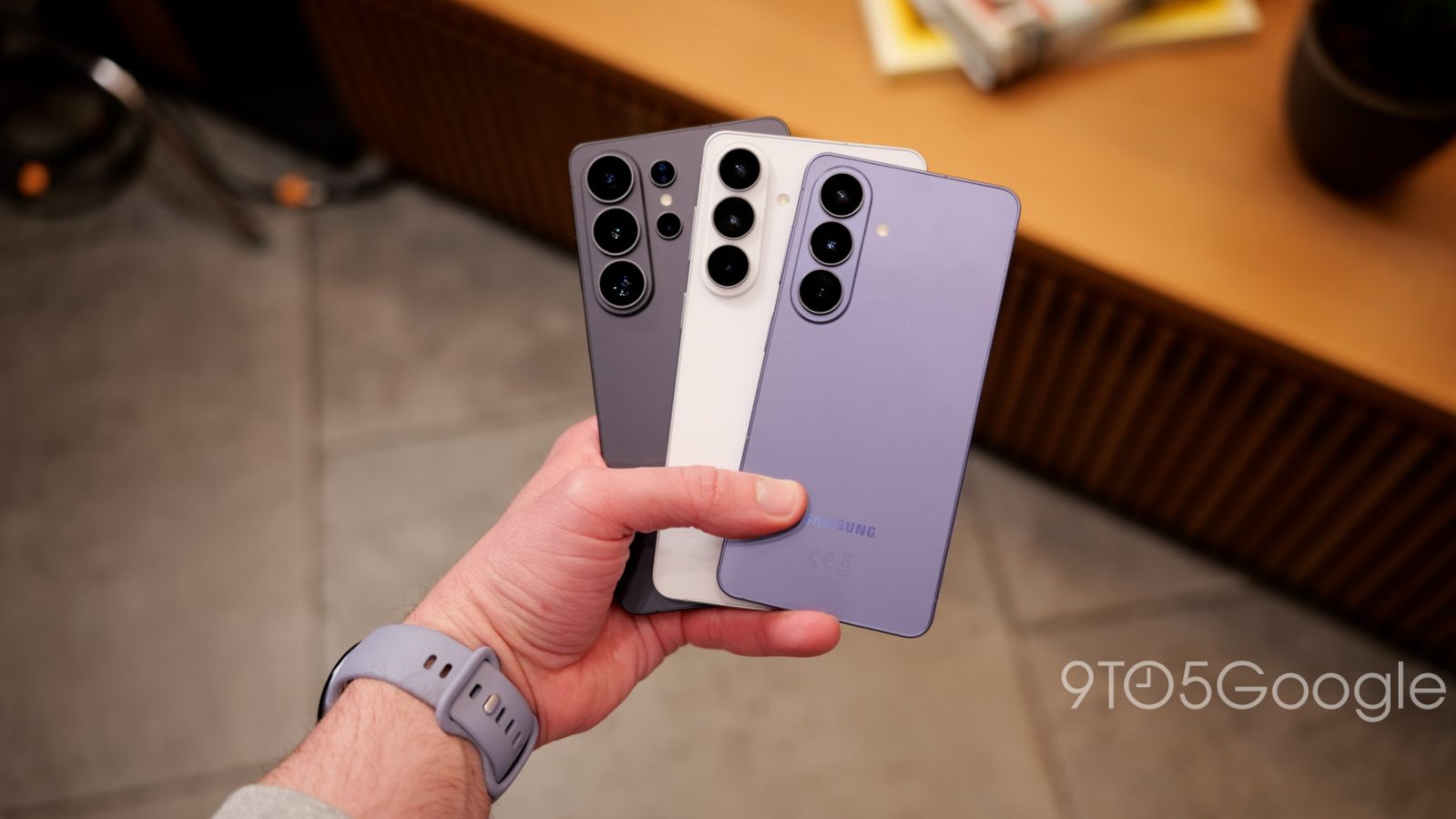
Samsung has been sending out ads for new phones through notifications for years now, but for the Galaxy S26 series, those are now arriving from a new source via the Samsung Health app.
For over a decade now, Samsung has been caught red-handed sending out ads to Galaxy smartphone owners for the next new device. This was most egregious around 2019, with Samsung eventually toning things down in recent years. But, now, the practice is back and seemingly expanding.
Ads on Samsung devices for the next Galaxy device haven’t really gone fully away, but they’ve been pretty sparse for a while now, and only came through the “Samsung Push Service” as well as the Members app, both easily disabled.
This week, though, Samsung has been spotted sending out a Galaxy S26 Ultra ad through the Samsung Health app. The notification reads:
Pre-order Galaxy S26 Ultra
Enable privacy screen to limit visibility to others when checking Samsung Health.
The notification was spotted by Jeff Springer of SammyGuru, ironically on a Galaxy S26 Ultra.
Besides the fact that the actual contents of the ad are a bit cringey, this is the first time in a while we’ve seen Samsung expand on this form of advertising. It could be a slippery slope, so let’s hope Samsung doesn’t go too far here.
Meanwhile, the Galaxy S26 series is available for pre-order today.
More on Samsung:
- I spent a weekend traveling with the Galaxy S26 Ultra’s Privacy Display – what you should know
- Galaxy S26 trio all use an extra NFC antenna for easier payments
- Samsung shows off more partial Privacy Display options for Galaxy S26 Ultra
Follow Ben: Twitter/X, Threads, Bluesky, and Instagram


FTC: We use income earning auto affiliate links. More.



Comments