
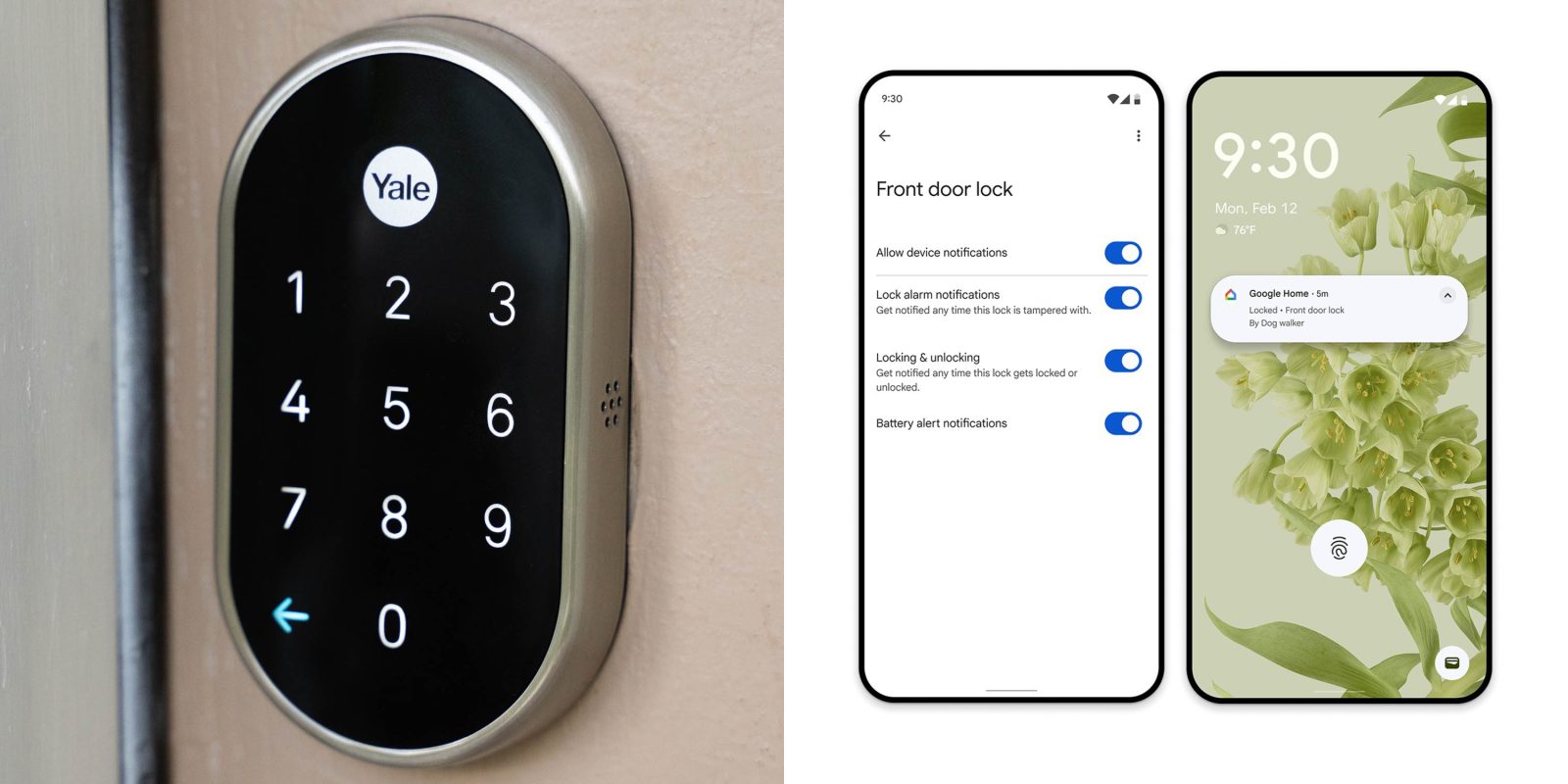
The latest updates have finally delivered full support for the Nest x Yale Lock within the Google Home app, bringing the incredibly popular smart lock into the modern era of Google’s smart home efforts.
Nest x Yale Lock launched in early 2018 as a smart lock (deadbolt) built for the Nest ecosystem. It’s been very popular over the years, but it felt left behind more recently as Google’s newer smart home gear dropped the Nest app in favor of the Google Home app.
Now, Google is adding full support.
This was announced last week as a part of a sweeping list of Google Home updates, but a further post breaks down everything you can now do with the Nest x Yale Lock in Google Home. That includes:
- Passcode management for yourself, users, etc
- Guest code creation and scheduling
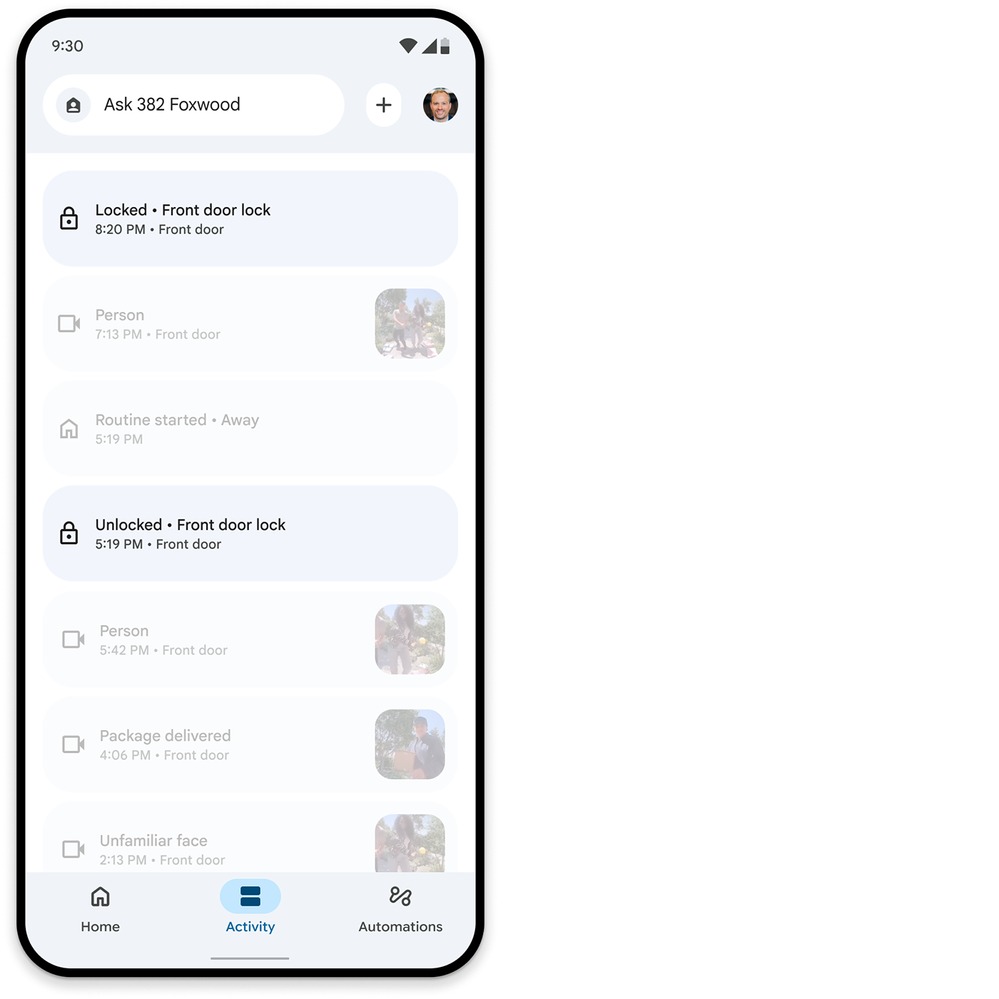
- Activity history
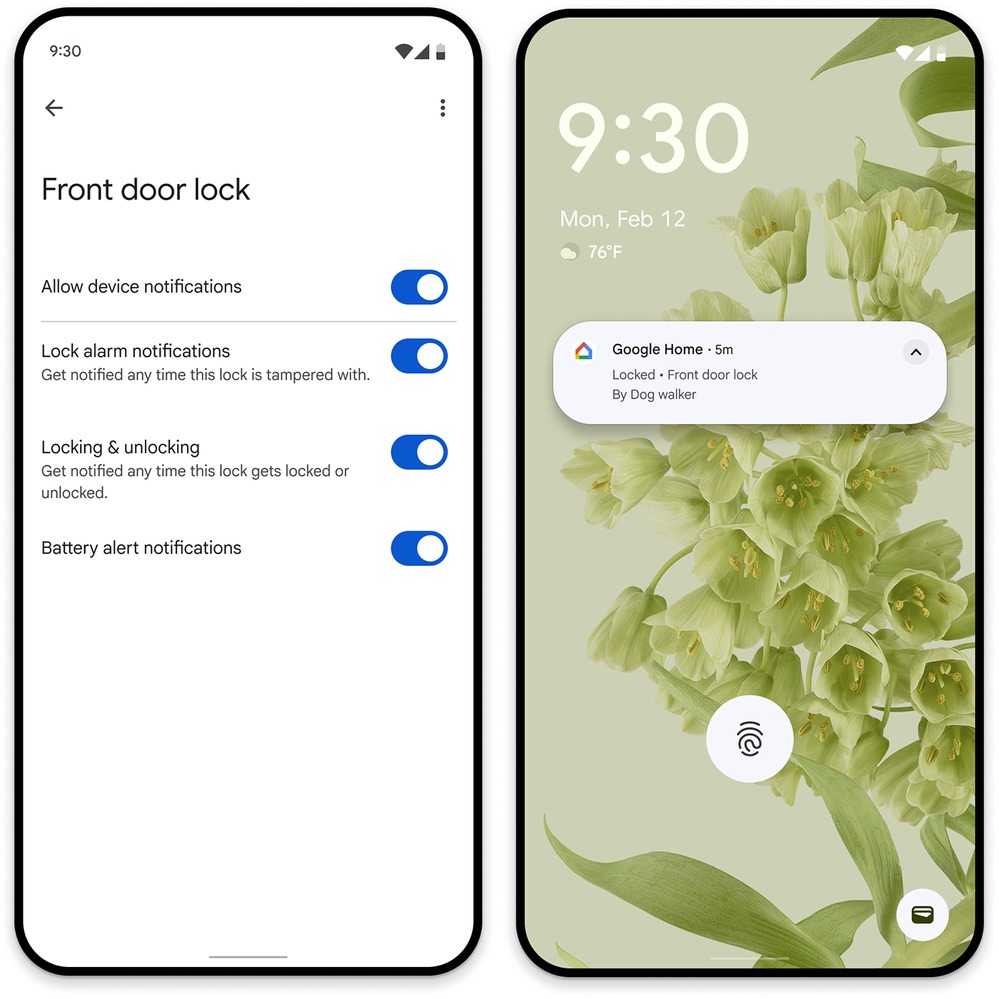
- Real-time notifications for locking/unlocking (optional)
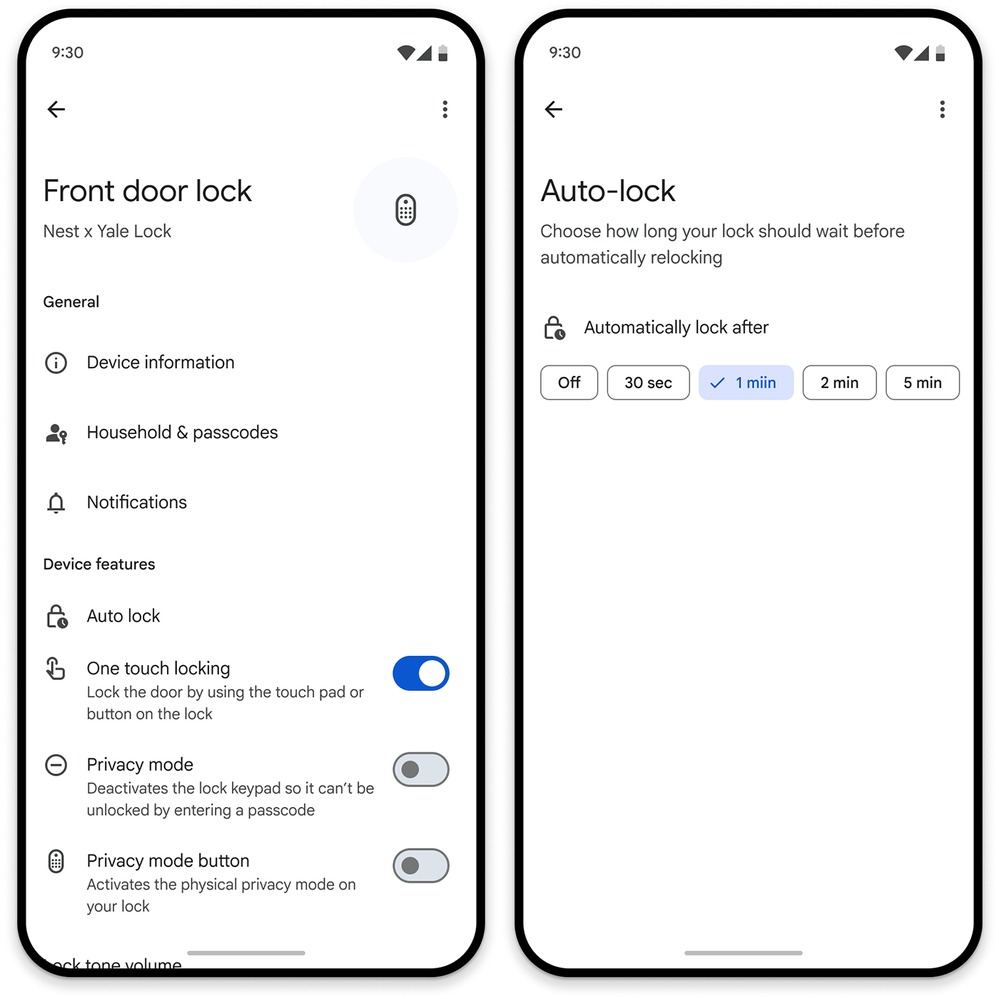
- One-touch locking, privacy modes, auto-lock
Google also shared what these various settings look like in the new app.
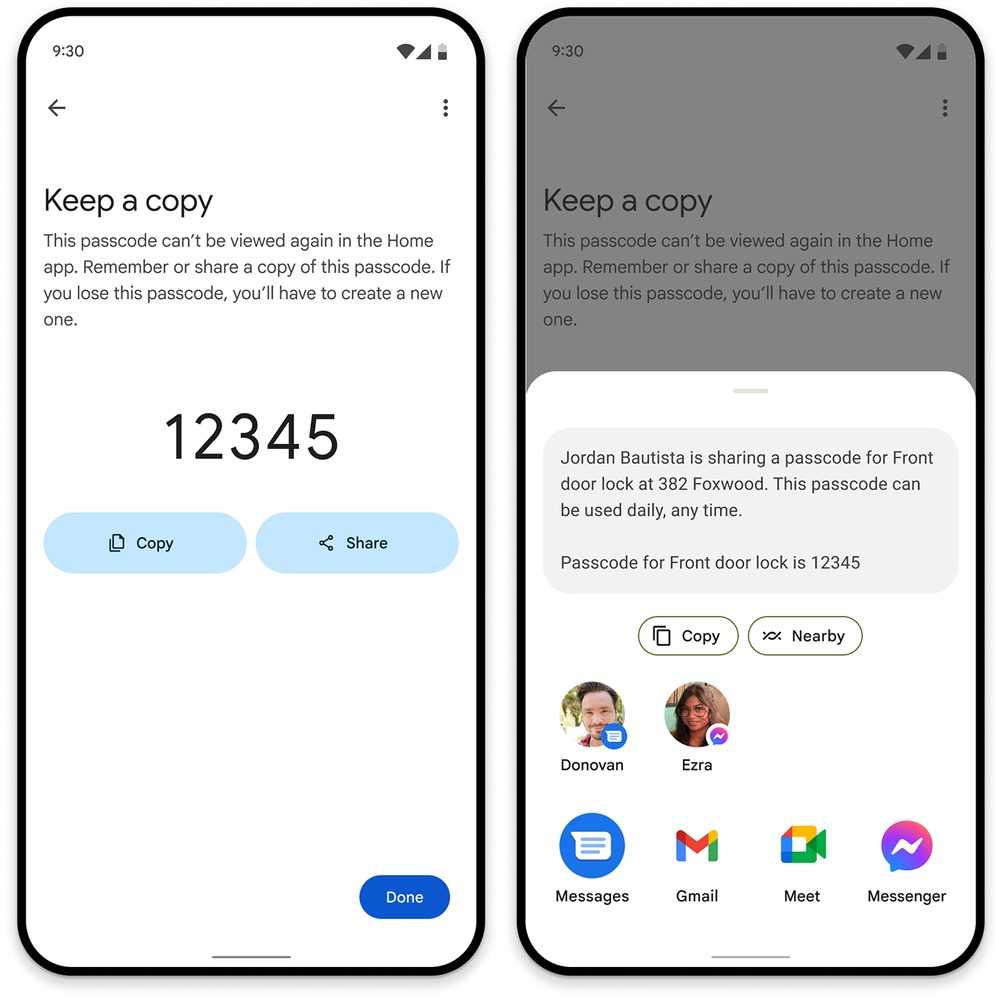
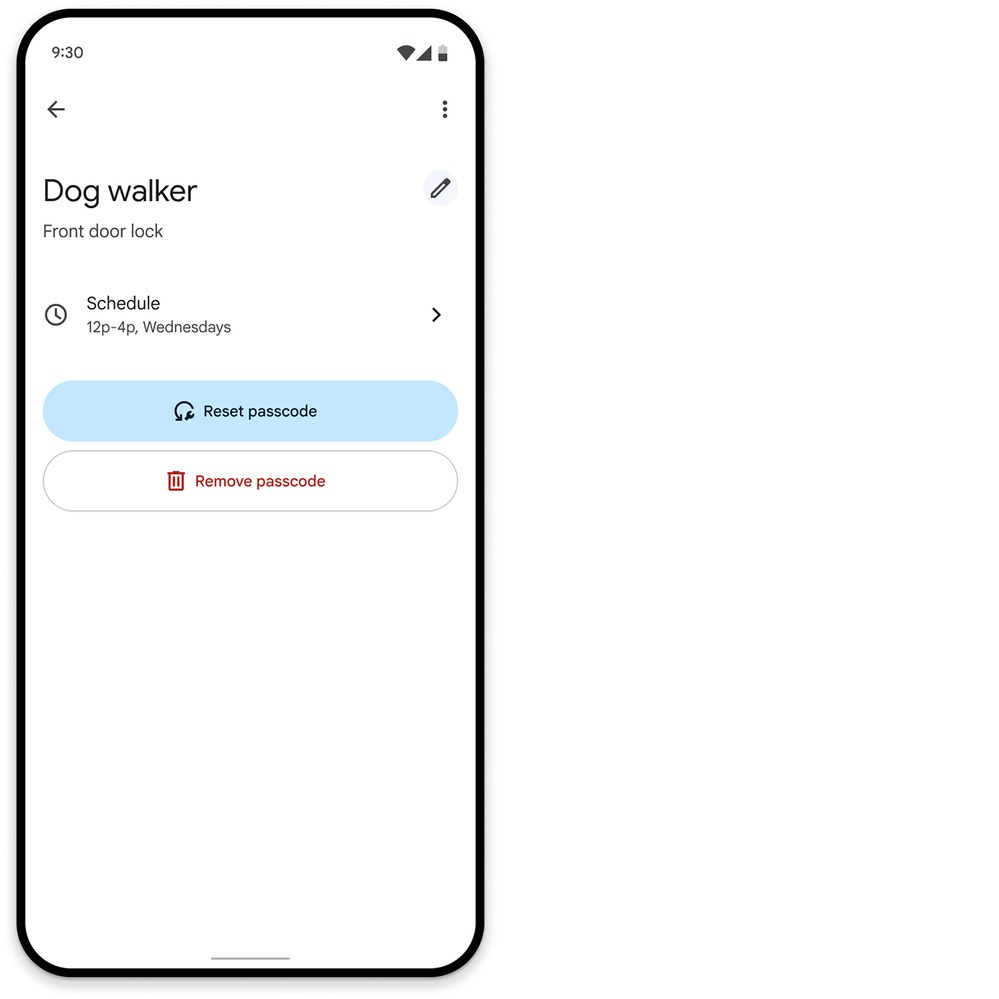
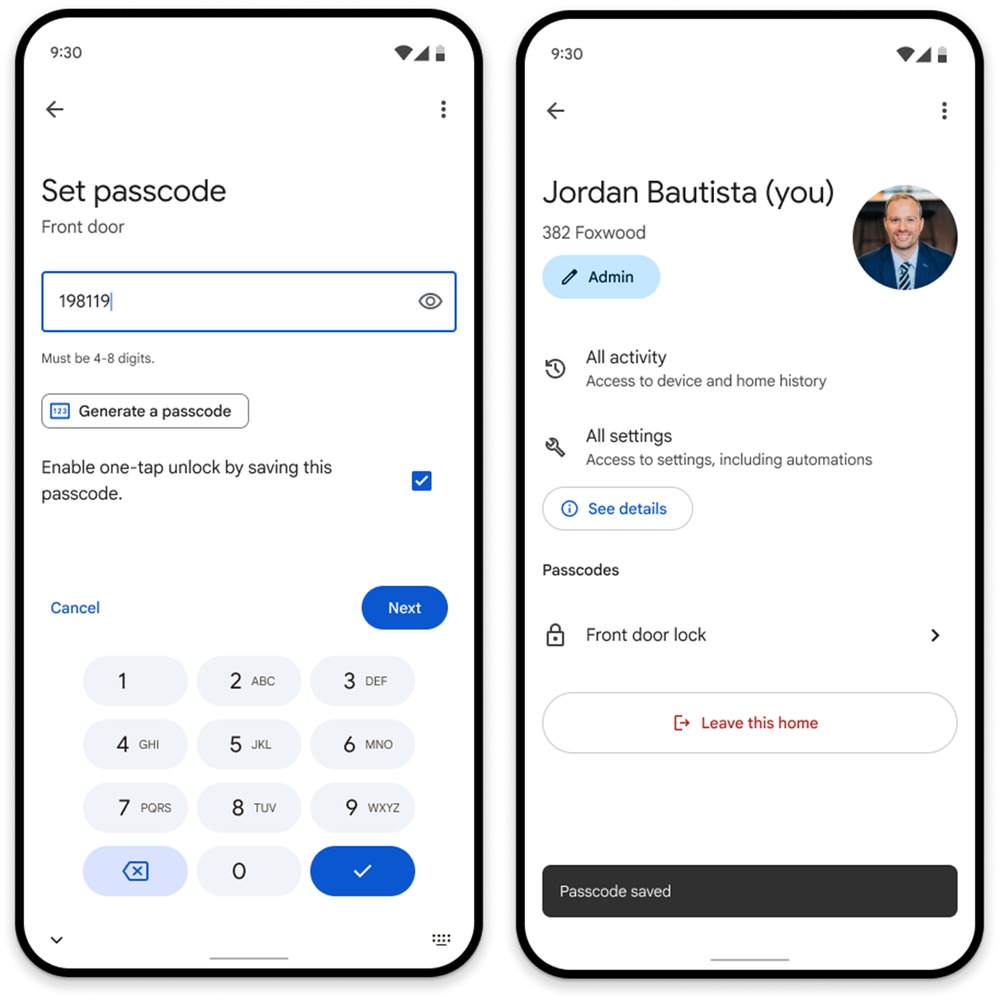
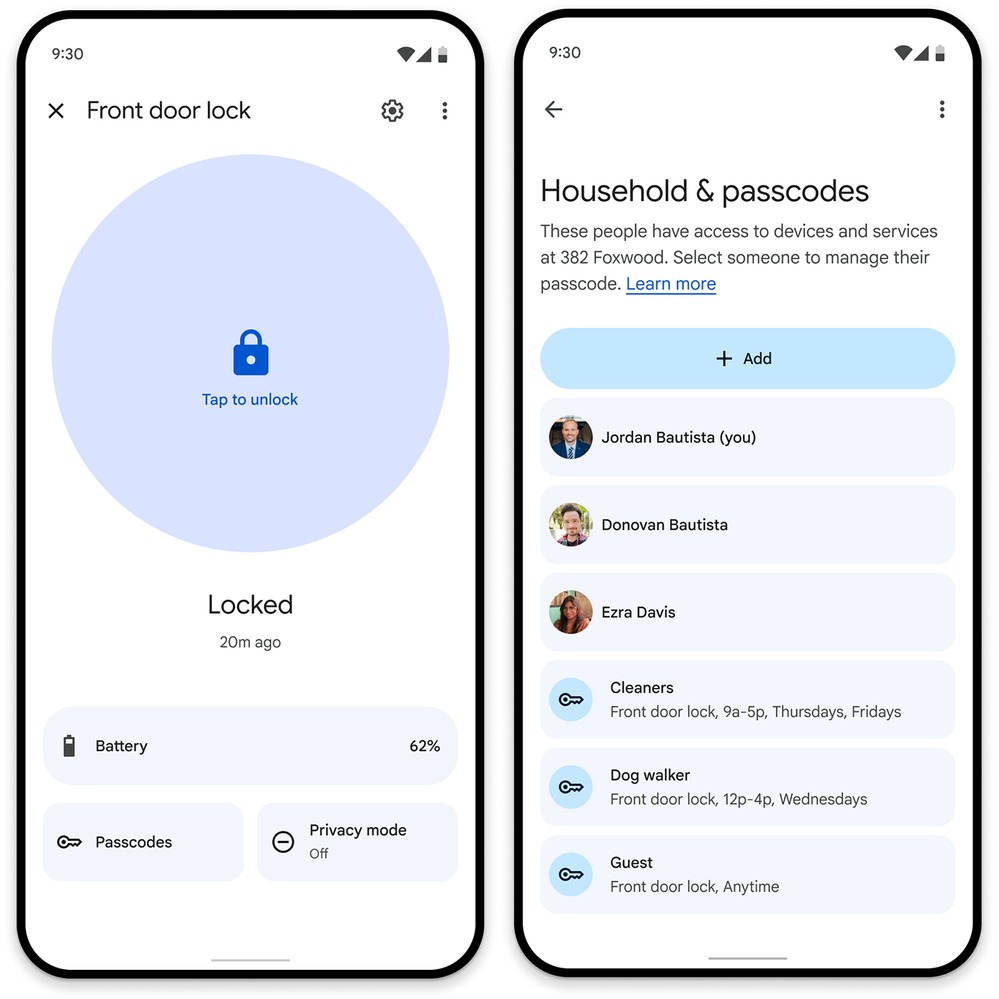
With this update, the Nest app is effectively dead, as the Nest x Yale Lock was one of a very few products that still required the older app for full functionality. Older Nest Cam generations have also been migrated to Google Home. Google first started supporting the Lock in a limited rollout last year.
Nest x Yale Lock support is available in the latest Google Home updates on both Android and iOS, while the Yale Matter Lock is available on Amazon as a successor to the 8-year-old smart lock.
More on Google Home:
- Google Home just announced a bunch of Gemini, smart home updates rolling out now
- Gemini for Home camera updates improve Familiar Face, animal detection, more
- Google Home voice commands should be ‘snappier’ with fewer errors in new update
Follow Ben: Twitter/X, Threads, Bluesky, and Instagram


FTC: We use income earning auto affiliate links. More.



Comments