

A while back, YouTube for Android TV introduced an account switcher at login or after cold boot, but it is now changing once again by showing any and all family members part of an existing Premium family plan.
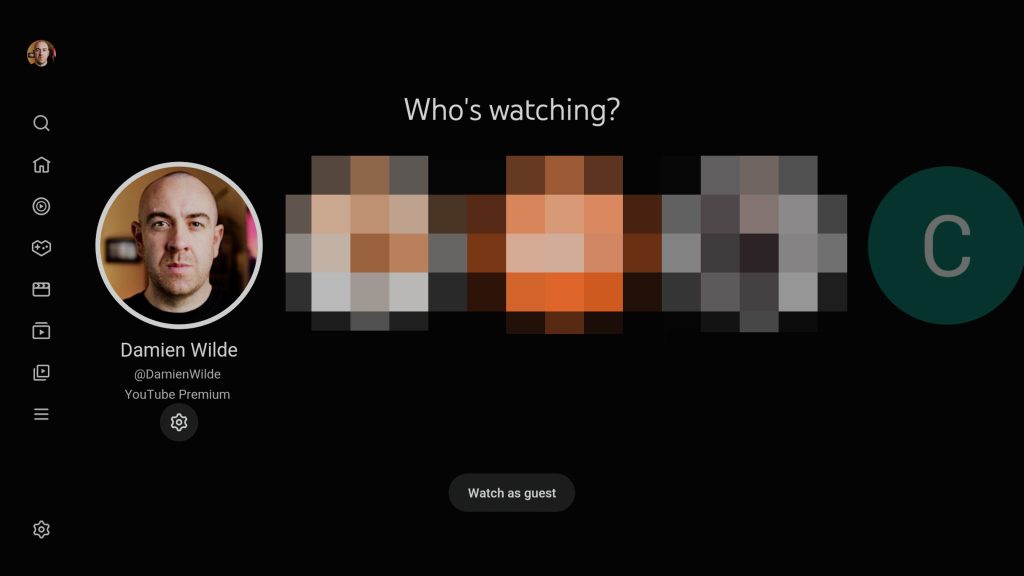
This change rolled out over the past week and is continuing to roll out as of this post, going live. When you open YouTube on your Android TV set-top box or Chromecast, you will see any accounts associated with your “main” profile, but you will also see any of the family members that are linked to that account, with their profile logo and name also shown.
To help indicate that these are other family members, you will notice that the profile icons are gray or less prominent. Selecting any of the associated accounts will add a pop-up to confirm that “Google family group members associated” with your email “have been added to this device.”
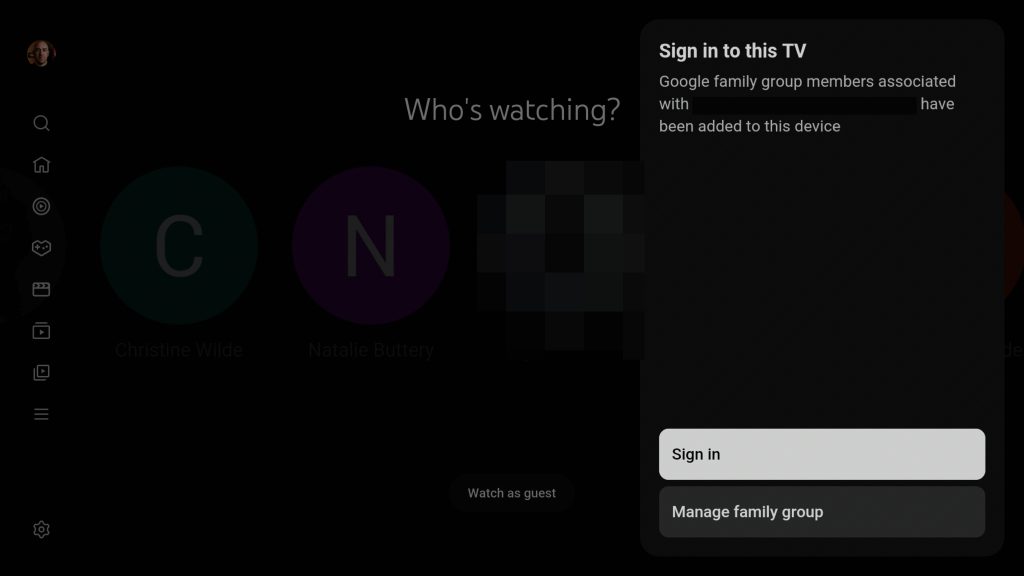
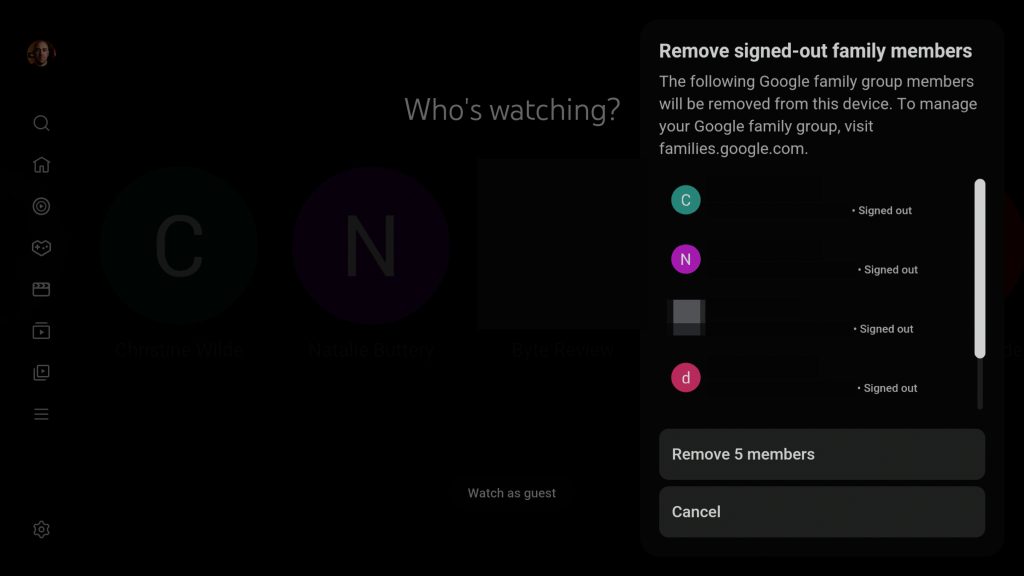
You are then able to sign in using a QR code or weblink, or use the “Manage family group” option to make any further adjustments or remove it from your device entirely. There is an option to “Remove signed-out family members” with a list of all of the members and associated emails and account sign-in status on the current device.
The following Google family group members will be removed from this device. To manage your Google family group, visit families.google.com.
In our opinion, a better decision would be to prompt this and have accounts added manually rather than automatically added, then requiring removal. That said, if everyone is in one household and has various viewing habits, this is a good way to make sure that your content comes with you across all of your devices – including your TV.
More on YouTube:
A persistent YouTube bug is placing immovable ads in fullscreen videos
YouTube test lets AI create a new video using someone else’s Shorts
YouTube finally gave you a proper alternative to ad-blockers, and now it’s time to pay


FTC: We use income earning auto affiliate links. More.



Comments