
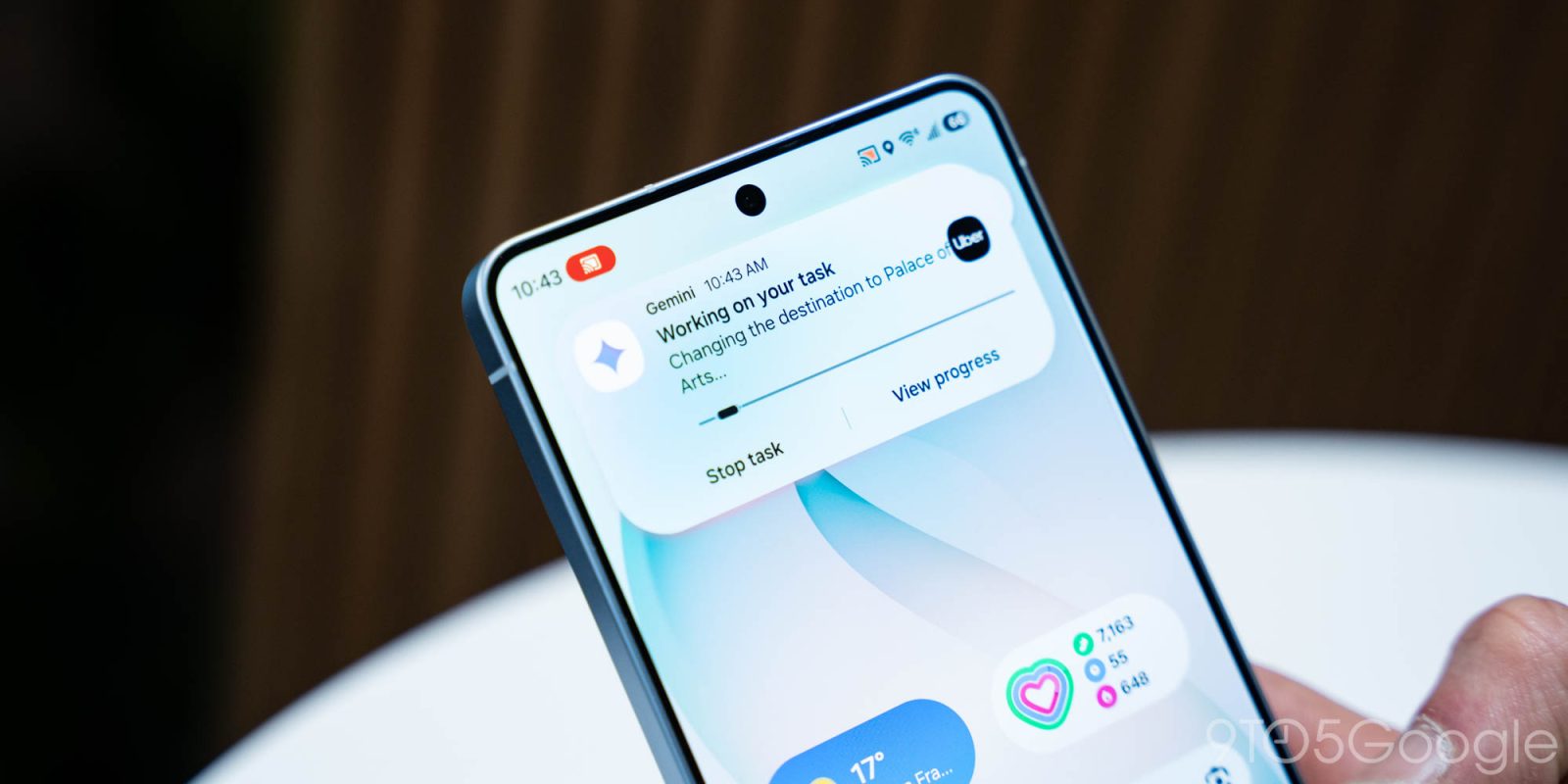
Google has started rolling out Gemini screen automation on the Galaxy S26, and this capability has usage limits like other Gemini app features.
Those with a free account will be able to make 5 requests per day. While this feature works by running the app in a virtual window on your phone, cloud processing is responsible for telling the device where to scroll, tap, and type.
Google AI Plus ($7.99) members get 12 requests/day, while it’s 20 requests/day for AI Pro ($19.99). Subscribing to Google AI Ultra ($249.99) bumps the limit to 120 requests per day.


Screen automation is different from the Gemini Agent capability that’s still only available for AI Ultra subscribers, and leverages a live web browser instance in the cloud. Members get 200 requests per day.
Gemini screen automation today supports Lyft, Uber, GrubHub, DoorDash, Uber Eats, and Starbucks. Example commands include:
Book a ride:
- Book a ride to the airport
- Schedule a ride for tomorrow
Order food:
- Reorder my last coffee
- Order pizza for delivery
Order groceries:
- Add milk and eggs to my grocery cart
- Order groceries to my mom’s house
On the Galaxy S26 series, it’s available in the US or Korea. Support on the Pixel 10, Pixel 10 Pro, and Pixel 10 Pro XL is not yet live and will be available in the US.
More on Gemini:
- Gemini rolls out overlay redesign that adds full Tools menu
- Gemini Live rolling out floating pill redesign
- Gemini app rolling out ‘Past Chats’ personalization to free users


FTC: We use income earning auto affiliate links. More.


Comments