
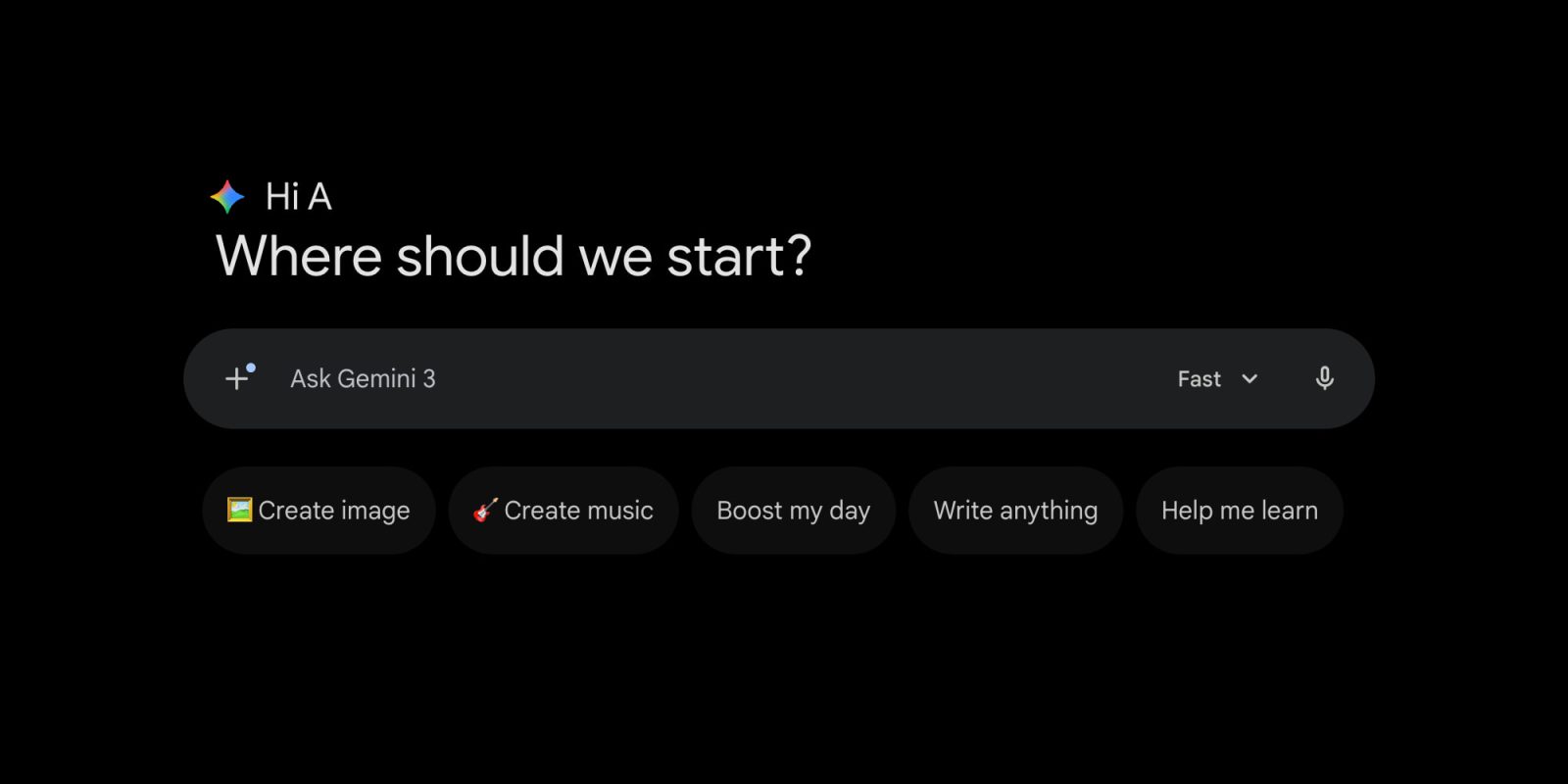
Last September, the Gemini app introduced a “Tools” menu. The latest web redesign adds those capabilities into the “plus” menu for a somewhat cleaner Gemini prompt box.
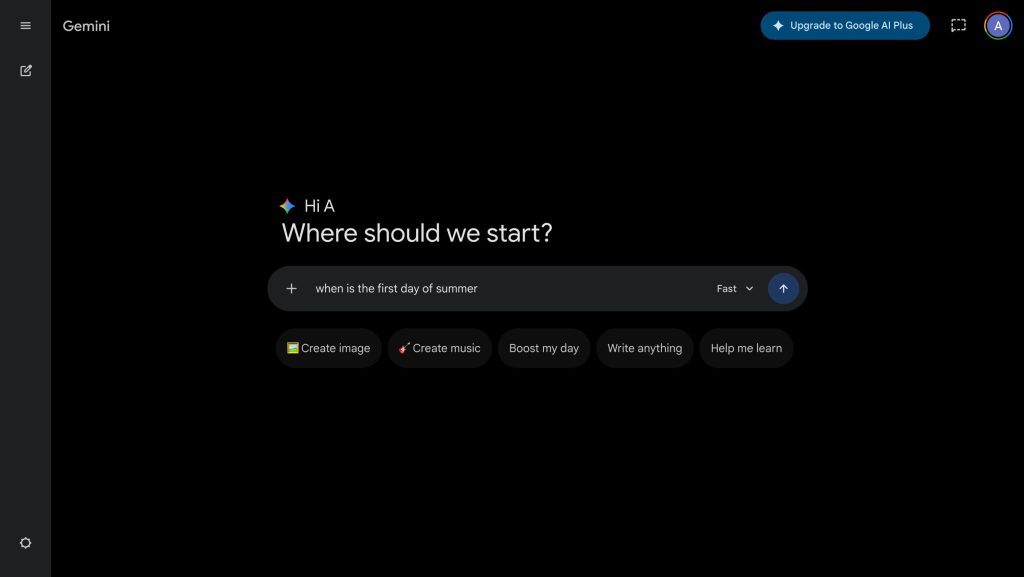
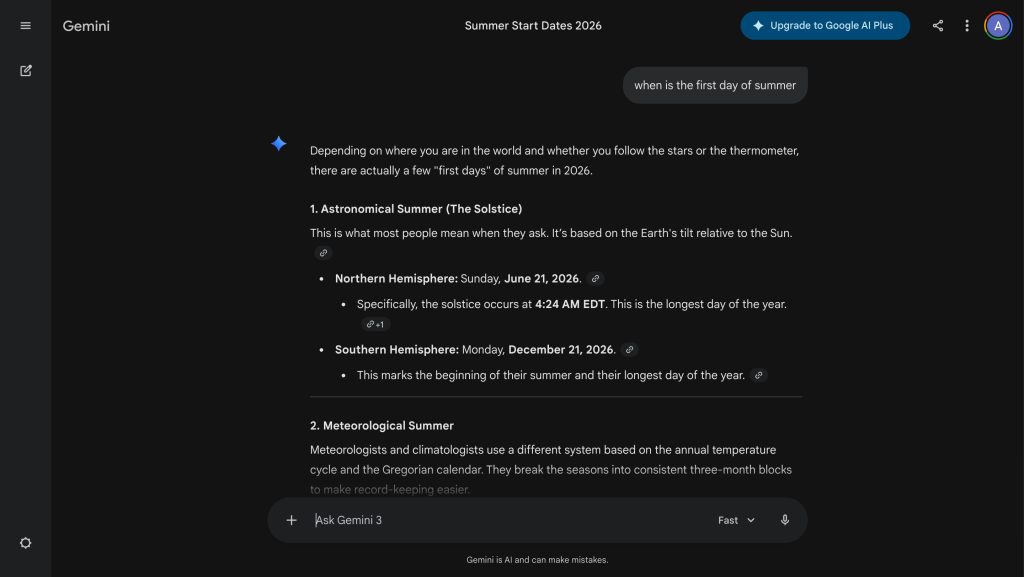
On gemini.google.com, this redesign sees the prompt box go from a two-line rounded rectangle back to a pill-shaped container.
Voice input is at the right, with the hollowed-out microphone switching to an upload-style send button (that was previously an arrow) once text is entered. To the left is a model picker that’s accompanied by new icons for Fast, Thinking, and Pro.

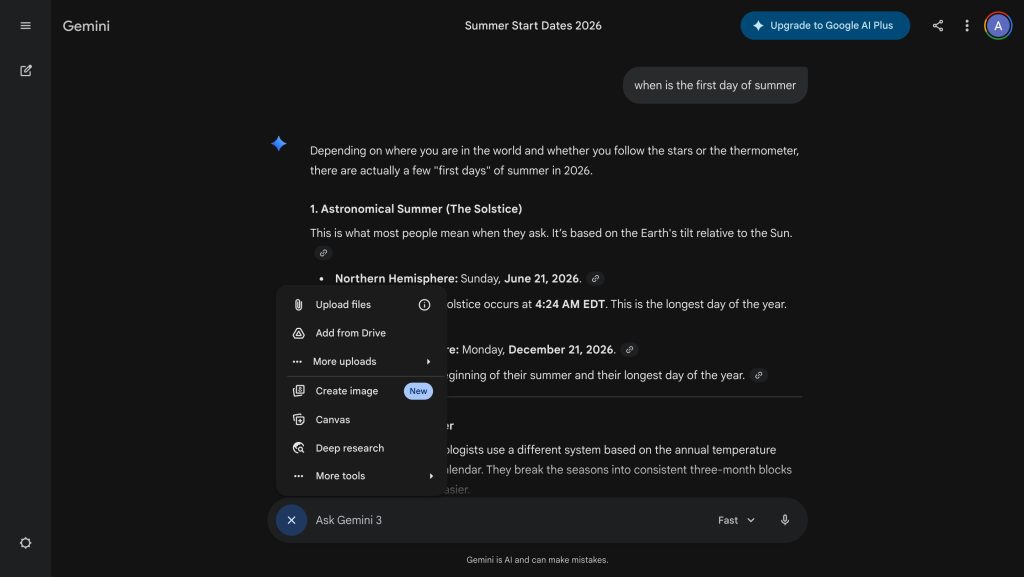
The big change is at the other end. Gemini is adopting a single ‘plus’ menu that incorporates Tools.
You have Upload files, Add from Drive, and then a “More uploads” sub-menu to access Photos and NotebookLM that appears upon hover. After a line divider, there’s Create image, Canvas, Deep research, and “More tools” for Create music and Guided learning.
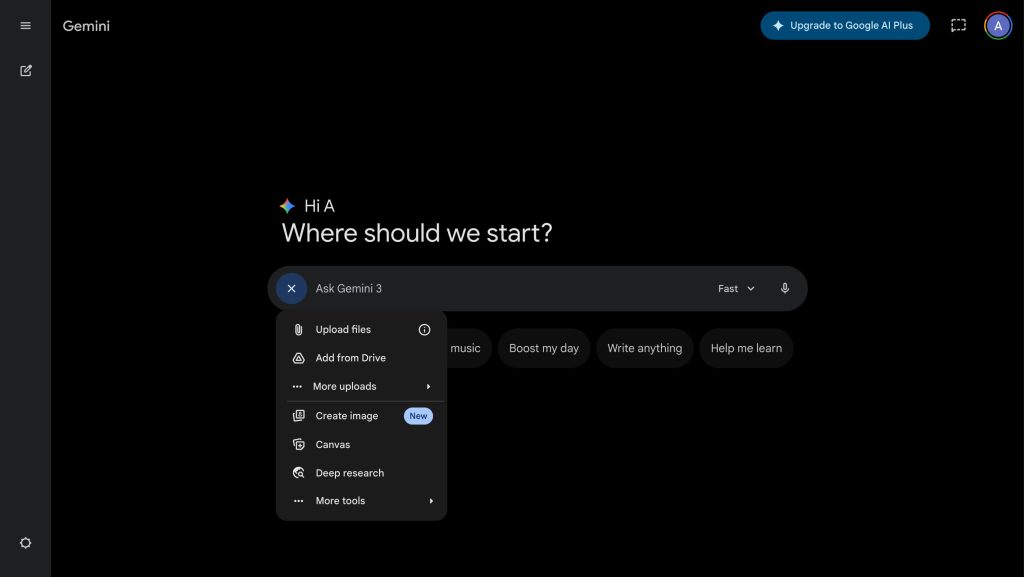
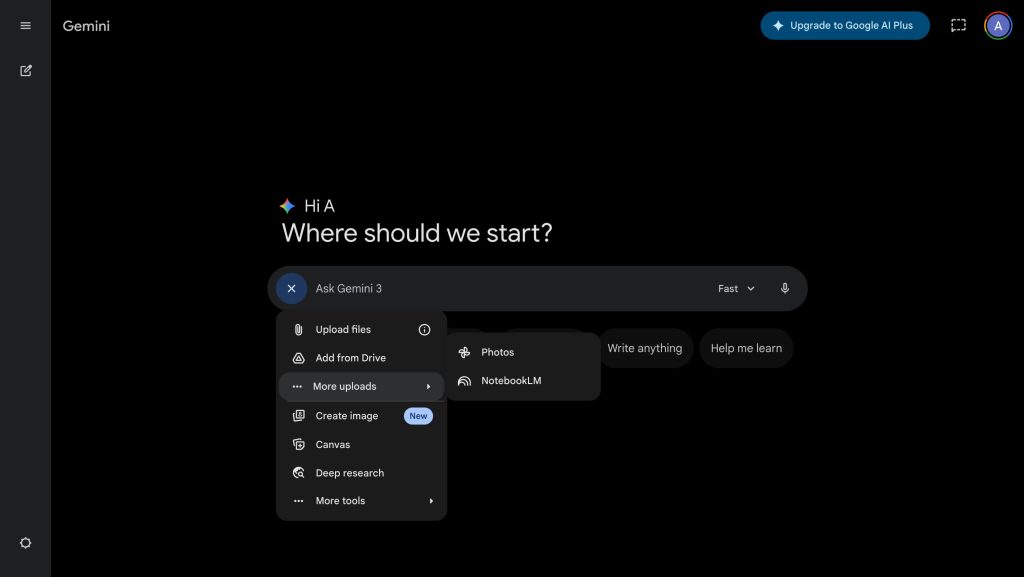
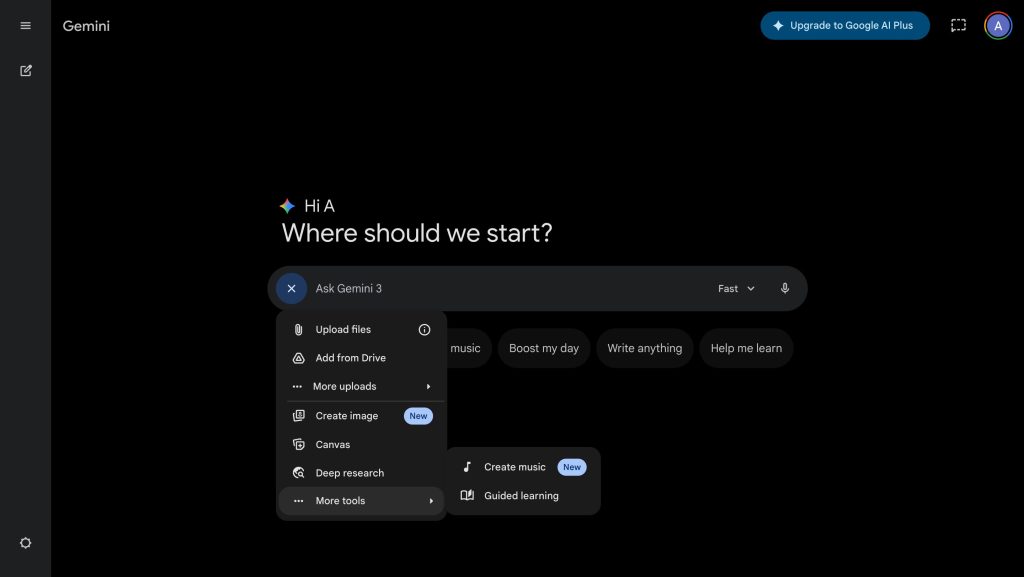
It’s similar to AI Mode having one plus menu to upload images and files, as well as Create Images, access Deep Search, and Canvas. AI Mode goes a step further by also incorporating the model picker for Auto and Pro.
This combined menu feels very cluttered with two sub-menus. The concept of Tools seems pretty straightforward, especially since it’s explicitly labeled on the web. That said, it makes the prompt box more minimalist and like traditional Google Search.
As of Monday evening, we’re only seeing this rolled out on one Gemini account. This might still be in the testing phase.
More on Gemini:
- Gemini for Android redesigns voice input to be like audio memos
- Gemini app making ‘Temporary chats’ easier to start
- Gemini screen automation rolling out to Pixel 10 series


FTC: We use income earning auto affiliate links. More.



Comments