
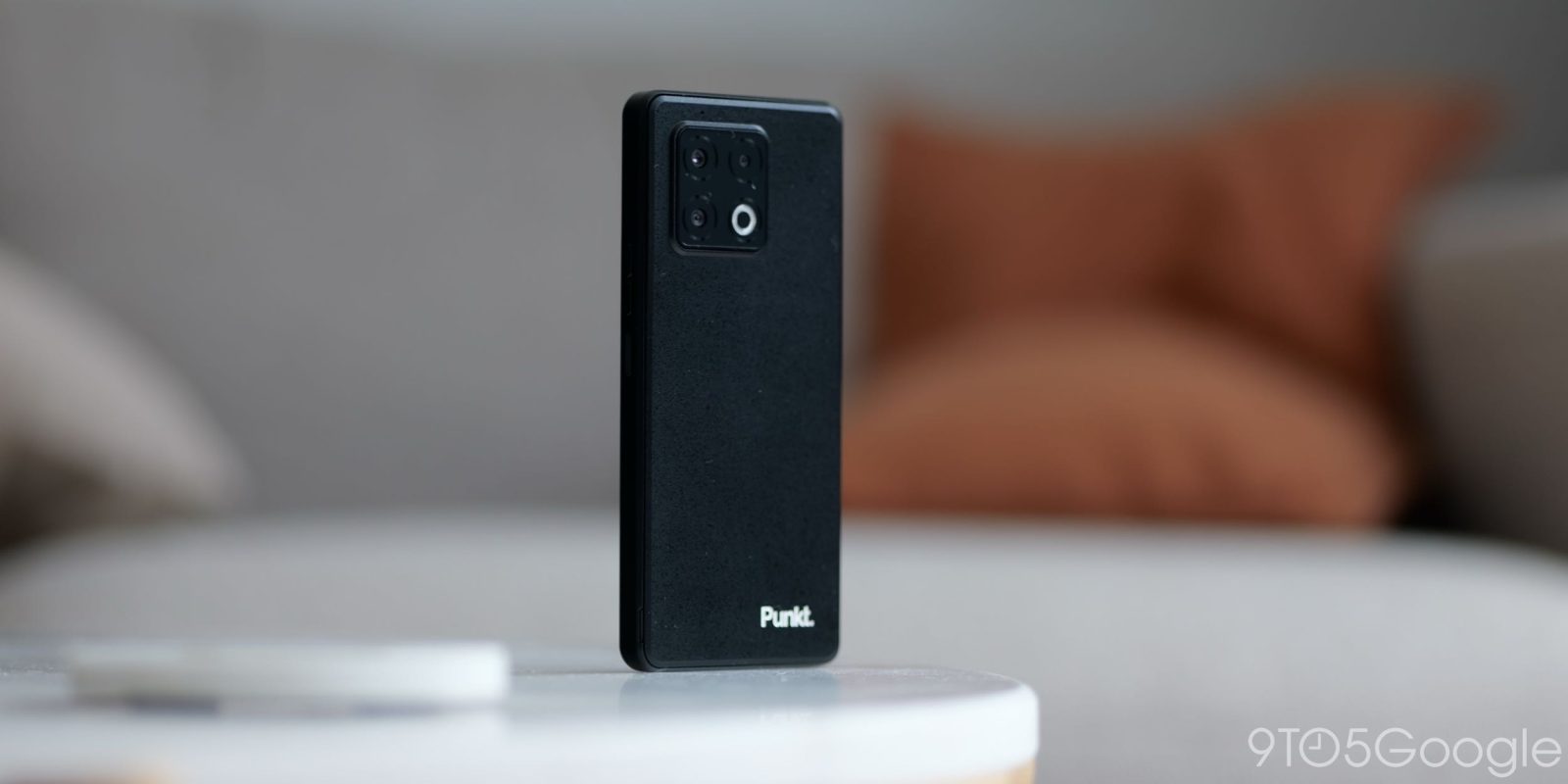
The Punkt MC03 is being sold as a catch-all privacy solution for those who want a piece of modern technology without the trappings of Google, but who is this actually for?
Table of contents
Privacy as a phone
Right out of the gate; I like how inconspicuous this is as a phone. It’s just a plain black box, which I’m sure is a selling point. Although a “regular” smartphone would probably be even more inconspicuous, given that you see various form factors in your daily life. It’s not quite “rugged,” but it is much more “robust” in the hand. I like that attention to detail has been paid to something that might be used for long into the future.
That thought extends to the Punkt MC03’s removable backplate, which hides a few nice tricks. Firstly, a user-repairable battery. I’m saying “repairable” because you can’t actually replace it quickly. A little bit of work is needed. That said, you can swap out a failing battery if needed without needing a heat gun, suction cups, or any specialist tools.
The 5,200mAh battery is large. With careful management, it shouldn’t be a problem area, but the replacability is a great bonus, as you can quickly take a toolkit and put another cell in if there are problems.
You will need to remove the backplate to access the microSD card slot. It’s not something everybody needs, but an added bonus. The Punkt MC03 supports up to 1TB cards. That’s great for expansion, but there is 256GB onboard storage, so plenty of space out of the box.
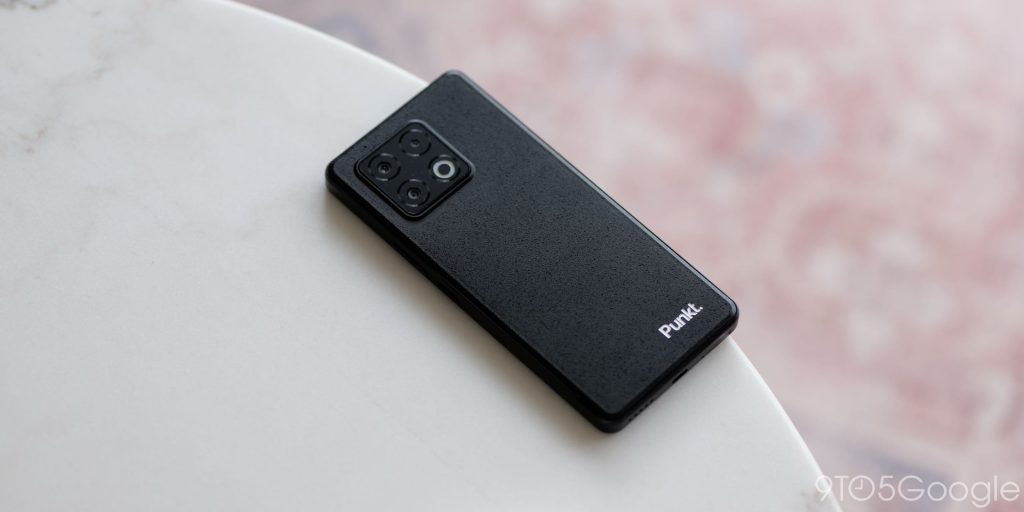
However, the Punkt MC03 hardware isn’t without its disappointments. The most notable omission is the headphone port. For a device that markets itself on utility, independence, and a break from mainstream tech trends, forcing users into the Bluetooth ecosystem feels like a massive oversight. Bluetooth comes with its own set of privacy caveats and tracking concerns, and for many in the privacy community, a wired connection remains the gold standard for both security and simplicity.
The 120Hz OLED display is another solid inclusion that rounds out what is a decent hardware package. Sure, it’s not going to be the brightest nor the most color-accurate, but it’s pleasant. On par with older flagship phone displays, but a noticeable step down from what you’ll get from any top-tier phone from the past two years. I’d liken it to the Pixel 7a and 8a displays to try to put it into context.
Powering the show is a MediaTek Dimensity 7300 chip. For performance, it’s absolutely fine, but this poses some other questions for support, as MediaTek chips are not technically supported by GrapheneOS and some other privacy-focused ROMs. This is something you need to consider, as this will affect the software choices you will have long-term. The team behind GrapheneOS has no plans to support MediaTek chips as of early 2026. I do wonder if this was a conscious choice from Punkt, but it could simply be that this chip was chosen to reduce manufacturing costs.
I’ll only briefly touch on the camera here, as it’s not necessarily a key component, and while it has some modest sensors, it has enough to get the job done. It’s on par with most budget phones, maybe close to a few mid-rangers, but it’s not amazing. I had tempered expectations and still wasn’t outright disappointed, put it that way.
Graphene, but not quite as you know it
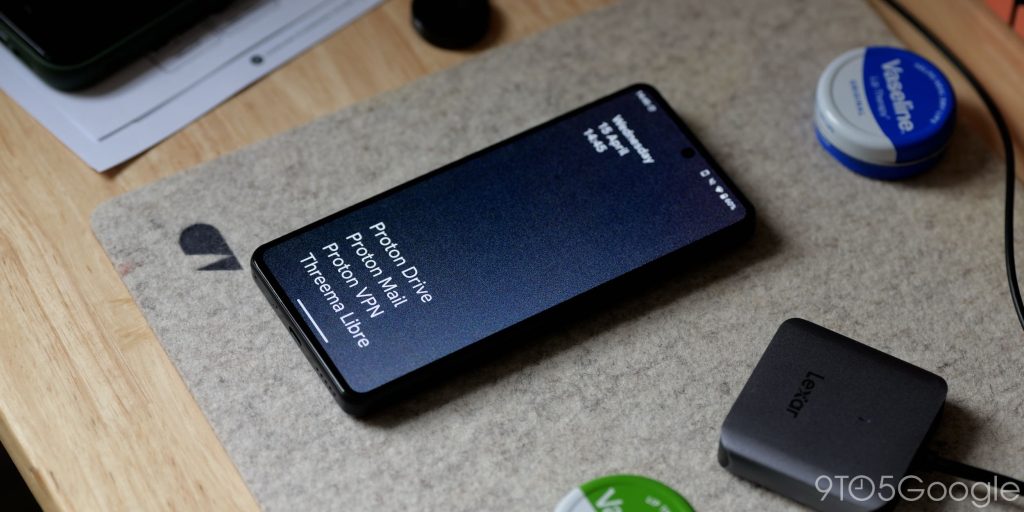
The software experience is where the MC03 attempts to justify its premium existence. It runs ApostrophyOS, which is based on Android 15, released almost 2 years ago. This could be a problem if you want the latest version of Android, or it could be absolutely no hindrance whatsoever.
This version of Android 15 interface is split into two distinct spaces: the “Vault” and what the developers call the “Wild Web.”
This “Wild Web” is essentially the standard Android homescreen experience we are all accustomed to. Apps, app drawer, widgets, etc. The Vault, however, acts as a “clean room” for your most sensitive interactions. I couldn’t find any information on what differs here, but you can put applications into this section for quick access and, I guess, a more secure experience. This siloed area is just a quick scrollable list, and after unlocking your phone, it will place you here. Swipe left or right to switch between when your phone is unlocked – it’s that simple.
This dual-sided approach is smooth and aesthetically pleasing, but the “out-of-the-box” security is a bit concerning.
Despite running a modern version of Android, my Punkt MC03 test unit is currently sitting on the May 2025 security patch. In the time I’ve been testing it, I haven’t seen a single update, which is a tough pill to swallow for a device that charges a premium for “security.”
If you choose to forgo Google Play Services, there isn’t much pre-installed out of the box. You can choose to slap a number of Proton apps on as they play a key role in ApostrophyOS on the MC03. While the Proton suite is popular among those seeking privacy, you need to ask yourself whether it meets your goals.
The rest of the AOSP applications are fairly basic. Phone app, Messaging, Gallery, Files, Calendar, Contacts, all the gang is here. Vanadium is the pre-installed browser. It’s exactly like GrapheneOS. There is, however, a Punkt app store, which, sadly, is completely barren. Devoid of all but the most “business-like” apps.
Luckily, services like Aurora Store and F-Droid have you covered. Your first port of call should be to get those downloaded.
I set up without the Google Play Store or Google Mobile Services to see what the experience would be like. You can install a sandboxed version if you do want Google apps. This allows for further control of what data is able to be derived or pulled from your phone. Again, none of this is new to anyone who has used GrapheneOS.
One notable aspect of the homescreen experience that makes little sense to me is the “Ledger” function. This allows you to check and adjust data access and power usage. This is, weirdly, called “Carbon Reduction” for whatever reason. It doesn’t offer any detailed statistics or data, which makes it not that much better than regular app controls and the privacy dashboard.
All of this is great, but there is an elephant in the room. ApostrophyOS on the Punkt MC03 relies on a subscription. For the first year of usage, this is completely free. Then the pricing goes up to $10 a month. If you choose not to pay this fee, your phone will just revert to an “open source Android build.” This just means all the ApostrophyOS stuff will stop working, and some special features will be unavailable.
What’s more, this poses another problem. You’re sort of being held to ransom on the software side of things. A mandatory subscription is needed to access the “entirety” of the MC03 experience. I’ll stop short of calling this privacy-as-a-service model, but it feels like it.
To compound this further, there is also the irony of the onboarding process: to get a device designed to protect your identity, you effectively have to provide your personal and payment information to Punkt. For the truly paranoid, this paper trail is exactly what they are trying to avoid.
To pay for privacy: Who is the MC03 actually for?
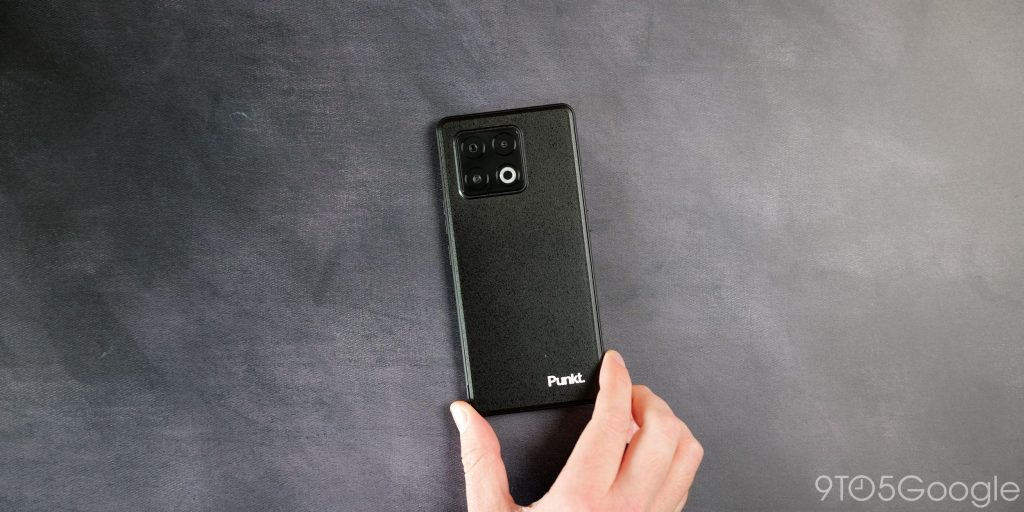
Shockingly, this is the first privacy-focused smartphone that I have ever used, or at least the first such device that is sold on that key component. While it’s a competent piece of tech, I do wonder who this was even made for.
Instead of spending upwards of $600 on a product like the Punkt MC03, my personal preference would be to use an older device like the Pixel 7 or 7a and install GrapheneOS on it.
I’ve done this previously, and the experience is excellent. You’ll get free support and a cheaper phone to boot. Because ApostrophyOS is merely a fork of GrapheneOS anyway, you only miss out on some of the shinier tweaks, and that looming monthly fee alongside any other subscriptions required for some services like ProtonVPN or similar options feels somewhat redundant.
I think a dumbphone would be a better buy if you are intent on ditching everything that is problematic on a smartphone, period. This makes a lot more sense to me than whatever this project is. Yes, privacy is important, but it’s somewhat diminished when you’re having to pay to gain this fundamental right. That said, some might argue that paying for such a privilege beats willingly handing over your personal information to get “free” access to your phone.
You’ll have to make that choice for yourself, but I do think there are better options that won’t necessarily bleed you dry over time.


FTC: We use income earning auto affiliate links. More.


Comments