
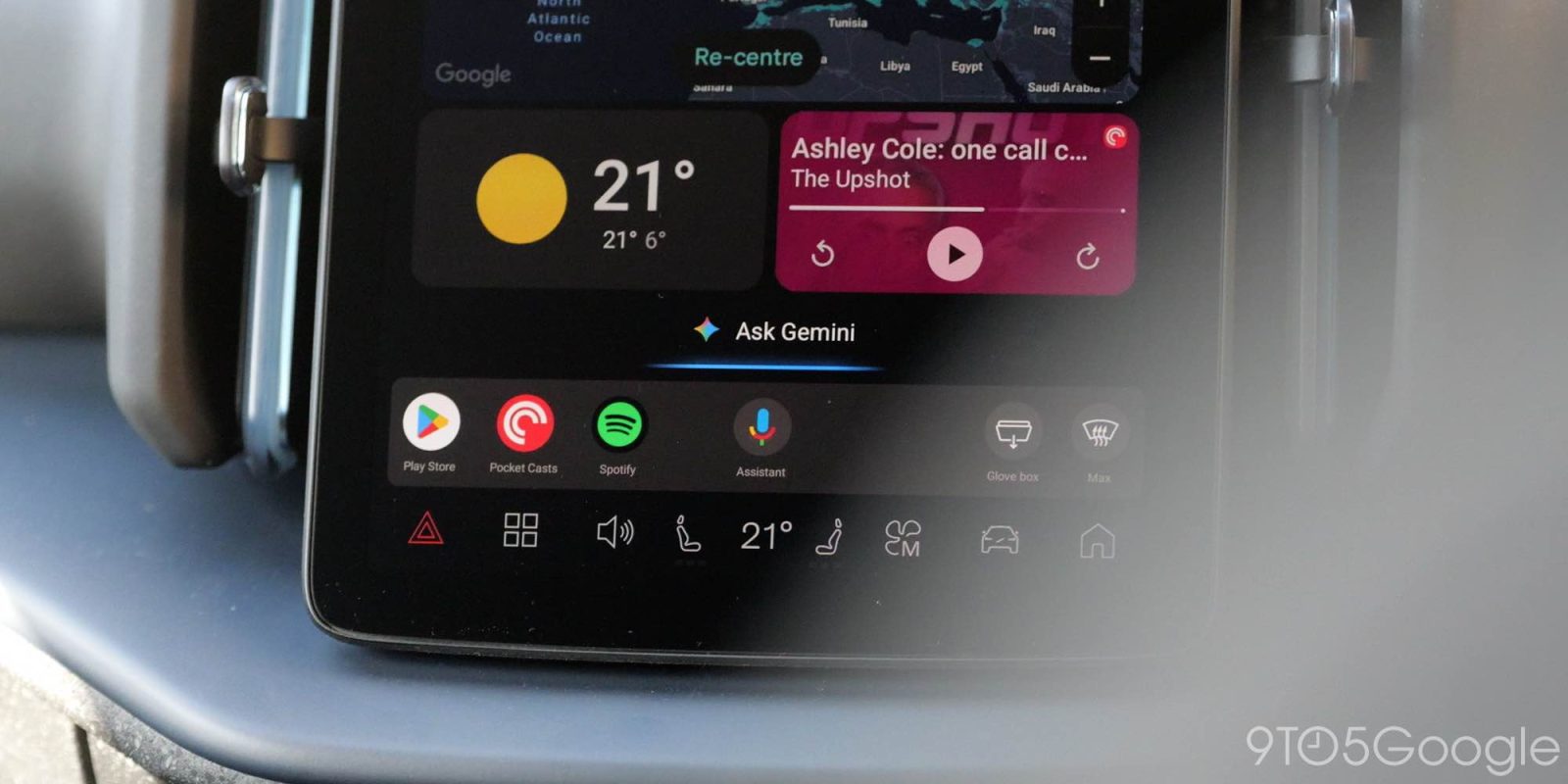
After seeing what Gemini for Android Auto could do, I, like many, was very excited to get the option in my vehicle, but the truth is, I’m a little disappointed so far.
Road rage: The unbearable weight of expectation
A lot of my chagrin comes from a very impressive demo of the AI-powered voice assistant running on a car head unit at Mountain View at IO 2025. This demo was “almost” on-rails; I say “almost” because, while it was a by-the-numbers showcase of what Gemini on Android Auto could do, the software still adjusted to some off-rails requests, bending and flexing without causing any issues.
As such, I left the demo excited to see this in my car and enhance my experience while driving solo. For me, Gemini Live has become a great way to dive deeper into subjects or get solutions to various problems I face day-to-day. Think: an issue with a piece of software, something not working correctly on my PC. It saves me time Googling for a while to find a deep forum post with just the information I require. Don’t get me wrong, Gemini doesn’t always offer a solution, but it can offer another troubleshooting step that I hadn’t thought of. In essence, stopping my wayward slashes and helps me hit the target more often.
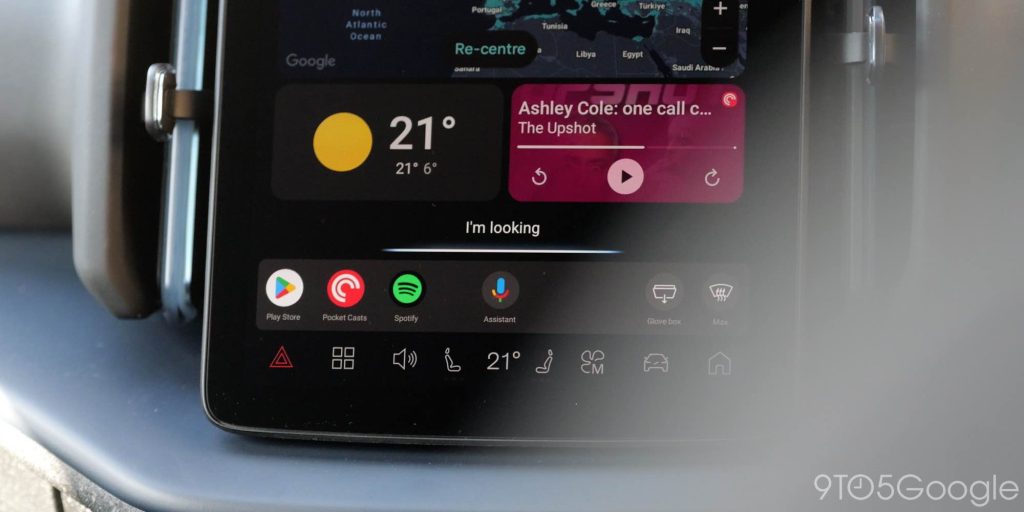
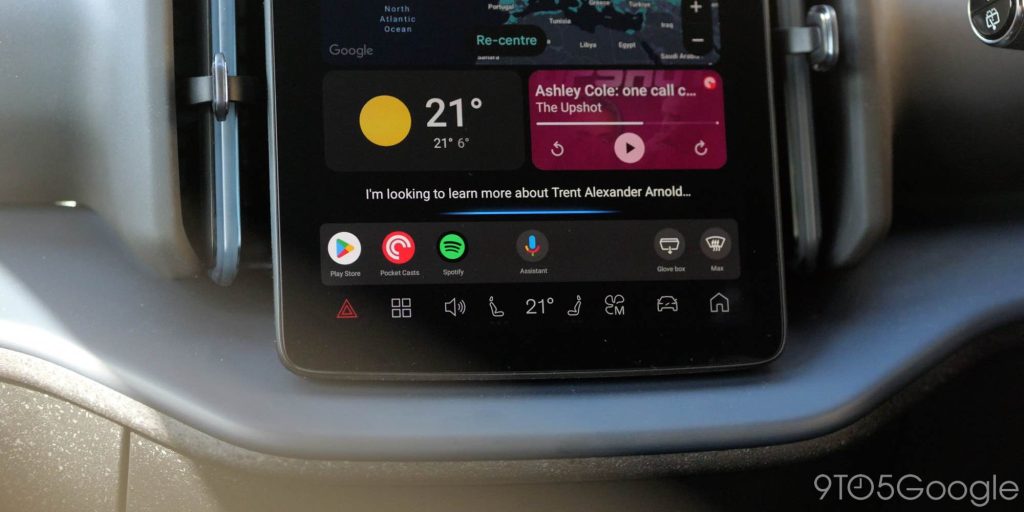
It’s not just troubleshooting either. Sometimes I just want to learn about a subject. When I happen to hear about a football (soccer) player on the radio and have the instant urge to learn more about their career journey, Gemini Live has been the perfect way to turn that into a conversation or question and answer session rather than a scroll hole through various Wikipedia articles
Yes, these are very boring use-cases, but something that turns a boring drive into something more mentally stimulating than staring at the rear of the vehicle in front or listening to the same radio hosts drone on for hours at a time.
So when I randomly noticed my device had updated, and that when pressing the voice assistant button on my car steering wheel, Gemini popped up to greet me, I was really happy. That happiness has quickly turned into a little frustration and some mild disappointment, as it feels like it’s been hacked onto the Google Assistant rather than being the wholly new experience in your vehicle, as I saw last year.
I’m not alone in this either. While many are happy, lots of people are experiencing my frustrations. A megathread on Reddit is filled to the brim with various complaints.
The more things change, the more they stay the same
We’ve seen the Google Assistant languish in vehicles over the past 3-4 years, and given that Gemini is going to replace it, I figured we’d have something more robust with a public rollout.
Some of the same problems are present.
Gemini Live is the saving grace, but it should be easier to launch. The wake phrase “Let’s talk live” is absolutely fine, but I often wrongly default to phrases like “Let’s go live” – which I think, given Gemini’s ability to understand context, should probably work without hiccups. I would love it if this were just a toggle or a button on-screen. Maybe on cars with a voice assistant button, a long press or hold could initiate Gemini Live. Just a thought.
It’s also worth noting that in-car, Gemini Live is still technically in beta. That does mean it’s sheltered from some problems, but it isn’t quite bulletproof. Like on mobile, it too suffers from the annoying accent or voice morphing that has been plaguing Gemini on phones lately. You talk to one recognizable voice, then launch Live, and you might get someone totally different with all the cadence and response issues that still need to be fixed elsewhere.
My chats haven’t synced across my account either. The one thing I had hoped for was to be able to pick things up across my devices. Given that Android Auto relies on my phone, I just want to get out of the car, open Gemini, and then keep chatting or building out that conversation for later. Maybe there’s an issue with my account, but nothing is being saved to my personal Gmail account – at least at the time of writing. For what it’s worth, I’m going to put that down to user error on my part as I don’t see anyone else complaining over this.
I wish the process of getting into a true back-and-forth conversation were faster. Depending on your connection, you can often be met with the floating, flashing lilac bar where the multi-colored Assistant response line is usually found, which will just hang for a while before anything happens. No, everything doesn’t need to be a “full” conversation, so that kind of ruins the experience a tad.
I like the Gemini Live call UI, and it docks nicely where your music player would ordinarily be on the Android Auto homescreen. It’s sensible and looks great.
Using this function is good for long drives or if you’re in your car solo, but the experience is exacerbated as the “ordinary” Gemini appears to have limited response windows while you’re driving (or parked). I don’t even know if this is a safety-related limitation or a function. It could be that while Android Auto is running, Gemini knows I am driving and cuts conversations or responses short. It’s not “always listening,” as it would be if I initiated Gemini Live directly.
What’s more, while I own an EV, which tends to have much quieter interiors while driving than an ICE counterpart, Gemini can be overly sensitive to noises and interruptions. Just stopping mid-response or mistaking a regular car noise for an interjection from me or a passenger. That has been something I have been somewhat annoyed by. Maybe it’ll be car-dependent, as to how this will affect your experience.
As my colleague Ben Schoon reminded me recently; there’s one another daily annoyance with the new voice assistant. Gemini’s inability to react to your display reactions or taps becomes irksome very quickly. For instance, you ask Gemini to get directions to the nearest McDonald’s, but there are multiple within a similar distance, it won’t react to your on-screen selection. Instead, it waits for an audio cue or response, slowing things down and, well, breaking immersion. It just feels janky.
I’ve gone a long way around saying that, as we probably knew already, Gemini Live is the killer feature with Gemini on Android Auto, and, rightfully, it needs to be perfect to be sold as such. The “regular” experience is just where I have many more frustrations.
Short responses, interjections, and Live reliance aside, regular Gemini isn’t great at listening to me for longer than, say, 15 seconds at a time. Constantly cutting out despite having a solid 5G connection, or even when my phone/car is connected to Wi-Fi on my driveway.
A prime example of my biggest gripe here is when replying to messages while driving. It reads it out when I ask, but during the process of dictating a text message, Gemini just flat-out stops listening to me, so my response gets cut off. While I’m driving, that lost context is really annoying, as I have to try to re-record it or send a couple of messages back-to-back rather than get into the flow and have Gemini keep up, as it does when using my phone normally. My concentration is mostly on the road, so it kind of ruins any “flow” you might have had.
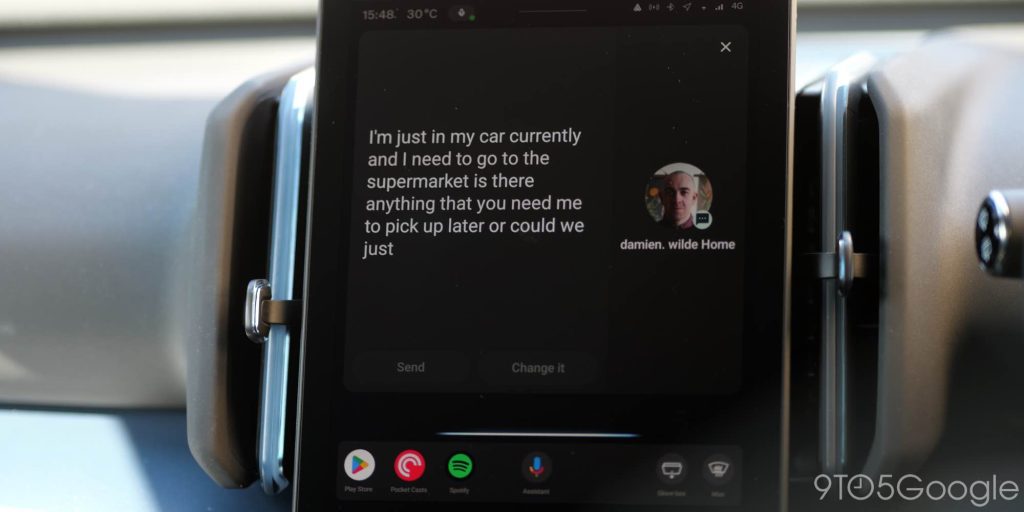
That’s not even accounting for the added steps Gemini has introduced over just using Android Auto with the Assistant. Gemini doesn’t always take into account saved locations on Maps, nor does it like offering brief retorts to questions or requests. Lots of tasks take longer because Gemini is effectively getting in the way and slowing down the process. It sometimes makes quips when it simply doesn’t need to.
I’m not alone in this; I’ve read numerous complaints online where people are experiencing the same issues. Although conversely, there are lots of people happy with the new capabilities.
The Google Assistant wasn’t great here either, but it was a lot more concise when it did work.
Unrealistic, unmet expectations
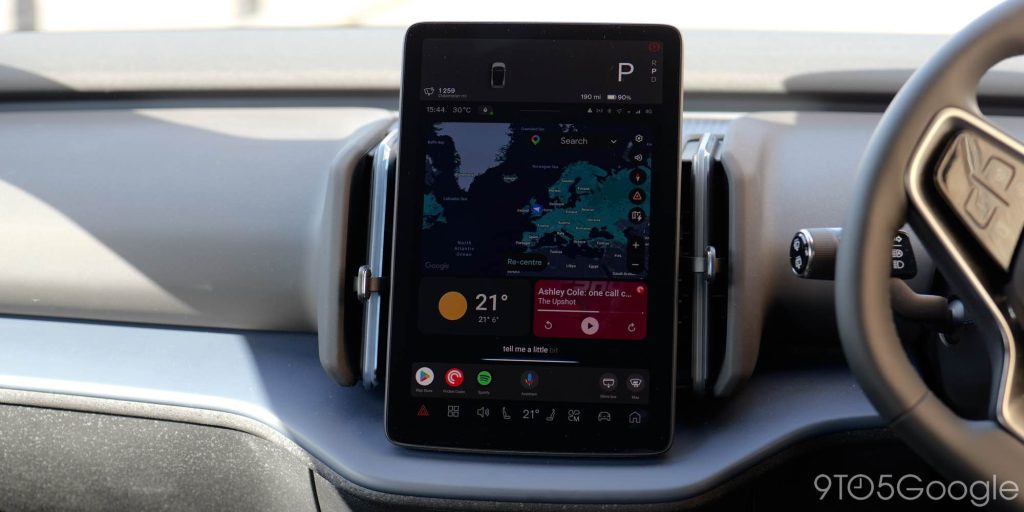
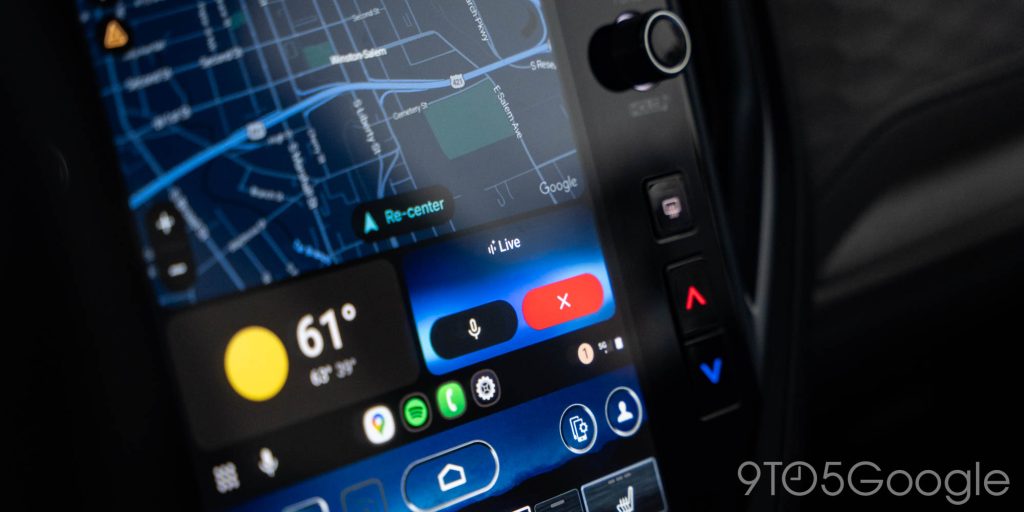
My biggest disappointment is that after having an in-person demo of Gemini running on Android Auto back at IO 2025, it’s not quite the same product.
Top comment by TurboFool
So I got this a long time back (I seemed to be the first to report it on Reddit), and it's been so problematic for me from early on. The two biggest issues are inconsistency and its willingness to lie when it fails.
For inconsistency, it's had abilities that it suddenly doesn't have. Sometimes it claims it has no access to my personal data for contacts, sometimes it reads them fine. Sometimes it can obviously figure out an alternate spelling for a contact, sometimes it's committed to one and refuses to recognize another. Sometimes it knows the nicknames of my family members and what my default numbers are for them, sometimes it has no idea who I'm talking about.
Worse is the lying, though. I'll ask it to text someone my ETA. Early on it would check in with Maps, and then send it accurately. Then it stopped doing that and just started lying. "I will be there in 12 minutes" when I'm 45 minutes out. Telling it to "change this" results in it just making up a different lie, including fake excuses for why I'm running late (I never even said I was late). I asked it recently why it did this, and it apologized, and asked me if I wanted to know my ETA. I told it yes, and it looked it up just fine.
It also makes up phone numbers for my contacts. It has called Information in place of my mother's phone number, or a different random phone number in a semi-local area code, neither of which is in my contacts for her.
All of this combined makes the feature frustrating and potentially dangerous.
I know there are lots of people frustrated at the handover from the Assistant to Gemini. I am not one of those. So far, it has been better for me than the previous experience. Better at handling not-so-perfect requests, like if I stutter or maybe use the wrong word for a smart home device.
That’s not my problem. My problem is that Gemini on Android Auto feels like an inferior version of what was initially shown off. One that still needs a little more time in the oven. Not exactly too much longer, but it’s marginally undercooked and not quite perfect.
I’m sure it’ll improve over time, but setting unrealistic expectations at IO is, sadly, a Google trait and one that I had banished to the back of my mind after seeing Gemini running on Android Automotive and Android Auto in person.
What’s more, Gemini for Android Auto was heavily delayed, and the result still feels rushed.


FTC: We use income earning auto affiliate links. More.



Comments