
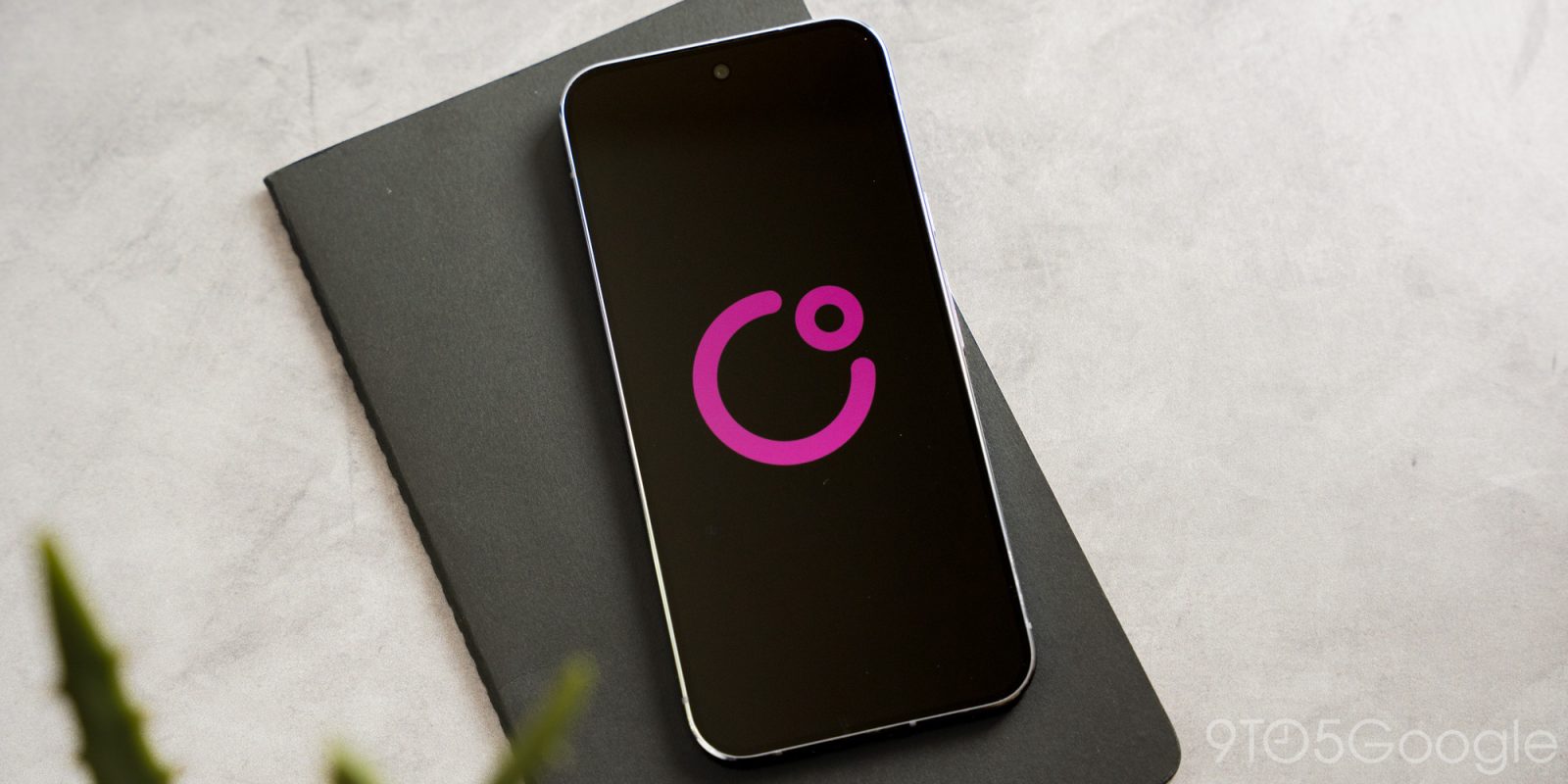
Yesterday, Google published “COSMO,” an “experimental AI assistant application for Android devices” on the Play Store.
Update: COSMO has since been removed from the Play Store. This was an accidental release after all.
This application looks to come from Google Research — com.google.research.air.cosmo — but was published on the company’s main Play Store account.
The listing explains how “COSMO brings the power of artificial intelligence directly onto your device.” Use cases include “organizing your day to answering complex questions.”
COSMO is an experimental AI assistant application for Android devices. COSMO brings the power of artificial intelligence directly onto your device. From organizing your day to answering complex questions, COSMO works behind the scenes to simplify your life.


The app is a 1.13 GB download given the inclusion of a local Gemini Nano model. After installing, it asks for access to several system permissions. You’re presented with a very basic chat interface that reflects the experimental nature. COSMO is presumably a test bed for future experiences rather than anything intended for consumers.
The app has the follow “Skills” or capabilities:
- List Tracker: Automatically suggests keep lists to you.
- Document Writer: If I mention needing to make a document, write a letter or summarize something, offer to make the doc for me.
- Calendar Event Suggester: If I am discussing plans or scheduling with someone and agree on a time, offer to schedule it on calendar.
- Browser Agent: Offer to automate tasks using Mariner.
- Add Timer: If I mention a time bound task, suggest to create a timer in the clock app.
- Deep Research: If I discuss a complicated research need that requires multiple sources to answer, and where a full report could be useful, offer to complete deep research for me on the topic.
- Quick Photo Lookup: If I mention a photo that I took and want to share with someone, offer to find for the photo for me so I don’t have to interrupt the conversation.
- Google it: When I have a question that could be answered quickly by a web search, offer to find the answer for me.
- Jargon Definitions: If I encounter complex jargon or an acronym, explain what it means to me.
- Provide Insight: Offer insights and ideas to assist my curiosity when I’m seeking info or opinions.
- People Understanding: Provide context about people.
- Event Understanding: Provide context about events.
- Recall: Show me things I’m trying to remember.
- Conversation Summary: Summarizes recently ended conversations when you change context.


In the settings page, there’s a “Fulfillment Model” menu with three options:
- Hybrid: Hybrid (PI when online, Nano offline)
- PI Only: Use Server PI only
- Nano Only: Use Local NanoApp only
Top comment by Andrew
With the color of the logo, I got my hopes up for some Fuchsia news for a second...
It’s not clear what “PI” stands for, but the local offering is presumably Gemini Nano.
Other features let you set up voice match and allow screen access.
This feels like a premature, or accidental, release before Google I/O 2026 later this month. It’s not meant for consumers.
Updating…


FTC: We use income earning auto affiliate links. More.


Comments