
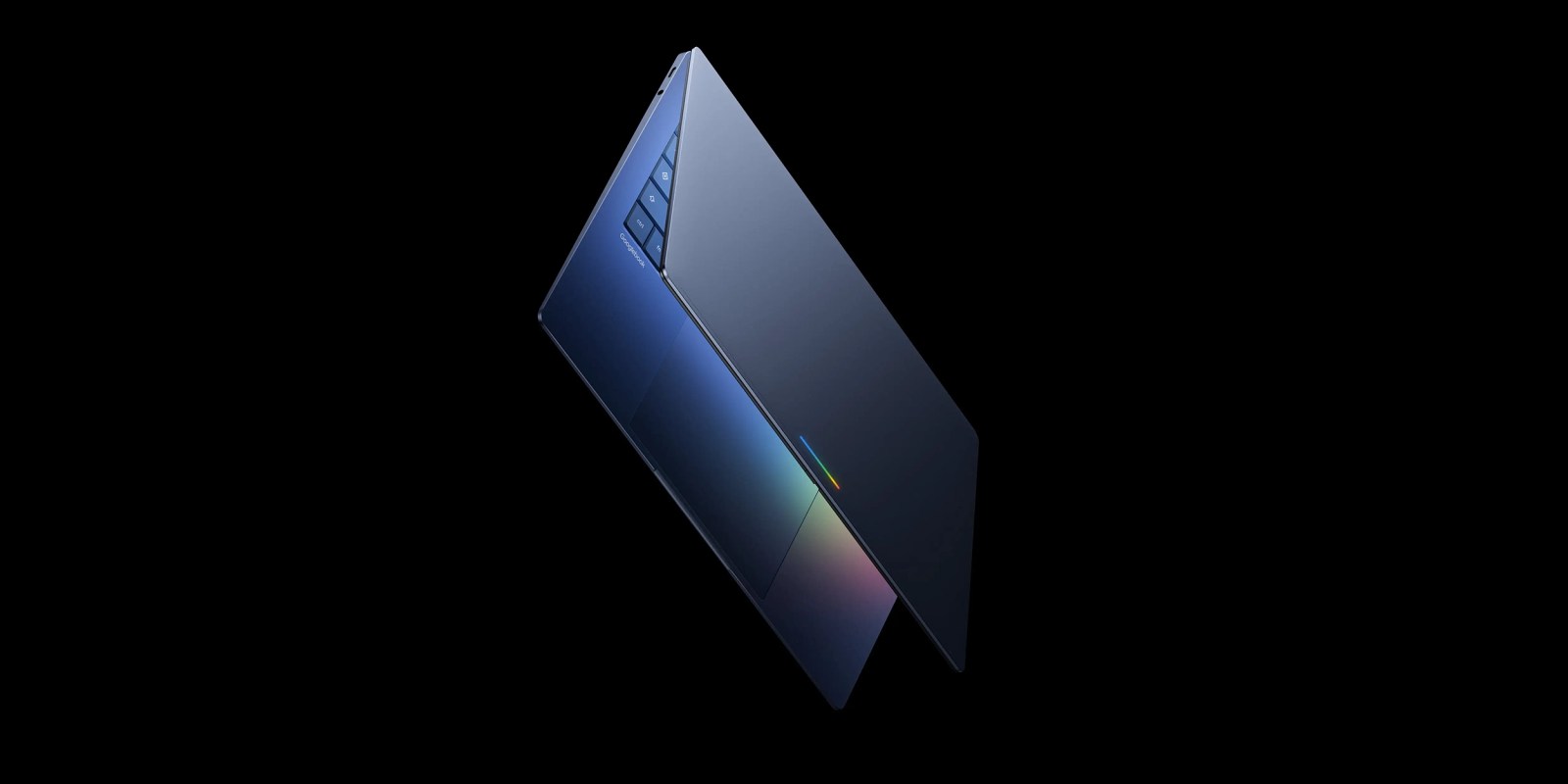
Android’s upcoming desktop OS experience is set to power “Googlebook” laptops in the not-too-distant future, and a 16-minute video has revealed some of the features found in this platform including its Android roots, some familiar ChromeOS features, and desktop-style features like folders on the desktop and terminal.
Mystic Leaks earlier today posted a gallery of screenshots and a video showcasing Google’s upcoming “AluminiumOS” which is expected to be the Android-powered experience powering “Googlebook” laptops. This leak shows the new experience running on a MacBook Pro through a virtual machine, and shows more or less how this platform works – at least right now, as Google has said nothing is shipping for a while.
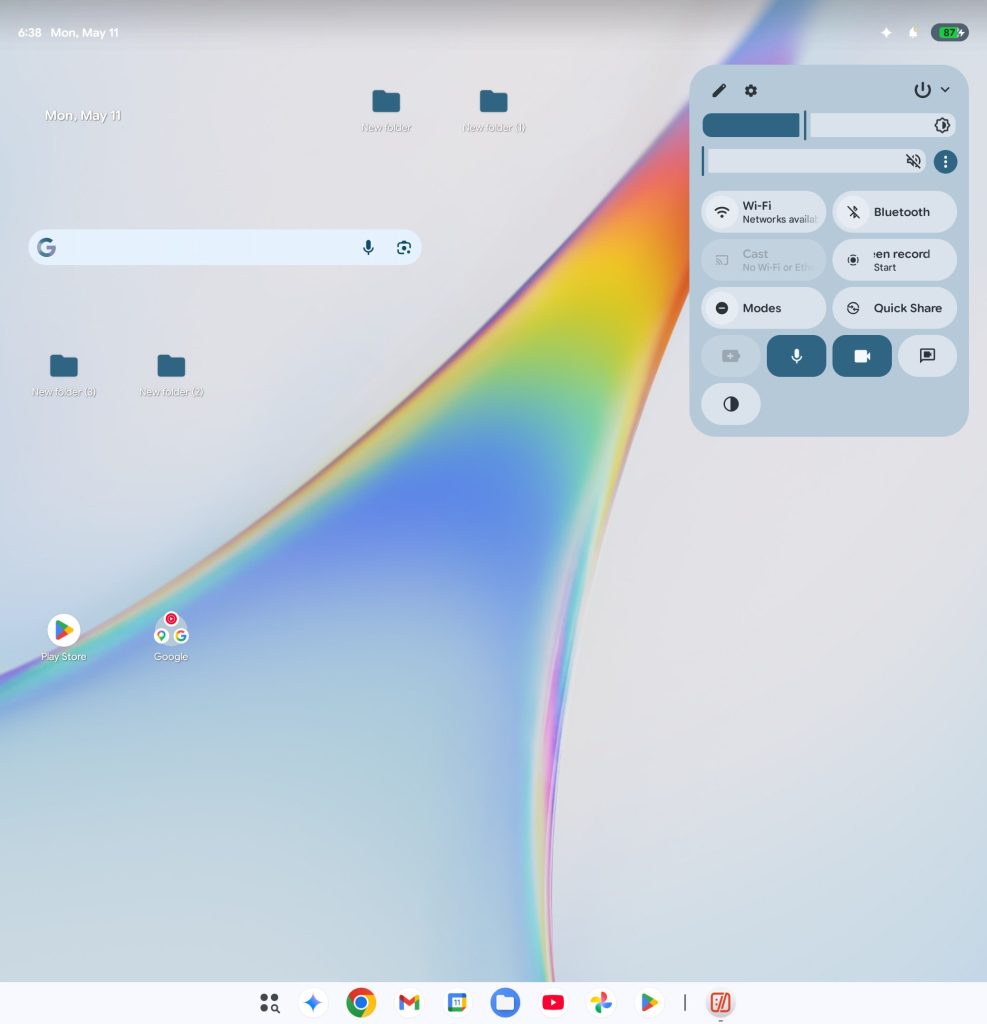
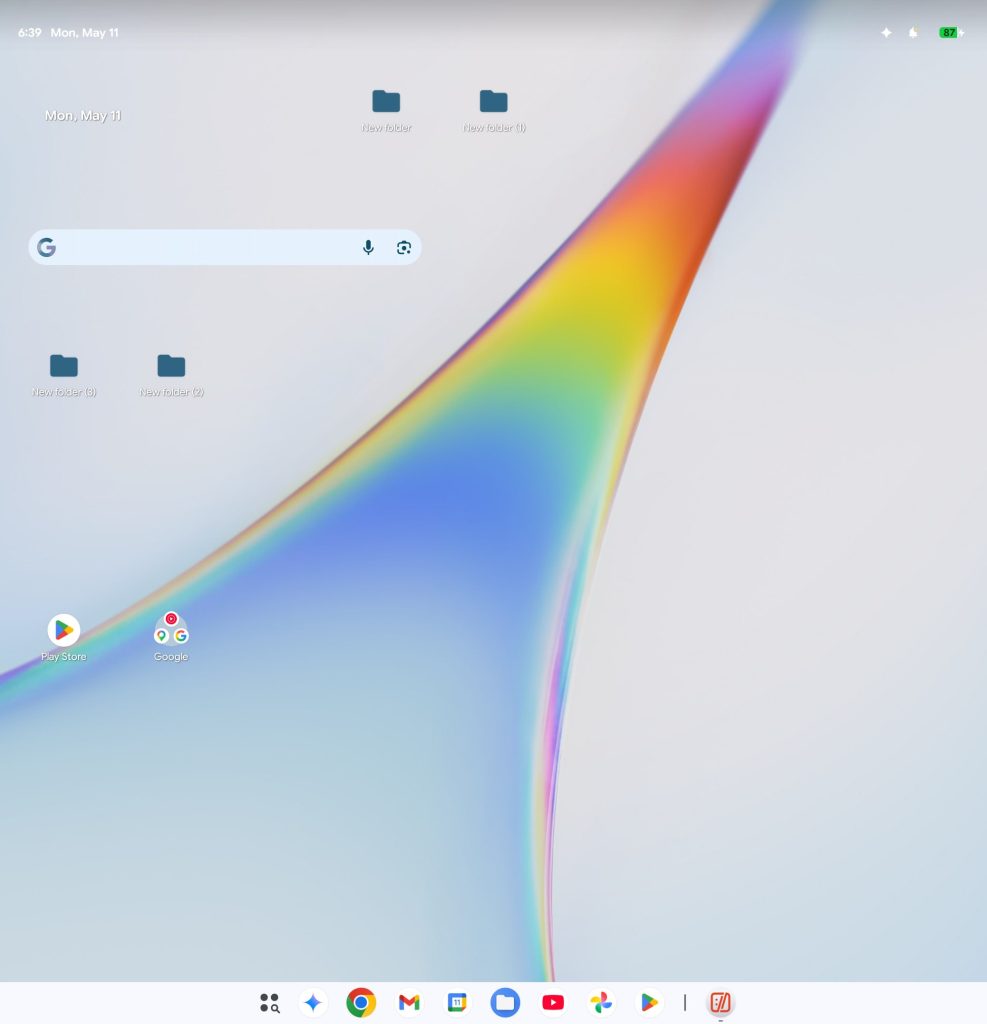
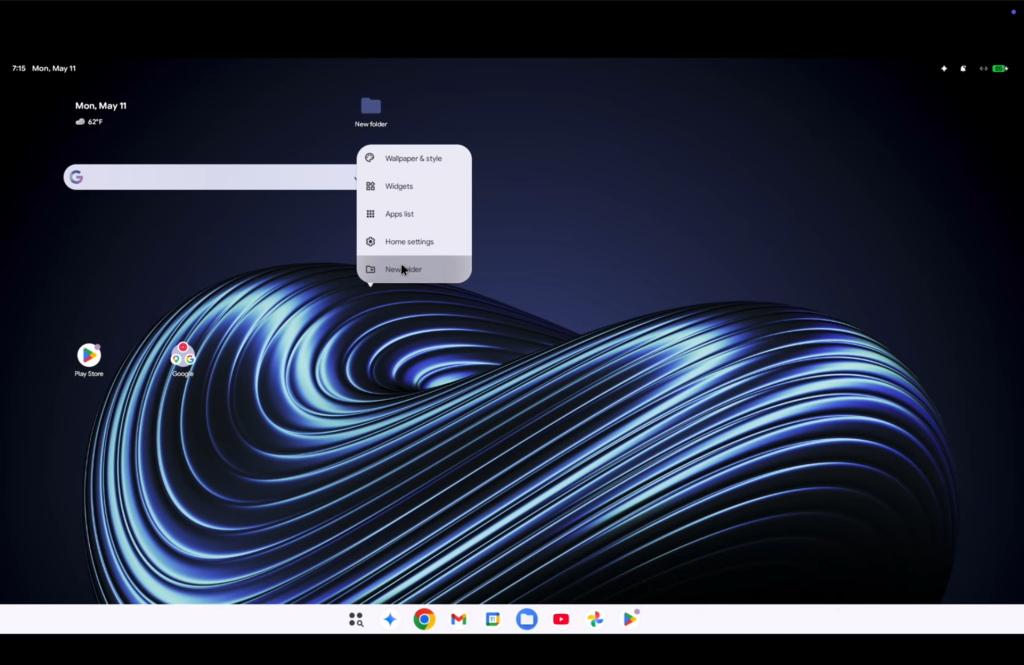
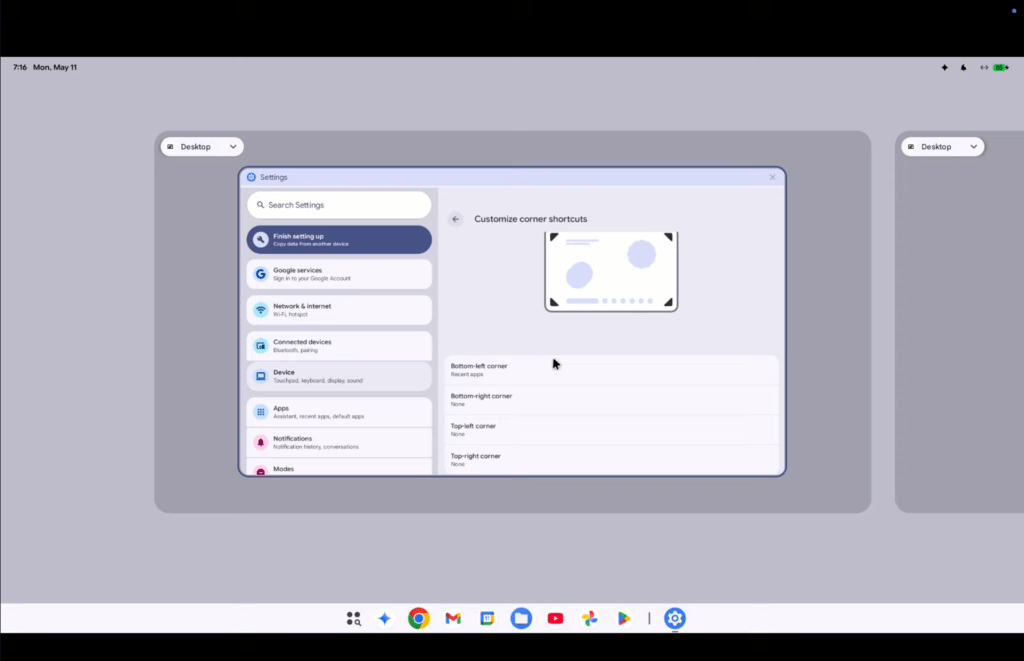
There are a few key things to spot here, starting with the desktop. Unlike ChromeOS, apps can be placed on the desktop and you can right-click to create a new folder (akin to macOS or Windows). Virtual desktops are also supported so you can have more than one canvas for windowed apps.
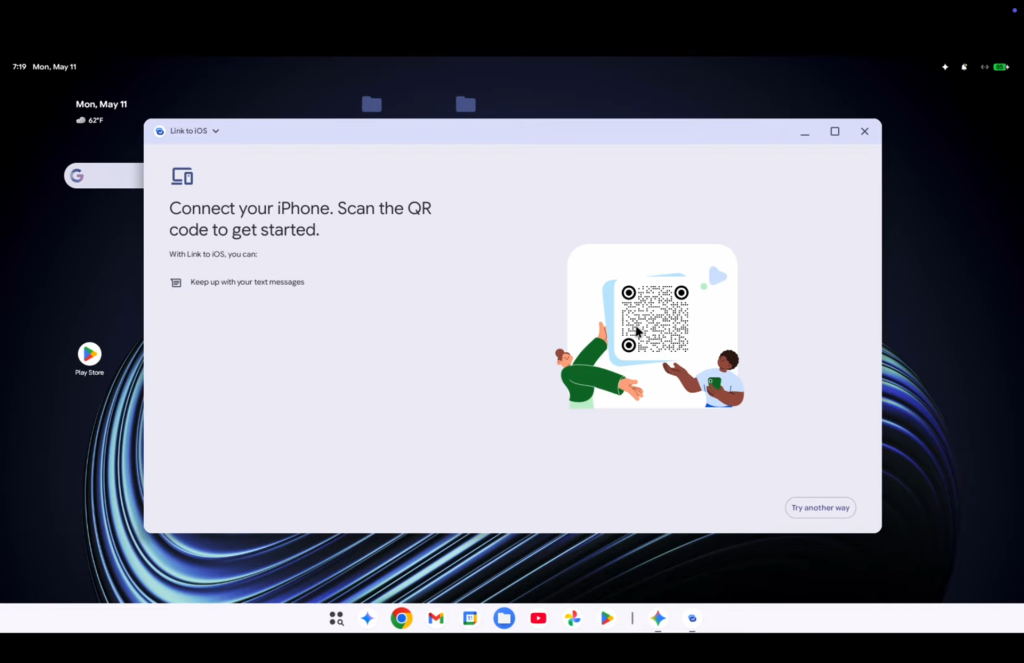
There’s a “Link to iOS” app, too.
Top comment by Leeav Amar
I prefer the battery and other status things on the main taskbar, more like Windows. This new UI is more macOS-like with the status icons on the top. To each their own but this is a UI downgrade to me.
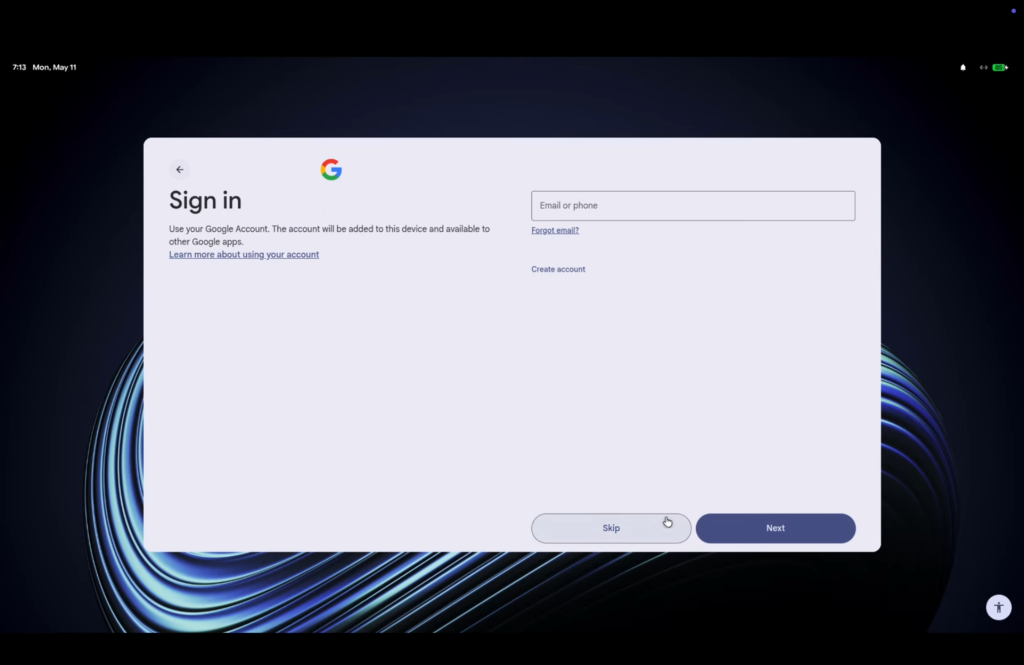
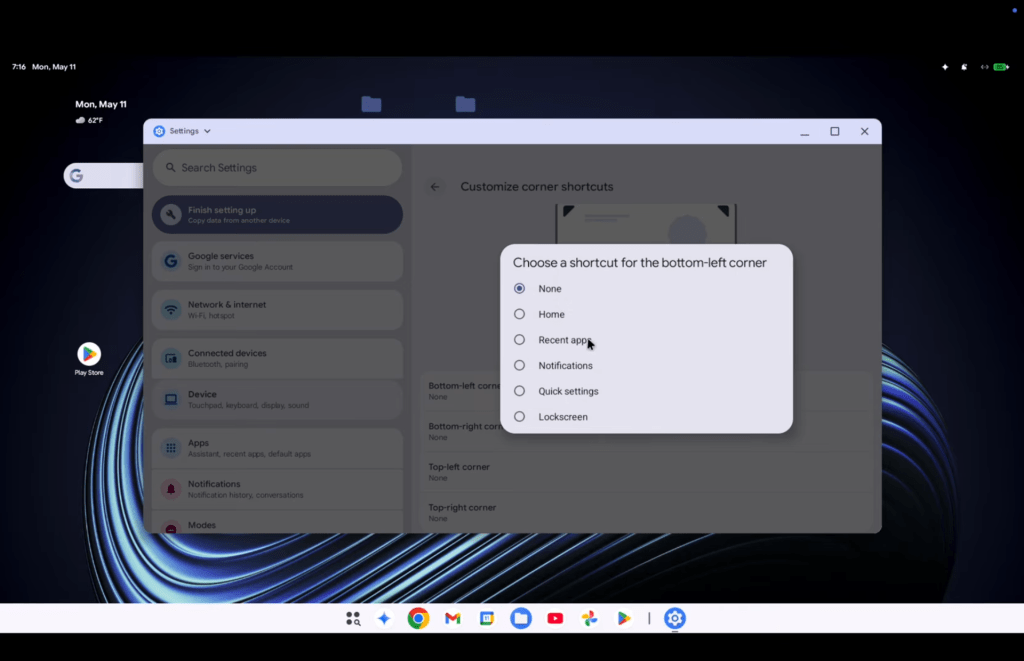
Also shown here are Quick Settings and notification panels, a task manager (which crashed on opening), gestures and shortcuts for the touchpad, and… that’s pretty much it. The setup experience is also basically a mix of Android and ChromeOS.
It’s a limited experience, but it could change between now and the actual launch. Again, Google says this won’t be launching for some time. The leaked build is based on Android 17.
What do you think about this experience so far?
More on Android:
- ‘Pause Point’ is the Digital Wellbeing upgrade Google’s needed to deliver for years
- Android 17 is getting redesigned emoji, and Google is clearly never bringing back the blobs [Gallery]
- Gemini Intelligence brings gen UI widgets, Gboard ‘Rambler’ to Android, debuting on Pixel & Samsung
Follow Ben: Twitter/X, Threads, Bluesky, and Instagram


FTC: We use income earning auto affiliate links. More.


Comments