
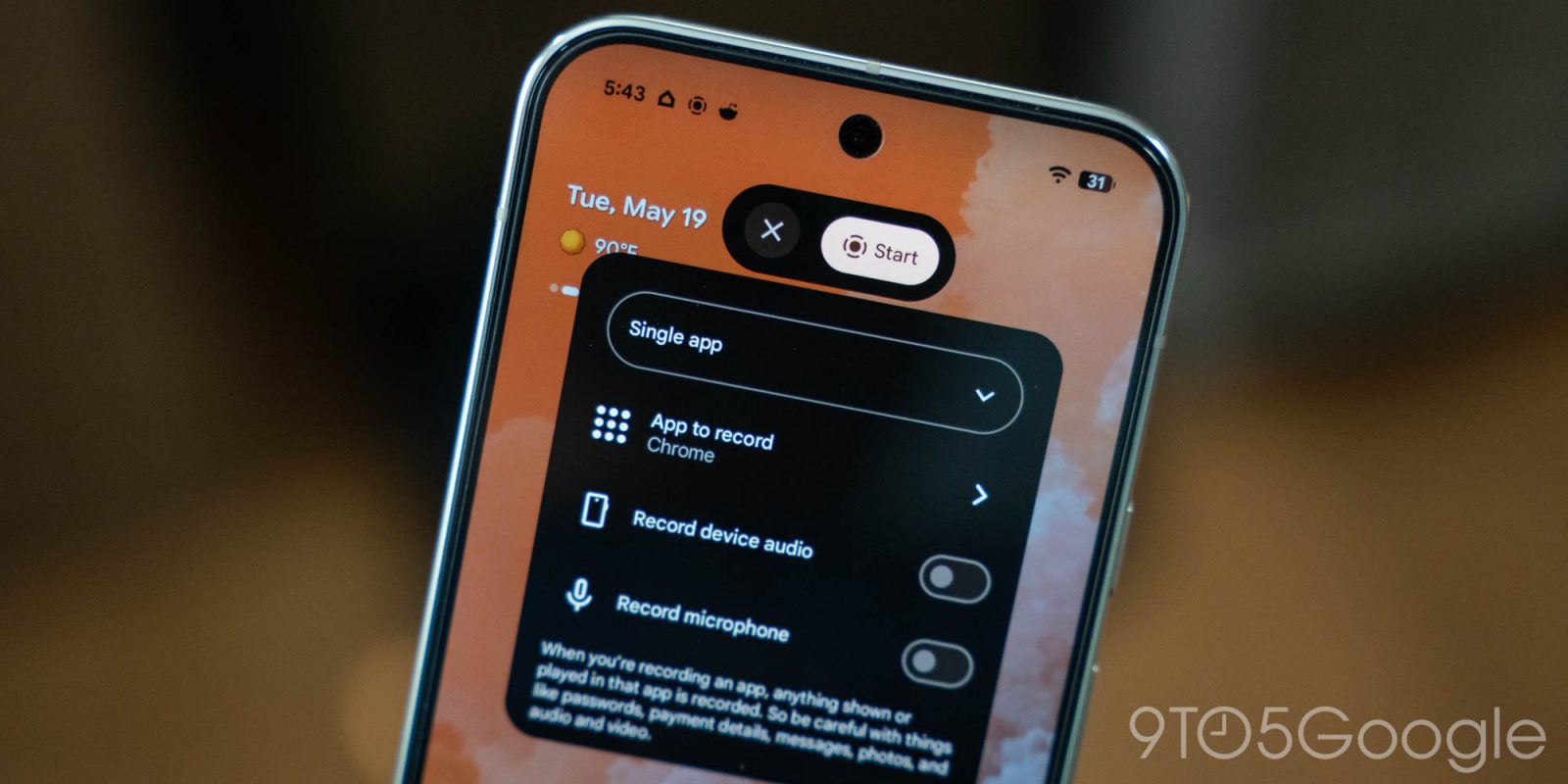
After appearing for the first time in Android 17 Beta, Google’s screen recorder menu now defaults to an option that most people want to use.
The new screen recorder menu in Android 17 offers functionality more quickly by presenting toggles instead of a dropdown menu. For instance, the previous menu gave users the choice of recording device audio, with a microphone, or both. The new menu lets users quickly toggle those options on and choose whether to show screen touches on one page.
None of that is new. What’s changed is what records by default.
In Android 17 QPR1 Beta 3, Google has adjusted the menu so that the last used app is now the default option, and the dropdown menu has “single app” selected first. If you were to tap “start” immediately, the most recent app would be selected and recorded.
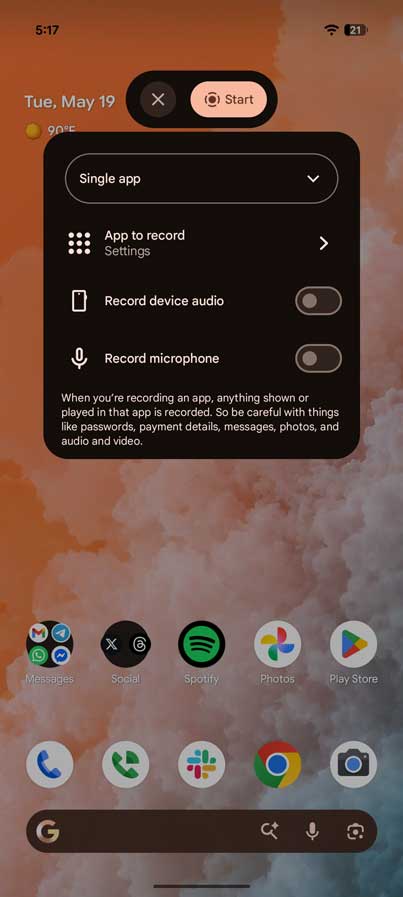
The option has shifted from “entire screen.” It’s a welcome change, considering the long-standing default before Android 17 would leave the screen recorder open to recording anything that pops up. Privacy-conscious users will appreciate the new default for their Pixel.
Android 17 QPR1 Beta 3 carries very little in the way of additional UI changes. Some animations have been adjusted, and more blur has been added.
More on Android 17:
- Android 17 QPR1 Beta 3: System UI adds more blur to Pixel
- How to install the latest Android 17 Beta on Google Pixel
- Google rolling out Android 17 QPR1 Beta 3 for Pixel
- Here’s everything new in Android 17 QPR1 Beta 2 [Gallery]
- Android 17 brings a bit of Pixel Watch whimsy to your notification shade


FTC: We use income earning auto affiliate links. More.




Comments