
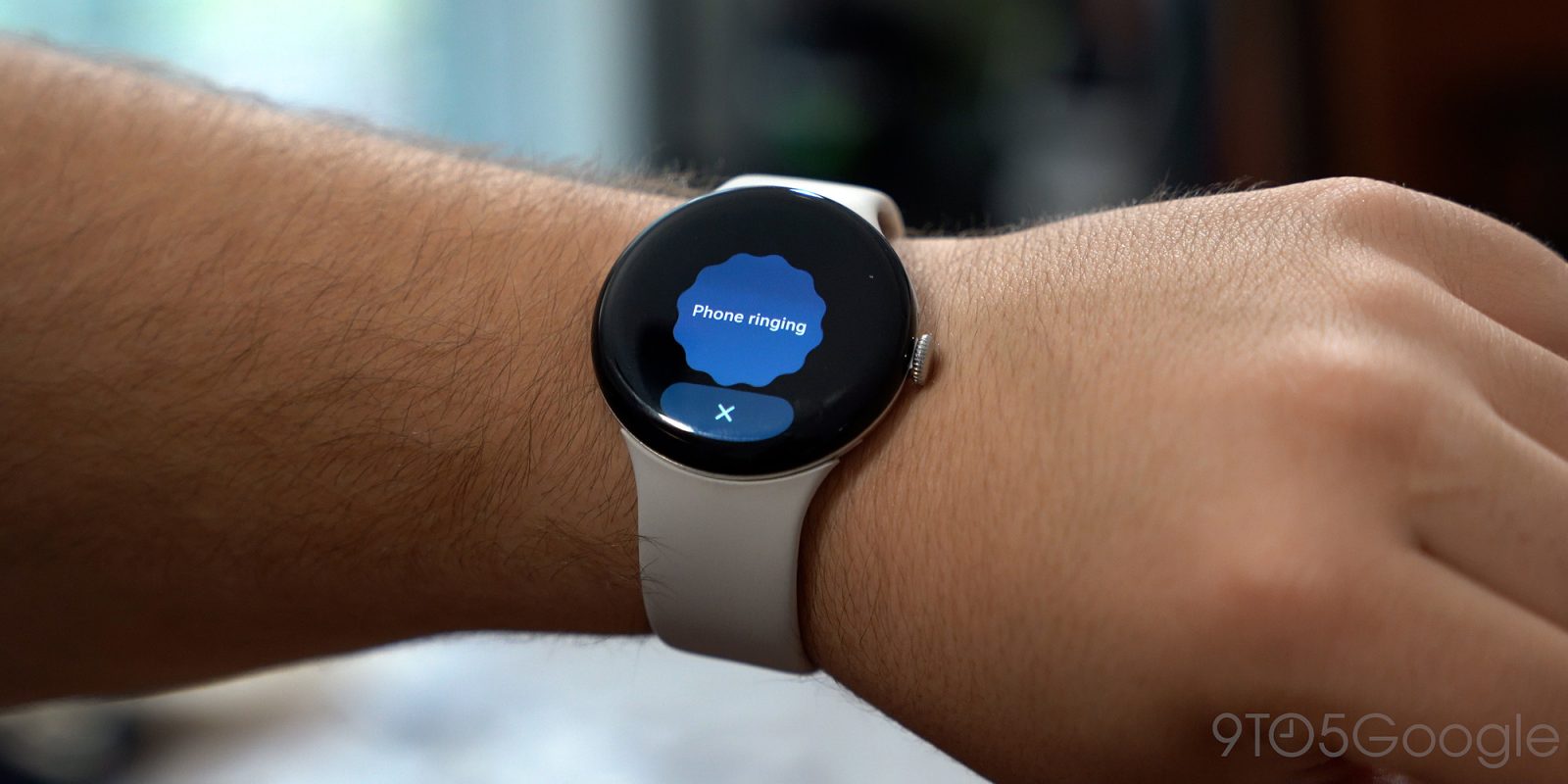
An apparent bug on Pixel Watch is causing the Find My Phone and ECG apps to either not work or crash, leaving both functions useless for many.
There are a lot of functions pre-loaded on your Pixel Watch, but you won’t use every single one every single day. That’s how, sometimes, bugs can go under the radar for a while. That’s what seems to be happening right now, as two core functions are out of order right now.
We noticed on two of our Pixel Watch units, a 41mm Watch 3 and a 45mm Watch 4, that the “Find My Phone” function is currently inoperable. Triggering the function just sees the splash screen pop up before it ultimately crashes, sending you back to the watch face. We’re not alone there, with quite a few reports of the exact same experience popping up in this Reddit thread.
You can still ask Gemini to find your phone.
In looking for more reports of this issue, we spotted another odd Pixel Watch app issue – the ECG app is also broken. Once again, Pixel Watch 3 and Pixel Watch 4 owners are finding that the ECG app opens, then errors out with a screen that says “Reopen the app and try again.” We’re seeing the same issue on our Pixel Watch 4, but not the aforementioned Pixel Watch 3.
The last major software update for Pixel Watch was the March 2026 update, but these issues have popped up in the past few days. So, likely, app updates are to blame, we’re just not sure which ones – the Pixel Watch Fitbit ECG app hasn’t been updated in months.
If you’re seeing either of these issues, let us know in the comments below.
More on Pixel Watch:
- Review: I want to love Belkin’s 3-in-1 Pixel Watch charging dock, but Google ruined it [Gallery]
- You won’t need to leave your Pixel Watch behind to use Google’s new Fitbit Air
- Pixel Watch users get alerts when they leave their phone – here’s how to turn them on
Follow Ben: Twitter/X, Threads, Bluesky, and Instagram


FTC: We use income earning auto affiliate links. More.


Comments