
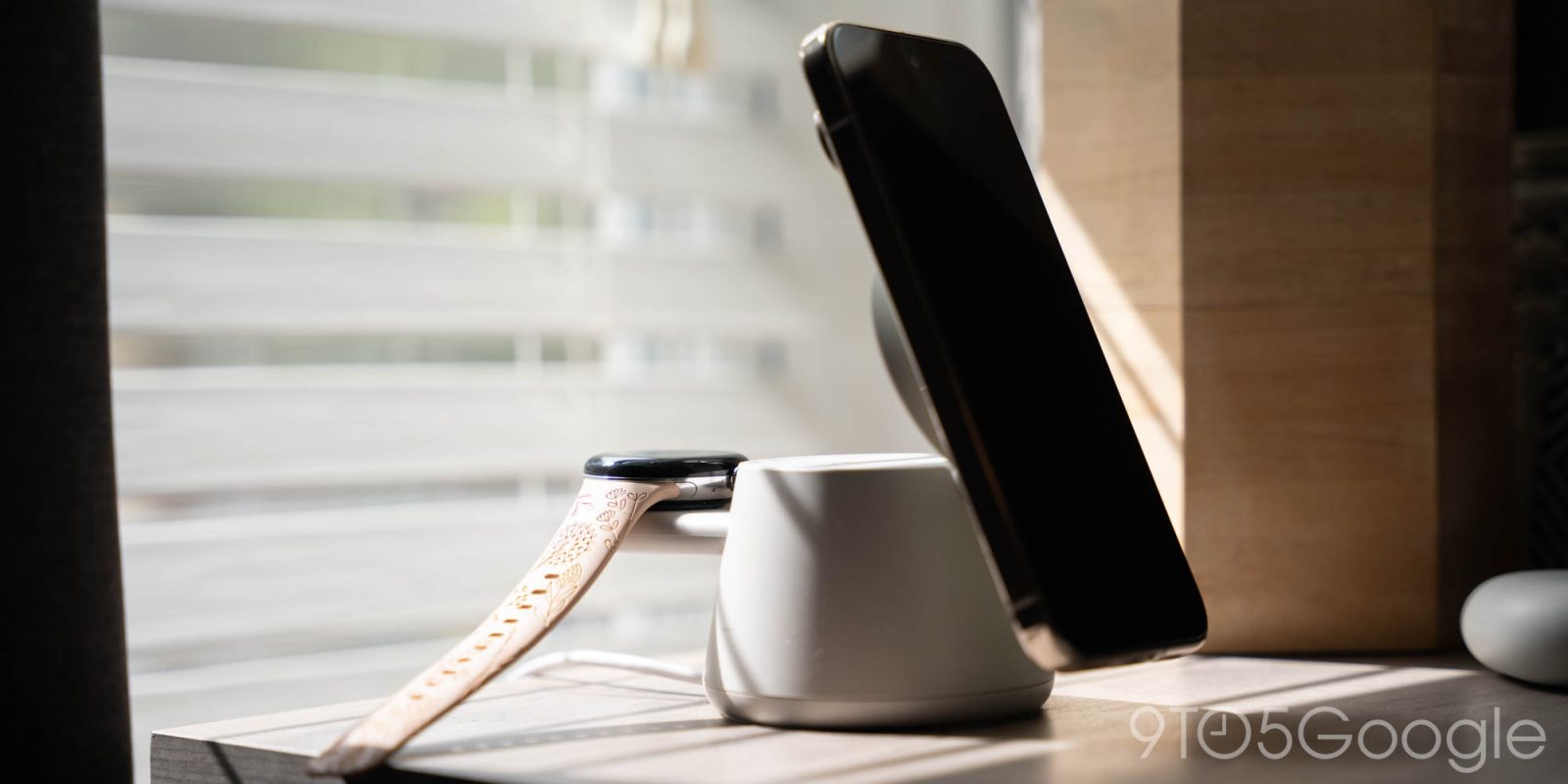
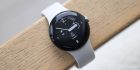
Four generations in, perhaps the most annoying thing about Google’s Pixel Watch lineup is the lack of accessories and, in particular, charging stations. The appeal of a multi-device charging station that tops off your phone, earbuds, and smartwatch is obvious, but one that Pixel Watch owners are sadly left out of. Belkin is now showcasing what is easily the best Pixel Watch-compatible charging station I’ve seen, but Google’s seeming inability to stick with a decision basically ruins it.
I’ve tried to find multi-device charging stations for my Pixel family before. I tried one setup a while back that featured two wireless charging pads and a Pixel Watch dock, but it was the best of a bad situation, with so-so build quality and the typical uneasiness that comes from these no-name accessories. And, all the while, Google’s “official” solution requires you to use USB-C instead of wireless charging – no thank you.
That’s why I was really excited to see Belkin launch its first Pixel Watch-compatible charging dock at CES earlier this year. On first impression, it was a solid option, and one that’s only been better in my home over the past few months.
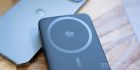
The Belkin Modular Charging Dock is a brilliant idea. It has a Qi2 25W posable dock on the top which reveals a second wireless charging underneath for your earbuds. Then, a little shelf pops out of the back to hold your smartwatch charging puck. Included in the box are inserts for Apple Watch, Pixel Watch 1, Pixel Watch 2/3, and select Galaxy Watch models (including the latest generations).
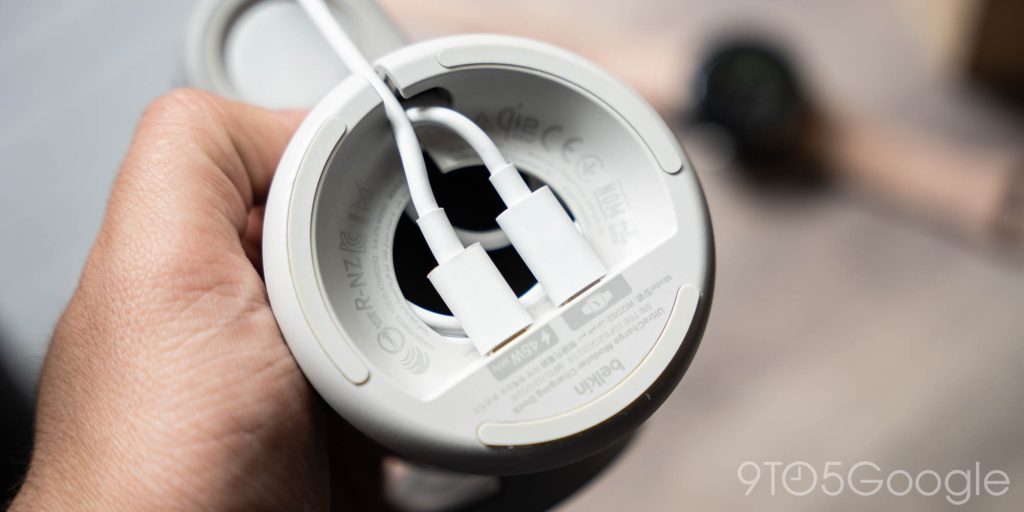
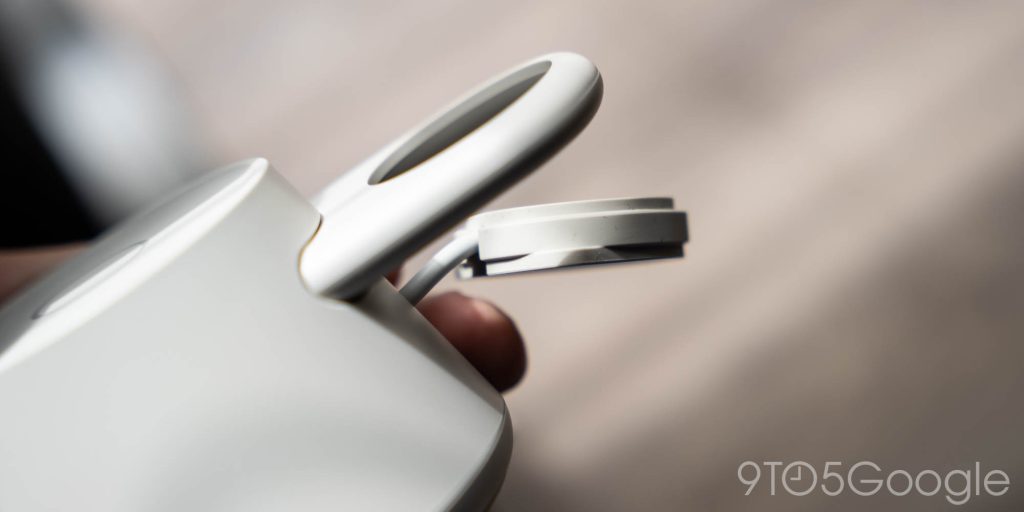
But, if you’ll notice, there’s no Pixel Watch 4 support.
That’s why this dock has been living on my wife’s nightstand, rather than mine.
Over the past few months, she’s been able to use this without a problem. After setup, the only initial headache was finding out that the watch shelf hadn’t fully extended, so her watch charging was inconsistent until we realized it needed to be pulled out a bit further. Since then, it’s been smooth sailing. The simple setup keeps her nightstand a whole lot cleaner than mine, and it’s truly a “no thought needed” experience. The Qi2 portion keeps her Pixel 10 Pro charged up and the weight of the base, while a tiny bit light for my tastes, makes it fairly easy to remove the phone without picking up the entire dock. The earbud charger is a little small for Pixel Buds, but it still gets the job done.
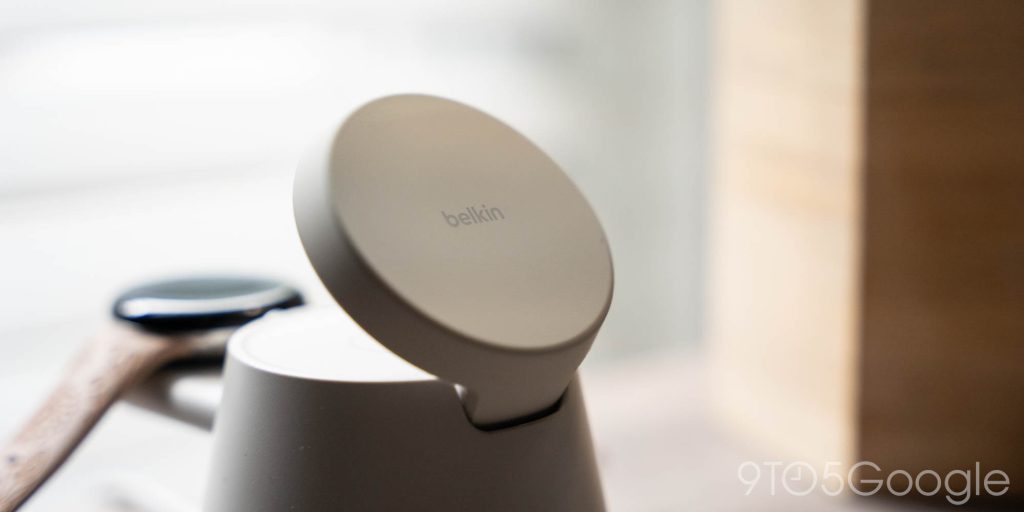
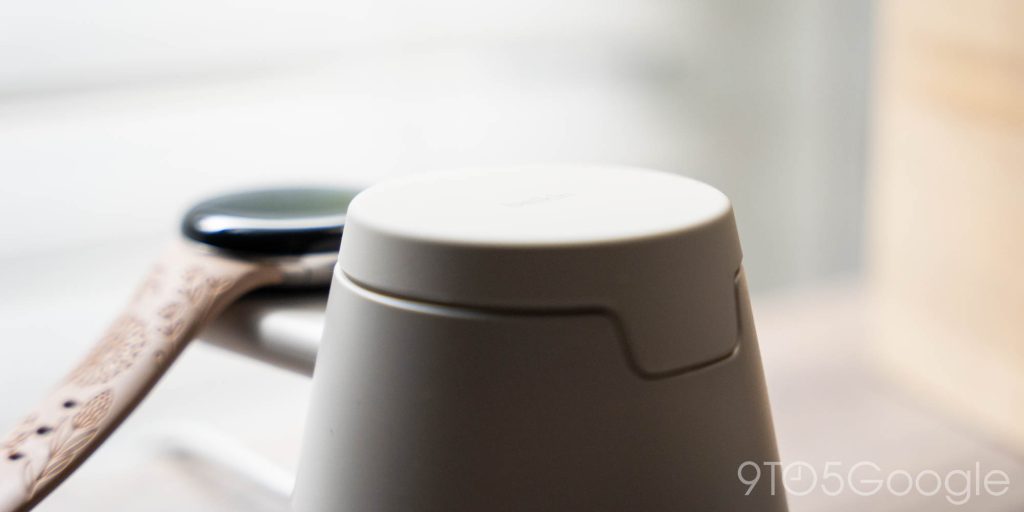
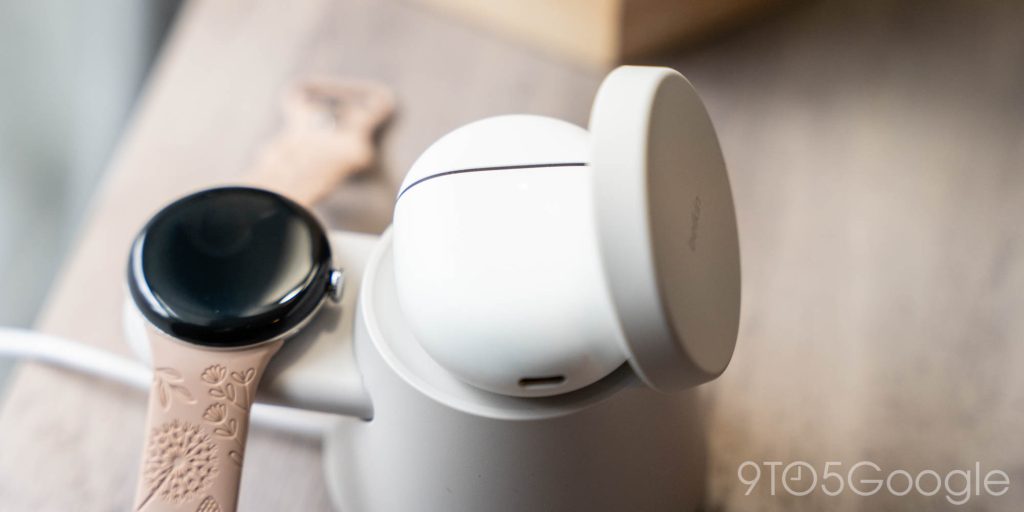
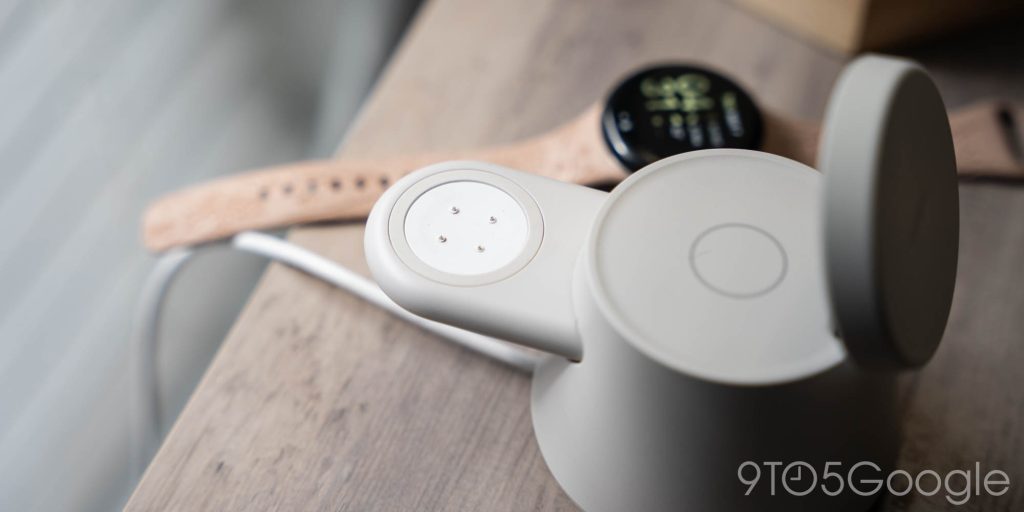
I just hate that I can’t use this with my Pixel Watch 4.
I can’t blame Belkin for that one. This product was probably in development long before Google mentioned anything about a new charger design and, even then, Google is bucking the industry standard here. Belkin could have designed this product around the massive number of Apple Watch owners, but instead opted to make it possible to Pixel Watch owners to join in – it definitely doesn’t make sense to then further modify it just because Google changed its charger again.
Progress and improvements are a part of any good technology and, with Pixel Watch 4, I understand and appreciate the improvements Google made. But, please, can we stop changing the freaking charger. Google’s indecision is ruining what should be great third-party accessories and, for its partners like Belkin, just making the job of creating those accessories that much harder.
Apple has been using the same charger for almost ten years – Google, you’ve already been through three in just four generations. Just make up your mind, for our sake at least.
Top comment by DiamondMaster115
Since there is no stand that has the PW4 charger AND earbuds charging pad AND the Qi2 phone stand all in one, the only way is to 3D print and make your own, which there are a few models out there that do it pretty well. I might just try that instead of waiting when I get my PW4...
Thank you for coming to my TED talk.
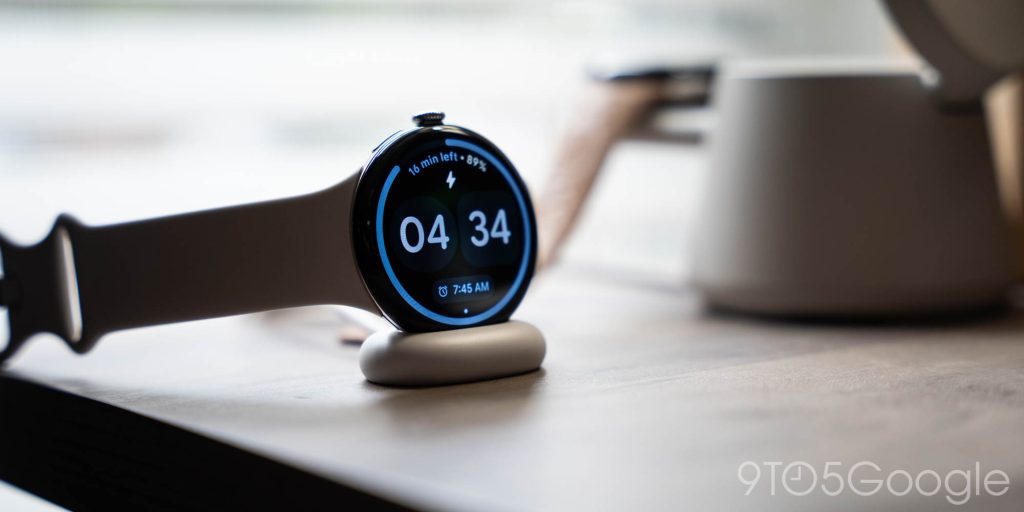
The Belkin Modular Charging Dock is available now for $64.99 both in “Sand” pictured throughout this review and black as well. If you’ve got a Pixel Watch, Watch 2, or Watch 3, it’s absolutely worth a look.
There is one option for Pixel Watch 4 owners, but it’s not nearly as elegant.
More on Pixel Watch:
- You won’t need to leave your Pixel Watch behind to use Google’s new Fitbit Air
- Pixel Watch users get alerts when they leave their phone – here’s how to turn them on
- The Pixel Watch 4’s handy USB-C charger is back in stock, but the price went up
Follow Ben: Twitter/X, Threads, Bluesky, and Instagram


FTC: We use income earning auto affiliate links. More.

Comments