
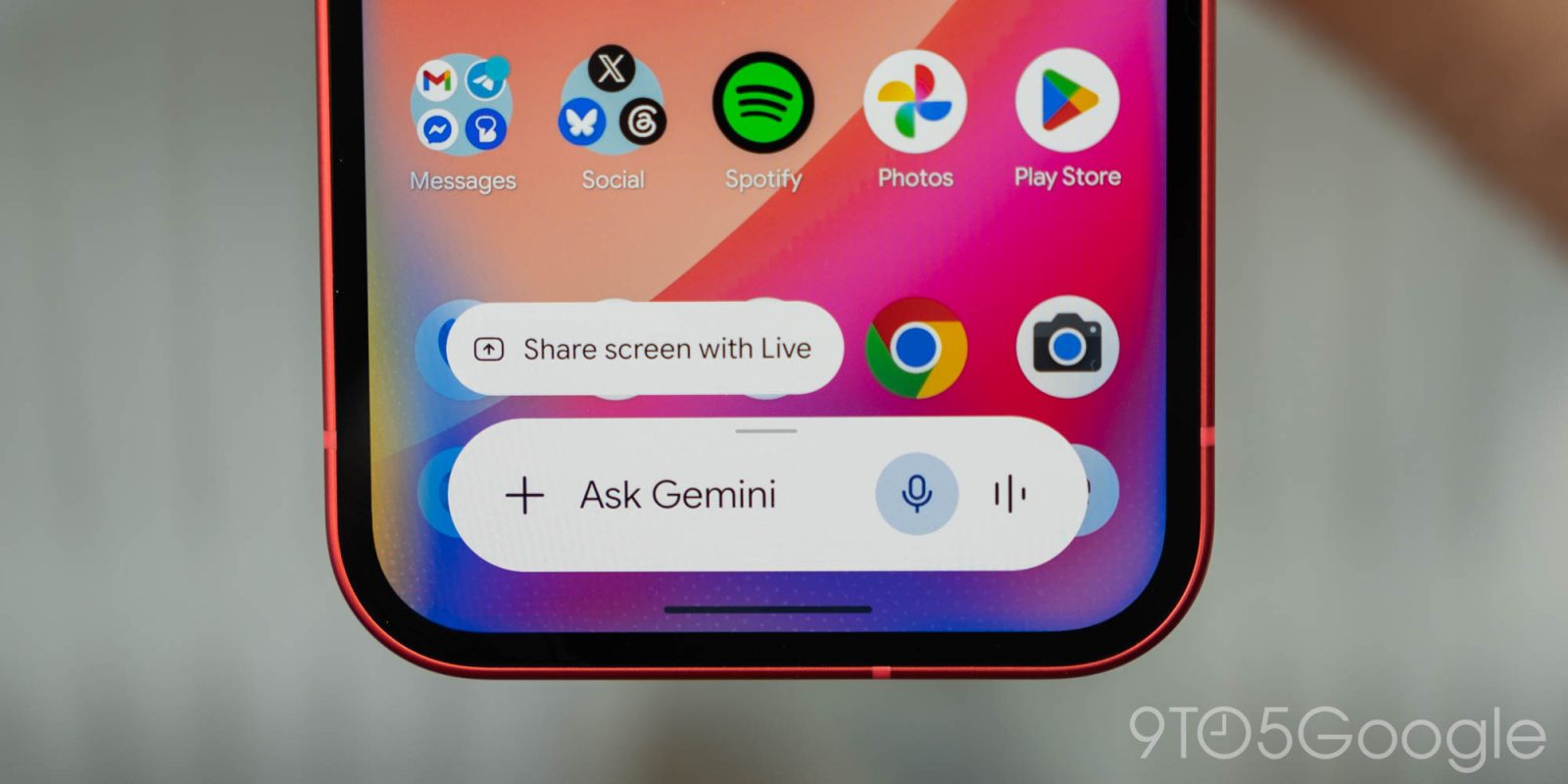
Further reflecting on Google’s practical focus for Gemini and AI in general at I/O 2026 last week, I still find myself struggling to find ways to actually make this technology useful in ways that actually matter. So, what are you doing with Gemini?
9to5Google Weekender by Ben Schoon is a part of our free newsletter that also includes ‘Inbox,’ a twice-weekly roundup of key stories from around the web by Daniel Bader. Sign up here to get Weekender delivered to your inbox every Sunday along with ‘Inbox’ on Tuesday and Thursday. You can find past issues here.
Over the past couple of years, AI has been a part of daily life. Not necessarily in use, but at least in hearing about all the “progress” being made with it. I don’t really consider myself a flat-out AI hater, but I’m not exactly the biggest fan of this technology. AI can do impressive things, but it usually feels like a game of trying to reinvent the wheel. Gemini’s AI Overviews and AI Mode in Search are a pretty flashy new experience, but they ultimately do the same thing, though often while being worse at that thing (all while Google admits the web is “in rapid decline” – I wonder why). AI tools, Google’s or otherwise, just don’t feel like an objectively better improvement, but usually a lateral evolution that’s also wildly resource-intensive – I’m totally not bitter about RAM prices or anything.
But, through it all, I am still trying to find places where Gemini and AI as a whole make actual sense in my life – it’s just an uphill battle.
Perhaps the best real-world use case I’ve seen for AI is in coding. Being large language models, the reasoning of building out code is something these tools can be remarkably good at. I’ve only toyed around with this, building out a quick Chrome extension I needed, but I can immediately see the appeal. I still believe that a good developer needs to be behind anything built by AI – especially anything sold or widely distributed – but the utility is obvious.
Outside of that, though, it’s pretty hit or miss.
As mentioned in last week’s Weekender, I think Google is doing a good job in coming up with ideas for where AI can be useful. One recent “eureka” moment for me in finding use cases for Gemini was in Google Sheets.
Spreadsheets can be a huge headache, but they’re really good at their job if you know how to use them. Personally, I think I’m at least not inept at using a spreadsheet and creating formulas to get what I need done, but the advanced side of things has never been easy. It usually involves a ton of searching around the web for tips and tricks, and then a ton of trial and error to make those tips work in the specific context of what I’m actually working on. Gemini is really good at this, though. Without getting into the details, I was trying to build out a spreadsheet that could take multiple inputs – player names, payments, and a payout structure – and spit out results. I spent an hour trying to do this the “old-fashioned” way, but eventually I tried out Gemini’s integration into Sheets. Using natural language, it was able to spit out formulas that could actually use the context of the rest of the spreadsheet, creating “COUNTIF” and “XLOOKUP” formulas that were far beyond what I would have been able to figure out on my own, and frankly, didn’t even know to research in the first place. I still had to make plenty of manual tweaks, something I couldn’t do if I hadn’t already learned how to use a spreadsheet and its formulas without AI’s help, but Gemini saved me a ton of time and frustration.
Workspace as a whole is somewhere Gemini can be handy. I’m still left with an uneasy feeling about the whole “Docs Live” demo from I/O, but Sheets formula generation and perhaps image generation in a Slides presentation are actually useful ways to put AI to work.
But, really, I want to hear from our readers on this one.
What are you using Gemini for?
Search? Productivity? Coding? I’m really quite curious how you find Google’s AI tools useful. Let’s discuss!
This Week’s Top Stories
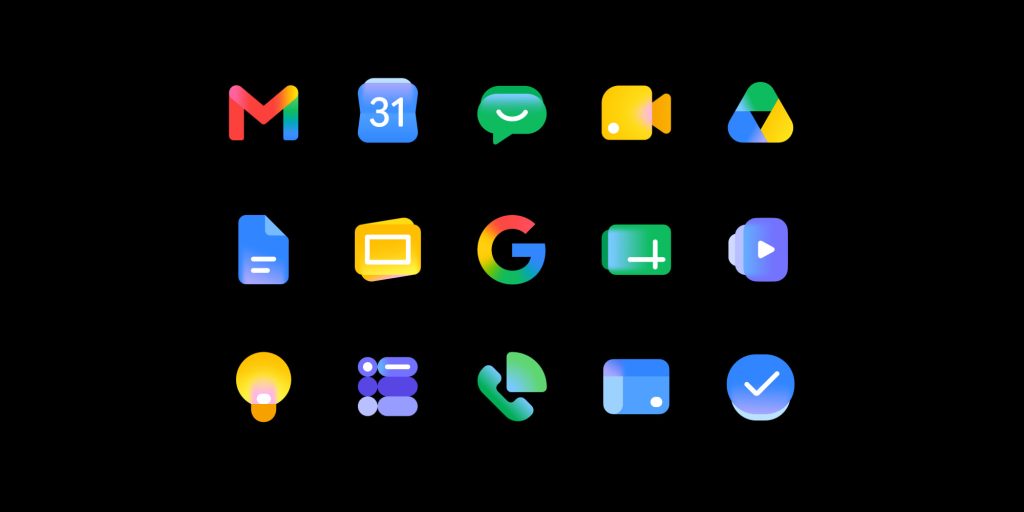
Why Google redesigned Workspace icons, again
Rolling out widely, Google’s new Workspace icons are a big change for the second time in recent memory. Why the change? In short, Google is using these new designs to reflect the “Gemini era” while also giving every app its own identity – the latter being everyone’s problem with the last big redesign.
Motorola was hijacking the Amazon app, and we still don’t know why
We reported earlier this week on some bizarre behavior on Motorola smartphones which left the Amazon app redirecting through your browser with just enough time to inject an affiliate code, monetizing your traffic. The behavior has since stopped, but Motorola declined to explain what happened, and why this was routed through a random fashion influencer.
- Motorola phones have started hijacking the Amazon app to insert affiliate codes [Video]
- Motorola stops its phones from hijacking the Amazon app, which was ‘unintended’
More Top Stories
- Review: Fitbit Air is a near-perfect fitness tracker with an imperfect AI Health Coach
- Google rolling out Pixel Buds Pro 2 and Pixel Buds 2a update
- Google adjusts Gemini’s new usage limits in response to complaints
- New Gemini Live voices rolling out, Android widget gets Neural Expressive icons
- Samsung’s latest Galaxy update changes how dark mode looks, but not for everyone
- Samsung Gallery is ditching OneDrive integration
- No, that probably wasn’t Pixel 11’s ‘Glow’ at I/O – ‘Pixel Ultra meeting’ anyone?
- Samsung’s wider Galaxy Z Fold 8 hardware leaks in hands-on [Gallery]
- Peak Design’s small Travel Backpack is the exact tech bag I’ve been looking for
- Thinner Oura Ring 5 finally tracks live activity, $50 price increase
- YouTube is making its app better for podcast playback, but only for Premium users
From the rest of 9to5
Top comment by Taylor Chirillo
Gemini is an ace at planning cookouts. I put the recipes in, specify when I want to serve the food, and Gemini spits out a perfect combined schedule of when to steps and timing. Then I save that as doc I can follow on the day of the cook. It can make adjustments for all recipes at once, synchronize finish times, substitutions, shopping lists, you get the picture.
9to5Mac: iPadOS 26 one year later: My highs and lows as full-time iPad Pro user
9to5Toys: Nintendo Direct June 2026: Zelda remake, new Switch 2 hardware, and more
Electrek: Rivian R2 matches Tesla Model Y efficiency despite bigger, heavier body
Follow Ben: Twitter/X, Threads, Bluesky, and Instagram


FTC: We use income earning auto affiliate links. More.


Comments