
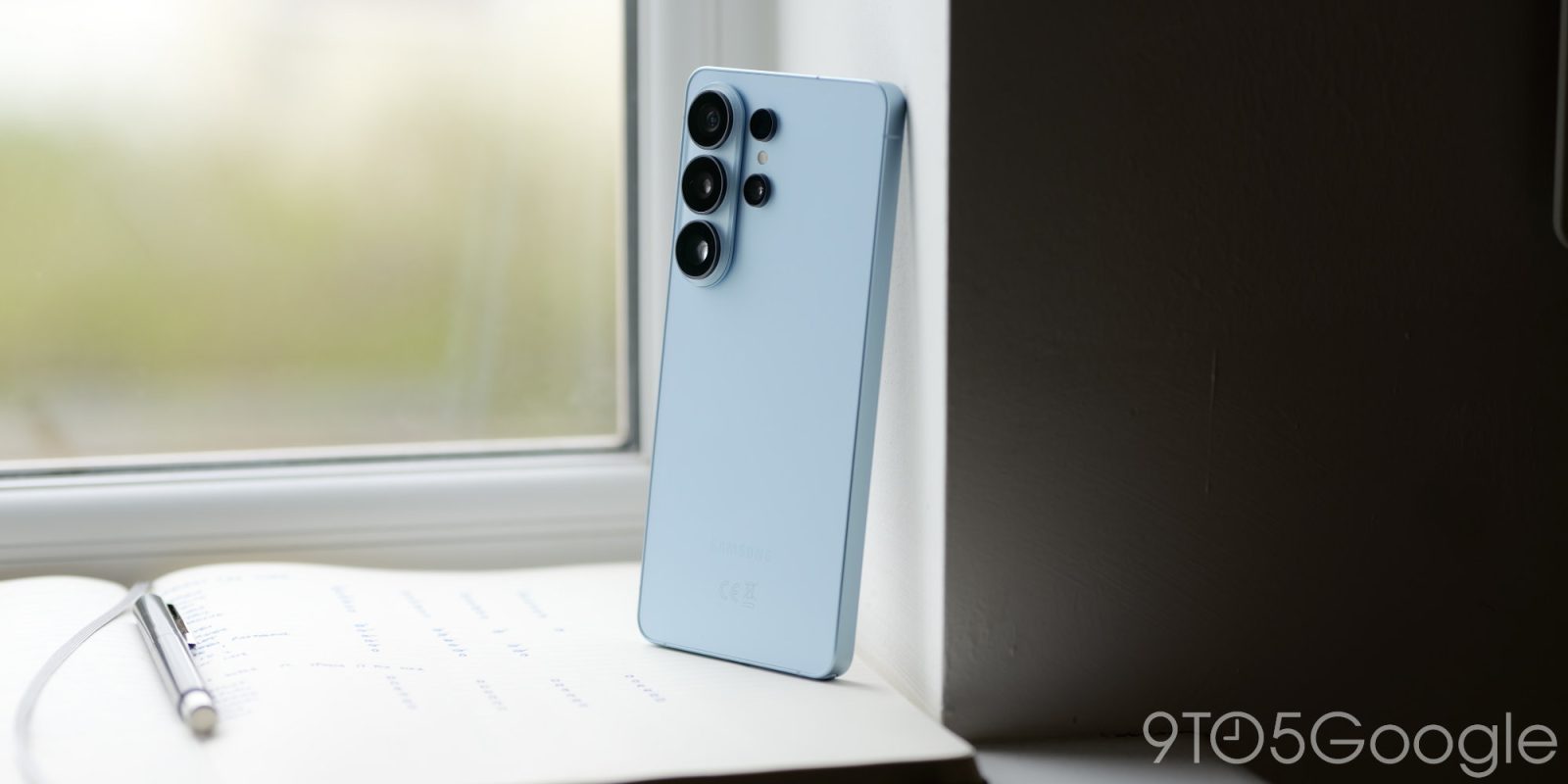
Samsung has removed the “lockdown” option from One UI 9’s power menu. The security feature now activates automatically, whether you want it to or not.
Lockdown has been an option in the Samsung Galaxy power menu for several iterations of Android. Power options and the emergency SOS feature were available by pressing the volume up key and power button at the same time or holding the power button, depending on your shortcut preferences. The lockdown feature joins the other three buttons. Pressing it locked your phone and disabled biometric security. You’re left with a PIN entry and minimal access without it.
It’s a great security feature, though it’s often thought of as a last resort that can be activated through Google’s Find My Device network.
Samsung’s One UI 9 beta – based on Android 17 – changes how lockdown is turned on (via SammyFans). Additionally, some on Reddit corroborate the beta feature, and the post notes that Samsung’s lockdown mode turns on automatically once the power menu is dismissed. The menu also removes the button from its option list. “Medical info” replaces “Lockdown.”
When the power menu disappears, One UI 9 locks the phone and disables biometric entries like fingerprint and facial recognition. A PIN is required, unless a pattern or password has been set. Any other unlock methods are disabled, and the phone is essentially fully locked out.
Samsung’s method change will allow users to access the feature without thinking about it. It remains to be seen if the design ends up in the stable One UI 9 release, but it’s currently live in One UI 9 beta 2.


FTC: We use income earning auto affiliate links. More.




Comments