
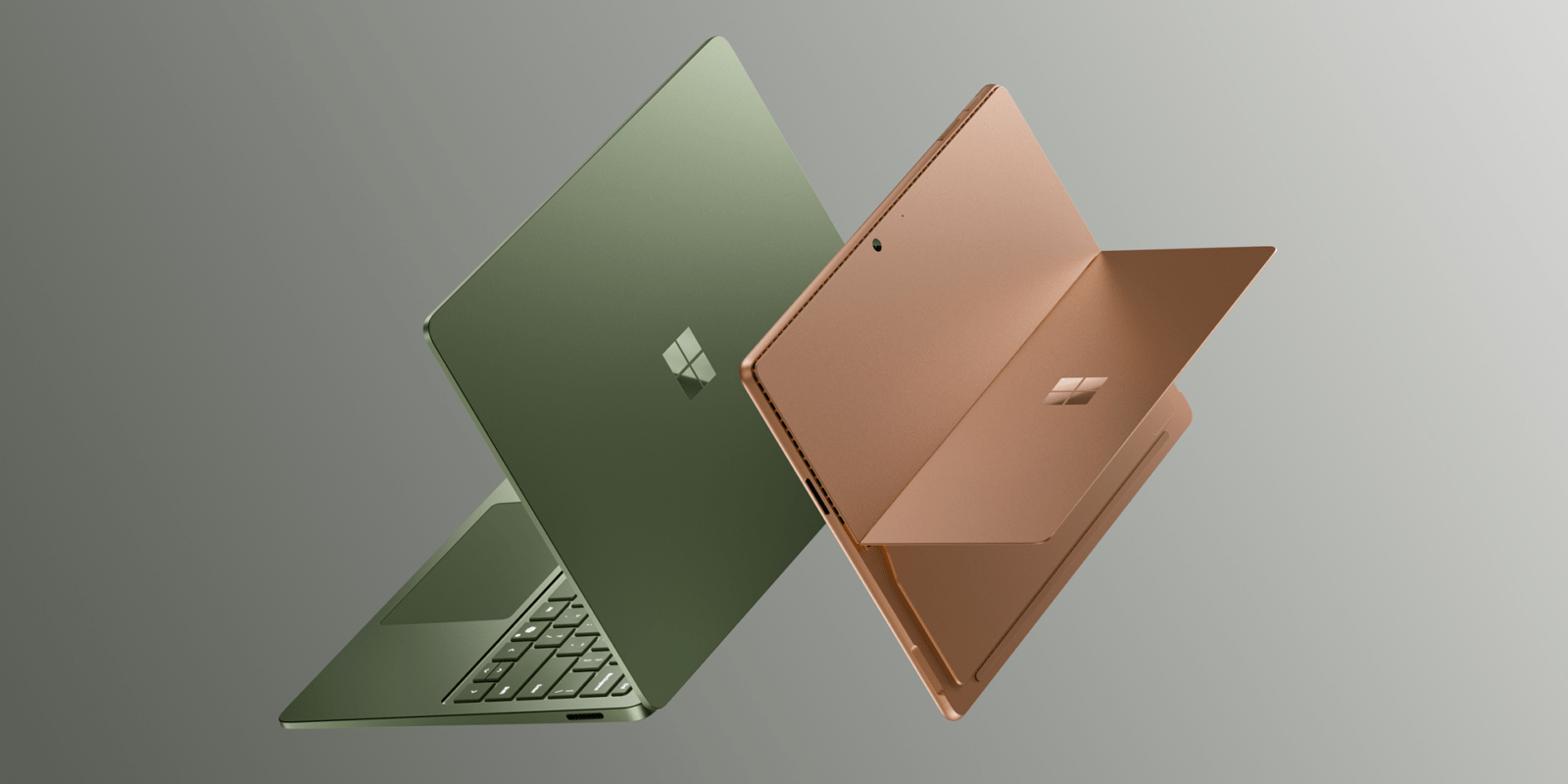
Roughly two years after the last generation debuted, Microsoft is today unveiling its new Surface Laptop and Surface Pro models, both of which upgrade to Snapdragon X2, with a starting price of $1,499.
Available starting today, the latest Surface Laptop (8) and Surface Pro (11) are pretty familiar shells. the designs haven’t really changed, nor have the specs for the most part. Both machines are primarily just an upgrade to Snapdragon X2 series chips, a pretty big upgrade in itself over the original Snapdragon X series.
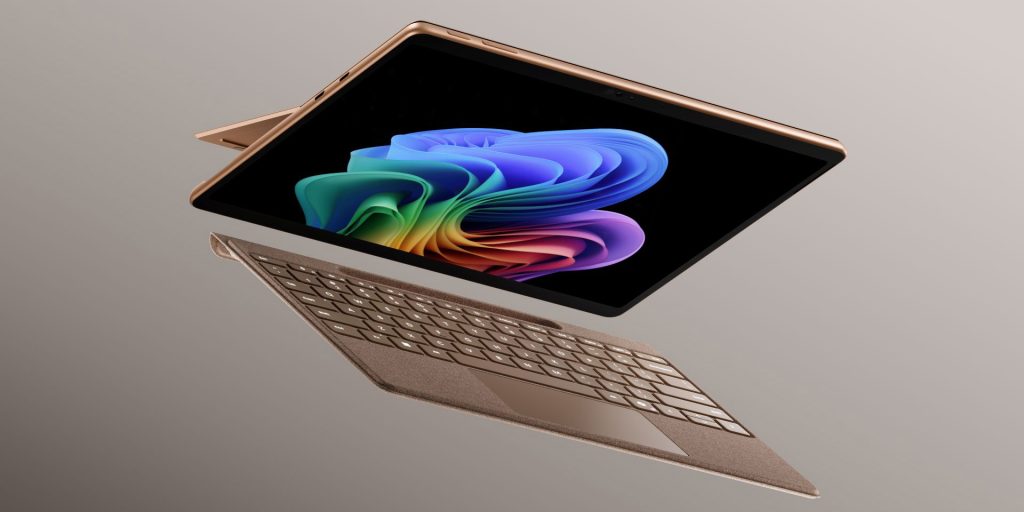
The latest Surface Pro comes in Platinum, Black, and Dune colors with a Flex keyboard, up to 15.5 hours of battery life, and considerably faster performance, especially in graphics where Microsoft says there’s a 53% improvement.
Surface Pro starts at $1,499 with Snapdragon X2 Plus and 16GB of RAM, with no keyboard or stylus. Both machines are just above the recent price hikes their predecessors got in April.
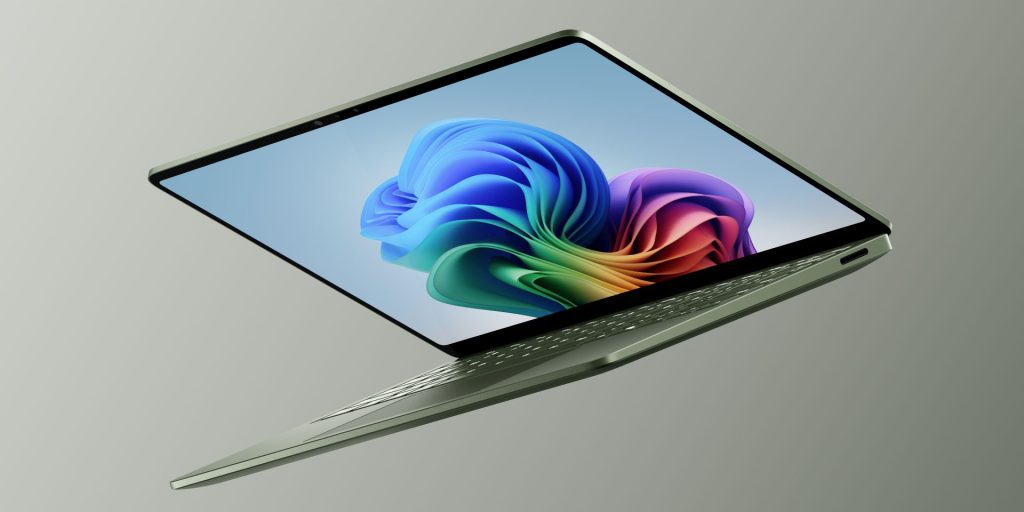
Meanwhile, the new Surface Laptop has some other notable upgrades. There’s a new Jade green color in addition to the existing Platinum, Black, and Dune offerings, and there are still two sizes with 13.8-inch and 15-inch displays, both still LCD. Microsoft says that battery life can hit up to 20 hours on the smaller model, and Snapdragon X2 delivers similar performance boosts too.
Microsoft also points out a trackpad upgrade that delivers “subtle haptic feedback across Windows and the apps you use every day.” An example of this can be found in Affinity, which Microsoft says will be pre-loaded on this new Surface Laptop and Surface Pro generation.
Surface Laptop starts at $1,599 with Snapdragon X2 Plus and 16GB of RAM.
Microsoft also details that both machines utilize 100% recycled aluminum for the shell, and there’s also a new Surface Repair Tool that “run tests on supported components (including the battery, display, or camera) and [walks] through guided repairs for eligible parts like the battery, display, touchpad or motherboard.”
More on Windows:
- Samsung Galaxy Book 6 Edge with Snapdragon X2 Elite is $2,100, only 16GB of RAM
- Nvidia RTX Spark sounds like it might be a great Windows chip even beyond the AI
- Snapdragon C wants to be Windows’ answer to the MacBook Neo, targeting $300 laptops
Follow Ben: Twitter/X, Threads, Bluesky, and Instagram


FTC: We use income earning auto affiliate links. More.


Comments