
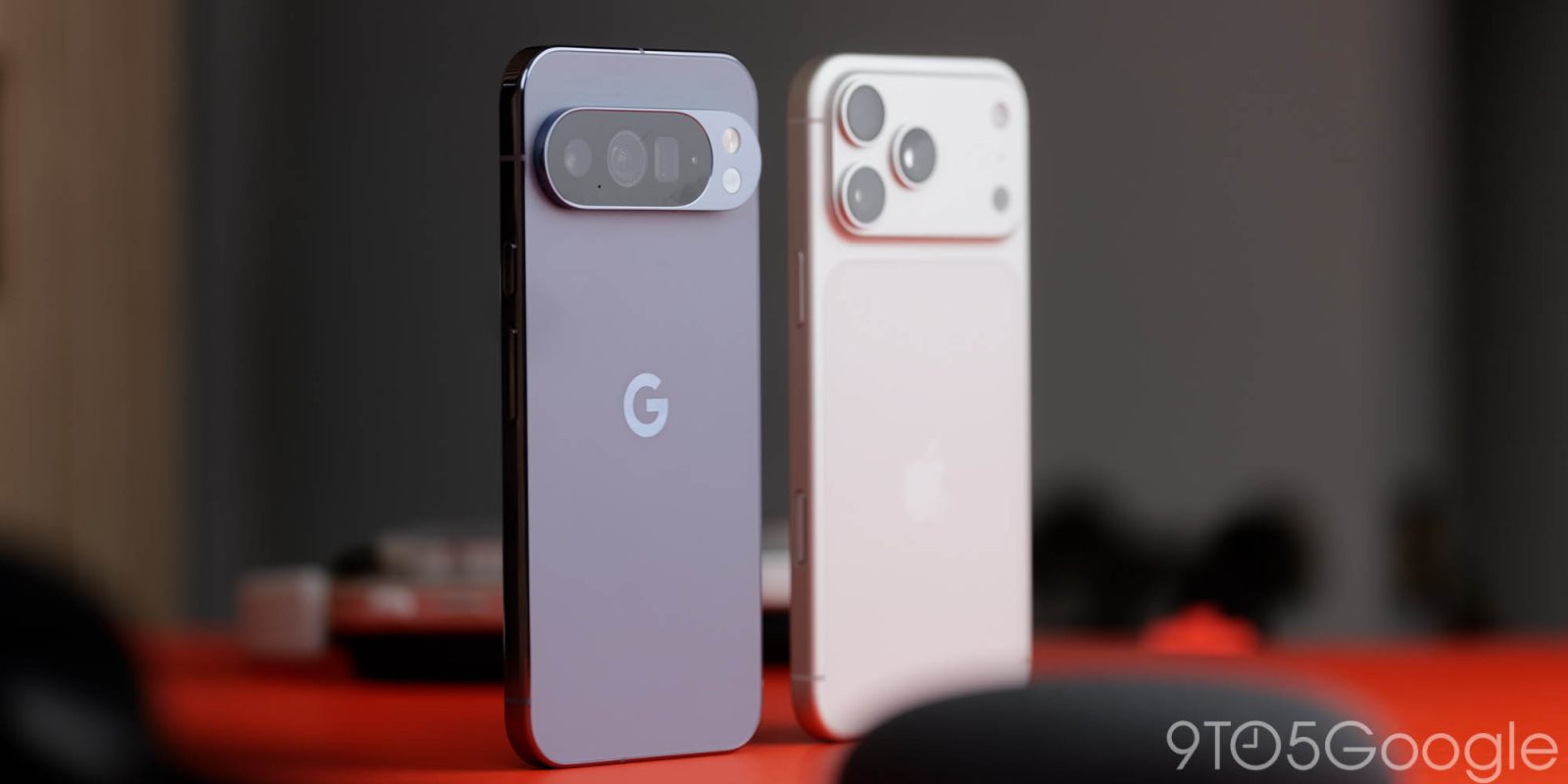
Google is introducing a massive upgrade to its “Android Switch” tool in Android 17, with the ability to copy more data than ever when switching from iPhone to Android, and it might be able to copy more data than you get when moving between Android phones.
Detailed by Google’s Product Lead for Android Onboarding and Android Settings, Paul Dunlop, Android 17 unleashes an absolutely huge upgrade to “Android Switch.” That’s the tool and process used to move data between iPhone and Android when switching to a Google Pixel or other new device.
This tool has been available for a while now, but with rudimentary functionality by comparison to what’s coming with Android 17.
What’s new? Here’s the list:
- Google account from your iPhone now transfers to Android
- Messages migration including SMS, MMS, RCS, and iMessage history with media, stickers, etc intact
- Homescreen transfer including wallpaper, app layouts, etc
- Wireless transfer using WiFi
- Leverages native tools in Android and iOS, as announced last year
- More data types available for transfer: passwords, passkeys, WiFi credentials, alarms, etc
- App developers can allow in-app data to transfer between devices
- Key accessibility settings transfer over
- Call history, encrypted RCS messages, Calendar attachments, files & folders, Apple Notes attachments & labels now transfer over
- eSIM transfer (does not support all carriers yet)
If you’ve ever tried to switch between iPhone and Android, you’ll know that this is a huge improvement. Frankly, it’s an improvement on what you get when moving between some Android devices too. While moving between new models from the same brand, you’ll typically get a seamless transfer, but moving from a Pixel to a Galaxy, or a Galaxy to an Oppo device often means losing your homescreen layout and a ton of other information in the process. Hopefully, Android to Android transfers are next in line for this sort of upgrade.
Dunlop says that this is rolling out starting today with a “small percentage” of Android 17 devices – which, for now, means only Pixel devices. The improvements will expand “over the coming weeks and month,” with non-Pixel devices also getting these upgrades.
What do you think of the change?
More on Android 17:
- This is every new feature in Android 17 [Video]
- Android 17 gives foldables the virtual gamepad they’ve always deserved
- Android 17 June update rolling out with 38 Pixel fixes
Follow Ben: Twitter/X, Threads, Bluesky, and Instagram


FTC: We use income earning auto affiliate links. More.


Comments