
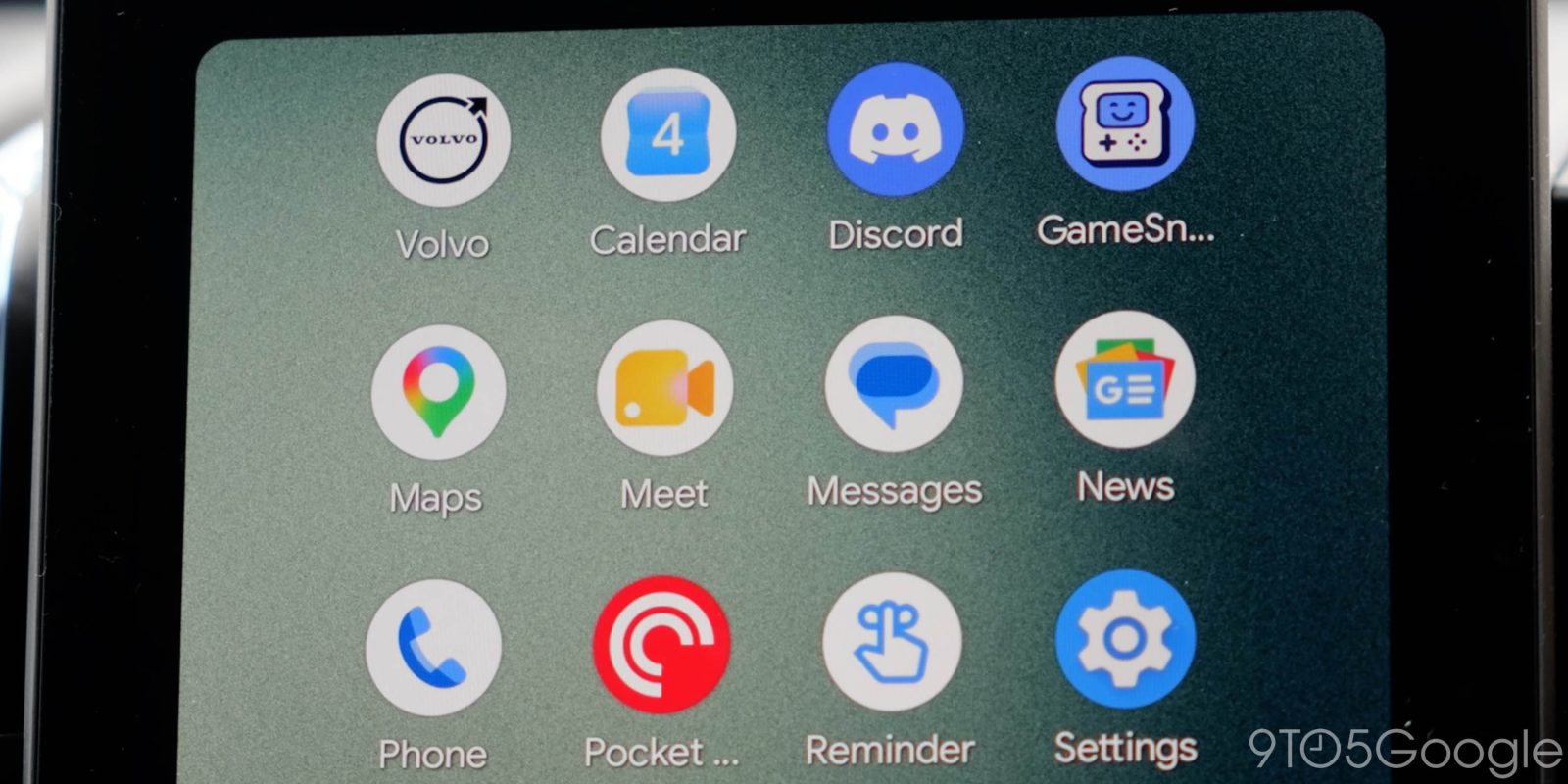
While most Android Auto users just want to use the platform for navigation and music, apps can provide extra value. Messaging apps, for instance, can be a useful way to access messages safely behind the wheel, which is why some Android Auto users are frustrated that the Facebook Messenger app has suddenly vanished.
Most major messaging apps offer an Android Auto app for the sake of collecting any messages that arrived during the current trip. On long commutes, though, that could certainly come in handy for managing multiple conversations.
Top comment by Blake Workman
"Android Auto’s notification UI still supports Messenger notifications, just without the direct filter"
I'm not even getting that.
If you’ve been using that for Facebook Messenger, recent updates seem to have broken Android Auto support.
As a growing number of users have reported on Google’s forums in the past couple few days, Facebook Messenger has simply vanished from Android Auto. The icon is gone on car displays and in the launcher customization screen on your phone, something we’ve been able to confirm on our own devices with Facebook Messenger v565.0.0.43.88. The change comes with zero warning, with the app just disappearing. Meta hasn’t officially communicated a reason for the removal either.
It’s unclear if this is simply a bug or an intentional removal. In the meantime, Android Auto’s notification UI still supports Messenger notifications, just without the direct filter.
More on Android Auto:
- Google rolling out fix for Gemini after it couldn’t make calls on Android and Android Auto
- Android Auto bug leaves Google Maps stuck in day mode at night for some
- Android Auto redesigned Google Maps alerts to be less distracting – it’s a huge upgrade [Gallery]
Follow Ben: Twitter/X, Threads, Bluesky, and Instagram


FTC: We use income earning auto affiliate links. More.


Comments