
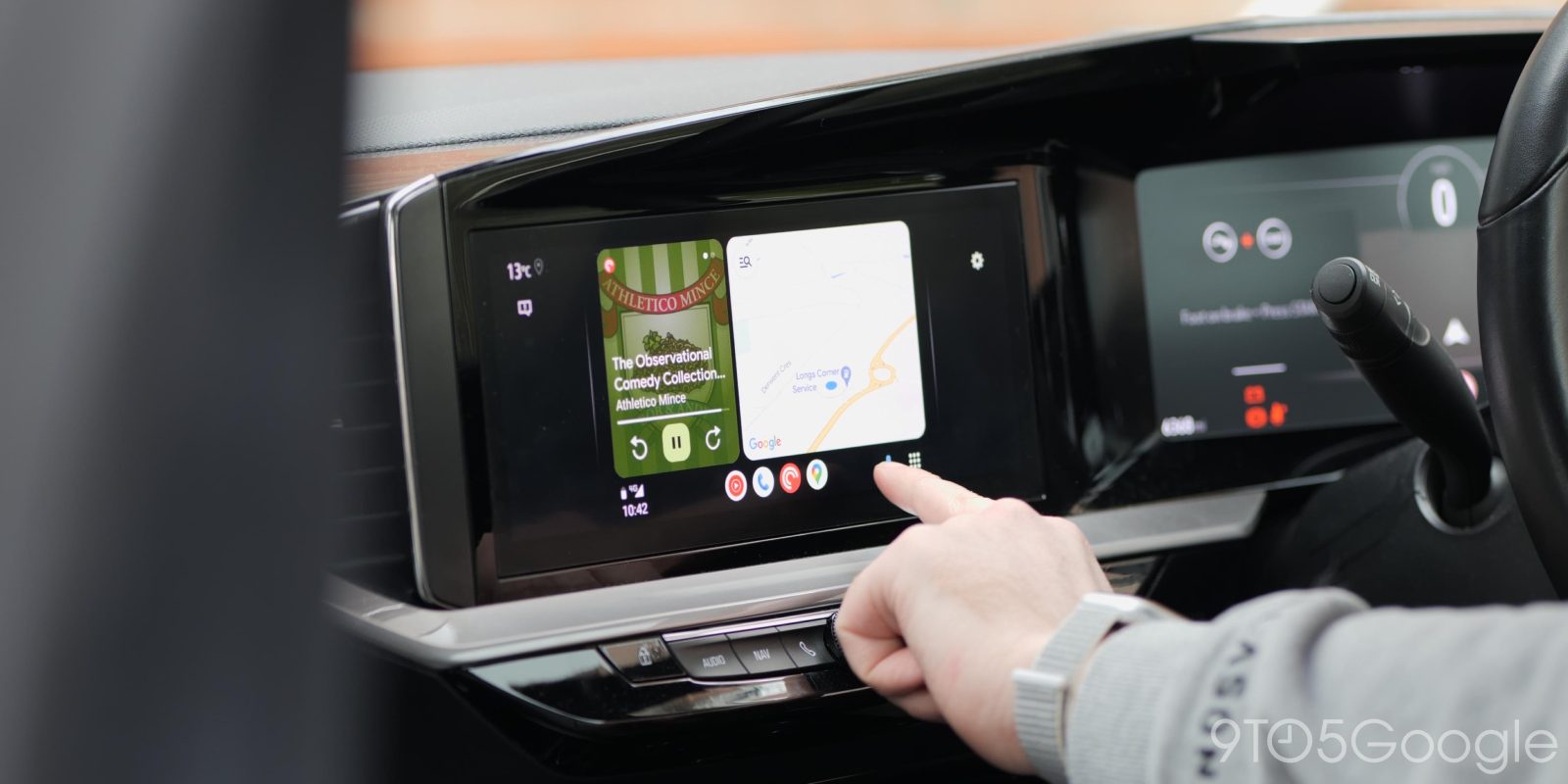
Google Maps is invaluable behind the wheel and one of the key reasons anyone would want to use Android Auto, but a frustrating bug has left a number of Android Auto users with their directions stuck in a blindingly bright light theme at night.
In most vehicles, Google Maps on Android Auto will automatically switch between day mode and night mode based on the car’s overall settings, usually kicking into dark theme as soon as the headlights turn on. This can vary depending on your setup, especially if you’re using an aftermarket head unit, but it’s a nice way to use the platform.
But, for some, that switch is suddenly not working.
Top comment by Michael Ruocco
I thought it was me losing my mind. Also having this issue with Waze.
We’ve seen intermittent reports of Google Maps for Android Auto getting stuck in day mode at night over the past couple of months, but it seems to have hit more users in the past few days. Over a dozen reports have surfaced over Google’s forums and Reddit in the past week of users who have suddenly noticed that Google Maps is no longer changing its theme at night. The issue appears to be only happening on Android Auto and not specific to any one phone or vehicle brand. There’s a chance this is due to a beta update, whether Maps or Android Auto, as several of the reports are from beta users. That said, this one seems a little too widespread to be beta-specific. We’re seeing reports from Android Auto 17.0 and 17.1, the former of which was released to the stable track late last week.
You might be able to fix this problem by rolling back your Android Auto version (uninstall updates), but ultimately this is one Google will need to fix.
Let us know in the comments below if you’re seeing this problem.
More on Android Auto:
- Android Auto redesigned Google Maps alerts to be less distracting – it’s a huge upgrade [Gallery]
- This adapter adds Android Auto and CarPlay to Chevy, other EVs from GM – for now
- Google Meet for Android Auto now rolling out widely
Follow Ben: Twitter/X, Threads, Bluesky, and Instagram


FTC: We use income earning auto affiliate links. More.



Comments