
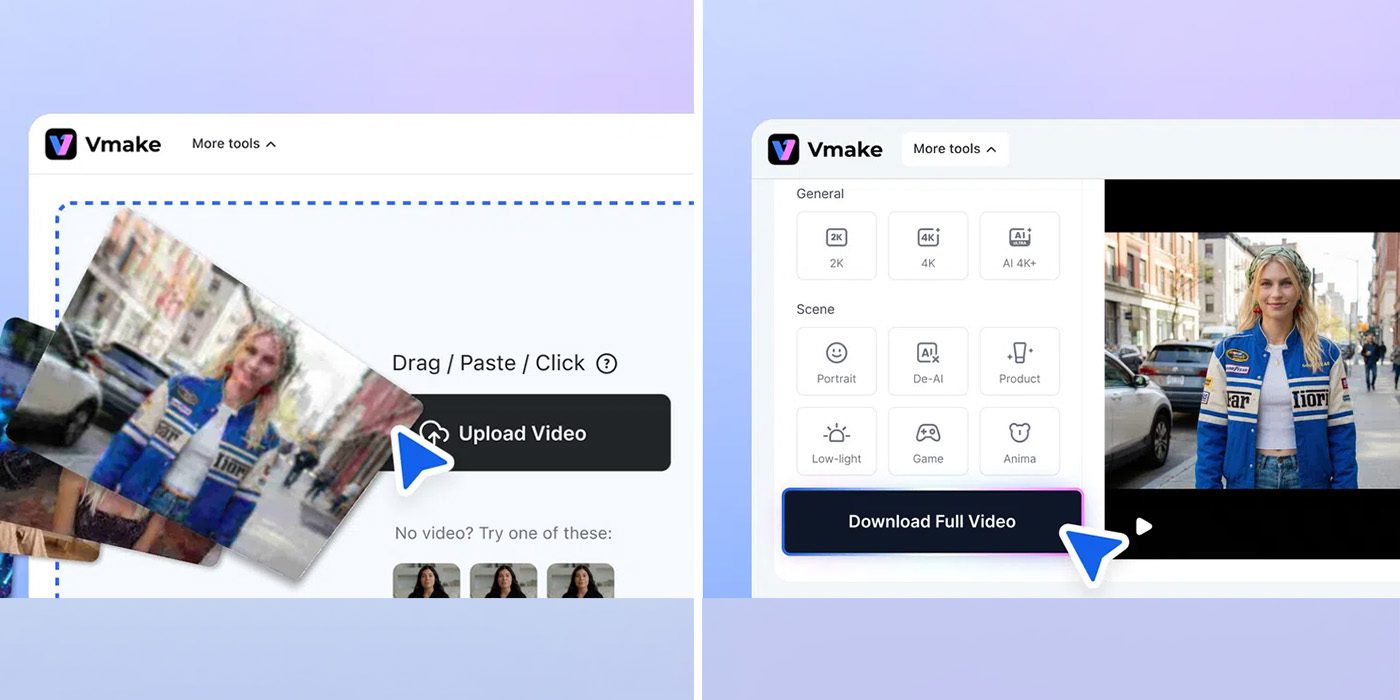
The social media age begs businesses and everyone else to bridge the gap between quality and quantity and, with Vmake’s AI studio of tools, you get an all-in-one, one-stop shop for everything you need to more easily create content.
Vmake’s AI Social Video Studio is full of tools that can improve your social media game, whether that’s improving the content you’ve already shot or posted, or creating something from scratch.
The studio’s tools include a video enhancer, watermark remover, video recreation, AI avatars, video translator, and product showcases. The all-in-one suite helps you bring visions to life, optimizing everything along the way to get the maximum benefit out of your content and its viral potential.
Looking firstly at the Video Enhancer, Vmake can take raw footage and polish it with ease. That includes upscaling to 4K, fixing blur, cleaning up noise, adjusting lighting, and stabilizing footage, all in a single click.


Other tools can help out from there.
It’s hard to keep track of all of your original footage, making the ability to download old clips from your social profiles pretty useful. But those are often covered up by watermarks from the platform, your own captions, and more. Vmake’s watermark remover comes in handy there, with the ability to remove those elements and give you a clean clip to work with when you need it most.


Or if you want to put your subject on a new background, a background removal tool is ready to help out. You can even have Vmake use another existing video to make a recreation, which could be helpful to make a concept of your own video, the basis of a shoot, or an edit. It’s all available in a single place, no app switching or multiple subscriptions needed!
For quick content creation, Vmake also supports the ability to create clips from product images or existing footage, or can use AI objects or avatars to bridge the gap between clips or save money on production – it can take the cost of a video down to as low as $10. That AI UGC can then be used alongside other content you’ve captured to build out powerful content for social media.
Vmake’s social media tools are free to try, with higher creation limits and additional tools unlocked with a subscription that starts at under $6/month when billed annually.
The “Plus” plan is the best value for most, offering up to 1,000 credits each month and the use of core tools like the video enhancer, watermark remover, and thumbnail generator up to 10 times per day. You’ll also get access to the most powerful generation models including Google’s Veo 3.1, Seedance 2.0, and more, all with export up to 1080p. The Pro plan supports up to 4K output, 5x the daily use, and 4,500 credits. You can see a full breakdown on Vmake’s site.


FTC: We use income earning auto affiliate links. More.


Comments