
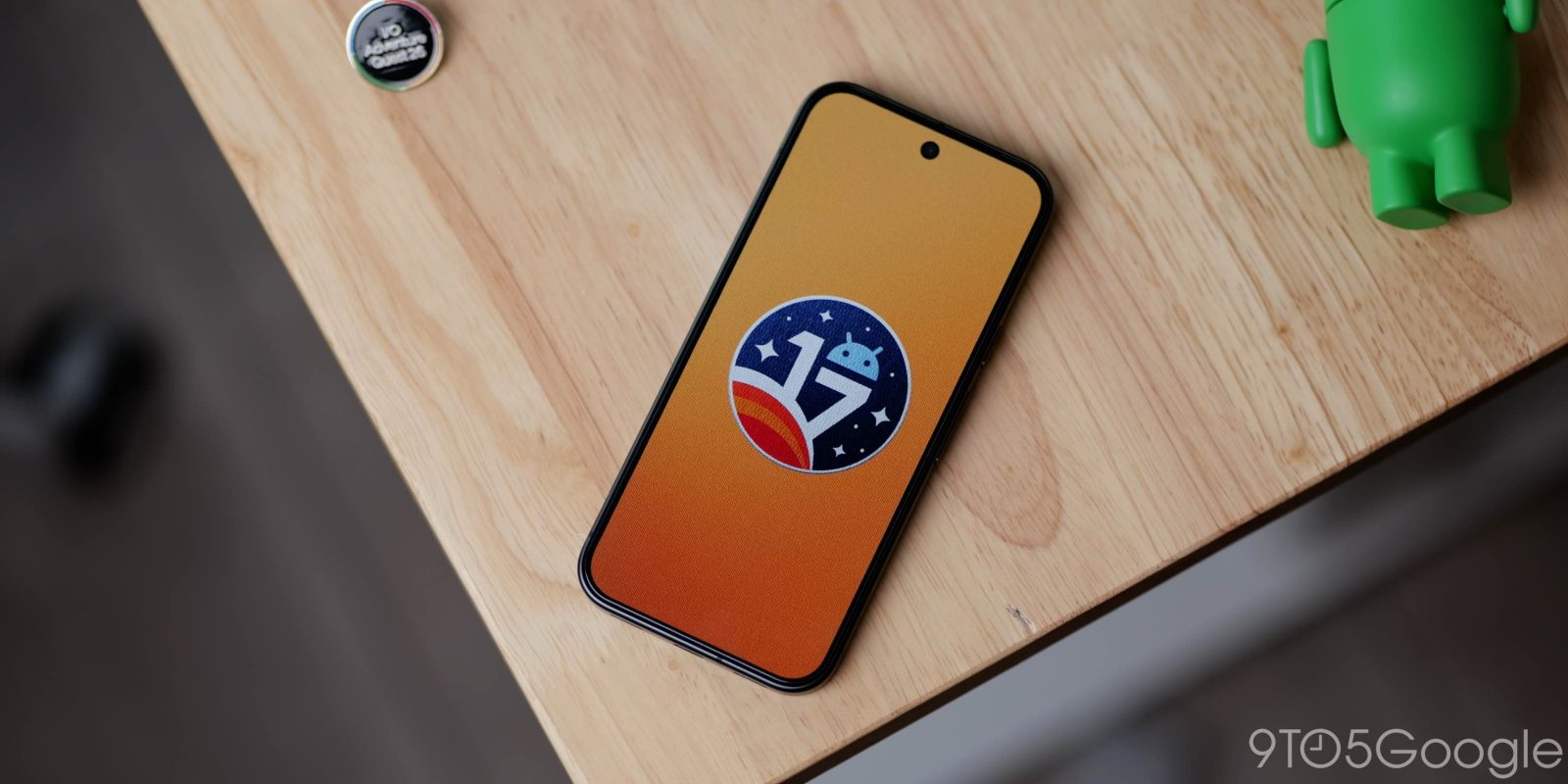
With Android 17 QPR1 Beta 6 today, Google is rolling out a third wave of bug fixes for Pixel devices.
Top comment by matteventu
YESSSSS the new settings icon 😍😍😍
Please hopefully the rollout of other system icons in M3E style will be speedy 🙏
Over the coming hours, we’ll dive into all of Android 17 QPR1 Beta 6’s new features and every single change. (The newest updates will be at the top of this list. Be sure to check back often and tell us what you find in the comments below.) Android 17 QPR1 Beta 5 screenshots appear on the left and Android 17 QPR1 Beta 6 on the right.
If you want to quickly install Android 17 QPR1 Beta 6 on your compatible Pixel 6a, Pixel 7, Pixel 7 Pro, Pixel 7a, Pixel Tablet, Pixel Fold, Pixel 8, Pixel 8 Pro, Pixel 8a, Pixel 9, Pixel 9 Pro, Pixel 9 Pro XL, Pixel 9 Pro Fold, Pixel 9a, Pixel 10, Pixel 10 Pro, Pixel 10 Pro XL, Pixel 10 Pro Fold, and Pixel 10a, be sure to check out our step-by-step guide.
Updating…
Health Connect on phones can now track distance and calories


New Settings icon
- This design was first introduced on the Pixel Watch
- It appears if you move the icon around on your homescreen


Redesign for wallpaper picker


Platform Stability milestone

Bug fixes
- Users were unable to select multiple spell checker languages. (Issue #147312111)
- Pressing the device volume buttons within the Clock app failed to trigger the expected user interface actions. (Issue #527400457, Issue #527395501, Issue #524895625)
- Rapidly swiping through the media carousel caused visual glitches in the Quick Settings layout and settings icon by improving animation and layout state handling during rapid transitions. (Issue #514947195)
- An issue in WindowManagerGlobal that resulted in app crashes. (Issue #516639947)
- Enabling the Wi-Fi hotspot displayed a generic default SSID instead of the user’s saved custom name. (Issue #485168823)


FTC: We use income earning auto affiliate links. More.



Comments