
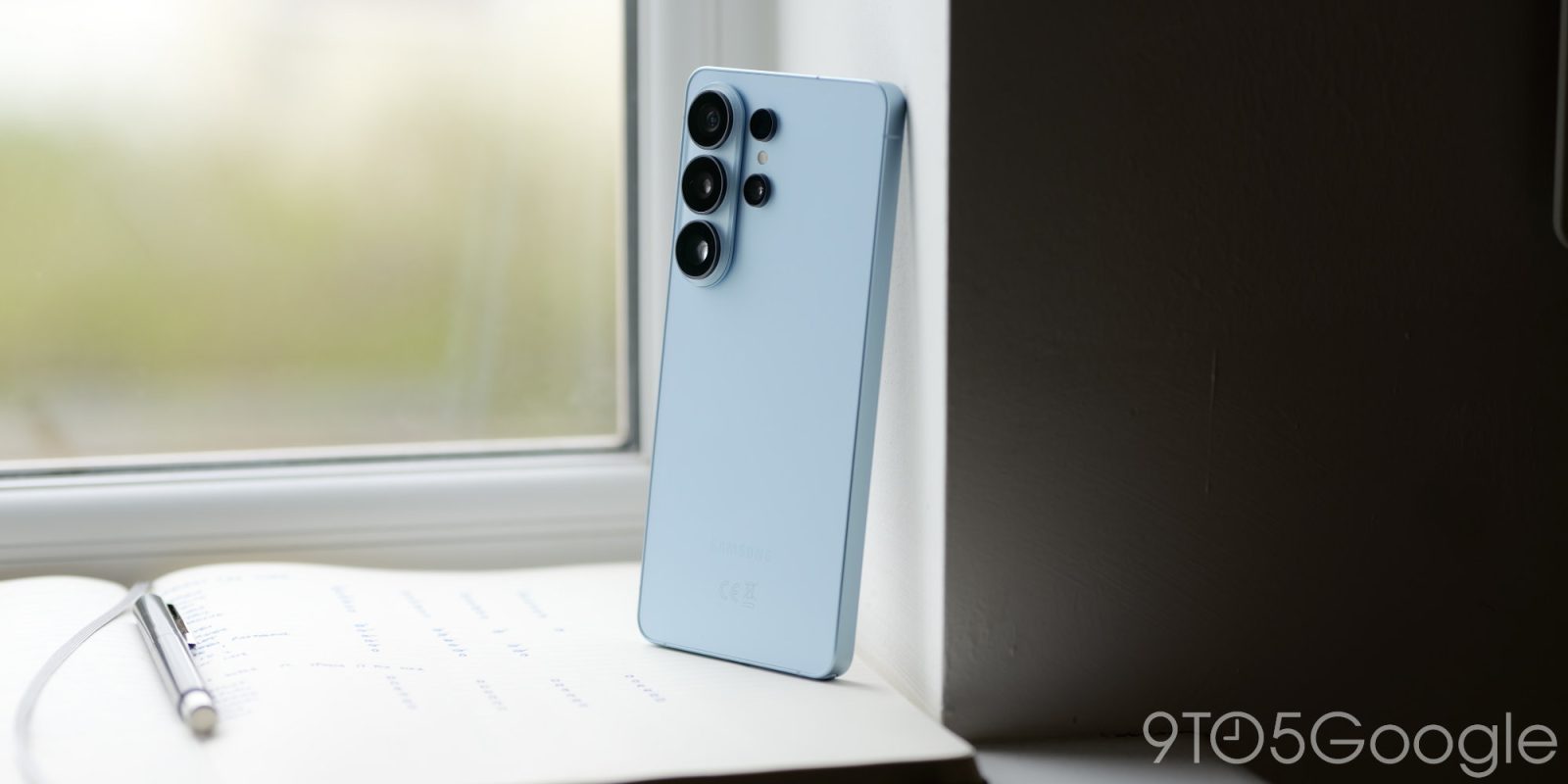
Following the changes Google has made in Android 17, Samsung’s next major One UI update also implements much stricter lockdown restrictions, including permanently locking a Galaxy device after 13 failed unlock attempts.
Earlier this year, Google announced that Android 17 would “significantly” reduce the number of unlock attempts someone would be able to make on an Android device.
This is a protection against brute-forcing the unlock of a device, and it also results in longer wait times between guesses as the number of unlock attempts goes up. There’s a hard cap of 20 failed attempts, but it’s not easy to hit that number by accident. Duplicate guesses won’t count, and the limit of guesses is based on periods of time – six in the first minute, seven in the first six minutes, eight in the first 25 minutes, 12 in the first 24 hours, and 19 incorrect guesses over five years.
Samsung has tweaked Google’s policy slightly in One UI 9, its own Android update for Galaxy devices.
As detailed on a support page, One UI 9 allows just five failed attempts in one minute, increasing the number of failed attempts and the lockout duration as failures continue. There are on-screen notices as each lockout occurs, but the cap is 13 failed attempts. At that point, the Galaxy device is permanently locked and requires a factory reset.
Samsung explains:
In One UI 9.0, the total allowed attempts before a lockdown are reduced, and the temporary input restriction (lockout duration) is strictly enforced. As the number of consecutive failures increases, the time-out duration before you can try again will scale up progressively at each stage.
…On the 13th failed attempt, the Galaxy device will be permanently locked and can only be unlocked by performing a factory reset of the device.
Samsung adds that “a warning message will explicitly display the exact number of remaining attempts right on your lock screen so you are fully aware of your device’s security status” after a “specific threshold of failed entries” has been hit – presumably on each level.
The lockout duration thresholds are as follows:
| Number of Failed Attempts | Lockout Duration |
|---|---|
| 5 attempts | 1 minute |
| 6 attempts | 5 minute |
| 7 attempts | 15 minute |
| 8 attempts | 30 minute |
| 9 attempts | 90 minute |
| 10 attempts | 4 hours |
| 11 attempts | 12 hours |
| 12 attempts | 24 hours |
While the average user is unlikely to run into this problem – the lockout duration thresholds would prevent misclicks or pocket presses from causing any trouble – it’s still a major shift in how Samsung is enforcing your lockscreen credentials, and even more strict than Google’s own policy.
One UI 9 is live on Galaxy Z Fold 8 now, and coming to other Galaxy devices in the next few months.
More on One UI 9 / Android 17:
- Samsung Galaxy phones will unlock more powerful homescreen customization with Android 17
- How Android 17 and iOS 27 stack up: What’s actually changed? [Video]
- Here’s the changelog for Samsung’s Android 17 update, One UI 9
Follow Ben: Twitter/X, Threads, Bluesky, and Instagram


FTC: We use income earning auto affiliate links. More.


Comments