
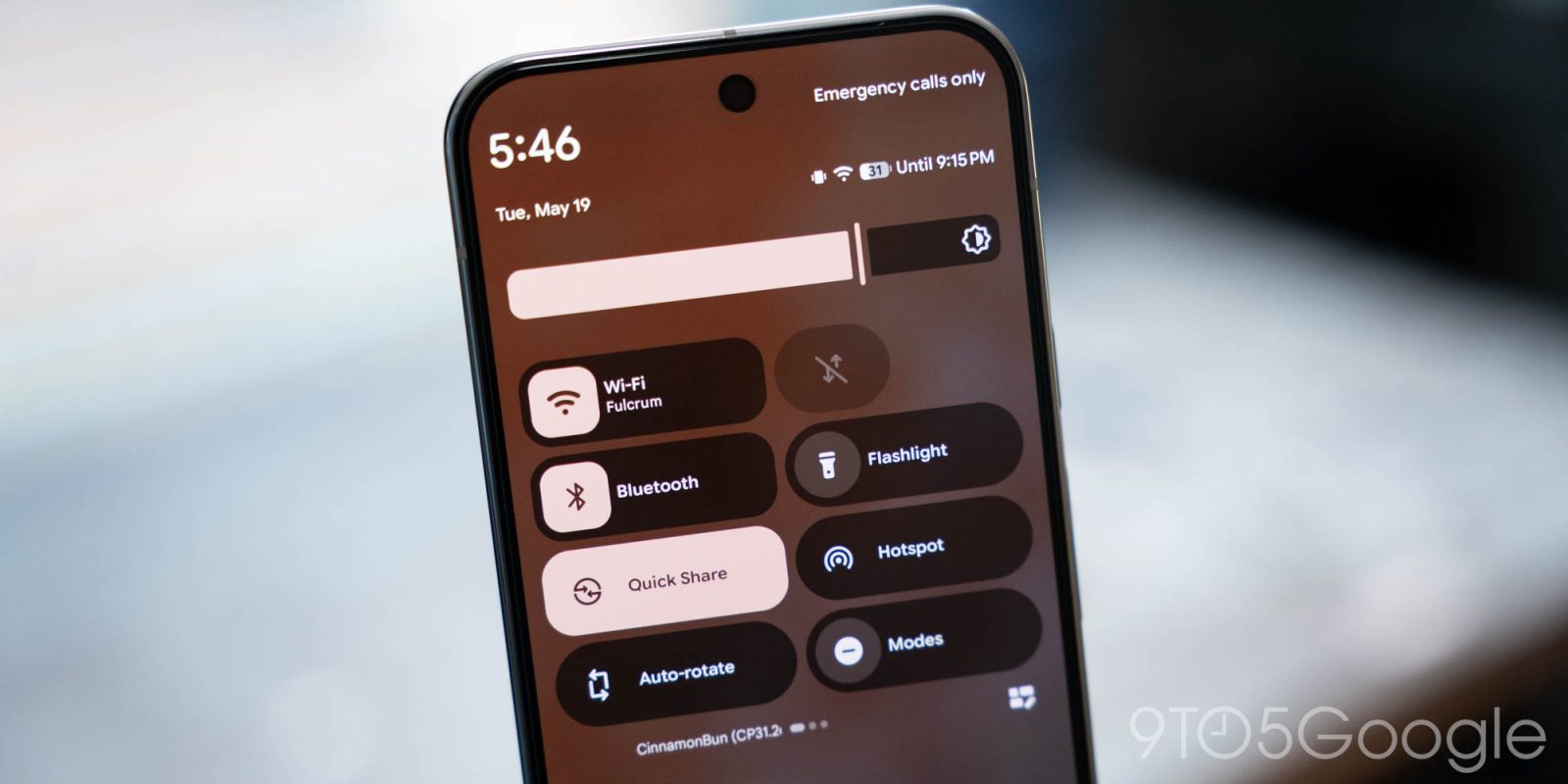
Google today is rolling out Android Canary 2608 with the ability to customize the Quick Settings layout.
ZP11.260717.006 with the August 2026 security patch is available for the Pixel 10a, Pixel 10, Pixel 10 Pro, Pixel 10 Pro XL, Pixel 10 Pro Fold, Pixel 9a, Pixel 9, Pixel 9 Pro, Pixel 9 Pro XL, Pixel 9 Pro Fold, Pixel 8a, Pixel 8, Pixel 8 Pro, Pixel 7a, Pixel 7 Pro, Pixel 7, Pixel 6a, Pixel 6 Pro, Pixel 6, Pixel Fold, and Pixel Tablet.
This build will be the last release for the Pixel 6 and 6 Pro: “You may transition to stable production releases by flashing the most recent production build, which will require a data wipe.”
As always, “Canary builds are highly experimental and are NOT recommended for general use.”
Top comment by Brokep
I'm looking forward to more granular adjustments for quick settings. I'd like to have the brightness at the bottom.
Updating…
AI-generated lockscreen clocks


App lock returns
- Go to Settings > Settings & privacy > Privacy > App lock


Customize Quick Settings
After tapping the pencil icon in the corner, you’ll see a new “Layout” tab at the bottom of your screen. This lets you reorder the Brightness bar, Tiles, and Media player (default), with a total of six possible combinations.


While new to Pixel, other OEMs already offer a similar customization option.


FTC: We use income earning auto affiliate links. More.


Comments