
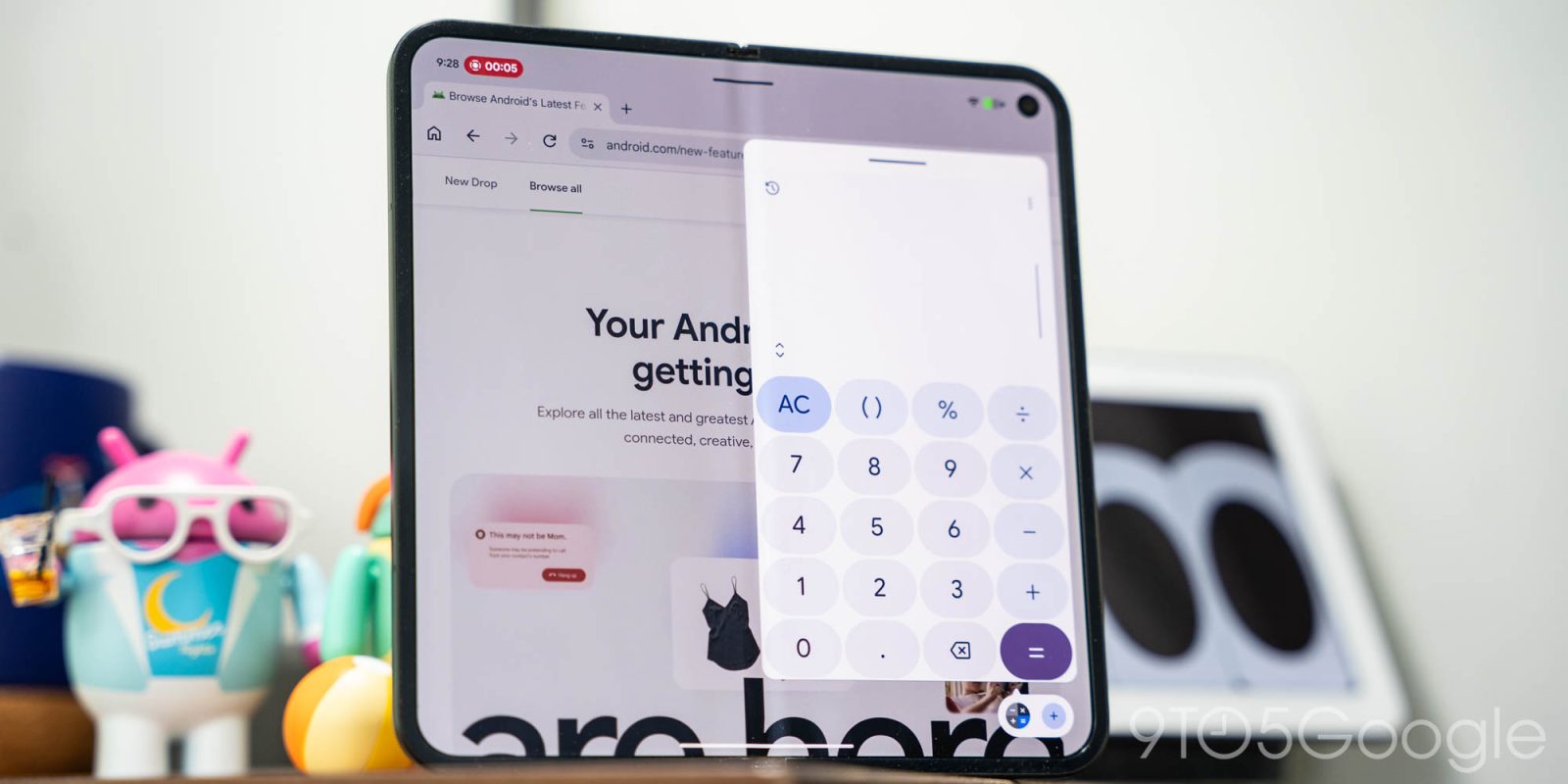
Introduced in the latest Android Canary build, Google is preparing a new feature for foldables like the Pixel Fold series called “App Handles” which offers more flexible multitasking.
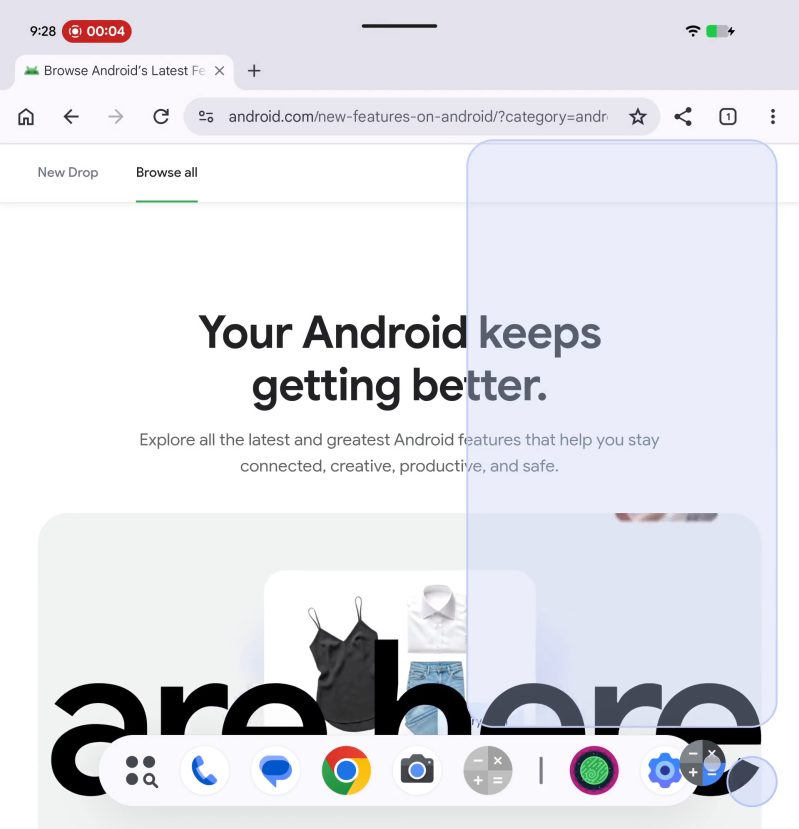
Seemingly built on top of the functionality of Bubbles, “App Handles” are essentially a pinned app that’s attached to your taskbar, ready to be opened in the corner of your screen for easy access without messing with any of the content behind it.
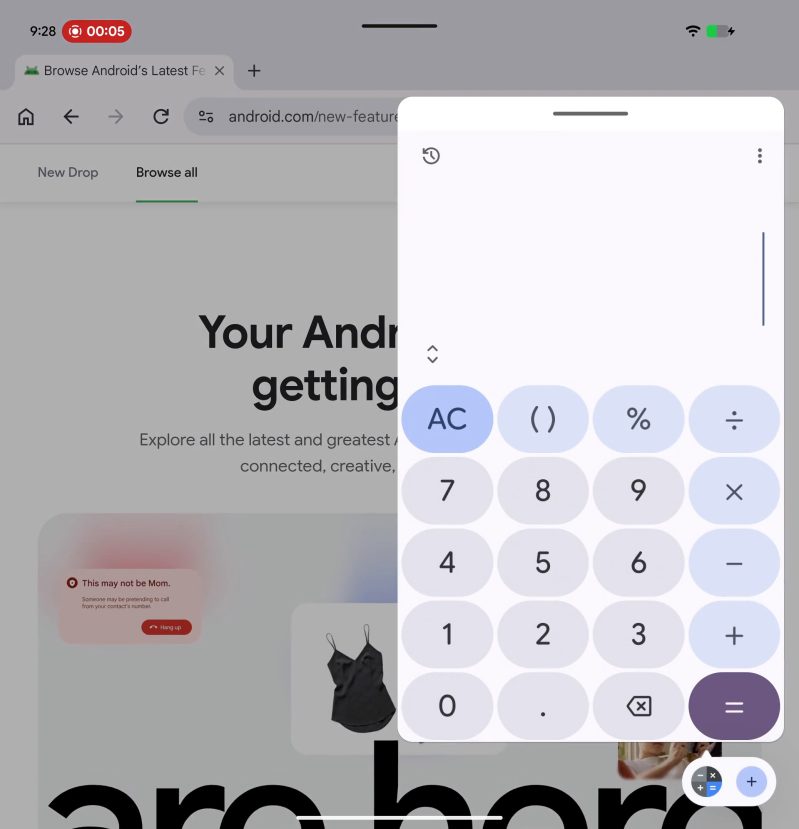
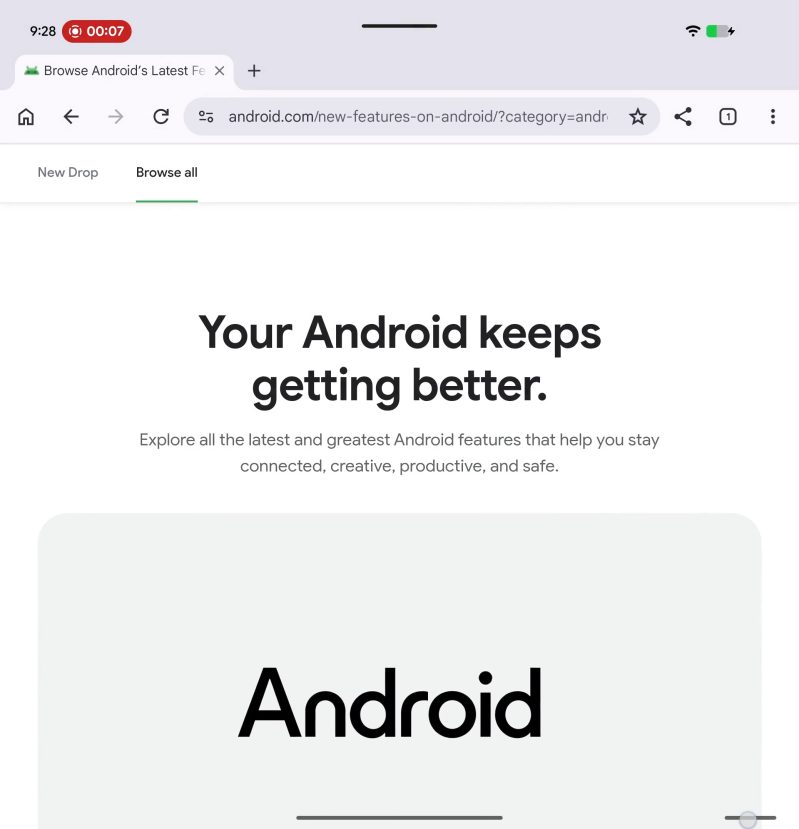
In an example shared on Twitter/X, the Calculator app on a Pixel Fold device is placed in an “App Handle” where it can be opened in a pop-up window along the right side of the screen while Chrome runs full-screen in the background. It can also be quickly shifted into a full-screen or split-screen format.
It also looks like you can have more than one app in this format at onces, with a “+” button appearing next to the Calculator icon.
This looks very useful, with this one example just scratching the surface. Having an app at the ready in a fixed location like this could be useful for note-taking apps, checking in on background tasks, and more. Existing features like Samsung’s pop-up windows and Google’s own Bubbles accomplish similar goals, but “App Handles” certainly offer a nice evolution to Android’s handling of multitasking.
Right now, this is only live in the latest Android Canary build (2608), but it should arrive in future Android releases sometime down the road.
More on Android:
- Google Chrome starts rolling out updated navigation bar with Gemini button on Android [Gallery]
- Assistant shutting down on Android and Wear OS in September
- Android rolls out local ‘Documents’ backup that syncs to Google Drive
Follow Ben: Twitter/X, Threads, Bluesky, and Instagram


FTC: We use income earning auto affiliate links. More.


Comments