

As previewed in April, Google Meet’s “Take Notes for me” feature can now work for in-person meetings.
This Gemini-powered capability was previously limited to online meetings. On Android and iOS, you’ll see a new “Take notes” icon at the bottom of the screen next to “New call,” while it’s available from meet.google.com in your browser. The website was recently redesigned.
Tap “Start taking notes” and “set your device nearby,” just like you would with Pixel Recorder or other audio app. You can “Stop” at any time or “Pause” and then “Continue.”
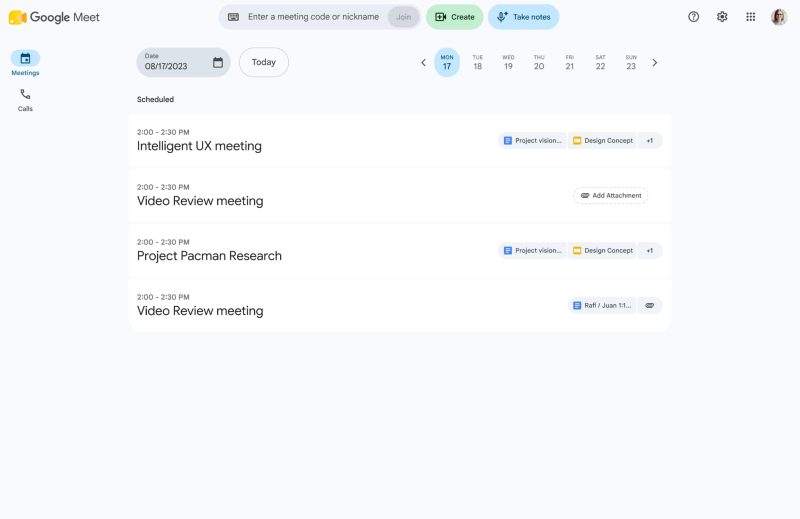
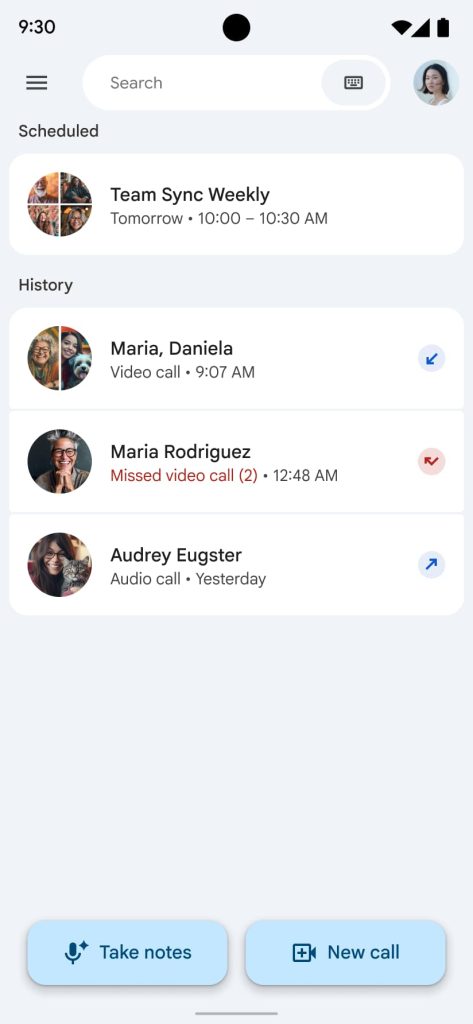
After you end the session, Google Meet will provide a complete transcript, summary, and list of action items that are saved to a Google Doc in your Drive, with a link also emailed to you.
Only one language is supported at launch, while the recommended meeting length is 15 minutes.
For consumers, this feature requires Google AI Pro or AI Ultra. It’s also coming to the following Workspace editions:
- Business: Business Standard and Plus
- Enterprise: Enterprise Standard and Plus
- Other Editions: Frontline Plus
- Education Add-ons: Google AI Pro for Education
Take Notes is rolling out first to Google Meet for Android, with web support coming next. It will start rolling out at the end of August for iOS.


FTC: We use income earning auto affiliate links. More.



Comments