
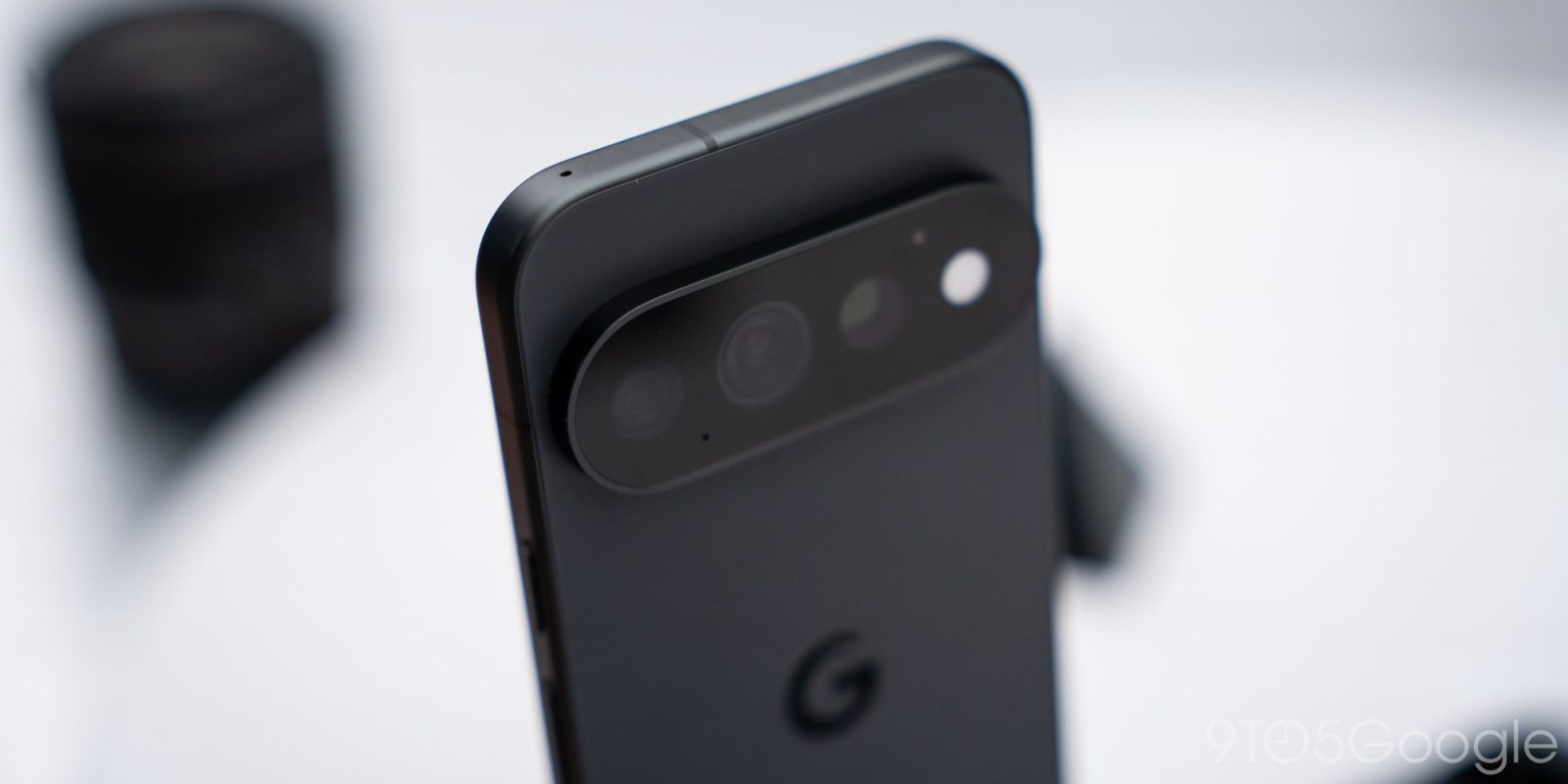
In a nice quality-of-life change, Google says it has moved the NFC antenna on its Pixel 11 phones to the top of the device, making it easier and just more logical to do things such as make mobile payments or use the new “Tap to Share” feature.
The placement of your NFC antenna doesn’t usually matter, but when it does, it’s really annoying to try and remember exactly where it is. Logic says it should be at the top of the phone and, on iPhones, it usually is. But Google Pixel and virtually every other Android phone will place it elsewhere, often towards the center of the back of the device, but we’re finally seeing things move in the right direction.
Like Samsung’s Galaxy S26 series, the Google Pixel 11 series has an “updated NFC tag” that’s placed at the top of the phone. Samsung accomplished this by adding an extra antenna, but Google apparently just moved the hardware entirely.
From Google:
Sharing with others is just as easy: Alongside an updated NFC tag at the top of the phone, Tap to Share makes it even easier for you to instantly swap contact cards or share large files with any nearby Android device with a quick tap.
There are a million places where this might prove useful, including the new “Tap to Share” feature that Google mentions. I’ll also throw out that moving it to the top is so welcome from the standpoint of accepting tap to pay through apps like Square – if you know, you know the pain I’m talking about.
The Pixel 11 series is available for pre-order now, shipping August 20.
- Pixel 11: Google Store | Amazon | Best Buy
- Pixel 11 Pro: Google Store | Amazon | Best Buy
- Pixel 11 Pro XL: Google Store | Amazon | Best Buy
- Pixel 11 Pro Fold: Google Store | Amazon | Best Buy
More from Made by Google 2026
- Everything announced at Made by Google 2026: Pixel 11, Pixel Watch 5, Pixel Tag, & more
- Pixel 11 Pro launches with the best of Google’s Gemini Intelligence starting at $1,099 [Hands-on]
- The Pixel Watch 5 isn’t much at a glance, until you get to ‘At a Glance’ [Hands-on]
- Pixel 11 hands-on: Better, but no longer a bargain at $899 [Video]
- Pixel 11 Pro Fold is $1,899 and Google says the back is ‘nearly impossible to crack’ [Hands-on]
Follow Ben: Twitter/X, Threads, Bluesky, and Instagram


FTC: We use income earning auto affiliate links. More.



Comments