
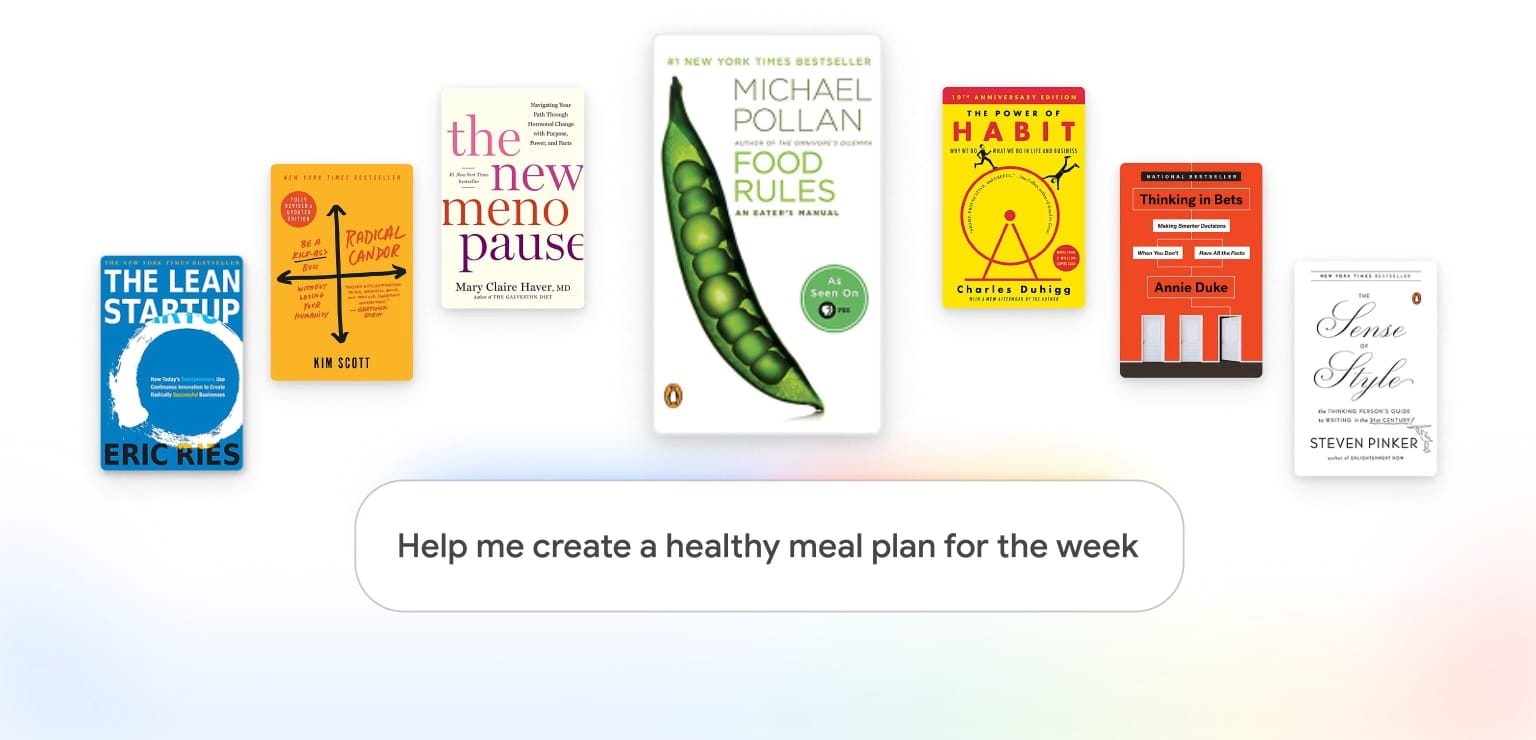
Expert Intelligence is a new “cross Google initiative that helps you engage with your trusted sources through Google AI products,” starting with Play Books and Gemini Notebook.
Select ebooks that you’ve purchased from Google Play Books can now be added to Gemini Notebook and used as sources. This lets you “ask questions about the book and receive responses grounded directly in that book.”
You can also generate Infographics, Audio Overviews, Quizzes, and other Gemini Notebook features from the book.
Another way to use Expert Intelligence is in combination with your information. For example:
- A manager can ask Gemini Notebook to help brainstorm strategies on how to best give employees feedback and navigate tough conversations by consulting Kim Scott’s Radical Candor: Be a Kick-Ass Boss Without Losing Your Humanity.
- A woman can securely upload her journal entries to a notebook that also includes The New Menopause, to better understand how Dr. Mary Claire Haver’s expertise applies to her own life, with direct citations to relevant content in her book.
- A parent can take a picture of the items in their fridge and ask for help creating a healthy family meal plan for the week based on Michael Pollan’s Food Rules: An Eater’s Manual.
Expert Intelligence today is compatible with over 100,000 books from Bloomsbury, De Gruyter Brill, Johns Hopkins University Press, Macmillan Publishers, O’Reilly Media, and Penguin Random House.
Google worked with authors and publishers on controls that ensure users “must own the book through Google Play Books” before they can interact with it.
If a notebook is shared, other collaborators will be prompted to purchase their own copy to engage with the content further. Otherwise, the book will be unavailable within their notebook. We believe that over time, Expert Intelligence will create content discovery and help authors reach new and more engaged readers.
To check whether a title is eligible for Expert Intelligence, visit the Google Play Books listing.
If eligible, you’ll see Gemini Notebook listed when you click the “Tools” badge on a book’s detail page.
Looking ahead, you’ll be able to use Expert Intelligence in the Gemini app and AI Mode. Meanwhile, “people will also be able to add more sources like third-party subscriptions, business research reports, and textbooks.”


FTC: We use income earning auto affiliate links. More.



Comments