

After updating the bottom half of the homepage earlier this year, Google Wallet for Android is rolling out a stacked list redesign for accessing credit and debit cards.
The previous design made use of a carousel to show your stored payment methods. This design showed just a sliver of the next and previous cards at the edges. Google allowed you to reorder cards and set a default one.
Top comment by matteventu
I really don't like it.
Now it requires 2+ taps whenever I want to pay with a non-default card.
Previously (with the horizontal carousel) it only required one single tap (swipe) to change from my default card (B) to other "most used" cards A or C.
Yes, to switch to cards D, E, F etc I'd need progressively more taps, but who frequently switches between more than three cards?
Switching between 3 cards with 1 single tap > switching between 4+ cards with fewer taps.
Another change made solely for the sake of change, discarding any considerations about UX 🤦♂️
With this stacked redesign, the homepage shows one full card preview and the sliver of a second at the top. To expand, you tap or swipe down to enter the fullscreen layout that shows most of each card. “Manage payment methods” at the bottom lets you arrange the order and set the default.
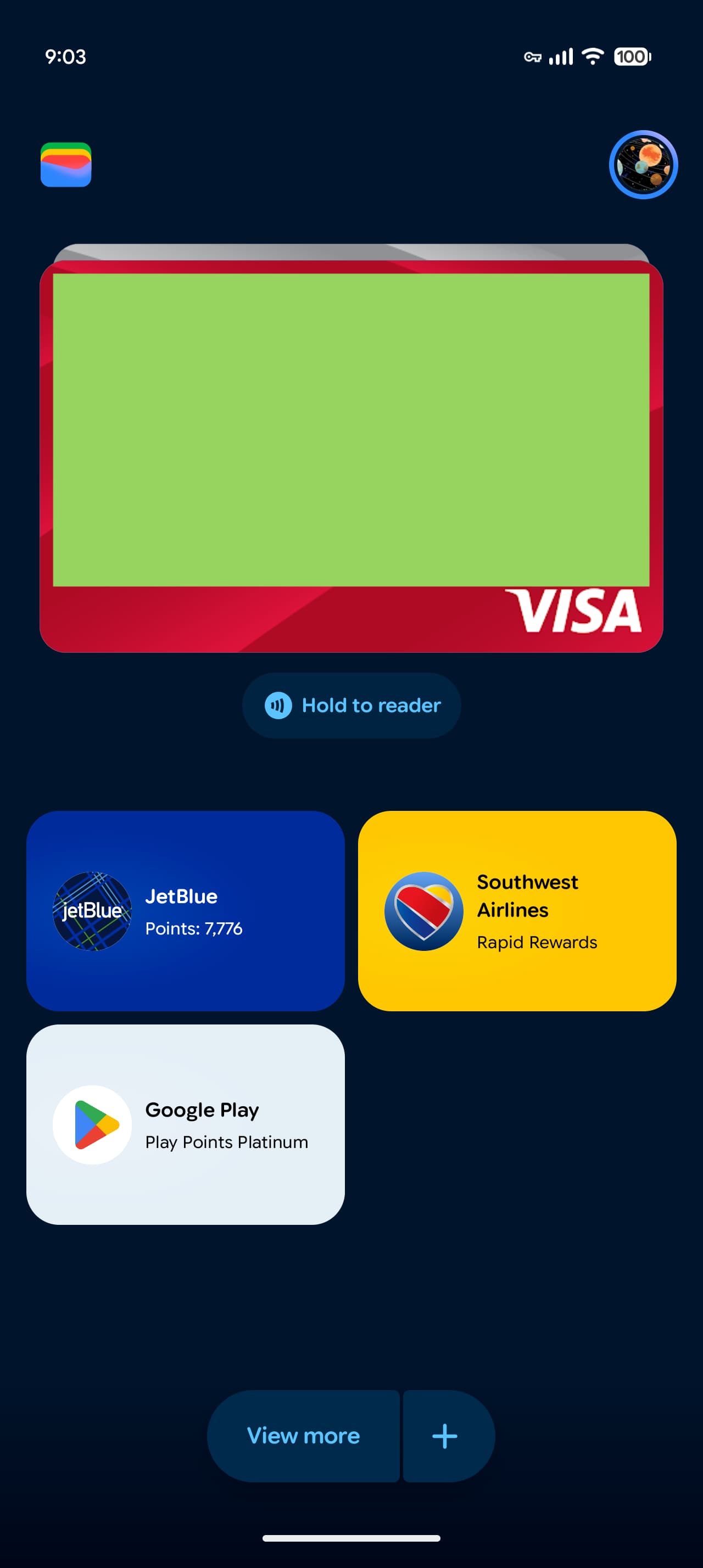
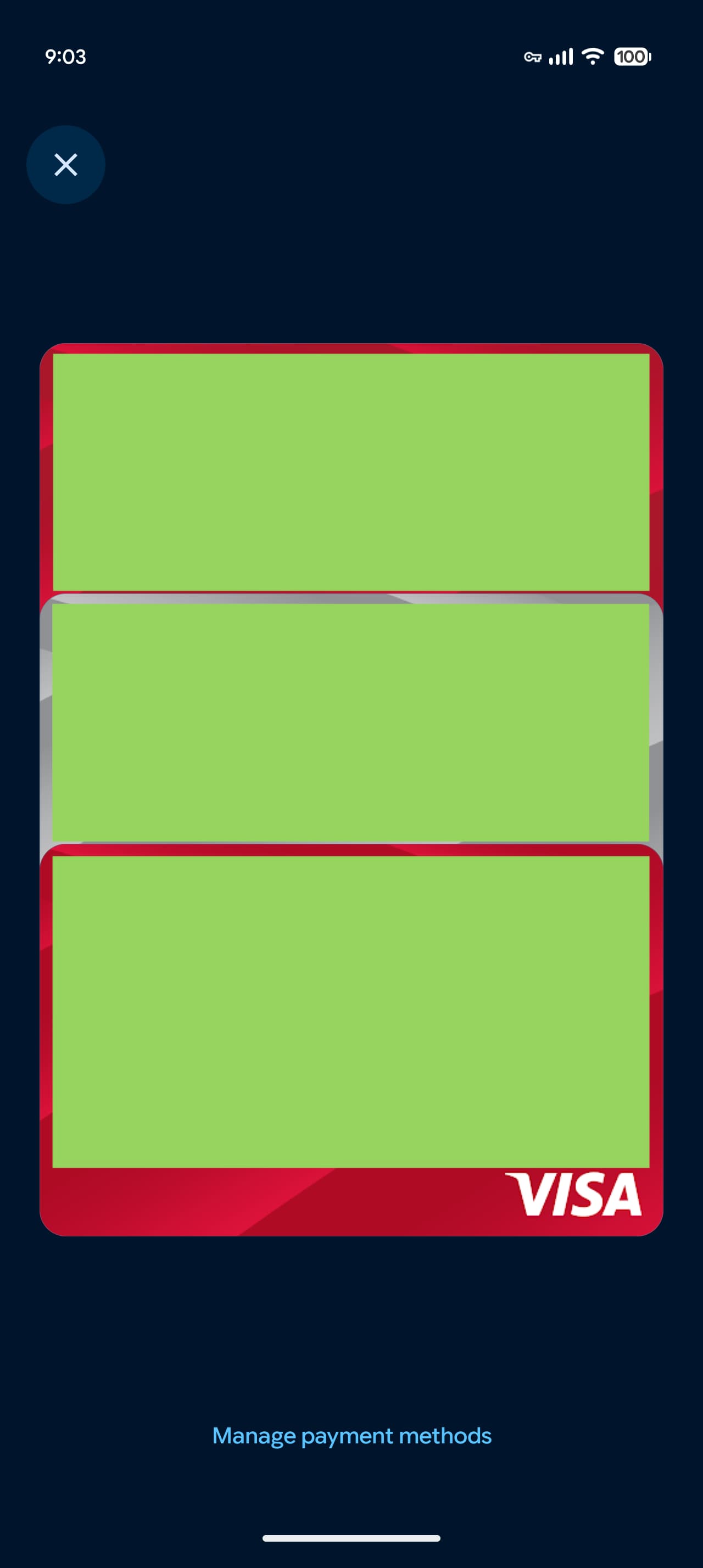
You select a card to tap-to-pay. To see card details and transaction history, there’s a new settings gear icon in the top-right corner. This adds an extra step compared to the previous approach.
This approach is nice for one-handed use, especially if your most used cards are placed at the bottom. There are no other changes to the Google Wallet homepage.
This redesign started appearing in September and is now seeing broader availability. It’s rolling out via a server-side update and appeared on several devices we checked today.
More on Google Wallet:
- Google Wallet for Android adds 12th digital state ID
- Gemini app adding Google Wallet integration for ‘personalized insights’
- Google Wallet passes get fullscreen redesign on Android


FTC: We use income earning auto affiliate links. More.


Comments