
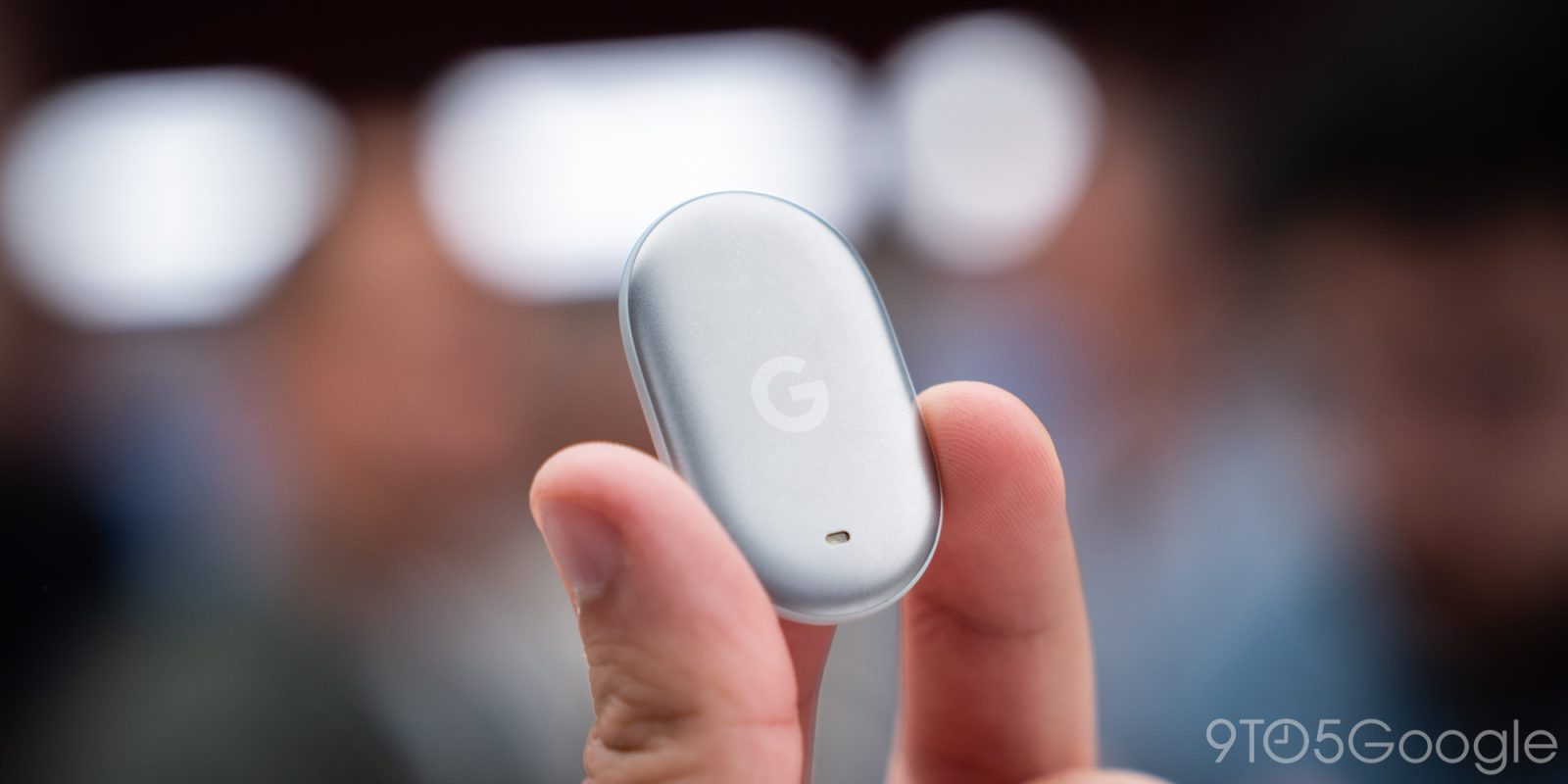
We’re just weeks away from the launch of Google’s first Android Find Hub tracker, the Pixel Tag, and that’s also going to bring new options to the Find Hub app, as revealed in a new app update.
Google confirmed that “Left Behind” notifications would be coming to Find Hub when it announced the Pixel Tag earlier this year. The company explained that these alerts were designed to “proactively help prevent leaving your items behind.” Earlier this month, Google further prepared for support including configuring this feature during the setup of a new Find Hub tracker.
None of it is live just yet, but it’s clearly nearing launch.
Further signaling that is the latest Find Hub app update, which contains more information on the granular nature of this new feature, as the folks at Android Authority highlight.
Strings in the app detail that “Left Behind” notifications can stem from tags, “items,” and “headsets,” the latter likely referring to wireless headphones. Another string specifically mentions “multiple_items_left_behind.”
It all sounds very granular, too, with Google’s Find Hub app allowing Android users to “be notified when you leave your device at” a specific location on a device-by-device basis. You can enable notifications on a specific device, too:
- <string name=”adm_multiple_items_left_behind_default_header”>Left behind items</string>
- <string name=”lbr_notification_text_no_address_multiple_items”>These items are no longer detected near you. Tap to see their last location.</string>
- <string name=”lbr_exclusion_zone_dialog_message”>You won’t get notified when you leave your devices or items at this location</string>
- <string name=”lbr_exclusion_zone_dialog_title”>Don’t notify at this location?</string>
- <string name=”lbr_move_all_settings_dialog_title”>Move all settings for this tag?</string>
- <string name=”lbr_move_all_settings_dialog_message”>Left-behind notifications for this tag are currently being shown on %1$s. Would you like to move them to this device?</string>
- <string name=”lbr_moving_tag_settings”>Moving tag settings…</string>
Beyond that, the app also reveals how the “Ring your phone” feature will work, something else that Google had previously announced for Pixel Tag.
You’ll apparently tap the button on the tag twice to ring your phone, of course needing to be in range of the phone to make it work. The feature is tied to one device at a time, but you can transfer it as needed.
- <string name=”reverse_ringing_button_title”>Ring this phone</string>
- <string name=”reverse_ringing_title”>Ring this phone</string>
- <string name=”reverse_ringing_subtitle_in_range”>If you can’t find your phone, press your tag’s button twice to make it ring:</string>
- <string name=”reverse_ringing_subtitle_out_of_range”>You need to have the tag with you before you can change this setting</string>
- <string name=”reverse_ringing_transfer_dialog_message”>This tag is currently set to ring %1$s. Would you like it to ring this device instead?</string>
Google’s Pixel Tag is set to debut on November 11, just about two weeks from now, so these features are likely to roll out soon. While it’s unclear how widely they’ll be available, the strings in this app update certainly suggest neither “Left Behind” nor “Ring your phone” alerts will be exclusive to Google’s hardware.
More on Find Hub:
Our Favorite Find Hub Trackers:
Follow Ben: Twitter/X, Threads, Bluesky, and Instagram


FTC: We use income earning auto affiliate links. More.


Comments