
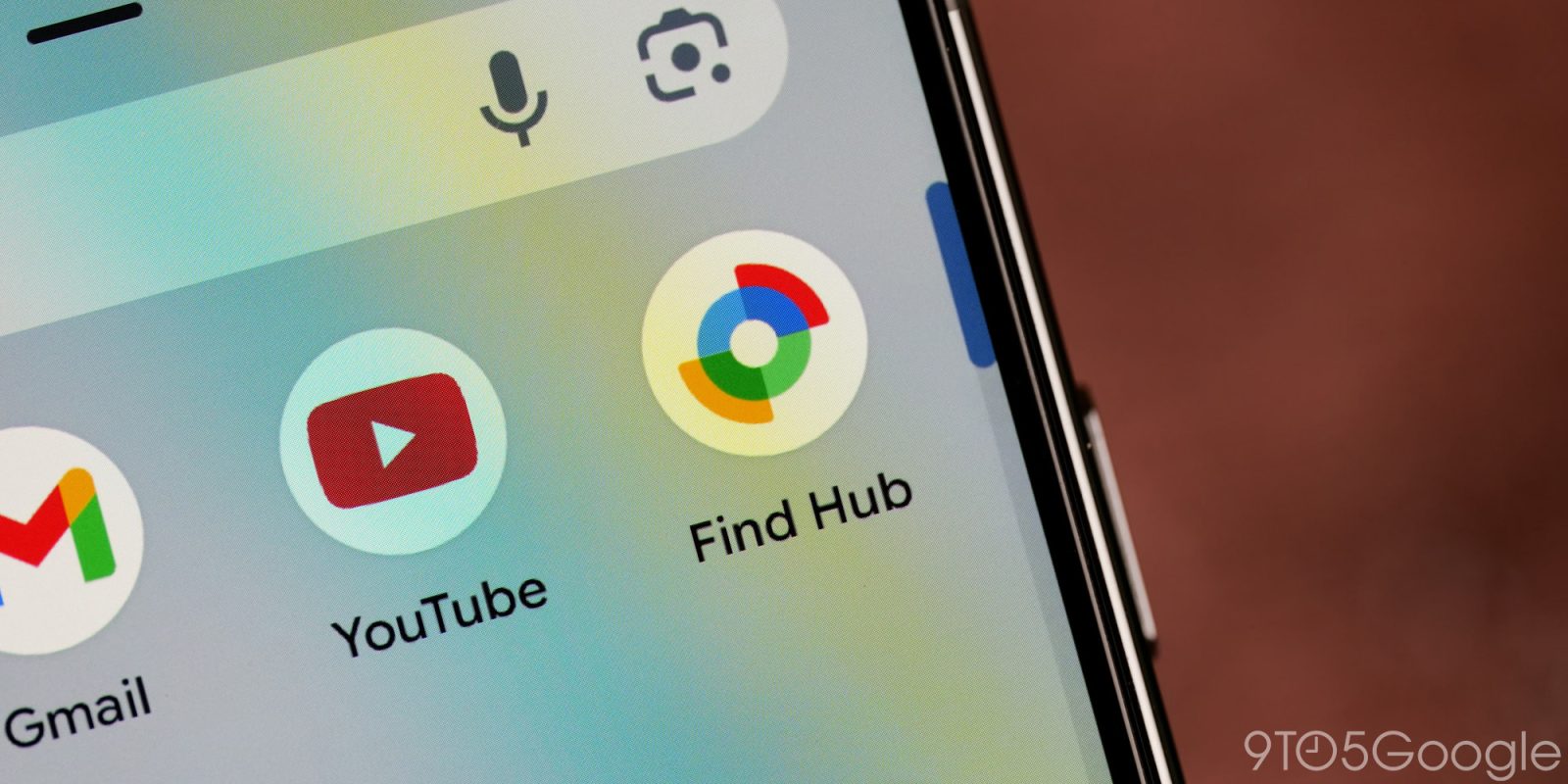
As previously spotted in a promo video for the Pixel Watch 3, Google has released a Find Hub app for Wear OS.
The Wear OS client starts with a “My devices” list of everything logged into your Google Account. Selecting a phone, tablet, watch, headphones, tracker, etc. takes you to a details page that first notes when it was last seen and the current battery level. You get a map view that when tapped offers to open Google Maps on your wrist and then provides directions in various modes.
Your in-app options are Play sound, Secure device, Get directions, and Factory reset, with a refresh button at the very bottom. This experience is very much like the phone app.


The “Phone ringing” screen makes use of Material 3 Expressive, while the Pixel Watch 4’s ultra-wideband (UWB) capabilities do not appear to be leveraged for precise finding.
At the end of the device list, you get Settings and an account switcher. Overall, this is a very straightforward client.
Find Hub appears before “Find my phone” in your watch’s app list/grid, with the latter remaining a dedicated shortcut.
To install, search “Find Hub” in the on-watch Play Store. You can also start the download from your phone by using “Install on more devices.” Google is also rolling out a small update to the Find Hub phone app today.


FTC: We use income earning auto affiliate links. More.



Comments