
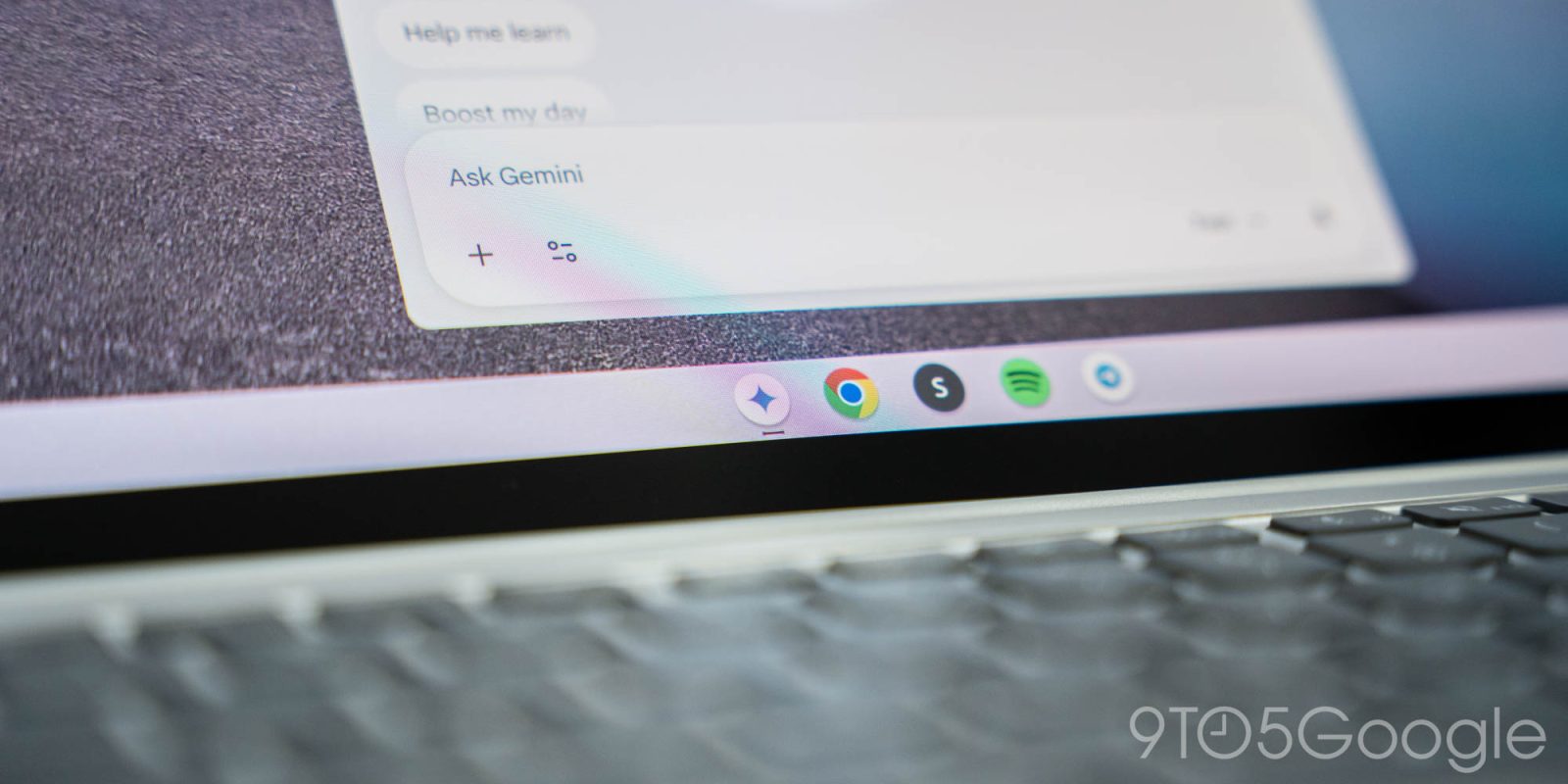
After it first showed up for user a couple of weeks ago, Google has confirmed that its Gemini in Chrome browser features are now available to Chromebook owners, but only those on a Chromebook Plus model.
Google added Gemini in Chrome features to its browser last year, bringing AI tools that can integrate with and pull from your tabs to a handy little sidebar. But, at first, it was only available for desktop platforms including Windows and macOS, and skipping over Google’s own ChromeOS.
Last month, we first reported that Google was starting to bring Gemini in Chrome to Chromebooks, and Google has now made that official.
In a blog post, Google says that Gemini in Chrome is now rolling out to ChromeOS, starting with Chromebook Plus. That restriction doesn’t come as a major surprise, as Chromebook Plus has been leaning pretty heavily on AI to provide additional features beyond what a typical Chromebook offers. There’s no word on if this might change in the future for mass-market Chromebooks, but it’s a start, at least.
It’s also solely available in the US for the time being, as is the case for Gemini in Chrome in general.
Google says:
Gemini in Chrome is rolling out now to Chromebook Plus devices in the US. This feature empowers business and education users with AI tools that integrate seamlessly into their daily browsing workflows while maintaining strict data governance. It’s also available to users with personal Google accounts who can access the Gemini app.
Gemini in Chrome allows users to:
- Get answers and insights: Summarize articles, clarify complex concepts, or find specific information based on the context of open tabs.
- Generate content: Draft emails and social media posts, or create images directly in the browser.
- Go Live: Engage in two-way voice conversations with Gemini Live to brainstorm ideas or prepare for meetings.
Gemini in Chrome for Chromebooks works identically to the Windows and macOS browser integration, and this was frankly a bit overdue on Google’s part. The company says that a rollout started on January 28, but the “extended rollout” could take a couple of weeks before it shows up for everyone. Google also notes that Workspace admins need to manually disable the feature if they don’t want it, as it’s turned on by default.
More on Chromebooks:
- Google VP says existing Chromebooks may upgrade to Android ‘stack,’ ChromeOS support will continue
- Lenovo Chromebook Plus 14 is a fine stage for the uncertain future of ChromeOS
- ChromeOS will be ‘phased out’ in 2034 as Android PCs arrive late, court docs suggest
Follow Ben: Twitter/X, Threads, Bluesky, and Instagram
Thanks Lance!


FTC: We use income earning auto affiliate links. More.




Comments