
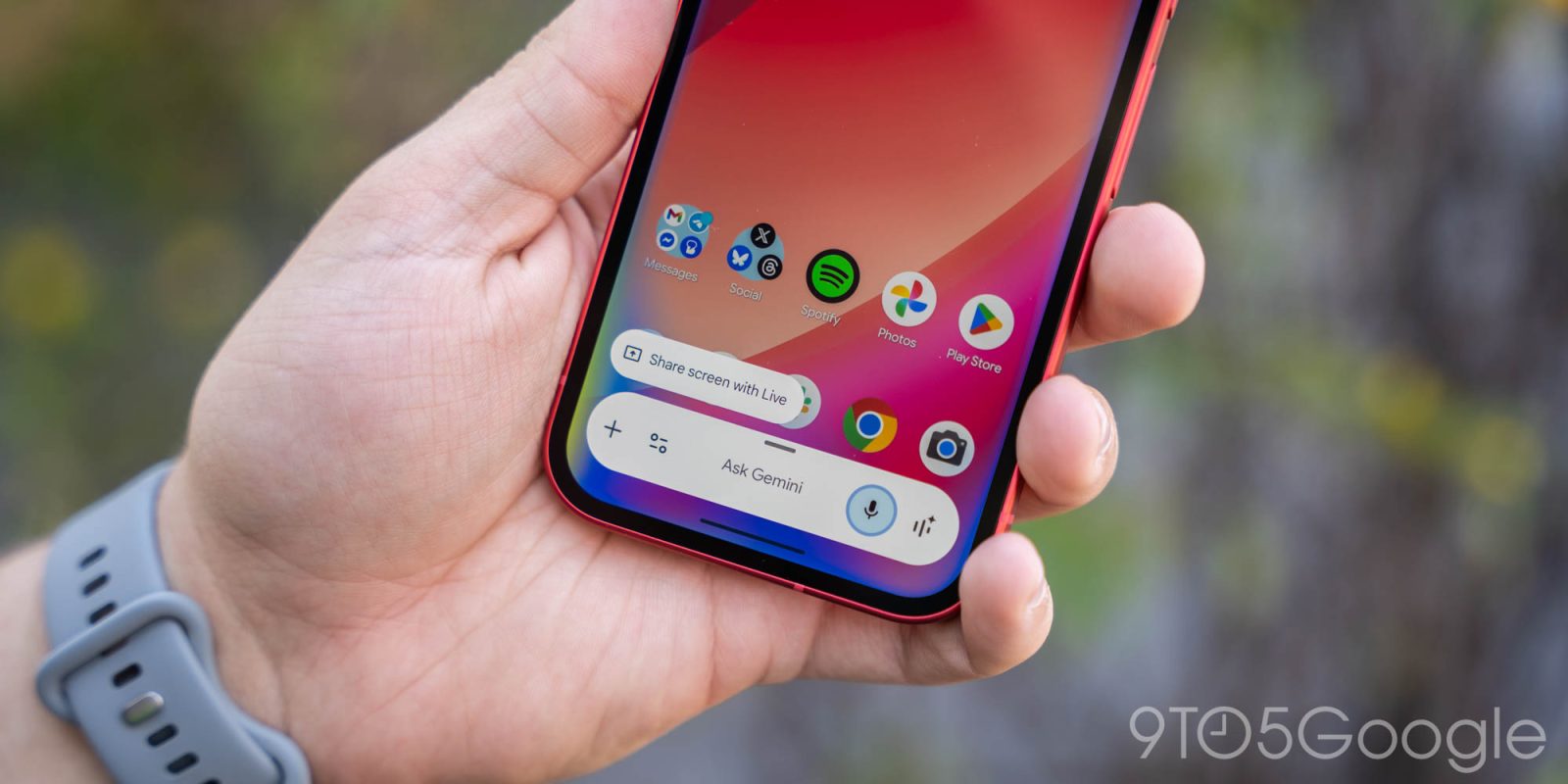
The Gemini overlay on Android now has a new glow effect, while Temporary chat is more prominent on the web.
The dotted icon to start a Temporary chat is no longer in the side panel next to “New chat.” Instead, Google has moved it to the top-right corner next to your profile image and subscription status.
When activated, the Temporary chat icon is placed in a blue circle. This new position is more prominent than the previous location, but you must now navigate to the homepage if you’re already in a conversation. It helps make the side panel a bit less cluttered.
We’re seeing this change rolled out to all our Gemini accounts on the web today. Availability on mobile is more limited.
Old vs. new


Meanwhile, Android’s Gemini overlay has widely introduced the new glow effect. Previously, the four Google colors were only around the pill-shaped prompt box.
Upon activating the overlay today, the perimeter of your screen sees the glow. It’s predominantly blue, while red, green, and yellow appear towards the bottom. They fade out after a few seconds.
If this is not yet rolled out on your device, Force stop the Google app.


More on Gemini app:
- Gemini now lets you import chats and memory from other AI apps
- Gemini Live gets its ‘biggest upgrade yet’ with Gemini 3.1 Flash Live
- Gemini app now lets you create 3-minute songs with Lyria 3 Pro


FTC: We use income earning auto affiliate links. More.



Comments