
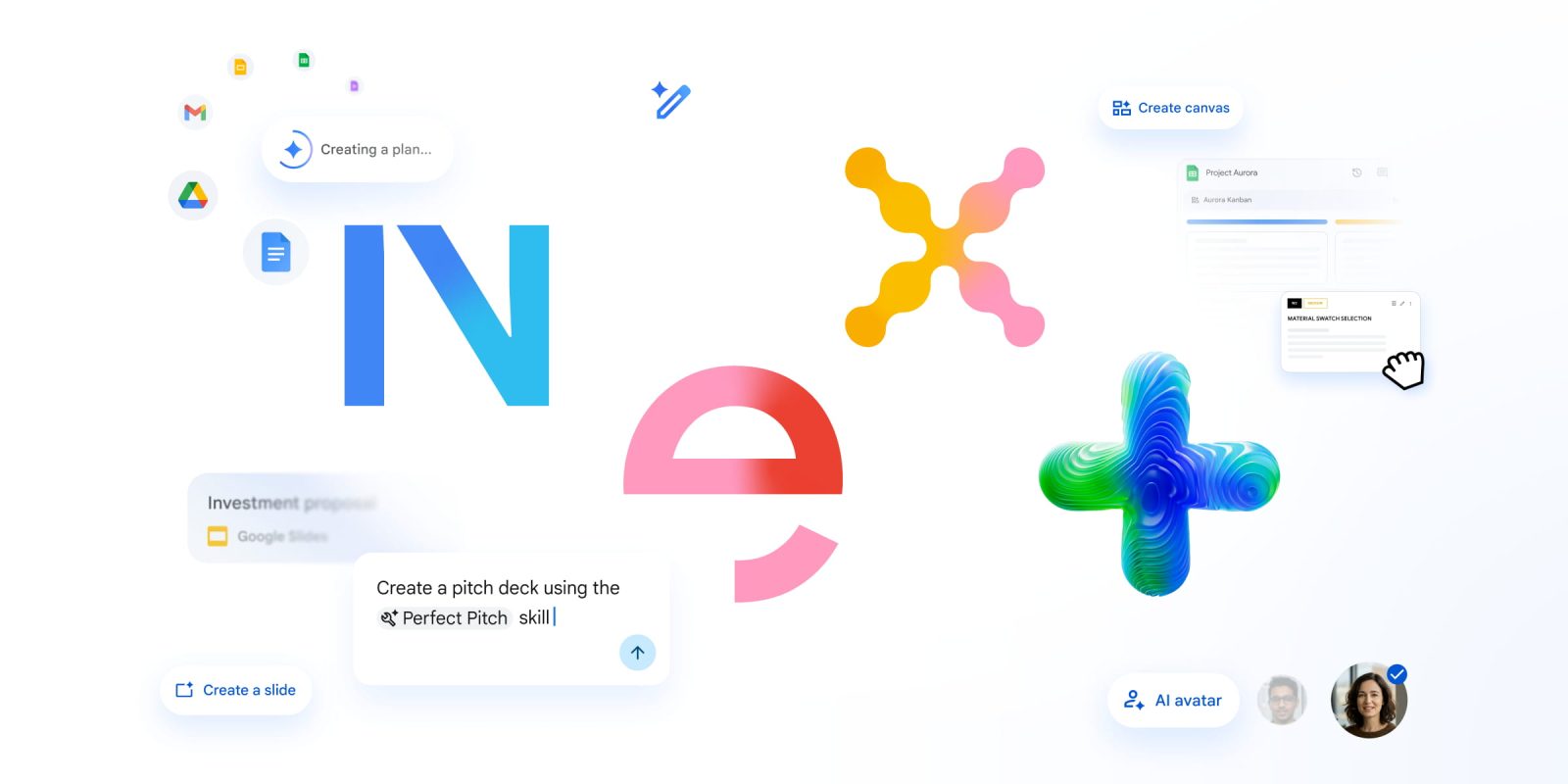
Besides Workspace Intelligence, Google announced a suite of new Workspace features across Drive, Sheets, Meet, and more at Cloud Next 2026. These updates are rolling out over the coming weeks.
Google Meet has offered a Gemini-powered “Take Notes for me” feature for some time now. In fact, “over 110 million attendees have used Take Notes For Me in the last month” for 8.5x year-over-year growth.
It’s now expanding beyond the virtual realm to in-person meetings. From the Google Meet mobile app or website, tapping Take Notes for me will start a recording session that generates transcripts, meeting summaries, and action items in Google Docs. Additionally, you can now use the automated feature for Teams or Zoom meetings.

Google Drive is adding a “Projects” feature to “centrally organize your files and emails” for other people and Gemini. Projects let you add a specific set of source files that allow you to easily have multiple conversations. It appears in the side panel on the web under “Home.”

Canvas in Google Sheets lets you create dashboards, heat maps, kanban boards, and other interactive visualizations that can be shared. Similar to the Gemini app, canvas makes possible a “fully interactive mini-app right on top of your data.”
Workspace Studio already lets you automate complex tasks with IFTTT-like “flows.” Google is now adding the concept of “skills” for common tasks. They are available from any Gemini in Workspace chat.
…you can create a skill to automate invoice reviews. By comparing new invoices against the latest ones stored in your inbox, the skill identifies discrepancies and reduces the tedious effort required to catch billing errors.

Workspace customers using Chrome Enterprise can now use the agentic auto browse feature for multi-step tasks on the web.
Google’s new Workspace MCP Server is available to allow for “synthesizing Drive documents and drafting Gmail responses to managing Calendar and Chat logic” within third-party apps.
To further empower developers and streamline these integrations, an official Workspace CLI is coming soon, allowing you to manage and interact with these capabilities directly from your agents.
Note: Google Cloud sponsored lodging costs, but had no input on editorial coverage.


FTC: We use income earning auto affiliate links. More.



Comments