
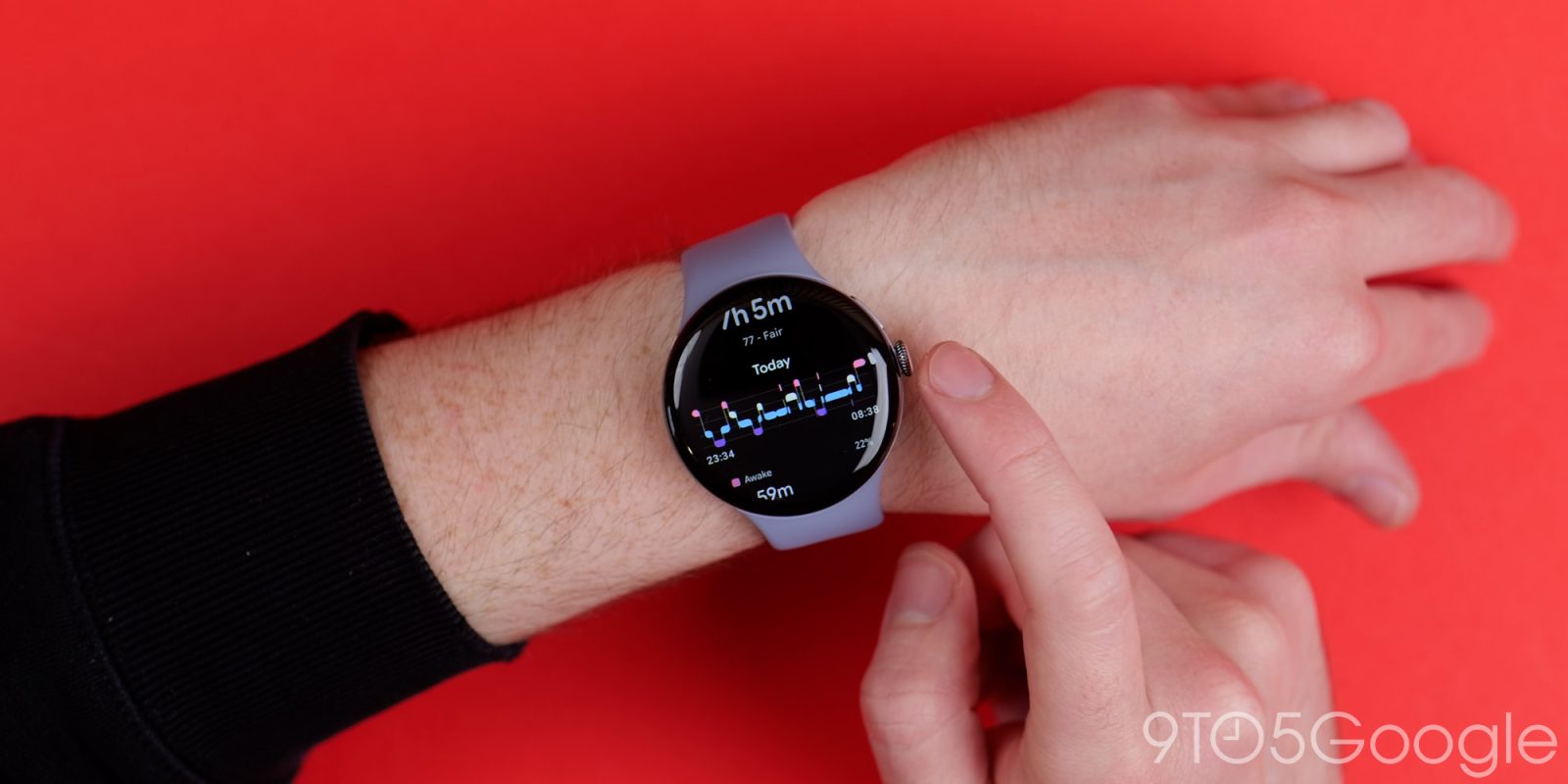
Google’s display-less Fitbit Air is finally official, and today’s announcement comes with some great news for exercise-minded users who already own a Pixel Watch: you can use both wearables at the same time.
Top comment by Julian
Yeah I was hoping it could work like this.
Maybe the Air during intense workouts and night for sleep tracking. Watch during the day for notifications and a "watch" look!
Fitbit Air is Google’s take on the core concept behind Whoop, a similar display-less wearable meant to stay connected to your body at all times. That’s not to say Google’s taking a 1:1 approach, of course. In addition to undercutting Whoop’s pricing model, the Fitbit Air is also the first from the brand to work in tandem with the Pixel Watch, rather than opting for an either-or scenario.
If you already own a Pixel Watch, the two devices can be worn at separate times or together, with health and fitness data automatically synced to the new Health app from either device. Google also says you can filter your data by device in Health to differentiate between activities tackled while wearing your Pixel Watch — like, say, going for a run in the park — and activities handled by the Fitbit Air, like sleep tracking. This should also help events like charging, allowing you to power up either device without missing out on even a minute of your metrics.
Now, to be clear, there is no advantage to wearing both at the same time. Samsung has taken a similar approach in the past with its lineup of Galaxy Watch models and the Galaxy Ring, but in that case, those two devices are designed to split health tracking across both gadgets to improve the Ring’s battery life by “up to” 30%. With the Pixel Watch and Fitbit Air, you’re probably better off splitting your time between both depending on your fitness needs at any given time. Considering both slot onto your wrist, though — rather than a finger — it’s probably a fair compromise.


FTC: We use income earning auto affiliate links. More.


Comments