
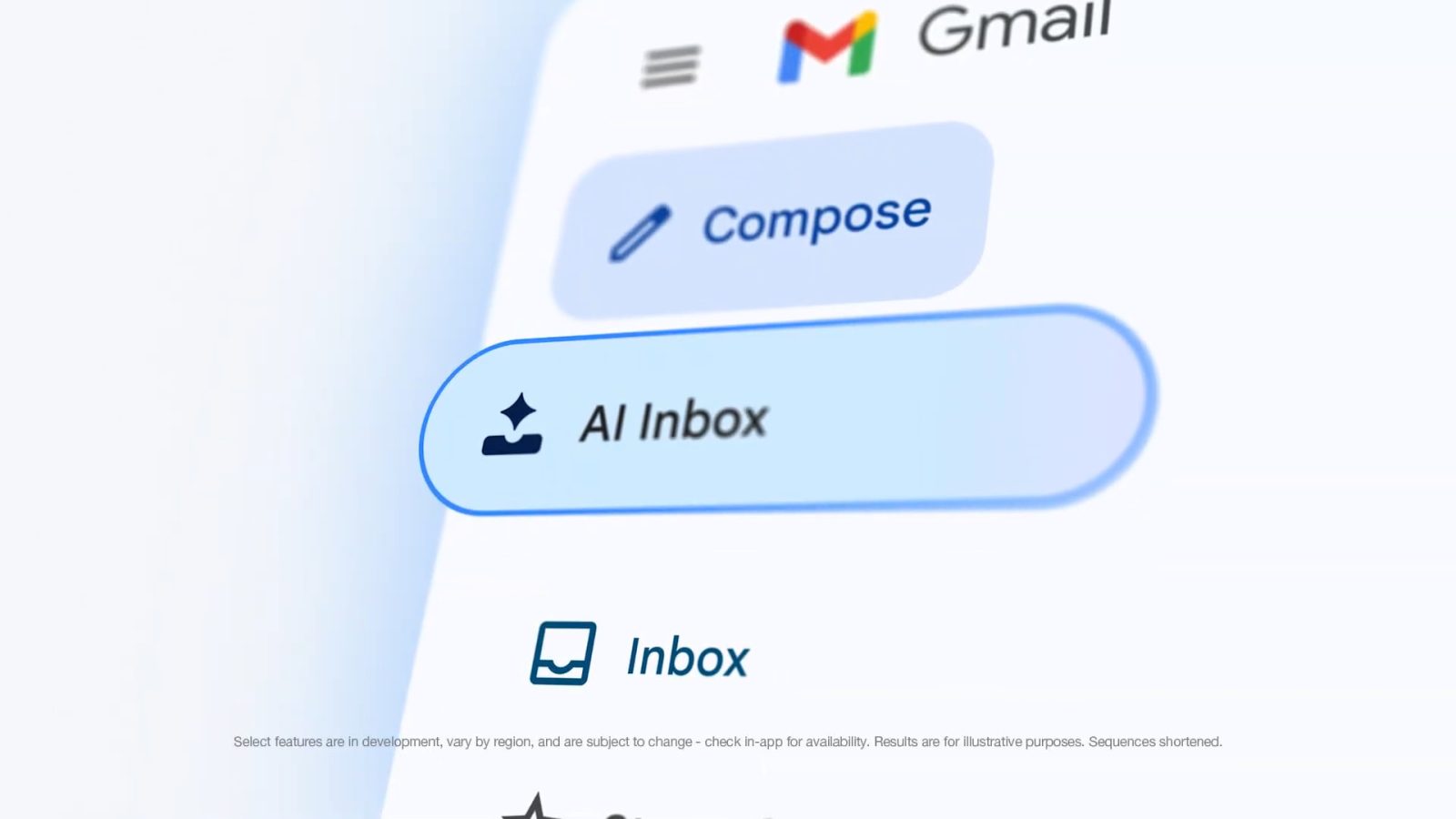
After its introduction on the web, AI Inbox is coming to Gmail for Android and iOS. In the navigation drawer, “AI Inbox” appears below Inbox, just like on desktop. The more notable access point is in Gmail’s bottom bar.
It appears between Gmail and Chat for a four-tab layout with Meet rounding things out. This is a pretty prominent way to access what Google envisions as your future inbox where tasks take priority over individual messages.
The actual interface is similar to the desktop web version. You get a greeting that recaps how many to-dos and topics you have. The first section is “Suggested to-dos,” with “Topics to catch up on” below.
AI Inbox right now is available in beta for Google AI Ultra subscribers.


Meanwhile, Google is making Help me write more personal when composing emails with:
- Topic contextualization: The feature can now connect to Google Drive and Gmail based on your prompt. It will then use the context from these apps to automatically insert relevant information into the email draft, reducing the time you spend toggling between apps to find specific details.
- Tone and style personalization: Help me write can also now create personalized email drafts that match the tone and style of your previously written emails.
This will help cut down on “cross-Workspace app context switching to reference correct sources, typing, copy-pasting, and formatting.” On the work front, Google touts use cases like:
- Responding to inquiries from customers and partners
- Distributing information, documents, or materials to collaborators
- Reporting progress, milestones, and project-related issue to leadership
- Seeking assistance or answers from team
- Providing or asking for feedback from peers
- Sharing team announcements or progress reports to the organization
- Introducing new projects
- Exploring potential partnerships
- Teacher-parent- communications
- Grant proposals

This Help me write update is available for Google AI Plus, Pro, and Ultra subscribers, as well as:
- Business: Business Starter, Standard, and Plus
- Enterprise: Enterprise Starter, Standard, and Plus
- Education Add-ons: Google AI Pro for Education


FTC: We use income earning auto affiliate links. More.


Comments