
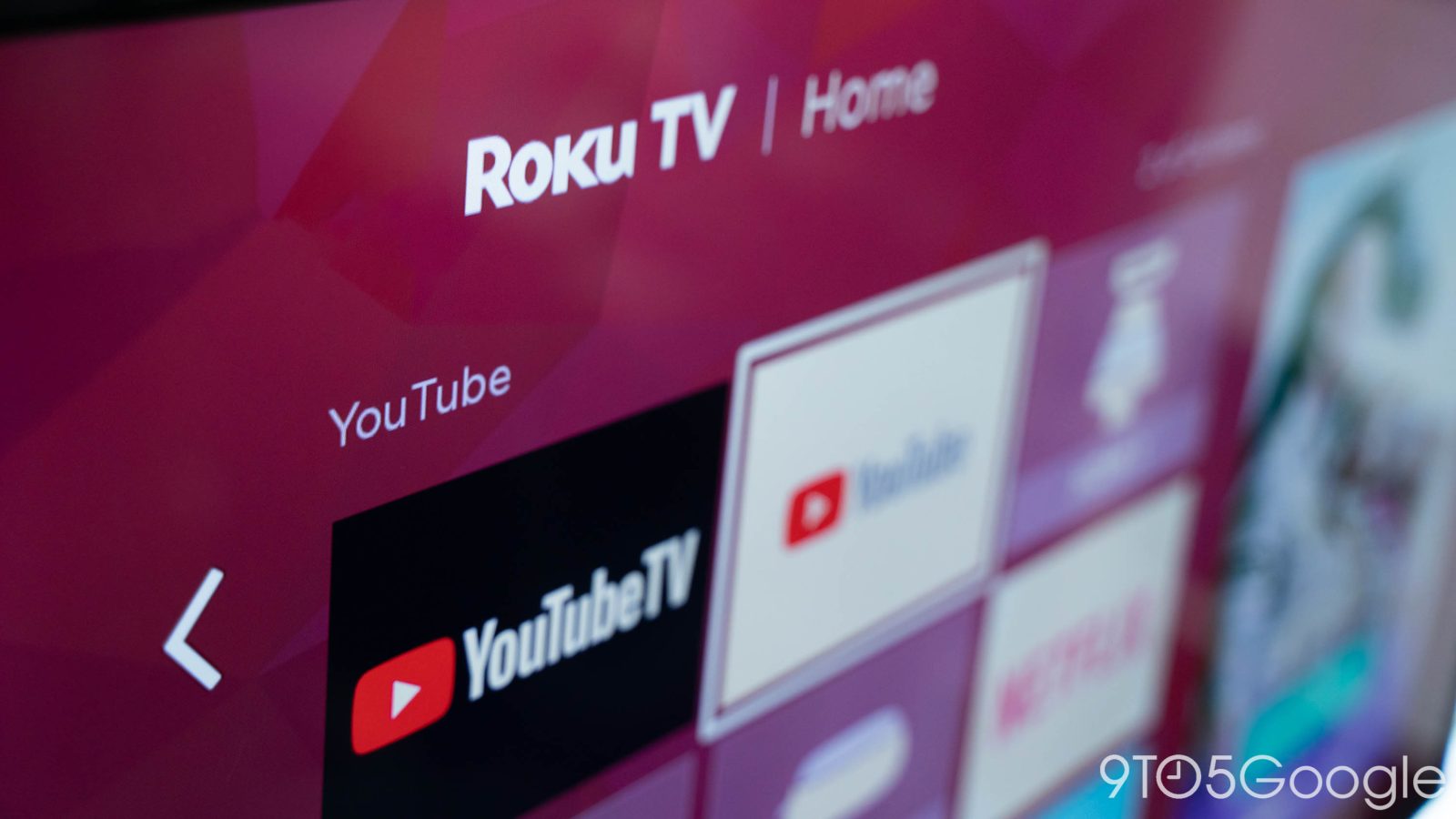
A small wave of users has recently expressed frustration with a YouTube TV bug that shows broken playback while browsing the Live Guide.
The bug appears to have triggered out of nowhere for a handful of users on both Roku streaming hardware and smart TVs. A thread on Reddit carries several comments corroborating the issue. So far, the issue seems to be targeting Roku devices, agnostic of whether that takes the form of plug-and-play hardware or built-in software.
YouTube TV’s latest gremlin reportedly breaks the Live Guide. In normal use, any streamed content continues playing while the Live Guide menu is open and overlaid. That design choice simply allows for seamless channel surfing, similar to the good ole’ days of cable – something I never thought I’d write.
With this new bug, the stream breaks, and a gray screen sits underneath the Live Guide while it’s open. Choosing a channel also appears to require an additional second or two to load fresh content, rather than switching from one stream to another.
One commenter notes they’ve been experiencing this on their Roku TV hardware for “around a year.” It’s possible it could be a case of outdated software or lacking support for YouTube TV on Roku devices. So far, the thread mentions TCL Rokue TVs, Hisense Roku TVs, and plug-in options like the Roku Ultra.
The broken Live Guide doesn’t seem to break YouTube TV entirely; it just makes the experience that much more frustrating.
Google seemingly hasn’t made mention of a fix at the time of writing.
H/T metric-puppy
More on YouTube TV:
- YouTube TV officially launches fully custom multiview – here’s where it doesn’t work
- YouTube TV starts rolling out Multiview upgrade that supports any channel
- YouTube TV Plans launch this week from $55/month with $65 Sports Plan


FTC: We use income earning auto affiliate links. More.





Comments