
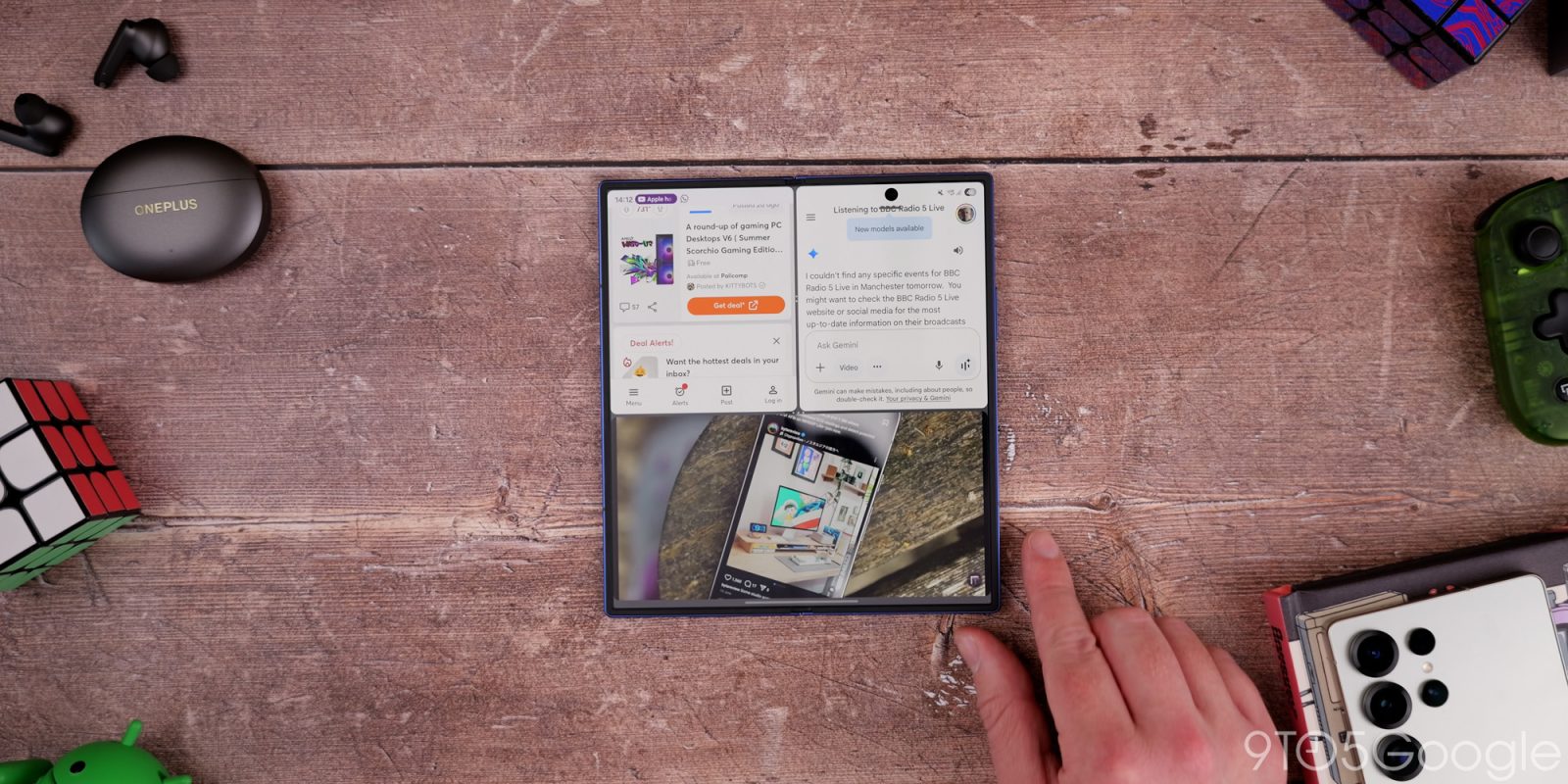
The Galaxy Z Fold 7 may be last year’s foldable flagship, but it’s still getting features from the Galaxy S26 series. With the latest update for Galaxy Z Fold 7, two new features are available, both part of the Galaxy AI suite.
The June 2026 update for Galaxy Z Fold 7 is rolling out now and, while it’s not a substantial update, it does deliver two new features. Early users spotted that the latest Fold 7 update includes support for Priority Notifications and Files Summaries, two features found on Galaxy S26 that weren’t delivered in the initial One UI 8.5 update as SamMobile points out.
Priority Notifications will try to raise important notifications, such as messages, to the top of the shade with a special style to make them stand out from everything else. This coincedes with notification summaries, also powered by AI.
Also now available on Fold 7 is the File Summary feature in the My Files app. This allows your phone to generate brief overview summaries from PDF or TXT documents.
They’re both pretty straightforward, but it’s nice to see Samsung expanding both of these back to its current-gen foldable, even though we’re barely a month out from the launch of the Galaxy Z Fold 8 series.
Meanwhile, Galaxy Z Fold 7 owners are probably far less excited about new AI features than they are eager for Samsung to fix battery life issues. Since the One UI 8.5 update was released, many have noticed drastically worse battery life.
More on Samsung:
- Galaxy Watch Ultra 2 reportedly gets a massive battery upgrade, twice the size of a normal Wear OS watch
- Samsung’s Now Bar gets lively goal and red card animations for 2026 FIFA World Cup
- Galaxy Z Fold 7 owners say battery life is much worse following latest updates
Follow Ben: Twitter/X, Threads, Bluesky, and Instagram


FTC: We use income earning auto affiliate links. More.


Comments