
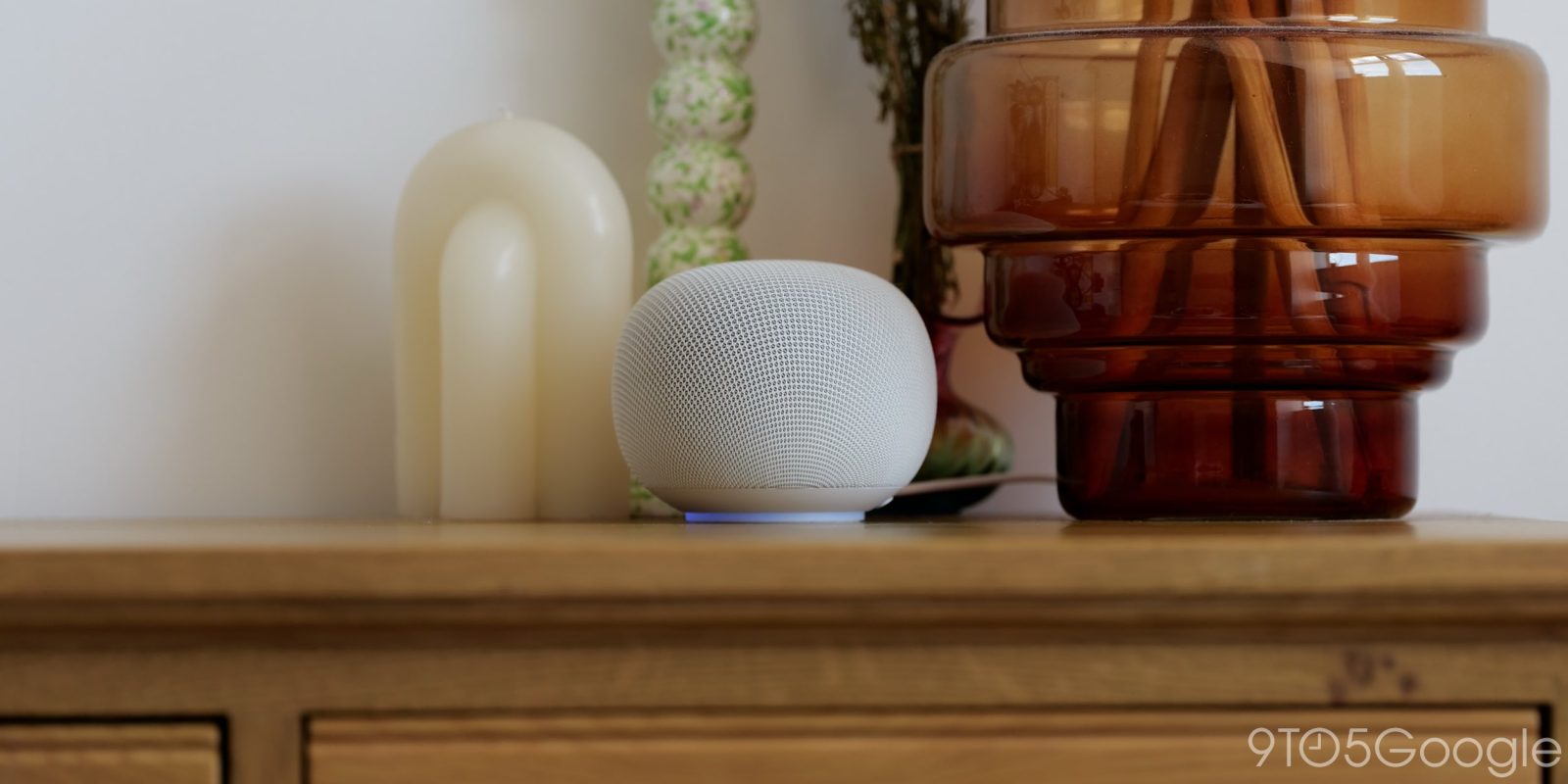
Five years on from a dedicated speaker launch, we have the Google Home Speaker. This is the platform for Gemini for the next half a decade – here’s what it’s like to live with.
Table of contents
For more video content, subscribe to 9to5Google on YouTube.
Setting up and getting going
Like just about any Nest product, the setup process is super quick. From unboxing to getting linked to my Wi-Fi, it was less than 10 minutes before I could start chatting with the new Home Speaker. This will be slower if you need to link accounts and set up a home, but for those of us already enrolled, set up, and whatnot, it’s super simple and quick.
What I found interesting is how much of the information about the device is being held within the Google Home app. I heard a few plings and noises with a “welcome” or “hello” from the speaker, then nothing else. I’m not sure if I’m remembering incorrectly, but other Home or Nest speakers felt more in-depth in the setup process once you had linked to your Google account.
Soft and stout

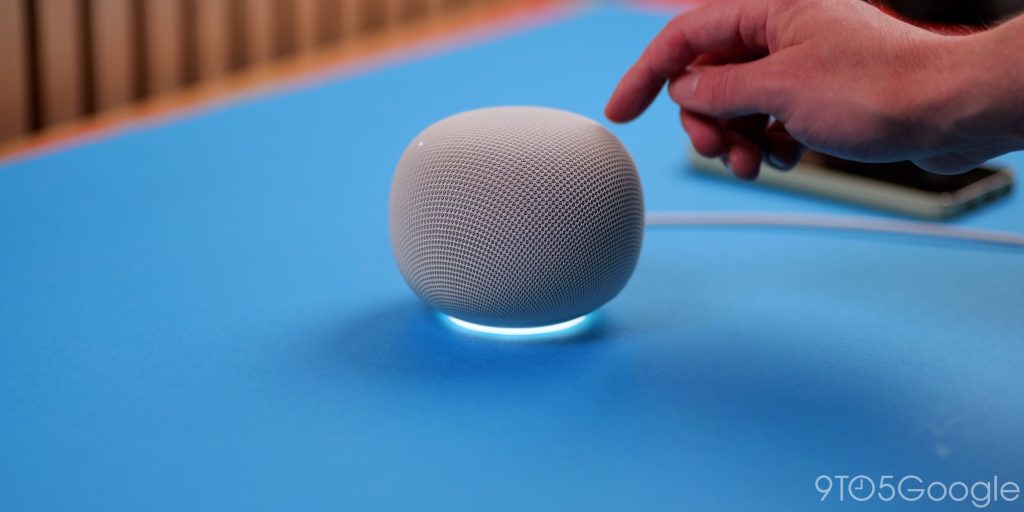
The integrated cable is from the speaker side rather than being fully detachable. The switch to a USB-C power cable is great, but I just wish it wasn’t fully integrated in the chassis of the speaker unit, as this could limit placement for some people. At 1.5 meters or 59 inches, it’s not short, but there are bound to be situations where the nearest power outlet isn’t quite close enough.
I would have much preferred the same power plug-in method used by the Nest Mini, Nest Hub, and others, but with the USB-C connection, as I could choose the exact length of cable to suit exactly where I want the speaker to live. That said, the detachable 30W power brick is a vastly improved option over the integrated cable power brick. If you have a multi-port power brick, that should work with no issues.
I’m ultimately frustrated that the “fun” colors are limited to the United States. Plain black or off-white are fine, but I had my eye on the Jade speaker as it would have fit nicely with the decor in my home.
At least Google stuck with the soft-touch fabric finish. It doesn’t look drastically out of place, nor does it deviate from the previous generation, so you could just swap it out if you wanted. Just know that you lose a little bit of the inconspicuous design. I also would say if you put it in the kitchen, stains might be an issue once again. I am wary of putting the Porcelain model anywhere near my kitchen countertops for that reason, as one splash while cooking, and it’s probably stained for good.
One of the biggest compliments I can pay the Google Home Speaker is that it has passed the “partner check,” and I am free to put it on my living room TV cabinet, as I quote, “looks like a fancy candle from the sofa.” That’s high praise in my house.
Light it up
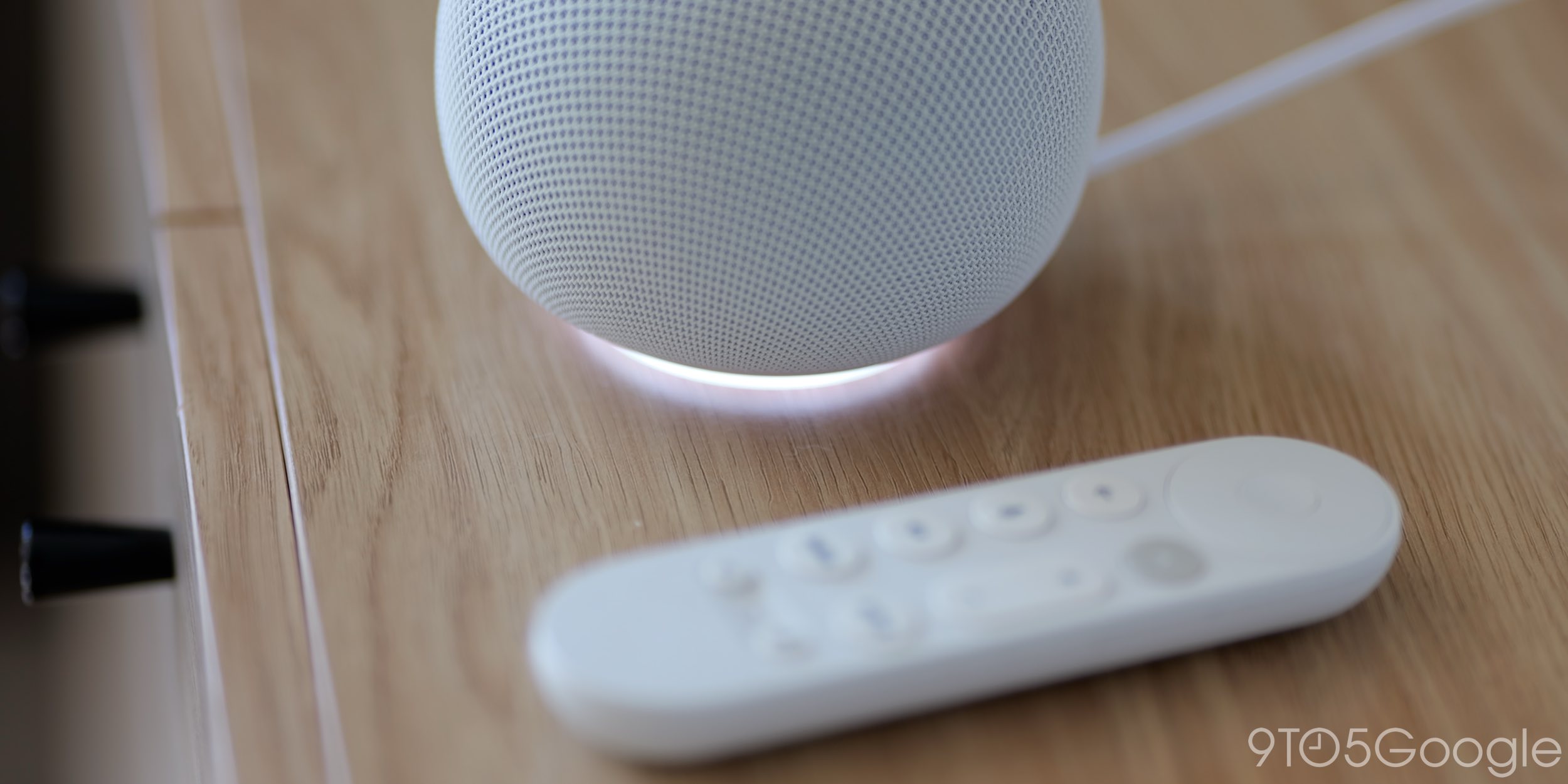
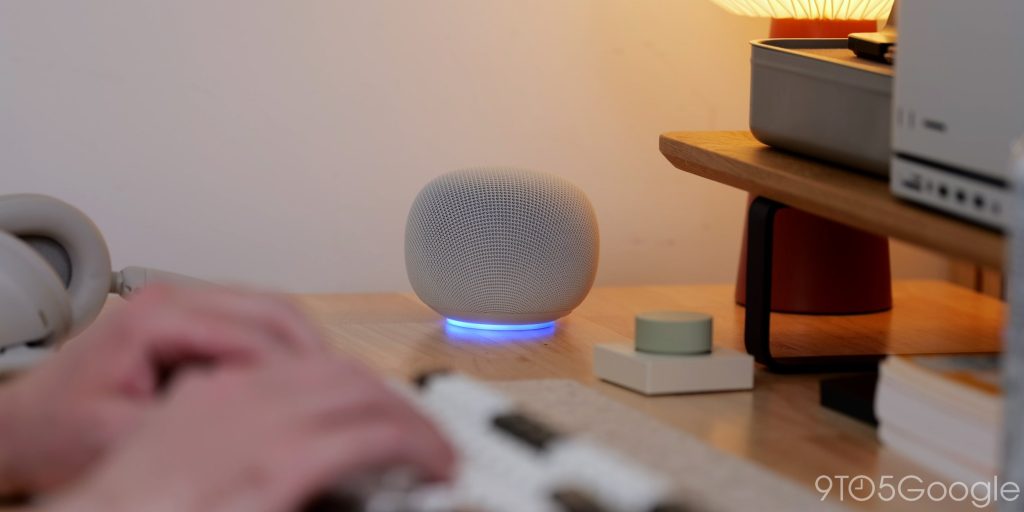
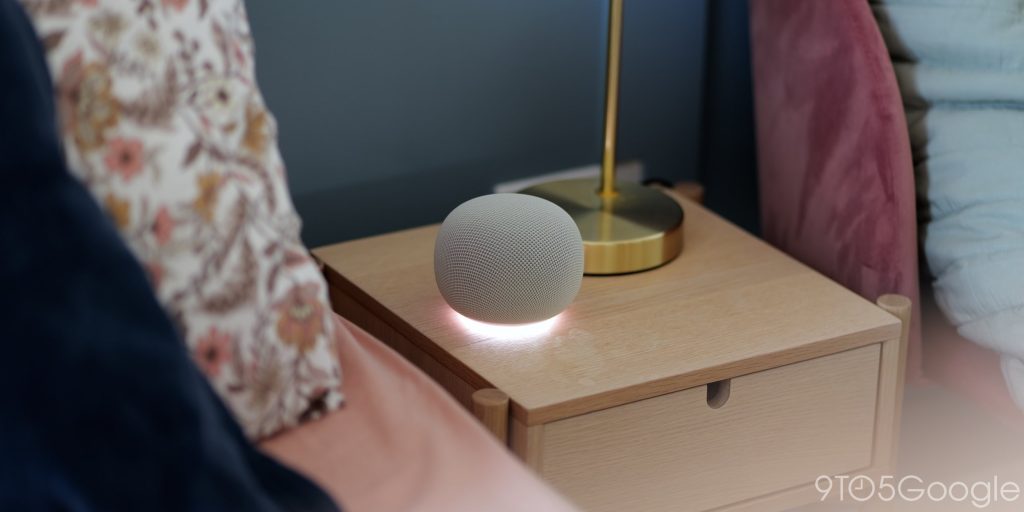
I miss the iconic 4-dot lights, but the base glow feels much more futuristic. I think this change does make a difference, as you can see when Gemini is thinking or responding. That wasn’t as easy with the Home Mini and Nest Mini, depending on placement. At night, this is also useful.
The short Google rainbow color when a voice command is being initiated, or the speaker is woken up, is a lovely little indicator. Google uses a bright white color when listening, and then a blueish color when reacting or speaking. It pulses and moves and feels alive compared to the mostly static lights on the old Nest Mini.
I’d love it if we gained a visualizer or similar for when music is playing back, as that would take full advantage of the lights in a way the older models could never. Given the lack of screen on the Google Home Speaker, I’m surprised this was overlooked.
The button controls remain identical to the older Home and Nest speakers; tap the right side to increase volume, left to decrease, and tap the middle to pause and play any audio. Super simple, it’s nice to keep that consistency.
A resounding audio step up

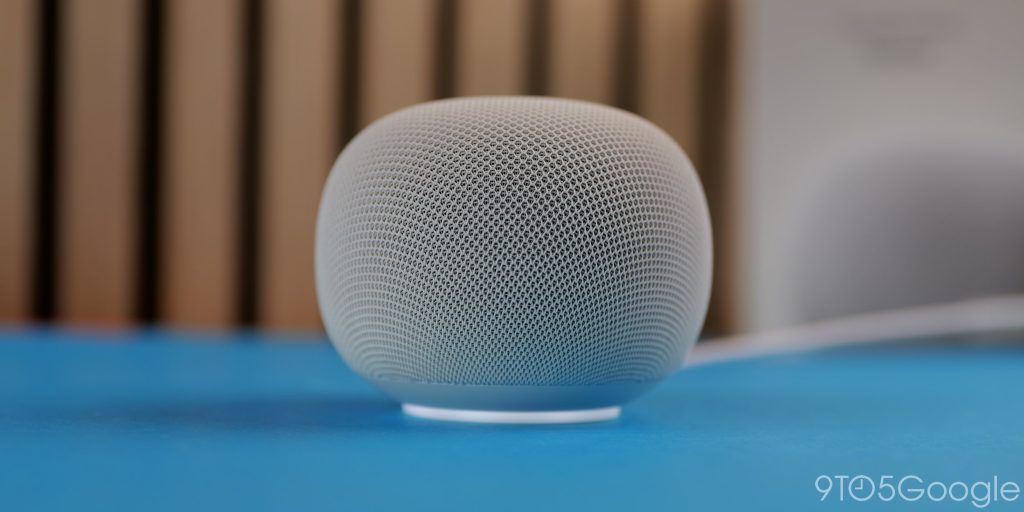
The 58mm full-range driver is a big step up over the 40mm driver on the Nest Mini, but if you’re expecting Nest Audio-level listening experiences, then temper those expectations. This thing sounds very good for its size, but it isn’t going to match high-end audio equipment.
Even during setup, I noticed how much more “full” it sounds. However, it isn’t as rich as I expected, given the driver upgrades. There’s a distinct lack of bass, no real true oomph when I listen to my favorite genres of Drum and Bass or even classic Hip Hop and Grime. As my colleague Andrew Romero can attest, there’s a muddiness present that might be disappointing to the audiophile – granted you wouldn’t buy this speaker expecting class-leading audio.
I’m actually almost certain the audio experience is identical to the Pixel Tablet Hub base unit. It seemingly produces the same experience without the 360-audio due to the shape and size. At 100% volume (not something I do often), this is a speaker that can fill a room.
Sadly, I was unable to test the dual speaker setup with the Google TV Streamer. I think that feels like overkill, but it could be a cheapish way to add some surround sound to your home with some extra functions baked in. You can connect a speaker solo, but the experience is akin to a cheap soundbar in my brief time testing prior to this review going live.
Gemini in and around your home
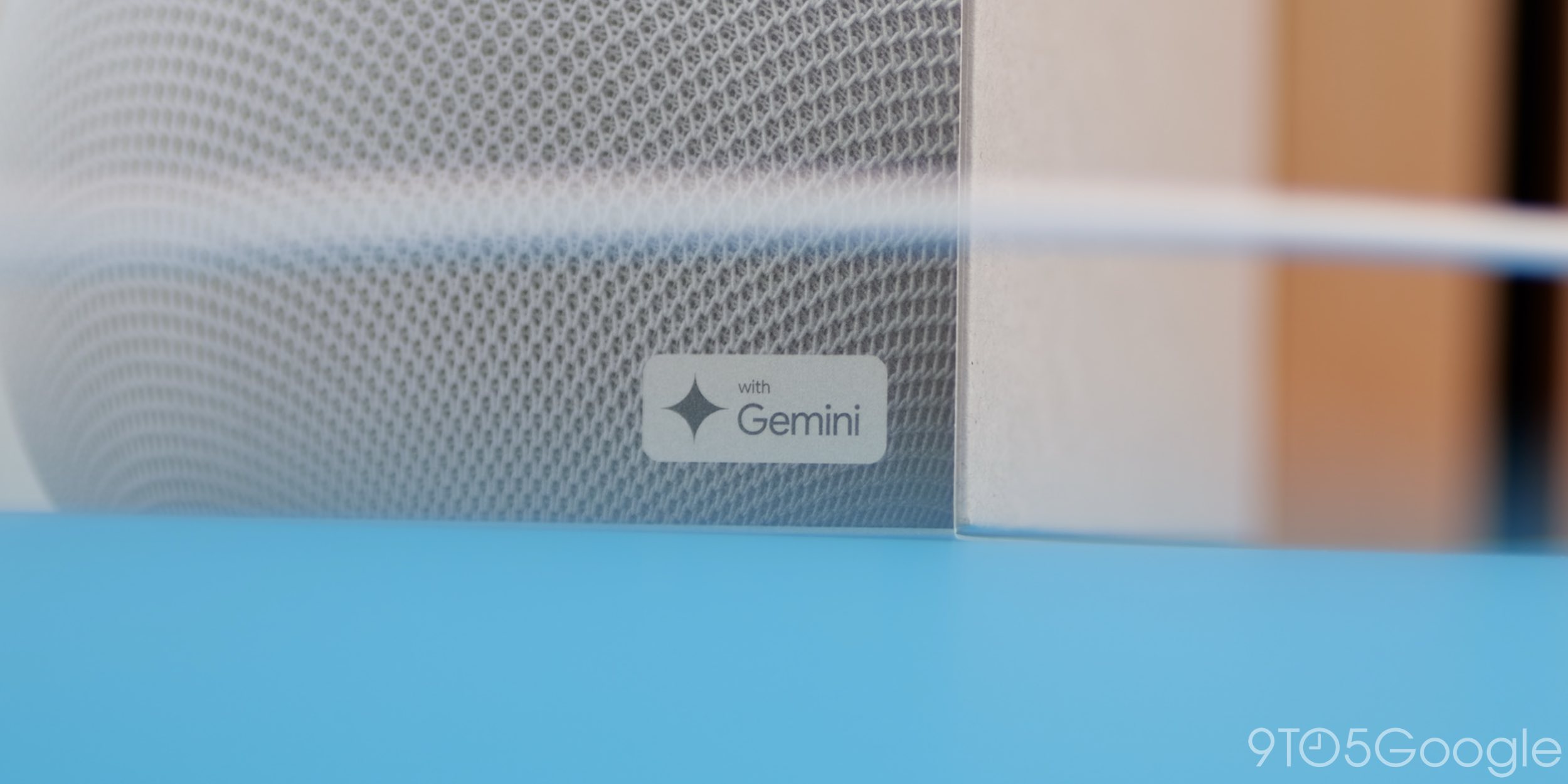
I’ve been previewing Gemini on all of my existing Home and Nest speakers for a while already, and what I can say with certainty is that, in my experience, this is vastly improved over the creaking, groaning Google Assistant.
That might not be the case for everyone, as many have complaints over issues with common controls. I cannot say with certainty that you will have a better time making voice requests, but being able to use less explicit commands to put on my favorite BBC radio channels, or adjusting the color of the lights in my office, heck, even setting multiple timers back-to-back while cooking has been a really great experience from the get-go.
Asking multiple things at once or just correcting on the fly has been something I’ve loved. It makes life so much better. Google wants to highlight Gemini Live chats, but I must admit it isn’t something I’ve tested as much as I would’ve liked. I use it all the time in the car, but in the kitchen, I’m usually listening to music, a podcast, or the radio.
I’ve found cooking instructions useful, but I like to have a visual element. I’m more inclined to ask for cooking advice, not get a full recipe. Your mileage may vary here. I’m not saying it’s good or bad for that either way, just that it might not be useful to everyone.
For that reason, the new Google Home Speaker has just slotted right into the mix with even faster processing than my Nest Hub or my Nest Mini. There isn’t quite as much of a “hang” when you finish asking your question or making the request. Things just start almost instantly.
I could foresee that being a problem in some very rare edge cases, but I will say that Gemini handles interruptions or course corrections vastly better than the input-output process that the Assistant relied on since the first-gen Home speaker system.
Wi-Fi 6 connectivity has been the ace up the sleeve in my experience. The connectivity boost has made a real difference in my experience at the extremities of my home network. I get quite a few dropouts on my Nest Mini when streaming music and radio in my kitchen, even though I’m less than 10 meters from my Wi-Fi router.
All of those issues are gone with the Google Home Speaker. It’s a solid connection that means no waiting time for things to initiate. It’s not quite instantaneous, but as close as it has been with a Google Home speaker to date.
Given how the Google Assistant days are numbered, I kind of figured this would be a great time to launch activation with “Hey Gemini,” but alas, we’re using the practically ancient – and ubiquitous – wake phrase we’ve used forever.
Updates and platform evolution are what make Gemini a natural progression for the Assistant. I know many people are against this migration, but in the long term, it’ll make for better smart home systems.
Final thoughts
There’s undoubtedly a little bit of trepidation in recommending the Google Home Speaker, not for its good components. No, it’s mostly that it might not “fit” into a smart home that has been cultivated around the Google Assistant.
Some of you prefer the older one-way request-response setup due to the simplicity and the explicitness of how it operates.
Gemini is anything and everything all at once, which brings about its own hurdles.
It’s less bound by your requests, rolls with punches. Not everyone needs something so reactive, and I have noticed that while I like that it can do so much more, I’m falling back into the trap of using my Home Speaker the same way I’ve used practically every home speaker to date – turn off lights, set a timer, play a song.
Is that enough for you to consider an update or an upgrade? Maybe, maybe not. This is still a small, compact solution for bringing Gemini into your home. Would I call it a “true” replacement for the Nest Mini? Maybe not for everyone, but it is, according to Google, and it mostly hits all the right notes.


FTC: We use income earning auto affiliate links. More.



Comments