
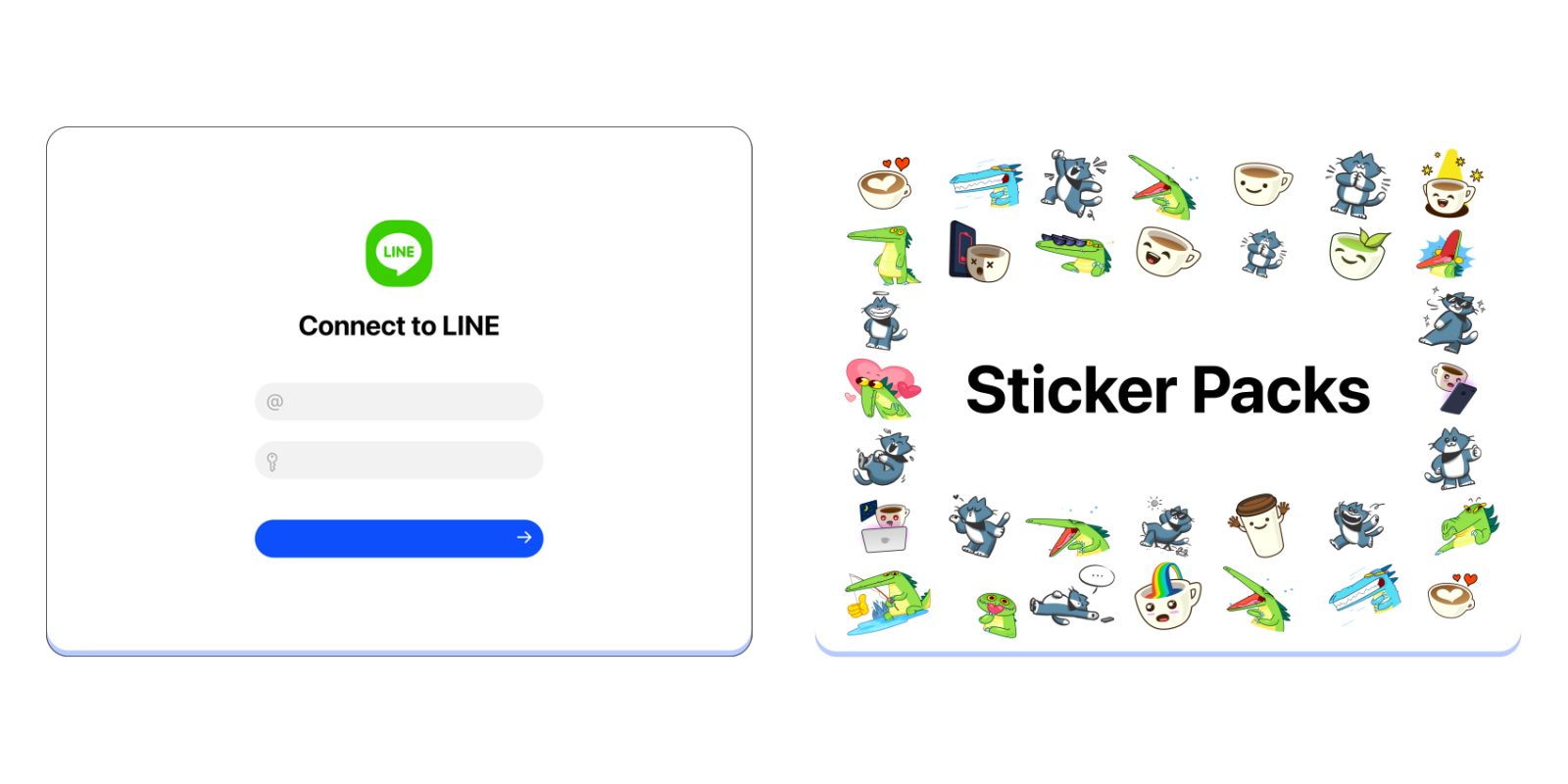
Beeper, the app that famously figured out a back way into iMessage for Android, is still around and now rolling out a slew of new updates including support for Line messages.
Announced today, Beeper has eight new updates that are all available in the latest updates.
First up is the biggest addition, a new messaging service. Beeper can now integrate with Line messaging, though only through a cloud bridge. Line is a very popular messaging app in Asia – in Japan especially – so it’s great to see support arriving.
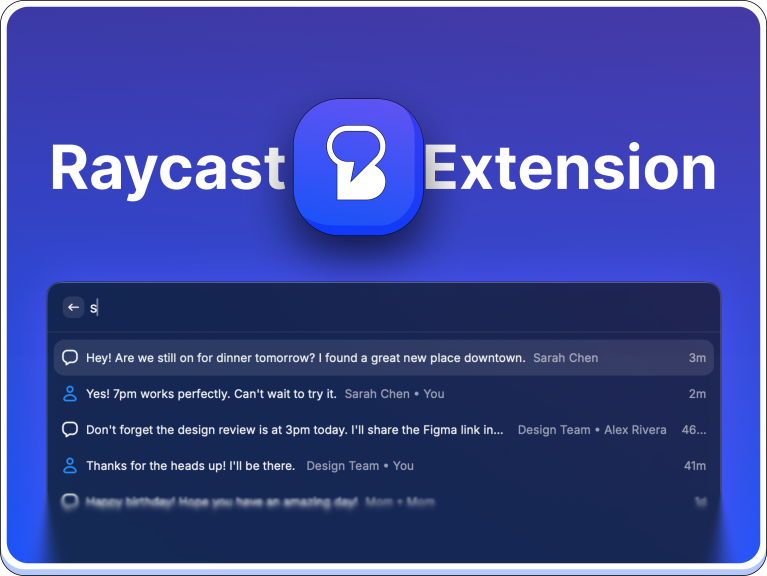
Another new integration is with Raycast, as Beeper’s desktop app can now integrate with Raycast as an extension. This allows Raycast to search through your messages in Beeper. The Beeper desktop app is also getting a major performance bump with startup, search results, and overall messaging now being twice as fast despite the app as a whole lowering its CPU usage.

On the mobile side, the Beeper app for Android is adding sticker pack support from the original apps. So you’ll now see the same sticker packs from Telegram and WhatsApp, and others, inside of Beeper.
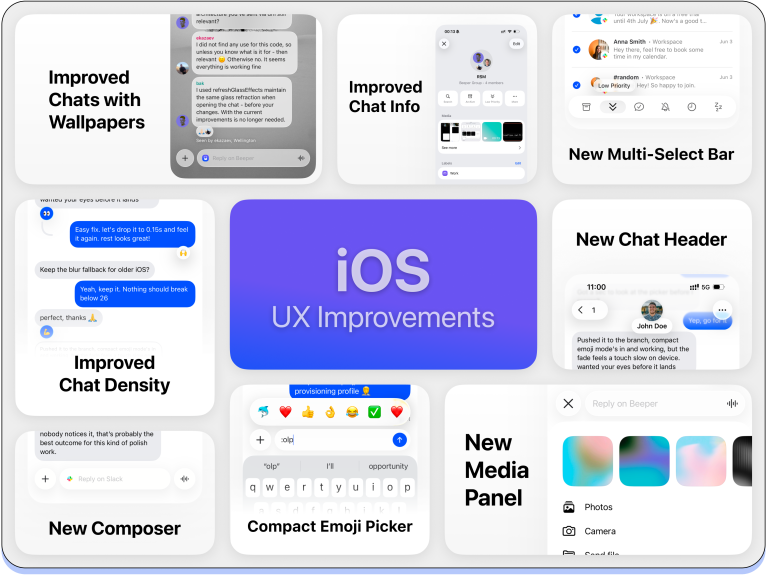
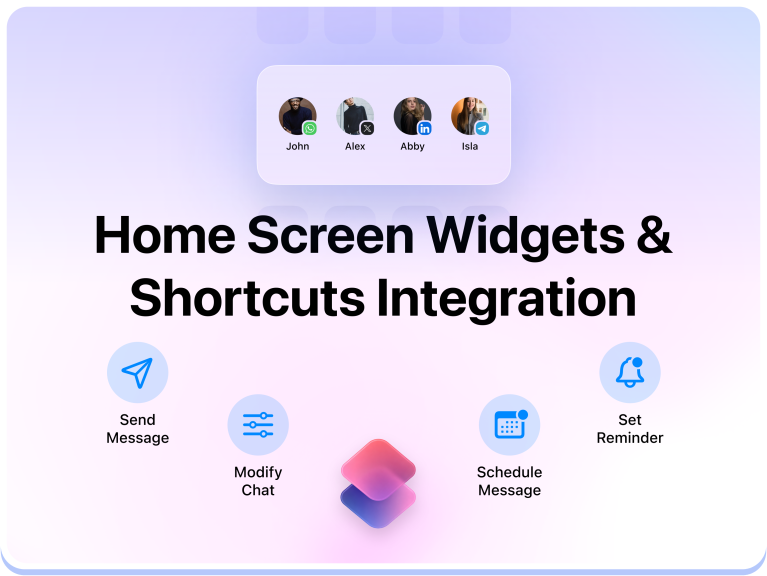
On iOS there are new homescreen widgets and support for Siri Shortcuts integration too. The app as a whole is getting various design updates including better chat density, wallpaper backgrounds, a media panel, quick access to emoji, and more.
Finally, Beeper for macOS is improving iMessage support with ,do-not-disturb status notice + notify anyway, the ability to view edit history, emoji reacts, improved performance, and fixes for audio playback, receiving typing indicators, certain GamePigeon/Find My messages not showing up, unmuting chats, etc.
All of these updates are rolling out now.
Follow Ben: Twitter/X, Threads, Bluesky, and Instagram


FTC: We use income earning auto affiliate links. More.



Comments