
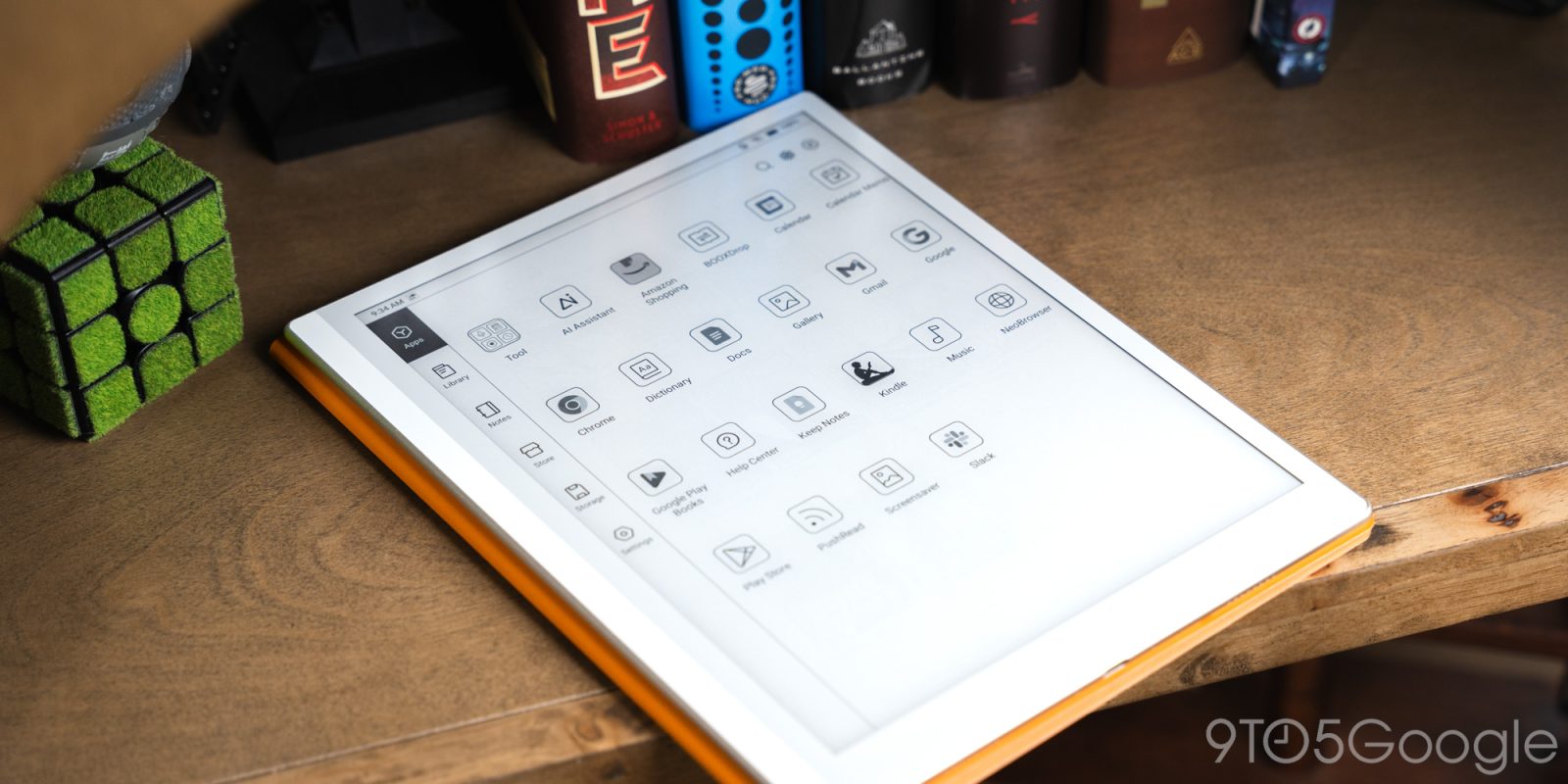
The Boox Go 10.3 Gen II does nothing but expand on the bar Boox has set for minimal Android e-readers, setting the bar for note-taking and reading on the go. It does everything an e-paper tablet should.
I’ve been using the Boox Go 10.3 Gen II for a couple of months now, and even if it’s taken a back burner to my list of ongoing reviews and projects, it’s done so rather elegantly. In that time, I’ve grown accustomed to taking notes on the 10.3-inch tablet and diving into several books. But because it also runs Android 15, it’s become an easy way to disconnect from other tech while accessing some of the tools I need to use in everyday life.
Design
It’s a big boy, but paper-thin
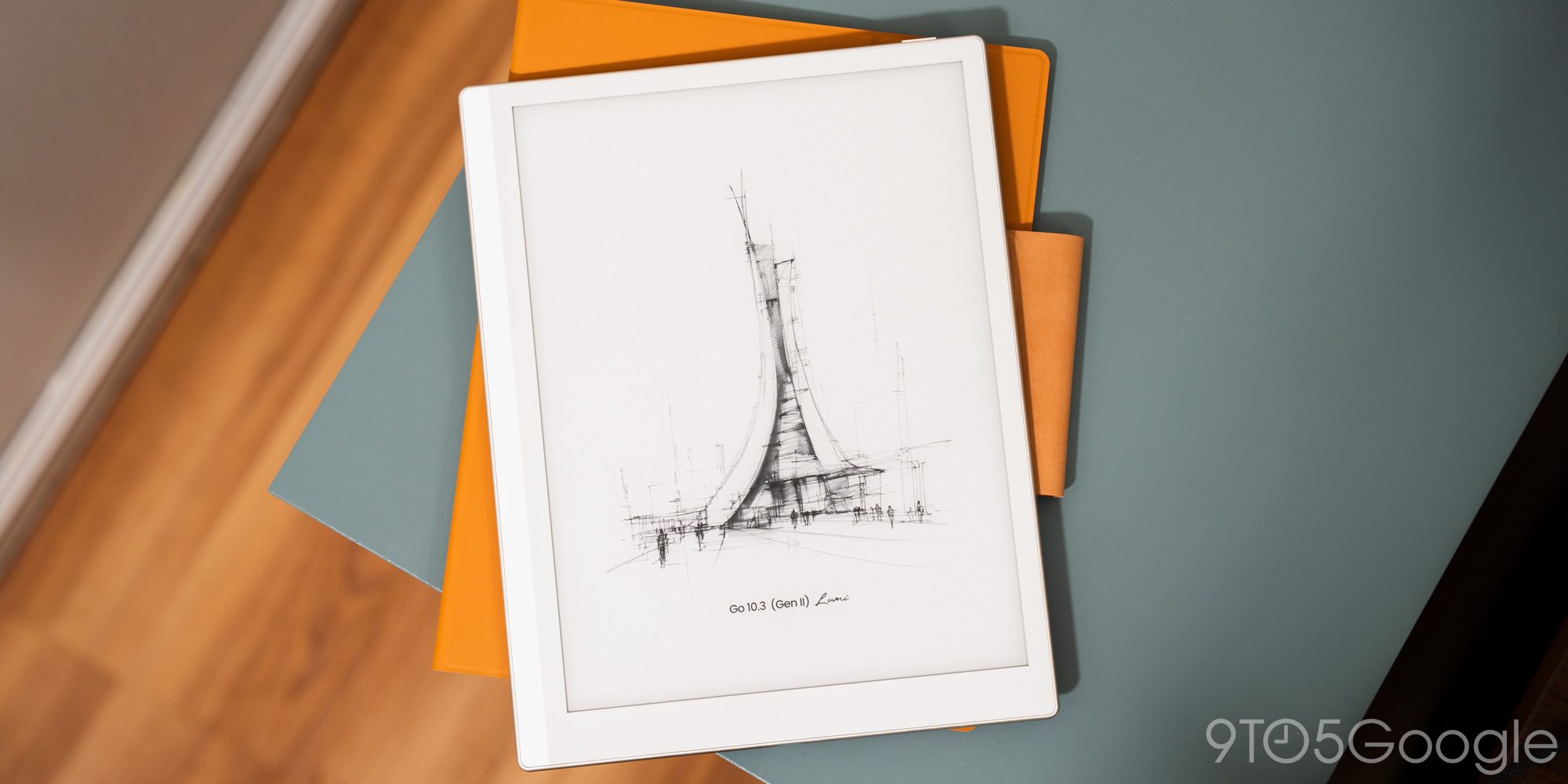
Boox makes the claim that the second-gen Go 10.3 is as “thin as paper” on its website. Obviously, that’s no more true than the claim I made that using the tablet counts as a “disconnect” from technology. But it gets the point across.
It’s just 4.8mm thick, and it’ll fit into any bag that can accommodate its overall footprint. The bezel is slightly skewed, with the left edge taking up more screen space. It makes no difference in use, especially if you’r reading or writing with the stylus.
One nice design touch is the rear panel, which is made of faux leather. It’s so soft, and it goes a long way in making the tablet easy to hold for longer periods.
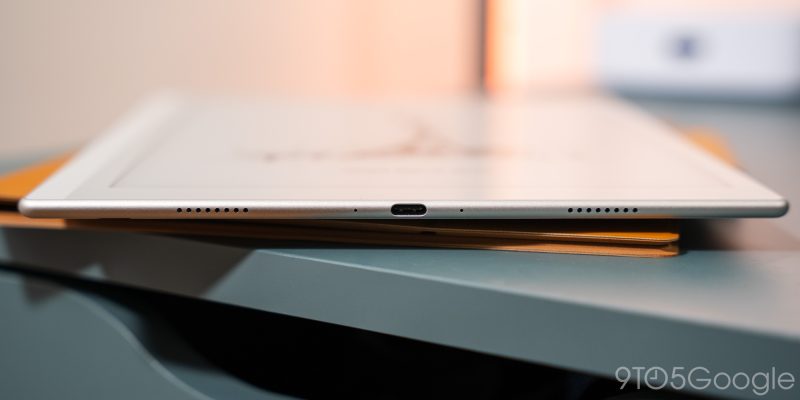
You can add some weight and thickness with the additional folio cover. It acts as a stand and stylus holder, if you don’t want it magnetically attached to the tablet itself. The same sort of material is used in the folio. Props to the design team for putting together a look that feels natural.
I could see how some might take issue with the stylus holder on the cover. You need to stick what is essentially a strip of material to the cover and loop it for the pen to sit snugly. Too loose and it falls out. But the magnetic approach also means it can be placed anywhere, as a matter of preference. To me, that’s valuable.
As close to paper as we’re going to get
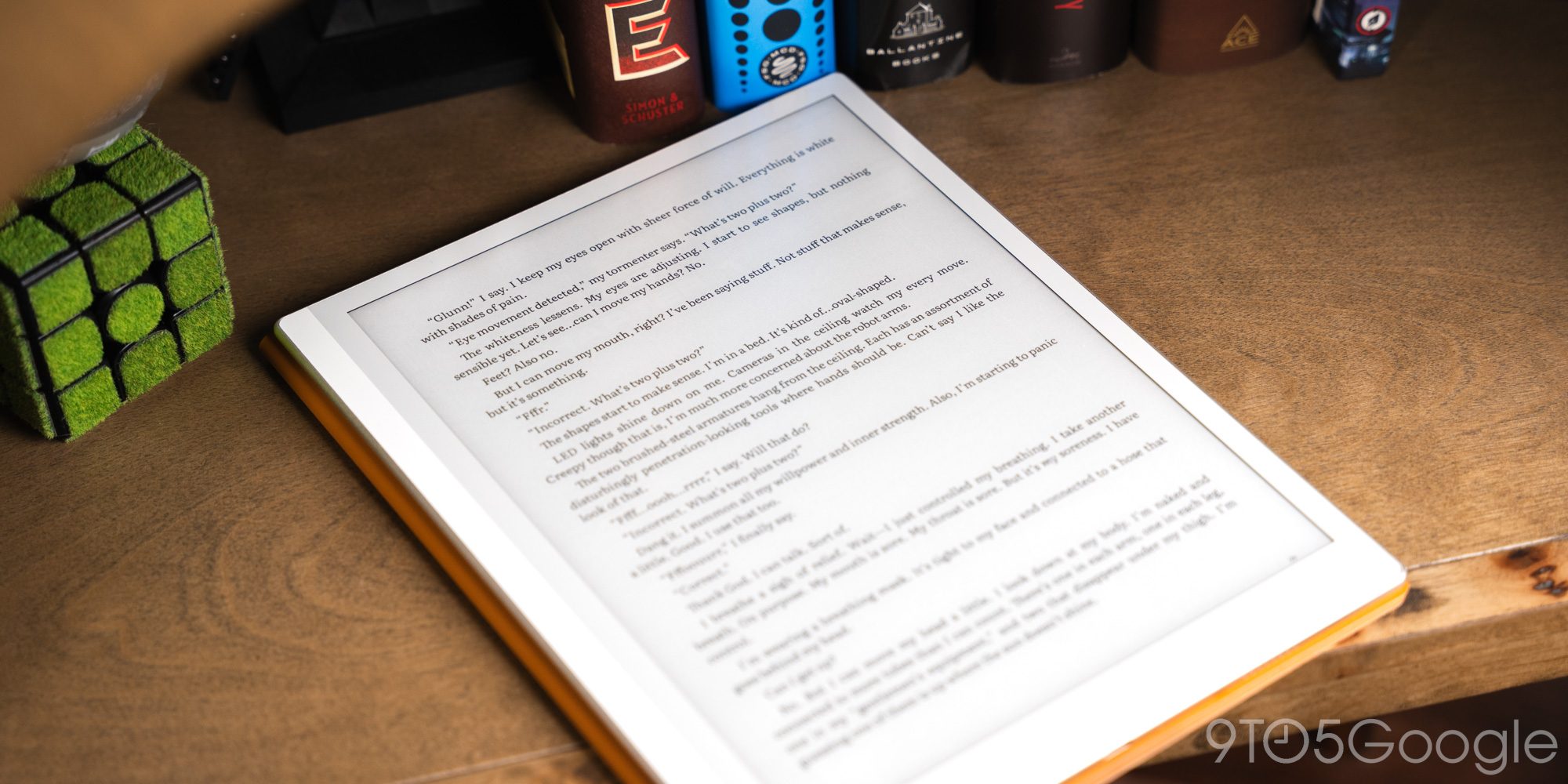
I expect little else than a good display on the Boox Go 10.3 Gen II. This being the Lumi edition, too, the screen has a front light to illuminate the e-paper display for conditions that are less than friendly to e-readers.
The tablet gets used in the bright sun and in dark rooms without any issues. The HD Carta 1200 display it uses looks fantastic throughout everything, though it’s good to temper expectations about e-paper panels in the first place.
There’s some ghosting, but that’s normal because the panel can’t develop new frames as easily as an OLED or even an IPS panel. To combat that, Boox’s Android 15 skin allows for some display options if you swipe up from the right portion of the screen. There are two refresh modes for the best picture and high movement, along with several color options.
This being a monochrome display, there is no actual color, but the modes still shift contrast to present a better image based on the app you’re using. It’s useful when you want to swap from reading to web browsing, or other apps that might have elements otherwise hidden in certain modes.
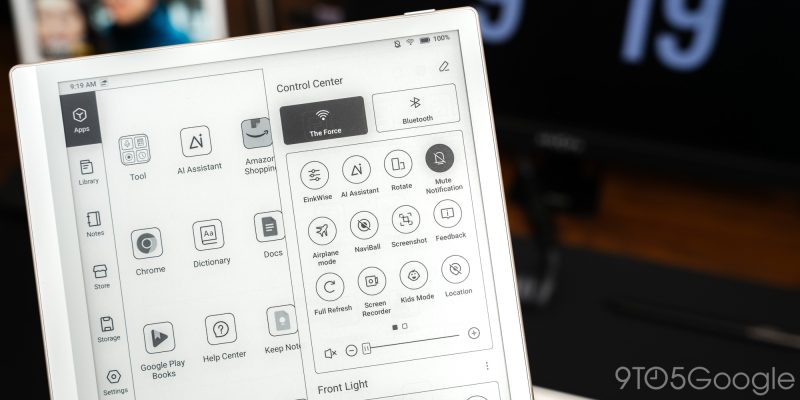
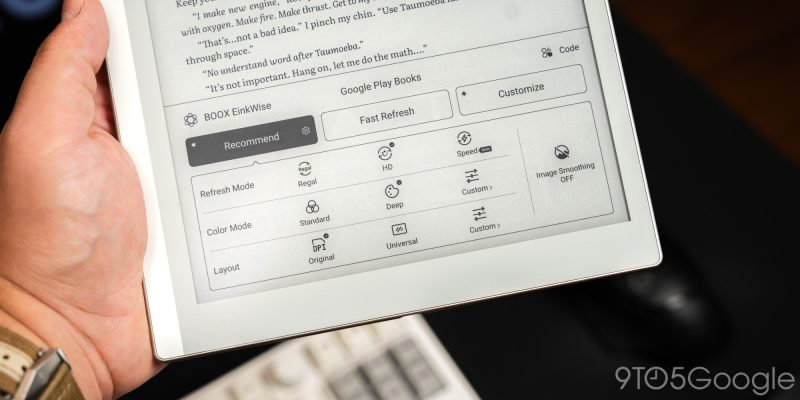
No matter what app I use, though, I love how e-paper looks. Now, obviously, it’s not going to be useful for videos or photo editing, but it shines with the apps Boox intends the tablet to be used with. The internal light also helps make things a little more comfortable.
I still find touch recognition to be a little hit and miss. I get that e-paper has heavy limitations, but when an e-reader can recognize touch as fast as a modern-day phone, I’d consider using that as a daily driver.
E-paper displays provide a comfortable viewing experience that OLED panels fall short of. In a creative tablet you might spend long hours staring at, that’s a big plus.
Software
Only as much Android as you want
Android on an e-reader makes for an interesting device. Because the natural thought process behind buying a tablet with an e-paper display starts with wanting to disconnect from technology. At least, a little bit.
But with Android as the underlying operating system, are you actually able to use the device distraction-free?
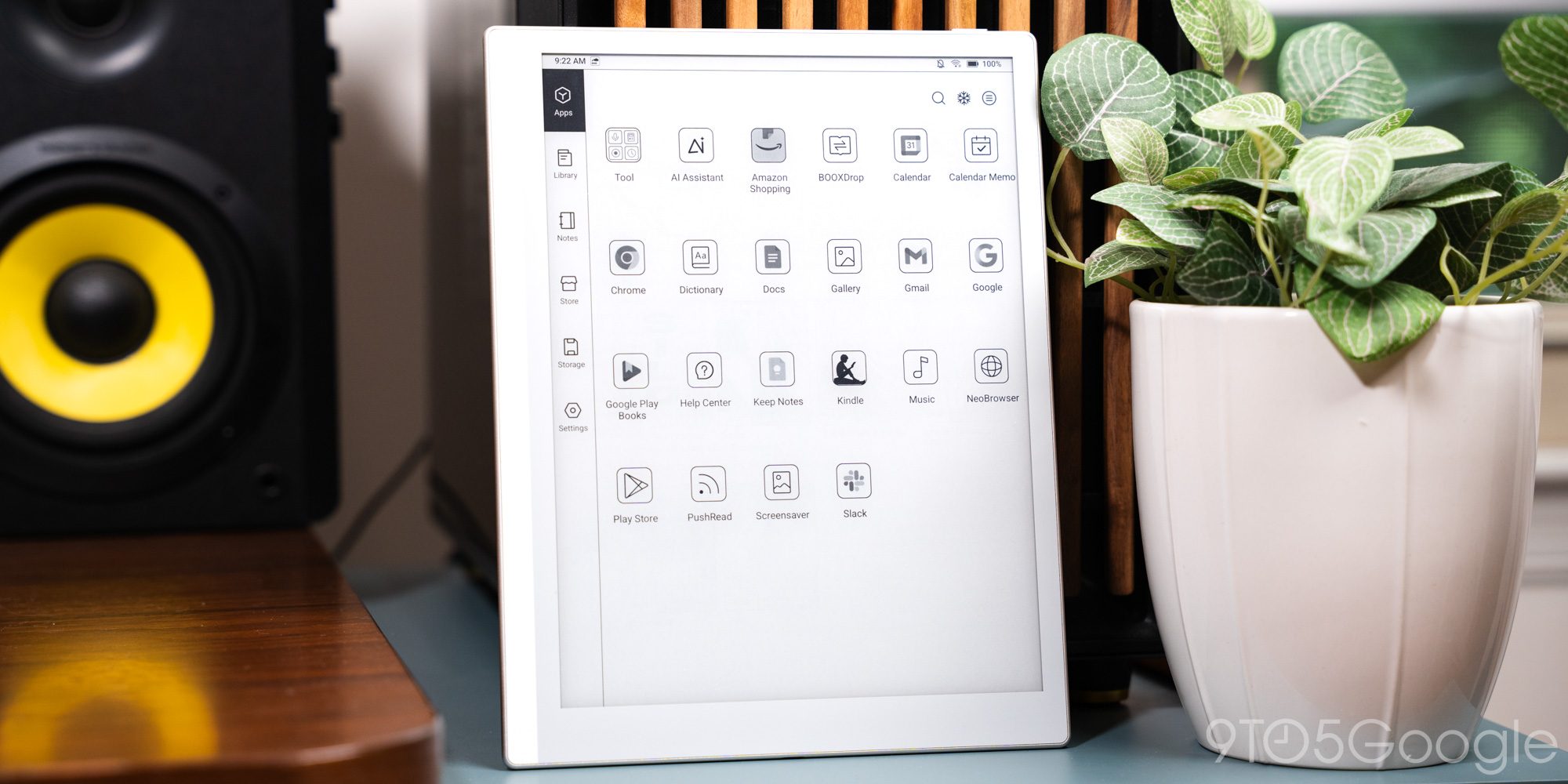
I think Boox skirts that line well, as it’s done in the past. Android 15 powers the Go 10.3 Gen II, but it doesn’t have to be in your face.
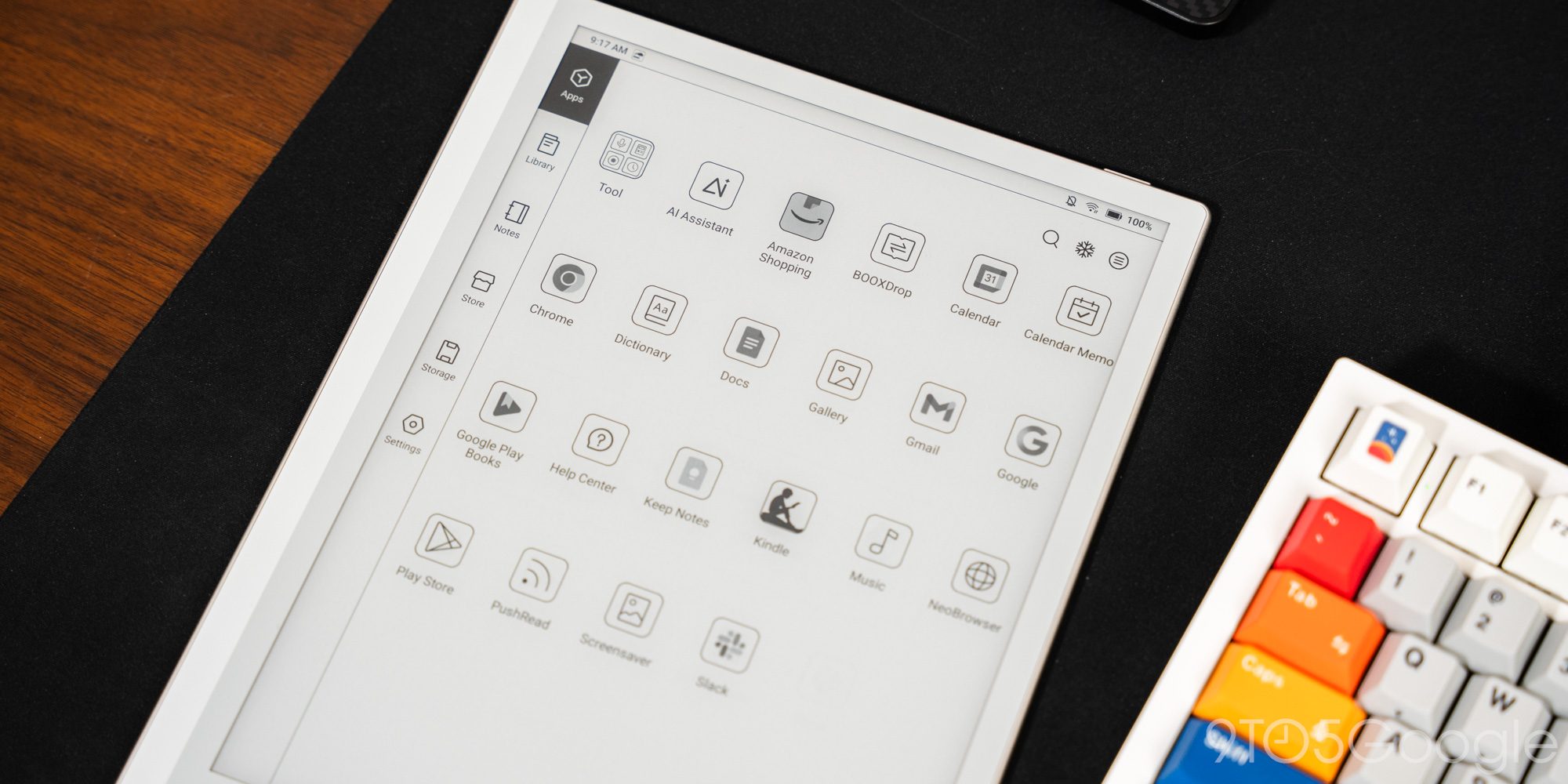
The homescreen is laid out so that elements of the tablet are split into several sections. The side menu holds all of those partitions, like the library, notes, Boox store, settings, and apps. Everything you sideload or grab from the Google Play Store is added to the apps section. It’s completely separate from the main function of the tablet, but always accessible.
The library and notes tabs are where the two superpowers of the device lie, with a big asterisk. Because, for whatever reason, it isn’t easy to add Google Play Store books or purchases from, say, Kindle to the library section. You can add EPUB and PDF files, but it’s mainly for books purchased through the Boox store.
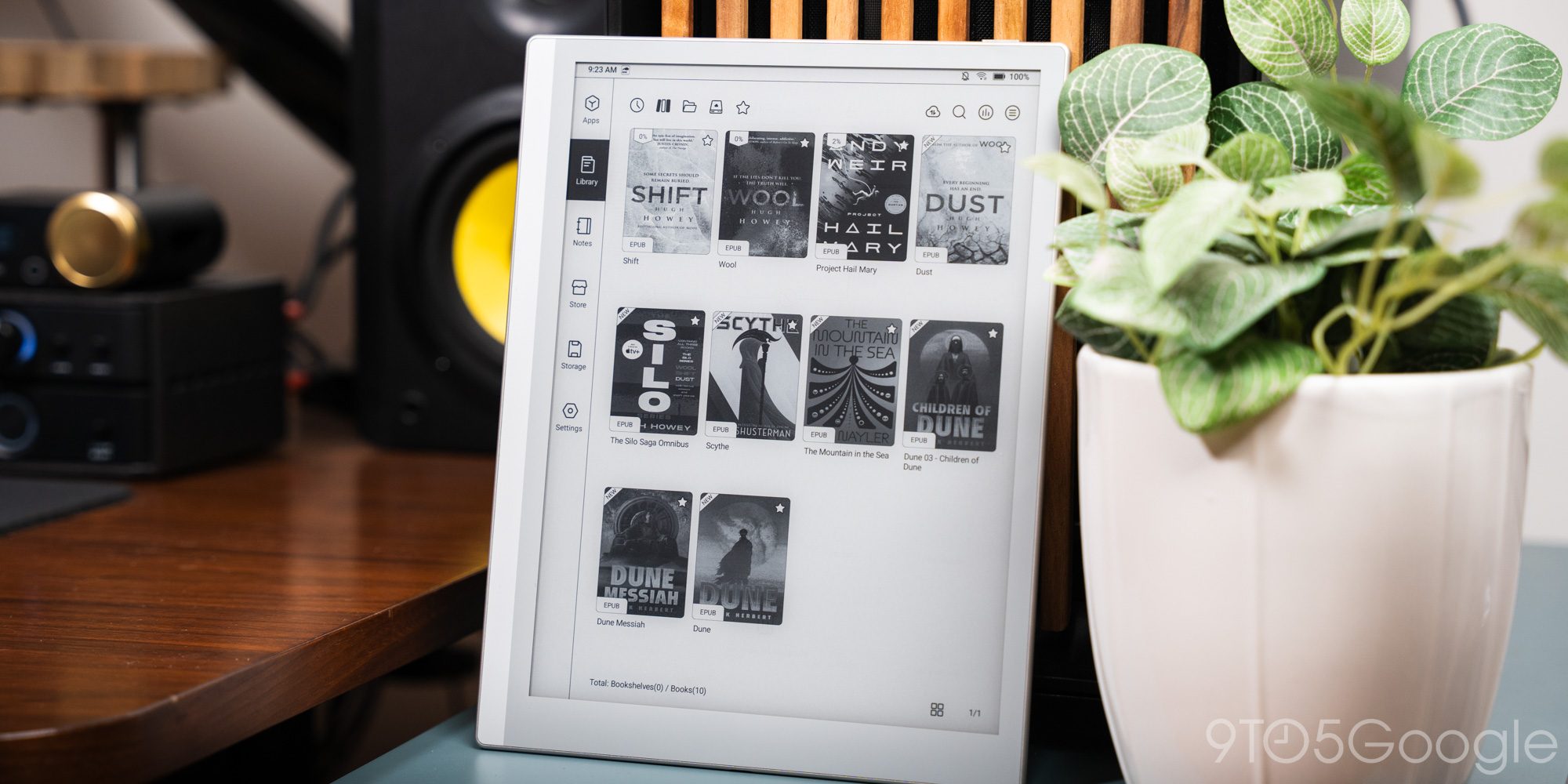
The notes tab is understandably entirely its own thing. Anything you add can be uploaded to Google Drive or through Boox’s proprietary cloud storage, but it’s also a hub for anything you want to create. I use it for jotting down thoughts, outlining content ideas, and so much more. But more on that later.
At first, I rejected the idea of separating Android apps on an Android device, but as I’ve used the Go tablet more, I’ve come to appreciate the distinction. Even with the entire Google Play Store at my disposal, I tend to spend most of my time writing or reading. That’s what it’s for, but your mileage may vary tremendously. That’s the reason third-party apps are at one’s disposal.
A spacious handwritten experience
Boox includes an InkSense Plus stylus with the Go 10.3 Gen II tablet. It has a couple of little design quirks, like a USB-C port on the side for charging. There’s no great spot, but it can be a little awkward to charge when it dies. It also sits a little loosely when magnetically attached to the side of the tablet, but those are small complaints.
The bigger story lies in how it performs, and man, do I love using it. This is where the tablet sees an upgrade from the first generation. The InkSense Plus stylus is a step up from the magnetic stylus Boox was using before.
It has several thousand levels of pressure sensitivity. I don’t have experience with how many levels make a stylus that operates well, but it’s somewhere around several thousand. The display’s paper-like texture and the stylus combine to make a wonderful writing experience. Little pressure differences translate into realistic pen strokes, but none of it feels so incredibly inauthentic.
Beyond the stylus itself, Boox’s proprietary notes app is extensive on the 10.3-inch display. It’s almost overwhelming. Once you find your workflow, though, there’s so much you can do between working with layers and text selection. Yes, those tools are standard, but I’m more impressed with how well the notes app is put together.
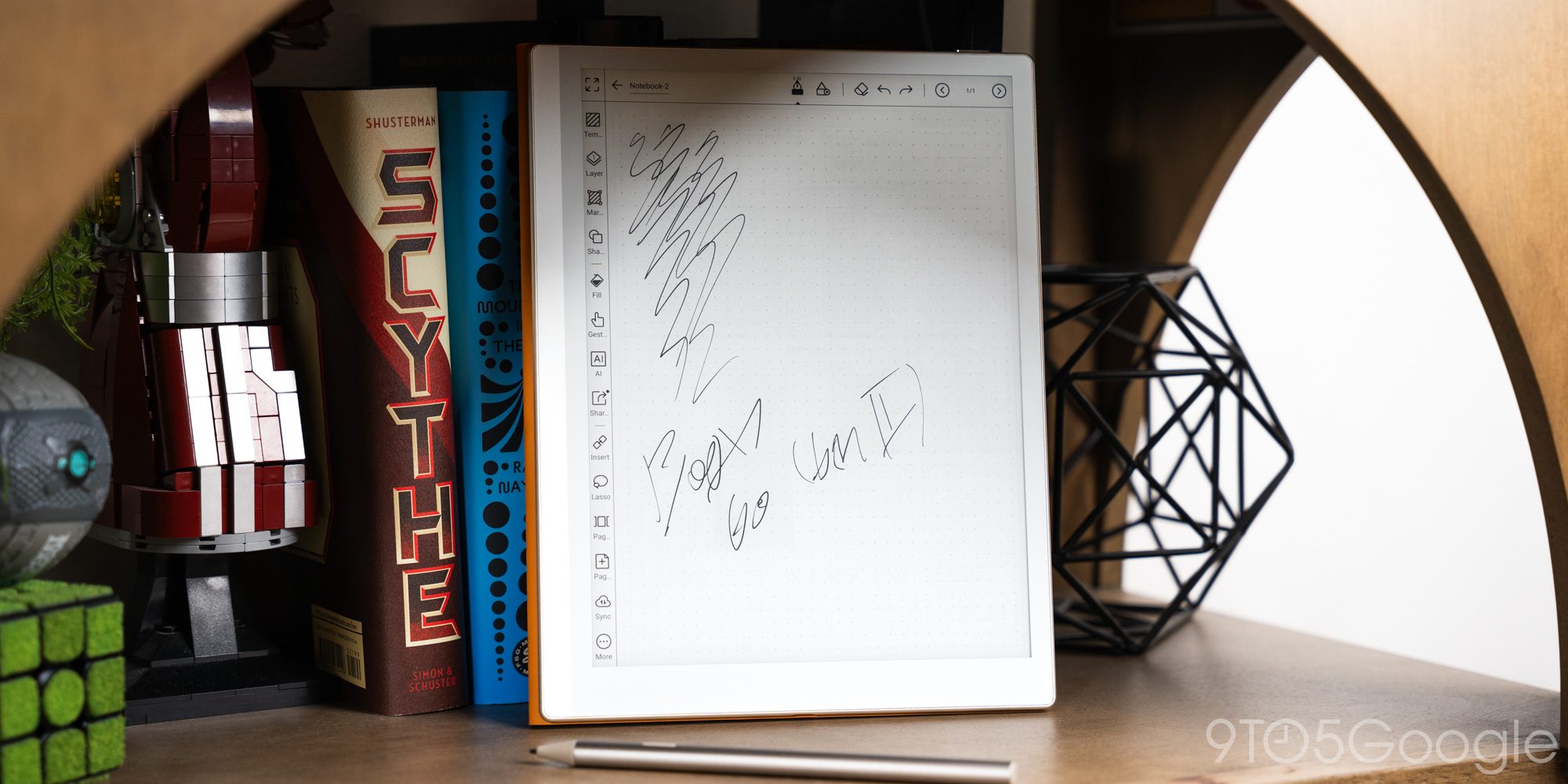
After all, Boox wants the Go 10.3 to be a creator’s device. The creator would need to be ok with working on a black-and-white display, but if they are, it’s proven to be a great note-taking companion.
Battery
I wouldn’t worry about the battery
Generally speaking, a 3,700mAh battery for a tablet would translate to very little actual use time. For an e-reader, that couldn’t be further from accurate.
It’s hard to tell how much I’ve been able to stretch the Boox Go 10.3 Gen II battery to, but it’s easily a week or more with moderately heavy use. The truth is that the Go tablet usually reaches the charger before I ever run out. And after a quick top-up, I don’t have to worry whether it will die on me or not.
That positions it as an optimal travel device or a set-and-forget tablet to keep around the house. In any circumstance, it doesn’t die quickly.
Final thoughts
Priced at $459 for the tablet and case, it’s a little hard to see where the Boox Go 10.3 Lumi sits. The model without a backlight is priced at around $419, but an upgrade to the Lumi edition is worth it if you think you’ll use it indoors often.
Compared to something like the Kindle Scribe at a little over $100 less, that may suit those who need a barebones note-taking tablet without a lot of fuss. But the Boox Go 10.3 finds its value in versatility. Having the entire Android app store available means it’s easy to add the apps you find important. That’s something some other options make difficult to do.
Design is also a big one. The Go 10.3 Gen II feels great to hold and use, but it’s also designed well. That thin profile gives it an edge for travel, even with the folio case attached.
The Boox Go 10.3 Gen II is a good Android e-paper tablet, and it’s one of the best options for disconnecting a little, even if you want to justify checking emails.
Buy the Boox Go 10.3 Gen II tablet


FTC: We use income earning auto affiliate links. More.




Comments