
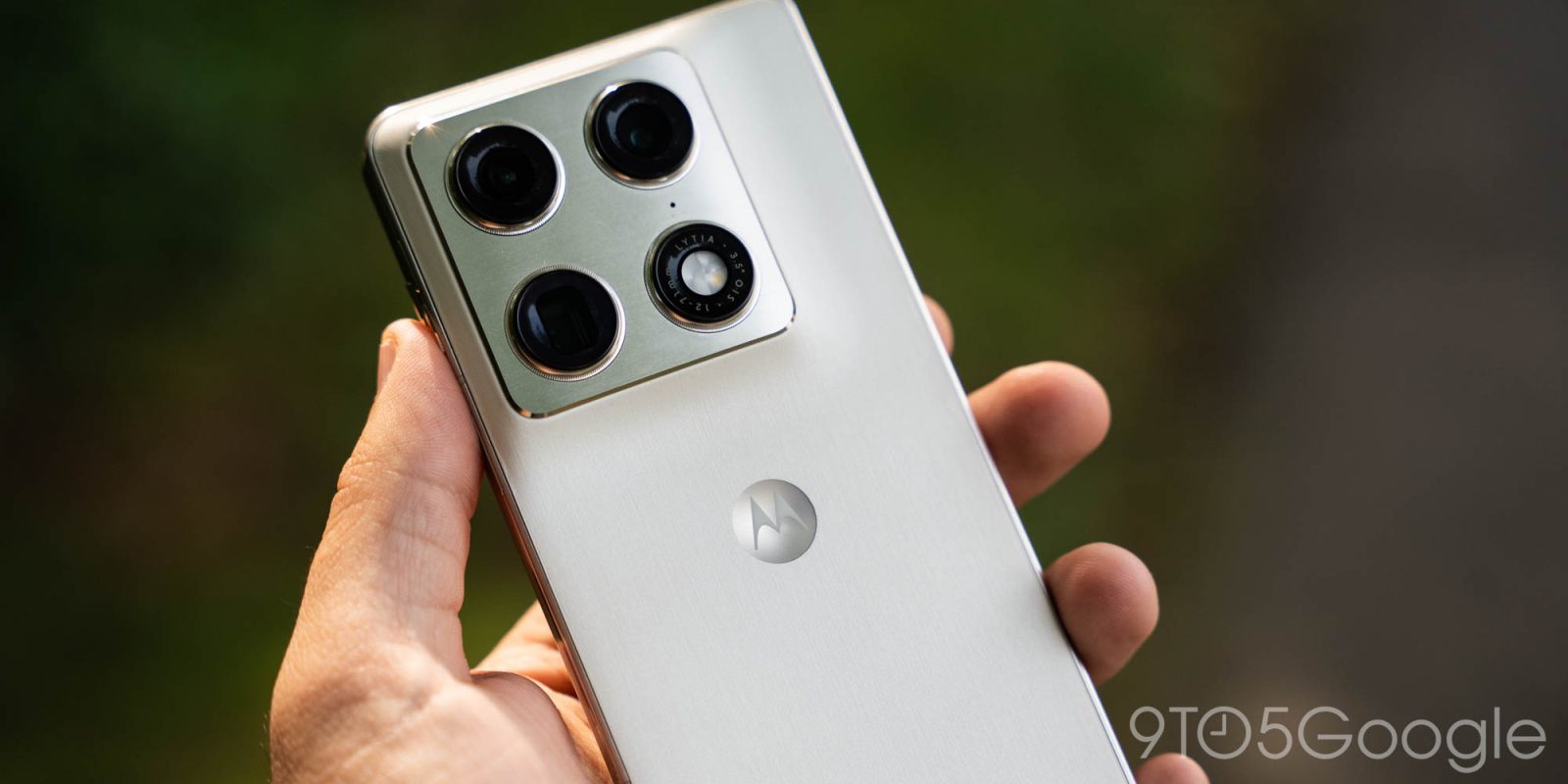
Motorola is bad at updates, but at least they arrive eventually. This week, Motorola is detailing its Android 17 update and what’s new, including the overdue adoption of themed icons.
On a page posted to its support portal (in all regions, including the US), Motorola has outlined what’s new in its Android 17 update. There are the typical additions such as better Live Updates, notification summaries, and mention of Tap to Share too, but one of the standouts here is that Motorola is finally adopting Android’s themed icons.
Existing Motorola devices, such as the latest Razr foldables, don’t support themed icons natively despite Google having offered the feature since Android 12. A new “Themed icons” section will be added to “Home settings” on Motorola phones with Android 17, along with support for stackable widgets and the ability to hide labels in Quick Settings.
Motorola’s full changelog is below, but there’s no word on when to expect updates to start rolling out. Existing flagships such as the Razr flip phones, Razr Fold, and Motorola Signature (internationally) will surely be first in line, with Moto G, Edge, and other lineups coming later. As for timeline, it’s anyone’s guess…
Home screen and quick settings improvements
Stackable widgets
You can now stack widgets, combining multiple widgets into a single block on your home screen.
Instead of taking up several grids on your home screen for your weather, calendar, battery and music player, stack them and swipe the stack to switch between them.
Themed icons
You can now use an icon theme that coordinates with your overall theme. Touch & hold a blank space on your Home screen, then tap Home settings > Themed icons.
Hide quick setting labels when using Classic style
If you’re using Classic style for quick settings, you can now hide labels on the settings tiles. Hiding them frees up screen space if you already recognise the icons.
Improved notifications
Live updates
Live updates let apps to display real-time, ongoing data. Instead of sending multiple notifications, an app can now continuously update a single live snippet in your status bar or notifications. You can turn these on or off.
Notification summaries
You can now peek at your notifications for a one-sentence summary of a lengthy group chat or a rapid-fire thread from messaging apps (like WhatsApp or Messages).
Organised notifications
Your phone now organises your notifications to separate your personal messages from clutter and automated alerts. It uses machine learning to screen lower-priority notifications and bundles them into separate, quiet folders under the Silent section of your notifications.
New settings
Enhanced HDR brightness control
When you view HDR content – like an Ultra HDR photo in Google Photos, a HDR video on YouTube or an HDR feed on Instagram – your phone’s display automatically sets brightness to its highest limits to make the highlights pop.
You can now limit this brightness to a more comfortable level by adjusting the intensity of Enhanced HDR brightness or turning it off to force HDR photos and videos to play at a normal brightness level.
New sharing features in Connected devices
There are two new ways to share in Settings > Connected devices:
- To share a photo or file with one other person, use Tap to Share by placing your phones together.
- To share with a reusable group, use Quick Drop to send photos or files to friends or a team simultaneously.
Other improvements
Android system upgrades add more than new features. Using the latest Android update provides other improvements such as:
- Enhanced security and protection to defend against evolving threats like malware, phishing and data breaches
- App compatibility with newer apps, which often require the latest Android version to function correctly
- Performance improvements that optimise your phone’s operating system for smoother performance, better stability and, in some cases, longer battery life
- Bug fixes and stability enhancements to resolve known issues and improve overall reliability and stability
More on Motorola:
- GrapheneOS support coming to Motorola Razr Fold & Ultra next year, Pixel 11 series too
- ‘Moto Snap’ magnetic wireless charger leaks, hopefully as a sign of more Qi2 to come [Gallery]
- Moto Tag 2 launches in the US with Find Hub UWB support
Follow Ben: Twitter/X, Threads, Bluesky, and Instagram


FTC: We use income earning auto affiliate links. More.



Comments