
Google today announced a trio of new study-focused Chrome features, with the most notable being how the browser will now save scroll position when you send tabs between devices.
When you send a page from mobile to laptop (or vice versa), Chrome will now save the “exact state of your tab when you send it over.” This includes the scroll position and partially filled-in forms: “if you’re halfway through a 50-page paper on behavioral economics, you can send it to your phone and pick up exactly where you left during your commute.”
On desktop, you can do this from the three-dot overflow menu > Cast, Save, and Share > Send to Your Device. The shortcut can also be added to your toolbar from Customize Chrome (on the New Tab Page) > Toolbar. In Chrome for Android, open Chrome’s share menu for the carousel of options.
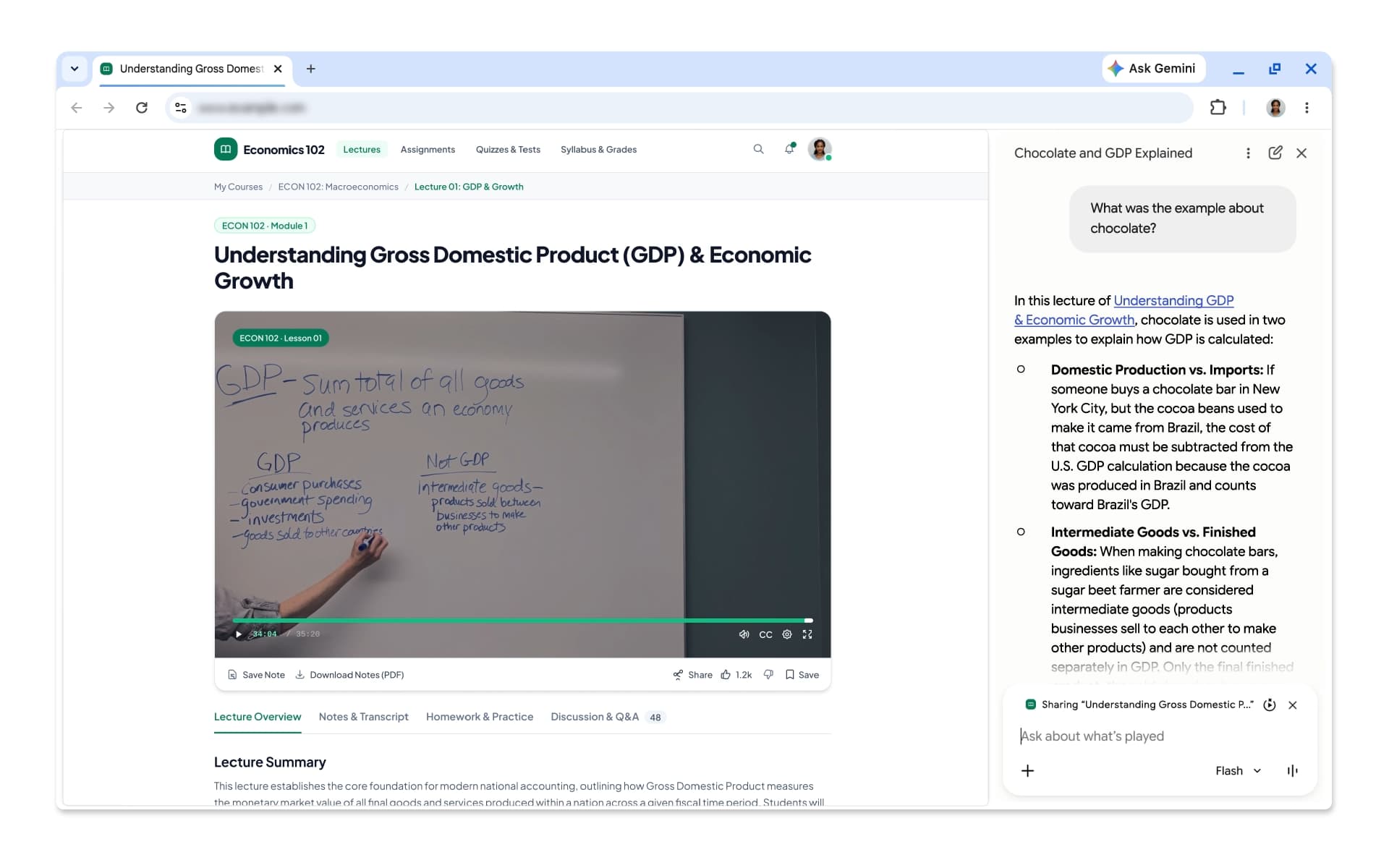
Gemini in Chrome now lets you ask questions about videos, podcasts, recordings, and other types of media that aren’t on YouTube. Google touts how the side panel can now “identify key takeaways, find specific information, or clarify confusing moments for almost any audio or video file once you’ve played it through.”
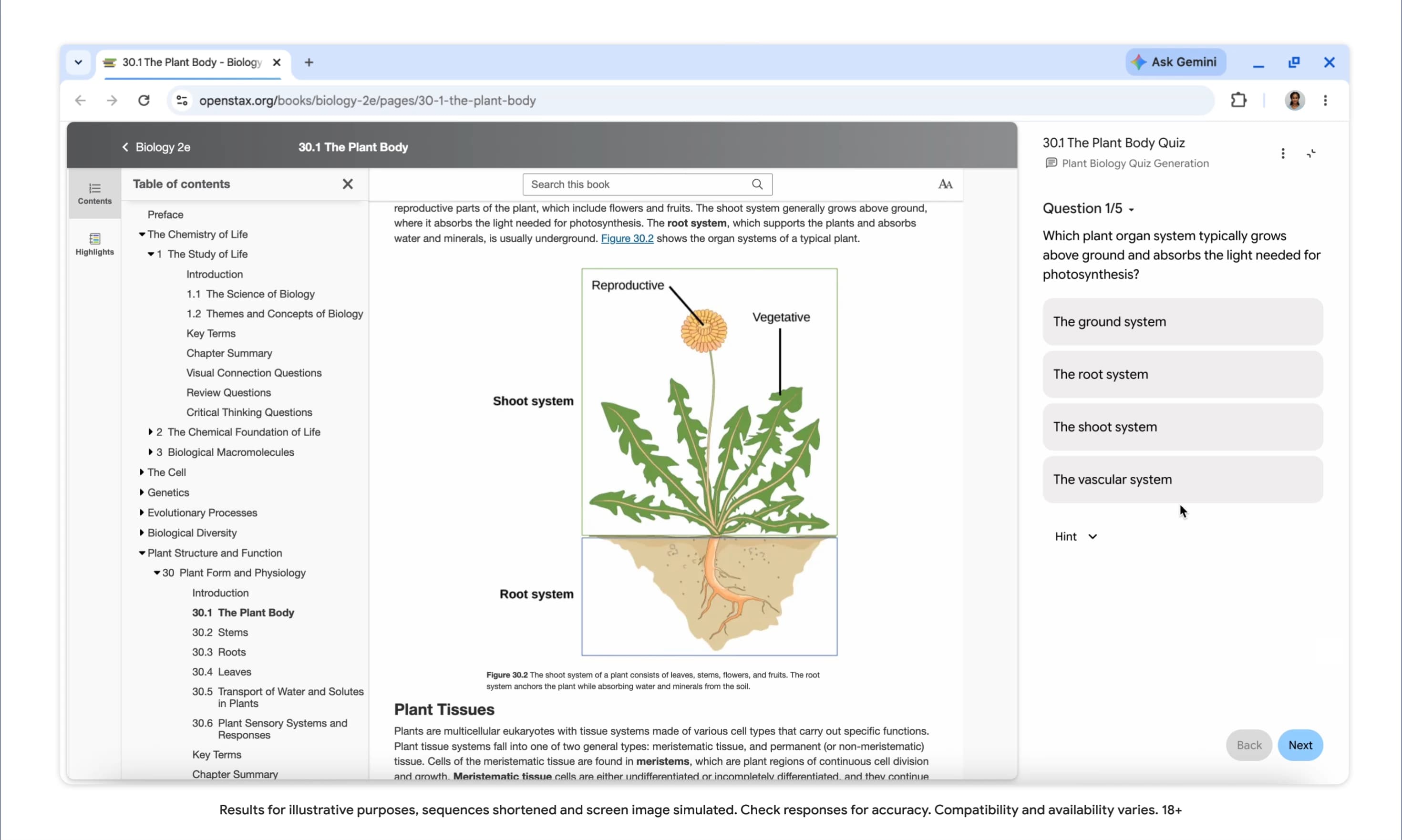
Meanwhile, Gemini in Chrome can now generate interactive quizzes with the content of your current tab. This can include Google Docs, YouTube videos, research papers, and more. The tool will “highlight core concepts and help you check your understanding.” Quizzes are coming to English in the US and India on desktop and will come to more regions and mobile in the “coming months.”
Google is highlighting other existing tools like vertical or horizontal tabs, Split View, and tab groups. There’s also immersive reading mode and read aloud.


FTC: We use income earning auto affiliate links. More.


Comments