
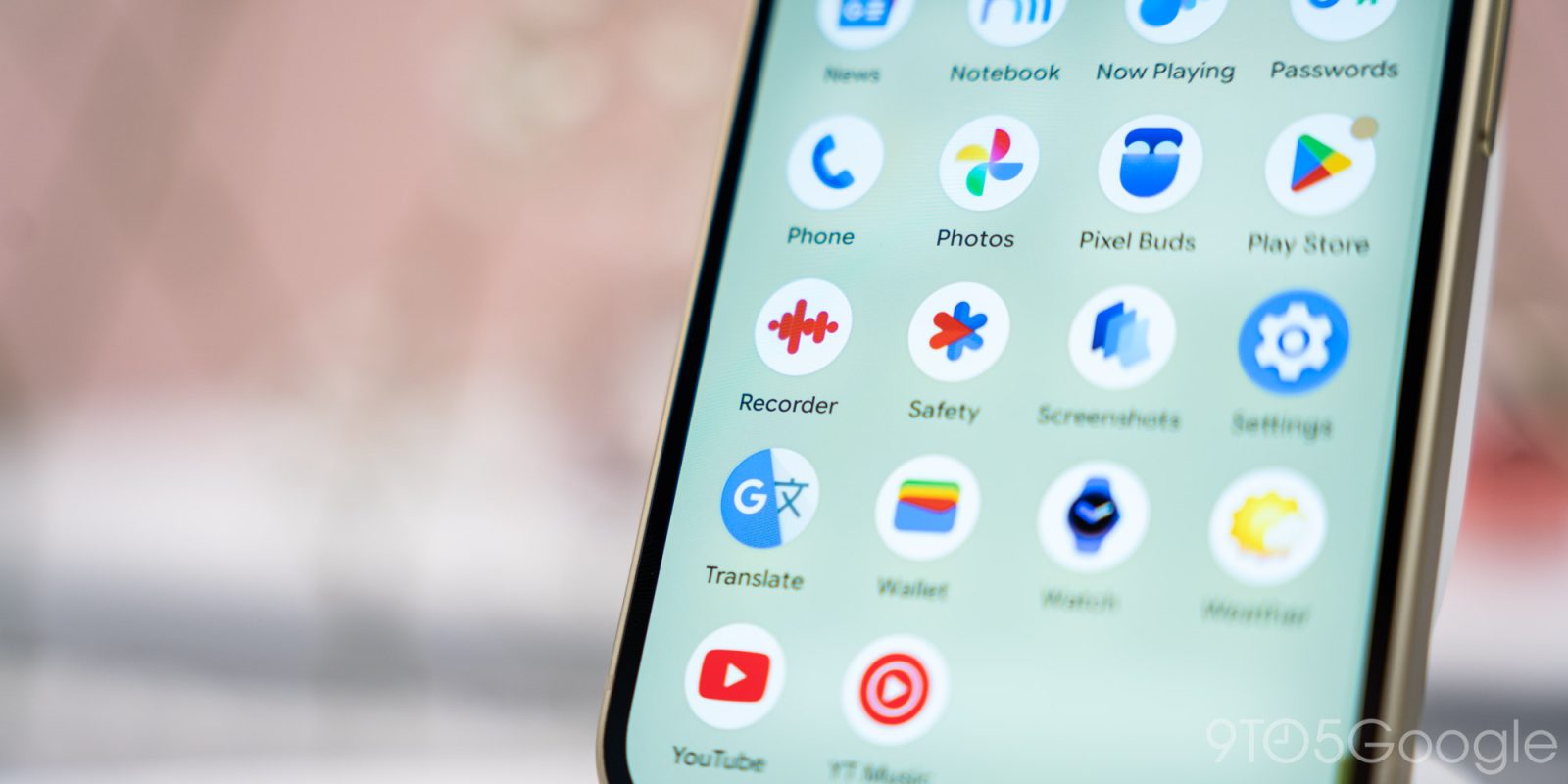
Pixel Recorder is getting a small quality-of-life update that surfaces your audio files to other apps on your device.
Previously, accessing the actual audio file involved opening a recording and then the share menu for the “Audio or transcript file” option. This took you to the system share sheet for a manual save.
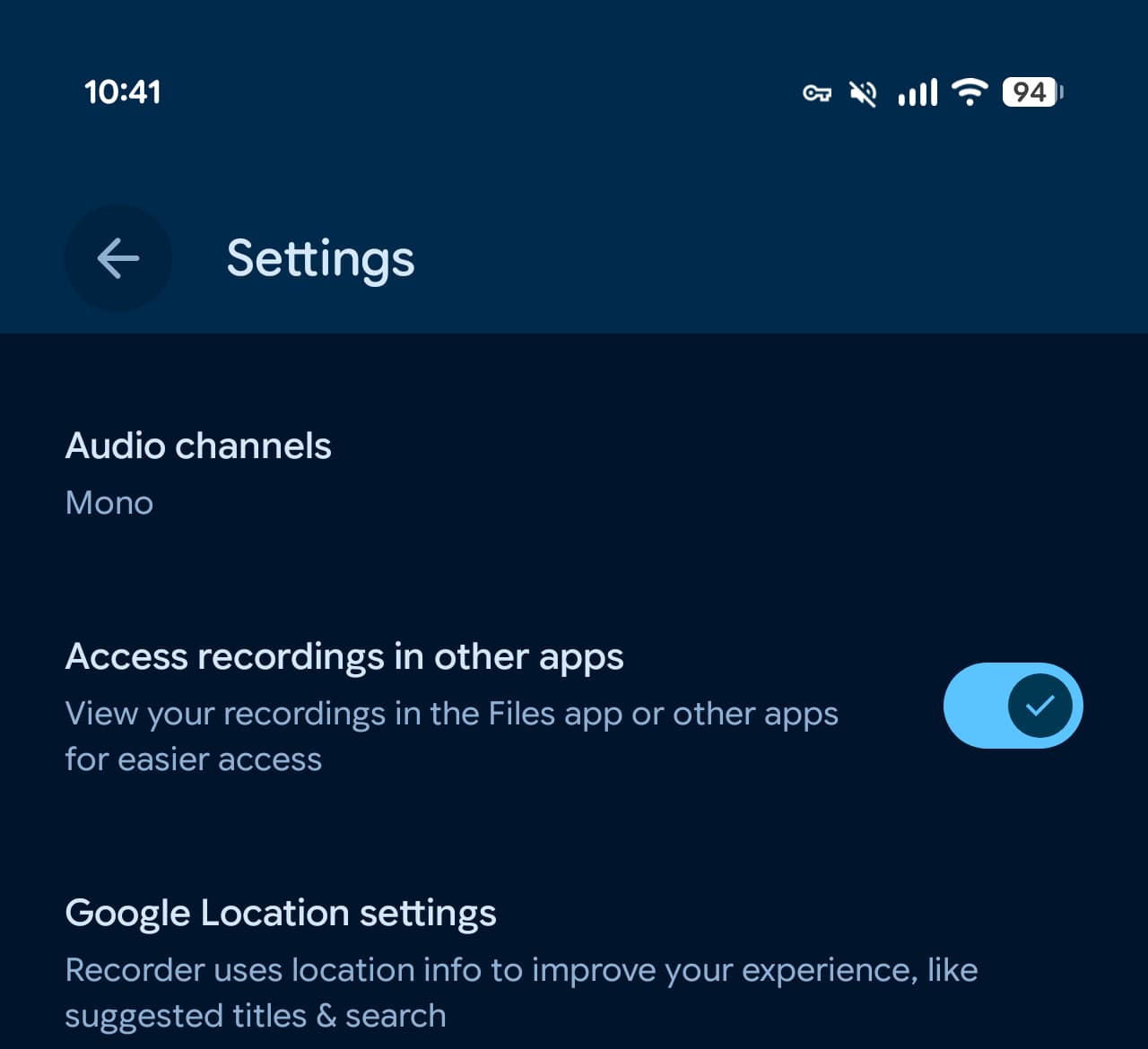
Pixel Recorder now has an “Access recordings in other apps” setting that lets you “View your recordings in the Files app or other apps for easier access.”
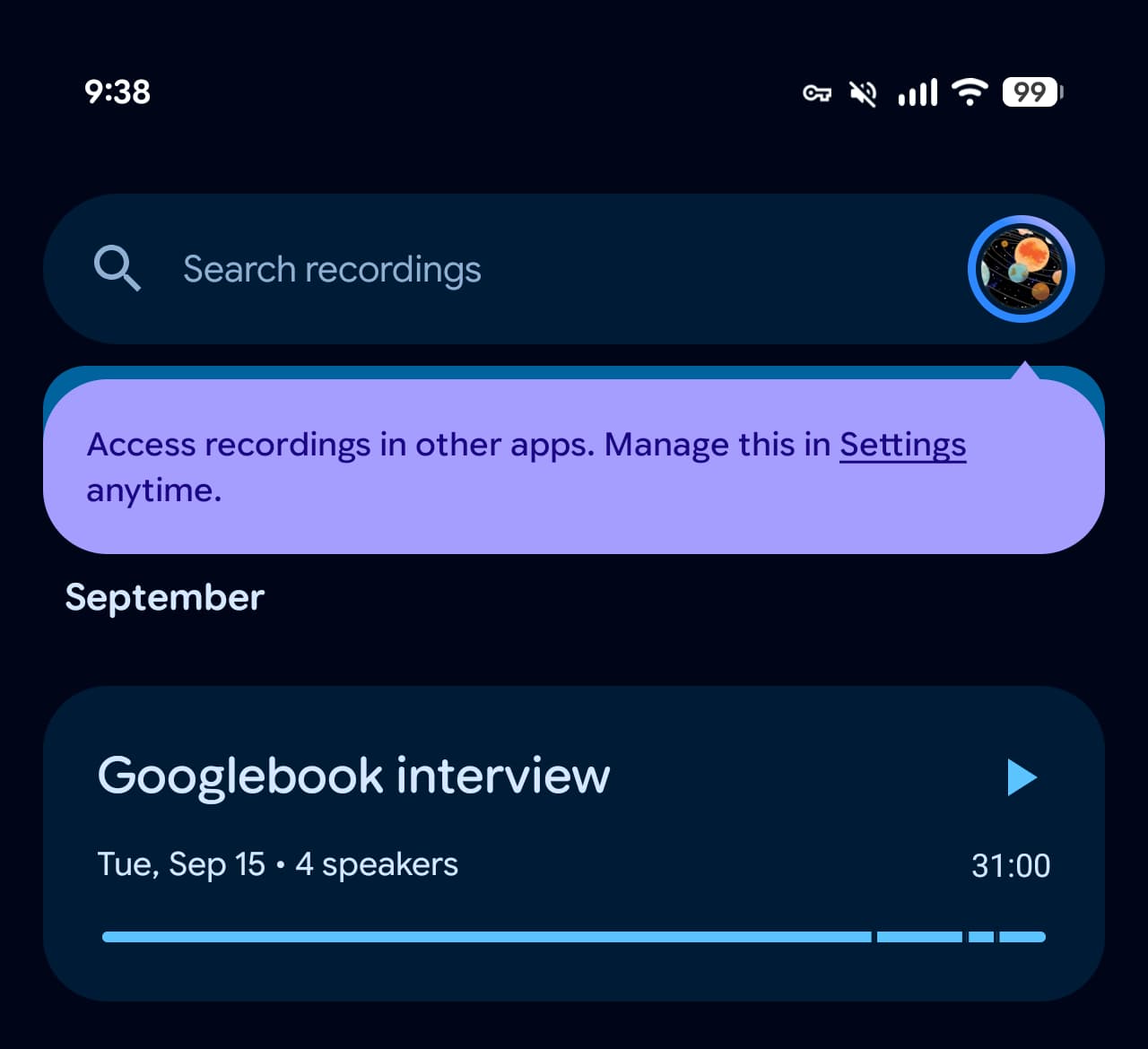
This is enabled by default, with a prompt on the homepage announcing the new feature: “Access recordings in other apps. Manage this in Settings anytime.”
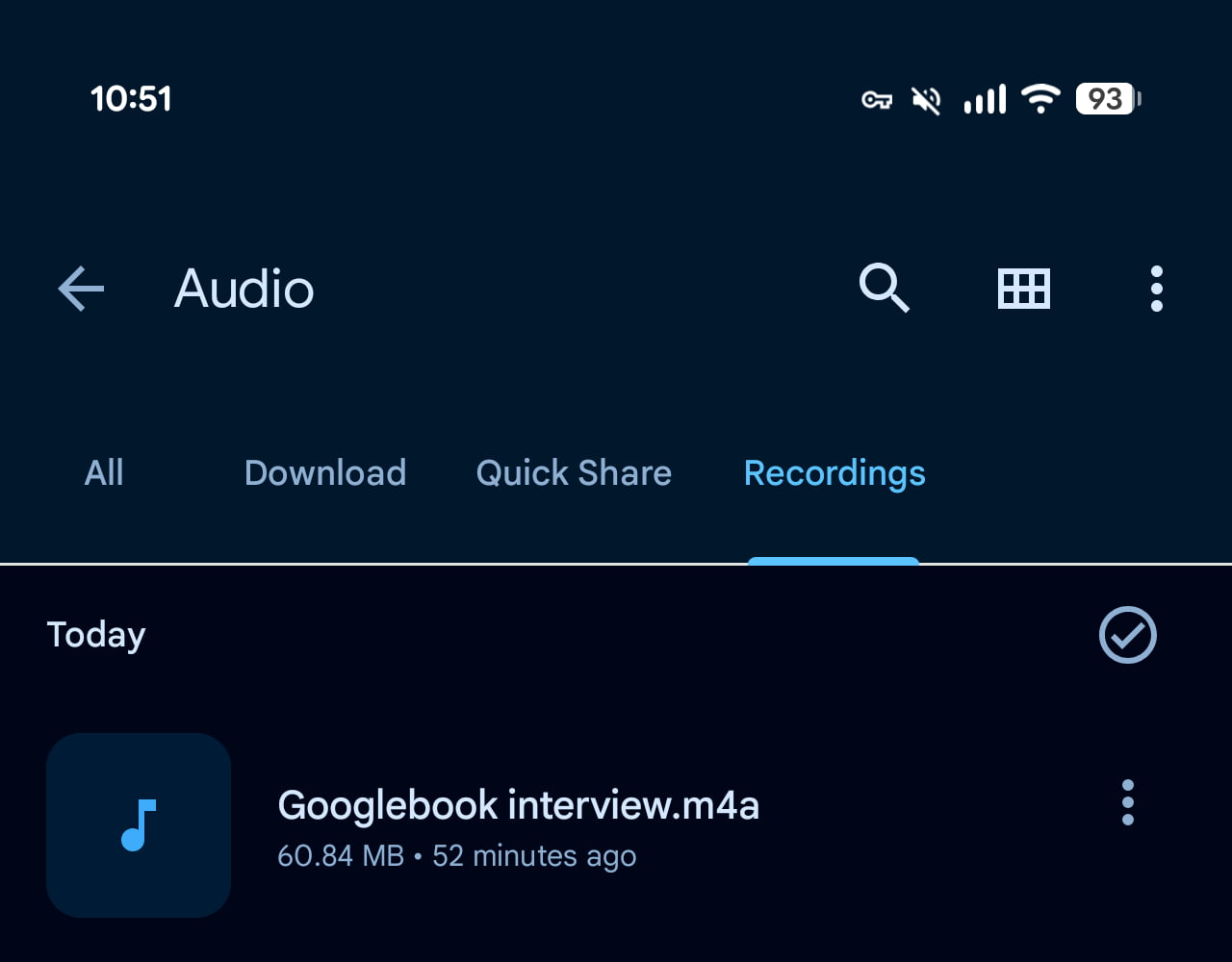
The new “Recordings” folder on your device shows all audio that you’ve recorded or downloaded from the cloud.
Version 4.2.20260823.x of Pixel Recorder widely rolls out this capability.
It follows the last update in August that introduced the new app icon, which is not yet live (along with Weather) on the Pixel Watch. Recorder will also be available on Googlebooks going forward.


FTC: We use income earning auto affiliate links. More.


Comments