
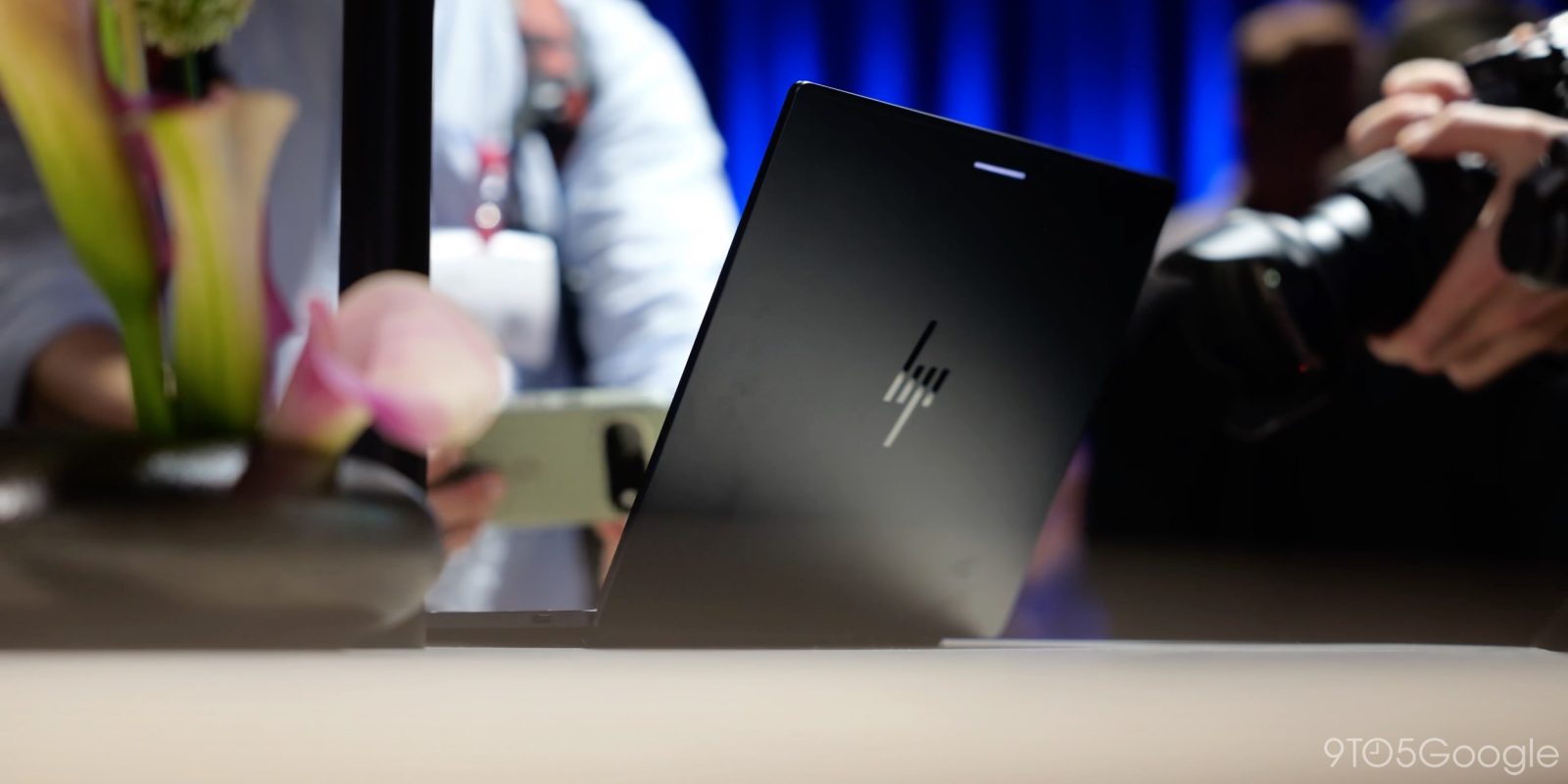
One of the biggest questions around Googlebook is what app support will look like and, as the platform officially arrives for customers this week, Luminar is debuting a rebuilt photo editing app for Googlebook.
Luminar is a photo editing app that’s available across desktop platforms like Mac and Windows, but it’s also on Android, iOS, iPad, and ChromeOS. Now, it’s also making the jump to Googlebook.
The Luminar app has been rebuilt with support for Googlebok OS and meets “Tier 1” quality standards for the platform including keyboard shortcuts, resizable windows, drag-and-drop, and more.
That’s on top of Luminar’s existing Android support for photo editing which includes the ability to adjust qualities of your photo, handle RAW edits, and use AI for features such as swapping out a background, masking, and more. You can even start edits on your phone and finish on your Googlebook as Luminar supports “Continue On.”
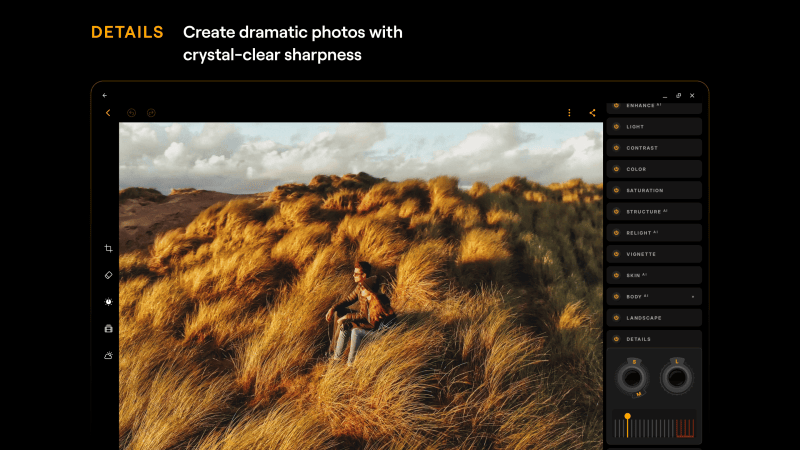
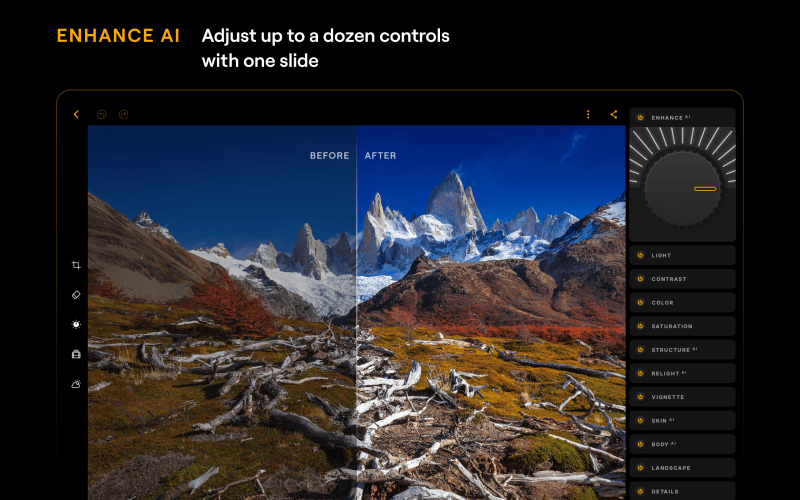
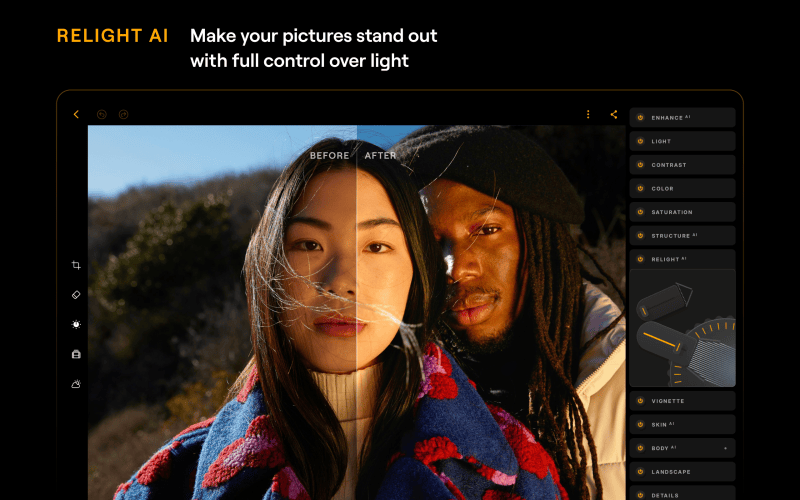
Luminar explains in a press release:
Luminar for Googlebook is fully adapted for large screens, meeting Google’s Tier 1 quality standards and introducing capabilities such as drag-and-drop, keyboard shortcuts, and resizable windows that weren’t previously available on phones and tablets. After several rounds of testing, Luminar has built a range of capabilities specifically for Googlebook OS:
- Built for the laptop: resizable windows, full mouse and keyboard support, shortcuts, hover states, multitasking, drag and drop, and file handling
- New for launch: Generative Erase, HDR Merge, and batch editing – features usually associated with professional editing
- One app, one subscription: use Luminar on an Android phone and on a Googlebook with the same account. [If available at launch:] With Continue On, you can start an edit on your phone and finish it on the laptop
Googlebook owners can download Lunimar via the Play Store. A temporary offer gives 12 months of access to Luminar for free, with a later one-time purchase unlocking the app’s premium features permanently.
More on Googlebook:
- Googlebooks with Intel chipsets might have trouble with ‘complex’ Android apps
- Fantastical’s long-awaited Android debut begins today on Googlebook
- The Googlebook marketing push starts with Henry Cavill and his mustache
Follow Ben: Twitter/X, Threads, Bluesky, and Instagram


FTC: We use income earning auto affiliate links. More.


Comments