
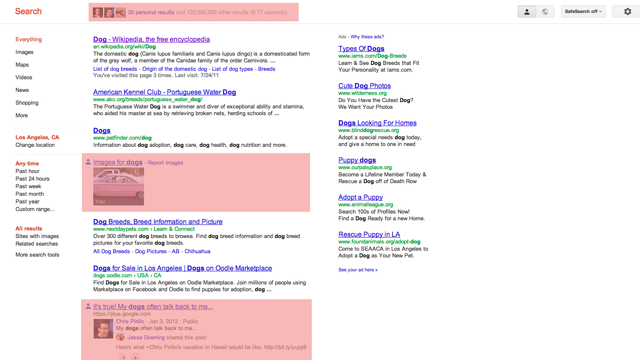
Google introduced a new feature called “Search plus Your World” yesterday that includes both public results with privately shared posts and profiles from your Google+ account meshed within Google search results. Obviously, this has raised some concern among users, but also clutters search results. Luckily, Lifehacker posted a nice guide on how to turn off personalized search results, and it only takes two steps.
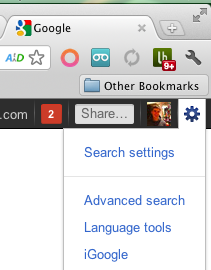
- Select “Search settings” on Google.com.
- Navigate to the “Personal results” section and select the option “Do not use personal results.”
As Lifehacker pointed out, this setting does not actually disable personal results, but rather makes it the default to have them not be displayed. If there is ever a brief second you want to go back, you can quickly toggle the setting within your search result.
Google is continuing to push Google+, whether you like it or not.


FTC: We use income earning auto affiliate links. More.


Comments