
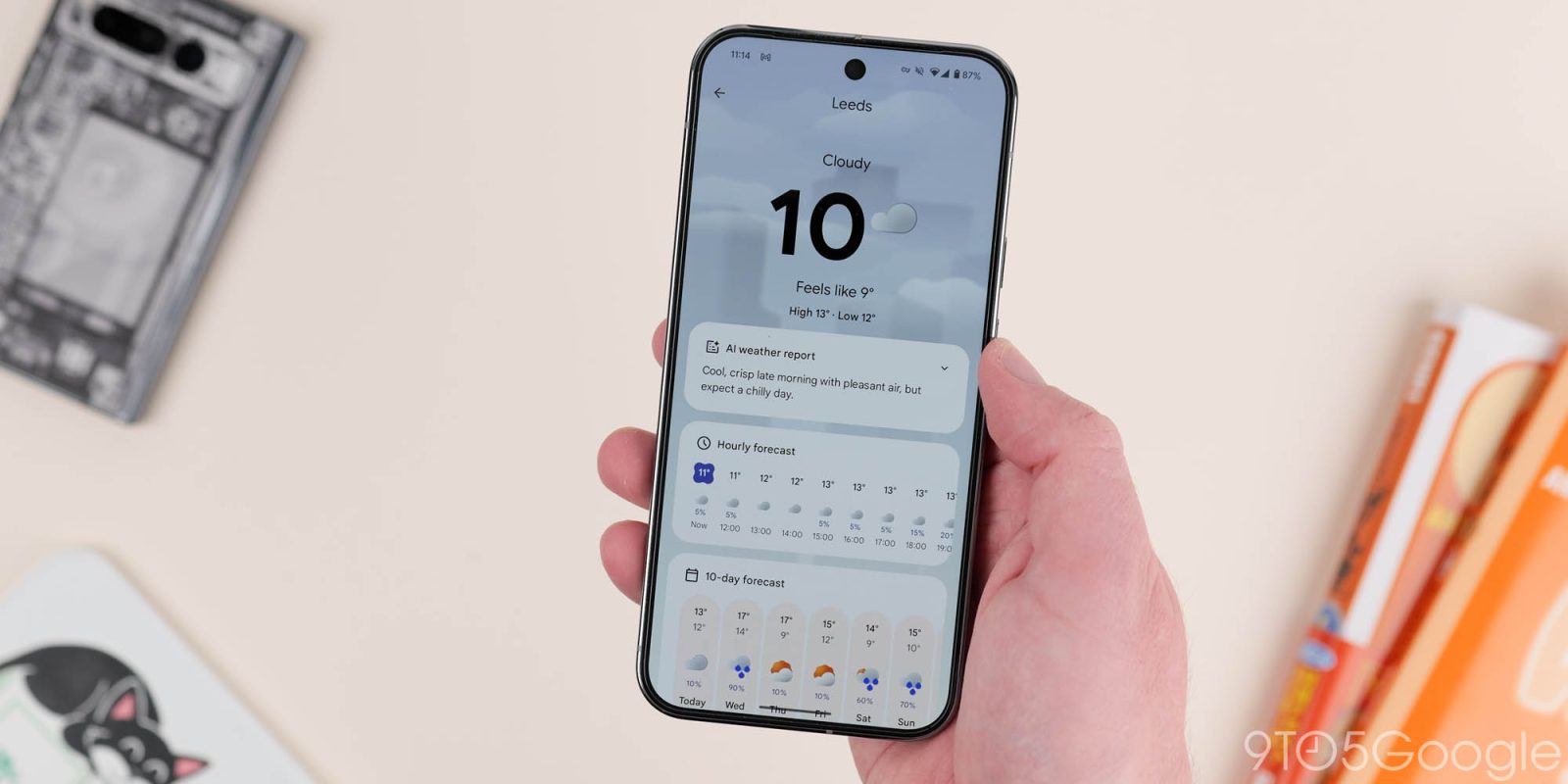
Nearly a year after Google launched AI weather summaries on the Pixel 9 series, Pixel 8 users are starting to see those same reports slowly roll out to their devices.
AI Weather Reports were initially exclusive to the Pixel 9 series as part of last year’s overhauled Pixel Weather app. When Google brought that app to all Tensor-powered Pixels, only the Pixel 8 Pro was included in the AI-powered fun, thanks to its larger allocation of RAM. Over the past couple of weeks, however, countless Pixel 8 and Pixel 8a users on Reddit have spotted AI Weather Reports in Pixel Weather, seemingly indicating a broader rollout to devices with less memory (via Android Authority).

Top comment by mattcoz
So what's the point of doing this on the device rather than the cloud? Does it give any kind of personalized information? Does it use data from other apps such as your calendar? Ex: "There's a high chance of rain during your softball game tonight, it'll probably be canceled." That might be useful, especially if it used notifications. But if it's just a generic summary, they could do that once for everyone in your zip code rather than needing to generate it on the device.
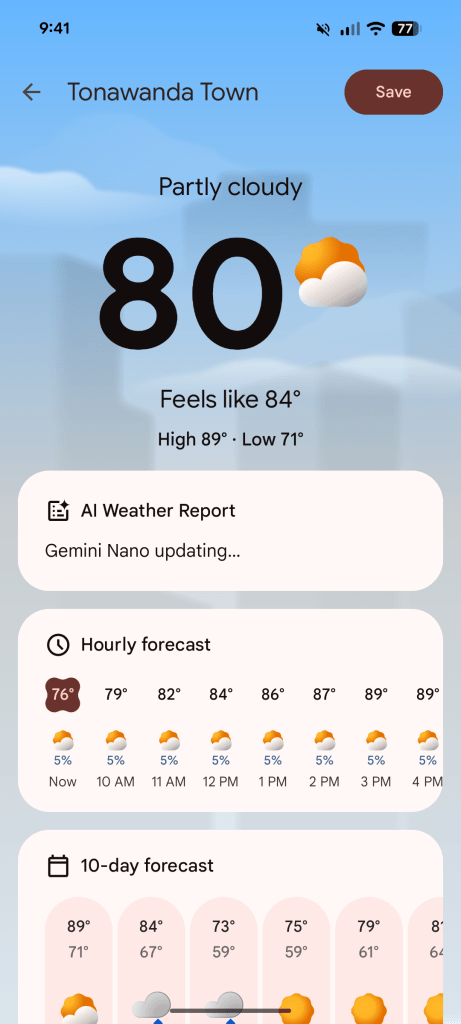
I, too, can count myself among those Pixel 8 users finally seeing AI Weather Reports on their device, initially with a blank space before eventually being prompted to update Gemini Nano. The experience seems unchanged from what Pixel 9 or Pixel 8 Pro users have had access to since 2024, delivering a short blurb with current and future conditions while allowing for more context through a drop-down menu.
When I reviewed the Pixel 9 Pro last year, I found that, despite Pixel Weather itself feeling like a fantastic app, Google’s AI forecasts felt just a tad superfluous compared to all of the other included data. Despite the AI branding and its sparkle icon, AI Weather Reports feel like nothing more than a basic summary of the exact data you can grok just by looking at the daily or hourly forecasts underneath. While you’ll occasionally get tips that extend outside a standard forecasting toolset, they usually amount to suggestions like “bring an umbrella” on a rainy day.
If you’re on a Pixel 8 or Pixel 8a, you should see this feature rolling out to your device soon if it hasn’t already. You’ll need to make sure Gemini Nano is enabled within Developer Settings, though, as Google has kept its requisite miniaturized local LLM to an opt-in experience on phones with relatively limited memory. If you have Gemini Nano enabled but don’t want AI Weather Reports, you can disable the feature by heading to your saved locations, tapping your profile icon, and toggling off the tool under Pixel Weather settings.


FTC: We use income earning auto affiliate links. More.




Comments