
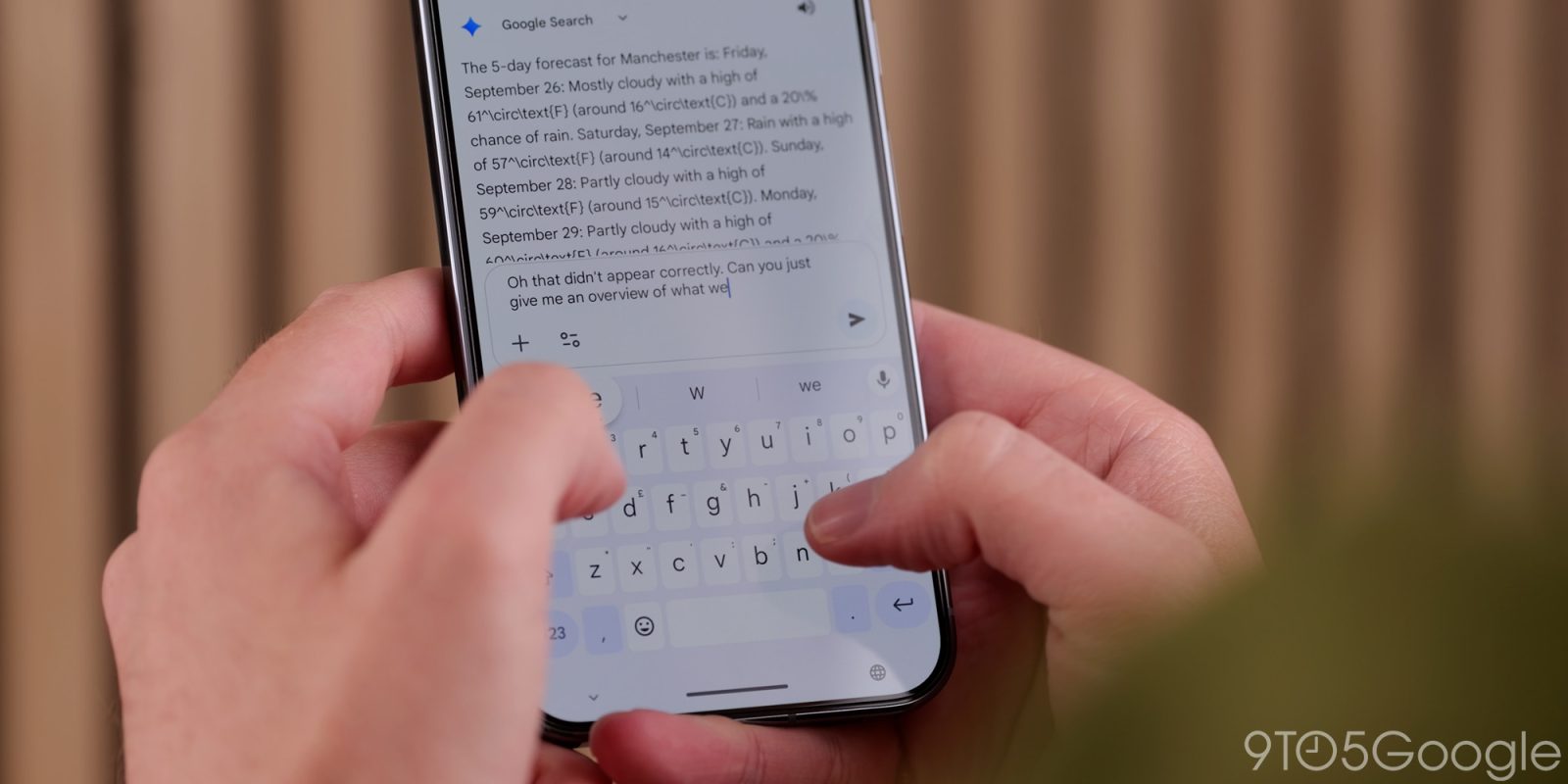
After widely rolling out the “Font size” setting last week, the latest Gboard for Android update lets you hide the period and comma keys.
Top comment by Michael Zhonga
wish we could swap the comma for the language switch button. I currently have the emoji button enabled and can't have both on at the same time (even after removing comma key). the comma can be quickly typed by holding down the period button if someone is considering the change.
Under Gboard Settings > Preferences, you’ll find new toggles for “Comma key” and “Period key: Show on keyboard for applicable languages.” They are enabled by default and this has been the layout for years.


If turned off, Gboard’s bottom row will just be ‘?123’ and the enter key for a cleaner look. It makes for a very wide space bar.
You can always double-press the space bar for a period, but removing the comma is a curious move. That said, you could disable that, but keep the Emoji key (which has been an option for some time now) for a more symmetrical design with the period.
We’re seeing this widely rolled out on the beta and stable channels with Gboard 16.0+.


More on Gboard:
- Google brings Gboard’s AI writing tools to everyone, revamps Quick Share with new UI
- Gboard suggestions are now pills, getting simplified settings
- Gboard rolling out ‘Autofill with Google’ to browse passwords, credit cards


FTC: We use income earning auto affiliate links. More.



Comments