
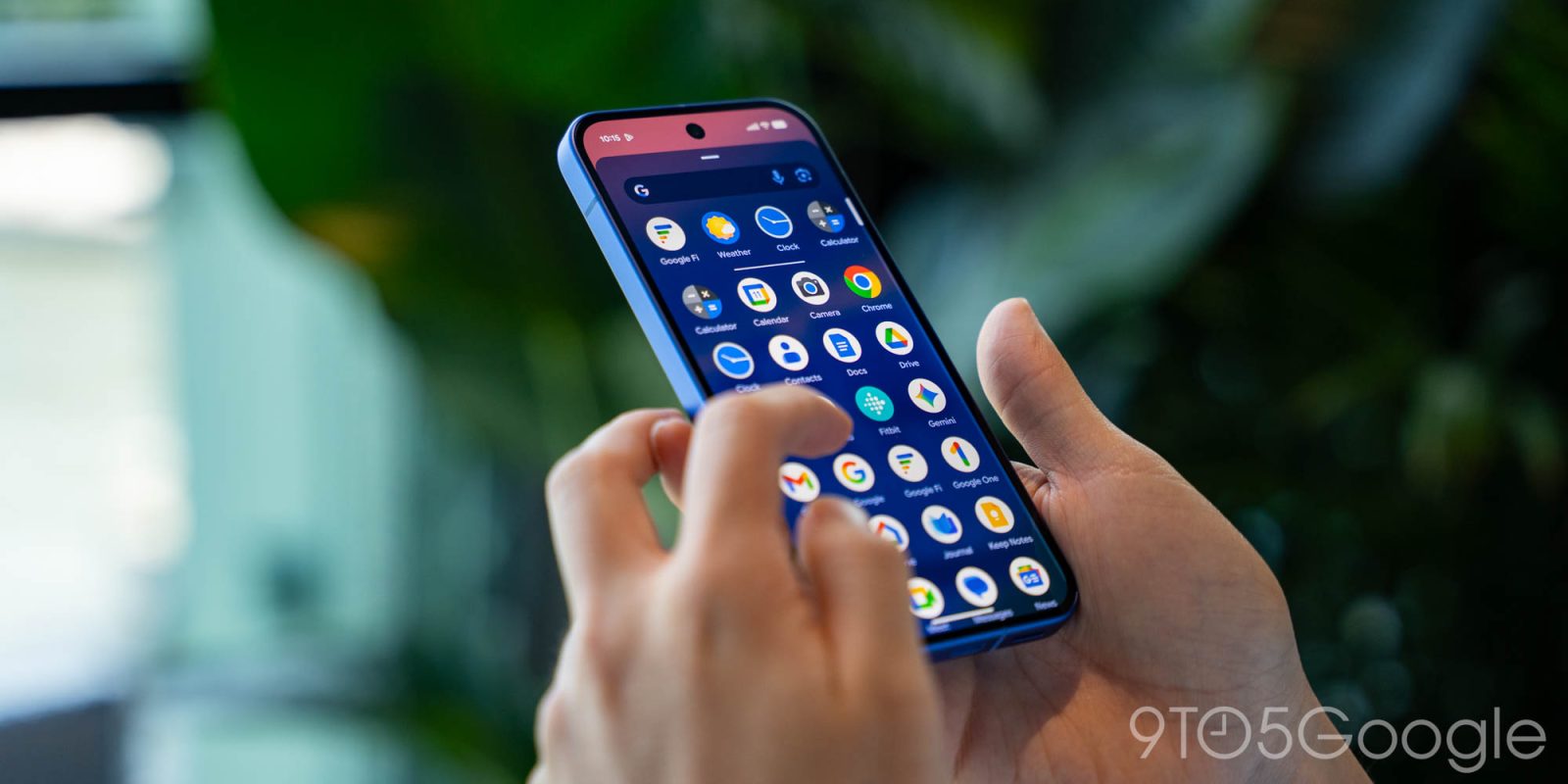
A curious bug today sees Google app device search replace the modern Pixel Launcher experience.
Update 12/16: This is an intentional change by Google.
Update 12/13: This bug where Google app search appears instead of Pixel Launcher is spreading. The animation that’s part of the Google app launching is very prominent. This increase in reports coincides with Google app 16.49 entering the stable channel on Friday.
Previously, only Pixel devices in the Google app beta had this issue, but it’s now appearing — two more of our phones signed into different Google Accounts — on stable.
Original 12/5: Tapping the bar at the bottom of the homescreen should slide up Pixel Launcher search. Your wallpaper remains in the background, with a sheet that prompts you to “Search web and more,” five app suggestions, and previous queries housed in Material 3 Expressive containers.
Pixel Launcher vs. Google app


As of Thursday evening, we’re instead redirected to the Google app’s device search experience. This is a fullscreen interface that you normally get on other Android devices and if you use the Google app’s homescreen widget. While it offers app search, Contacts lookup and other integrations are not available.
(More broadly, it’s about time Google modernizes that entry to Search on Android.)
This is happening on the stable Android 16 QPR2 release on at least two Pixel 10 phones we have checked. Those devices are running beta versions of the Google app (16.48), though this appears to be a server-side change. Rebooting does not fix this issue.
One workaround is not tapping the search bar and swiping up for the app launcher (with “Swipe up to start search” enabled), though muscle memory makes that difficult. Hopefully, Google will fix this in short order.


FTC: We use income earning auto affiliate links. More.



Comments