
Google has quietly released a new “Desktop Camera” app that might just be for Android PCs, but it’s a little too early to tell.
Over the weekend, we spotted a new listing on the Google Play Store for “Desktop Camera,” a new app released by Google which quietly made its debut last week. The new app looks pretty straightforward, as a camera app meant for large screen devices.
Google’s description simply reads:
Never miss a moment with the Desktop Camera.
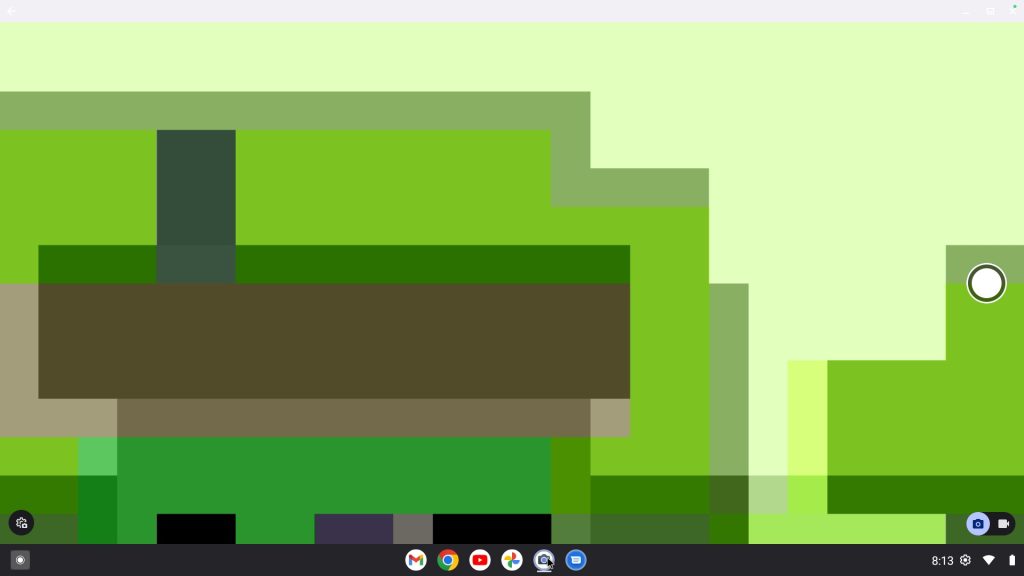
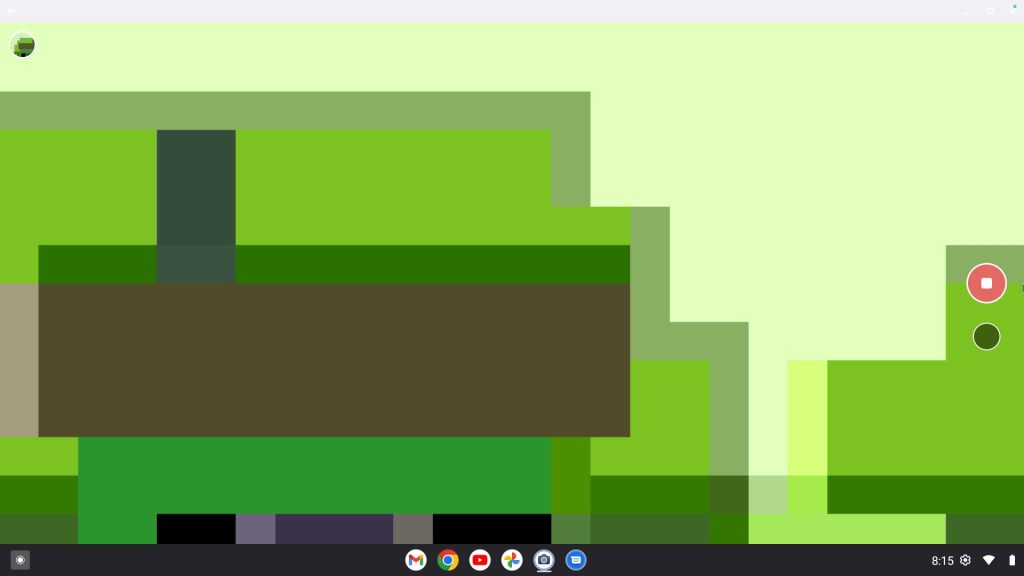
The overall UI of the camera app is basic, with a shutter button on one side, a photo/video toggle in the corner, and settings on the other side. It looks like a very stripped-down version of the camera app found on Pixel phones.
So what is it for?
The most logical explanation is Android PCs, which are set to start hitting the market later this year, Google has said.
That said, the UI this app is being shown on looks a whole lot like ChromeOS. It has the same placement for the app drawer, the quick settings, and icons we’d expect to see on a Chromebook. But with apps like the file manager missing from the bottom row, it could be a newer version of the Android desktop interface than the one we first spotted in January. The biggest difference here is that there’s no visible status bar, something we’d expect based on that prior leak.
Whatever this is used for, it’s not compatible with any devices as far as we can tell. Android phones, tablets, and Chromebooks are all listed as incompatible on the Play Store listing, further implying this might be meant for Android PCs using the new desktop experience. It does somehow have over 1,000 downloads, though.
More on Android:
- Android’s full desktop interface leaks: New status bar, Chrome Extensions, more [Video]
- Phones don’t need yearly sequels anymore, and there’s never been a better time to start
- Android 16 is on 7.5% of devices in latest distribution numbers update
Follow Ben: Twitter/X, Threads, Bluesky, and Instagram


FTC: We use income earning auto affiliate links. More.


Comments