
NotebookLM has received a slew of updates in the past few days, headlined by Gemini 3.1 Pro and slide customizations.
On Wednesday, Google’s latest model came to the Gemini app and NotebookLM for Google AI Pro and Ultra subscribers. Gemini 3.1 Pro features upgrades to core reasoning capabilities.
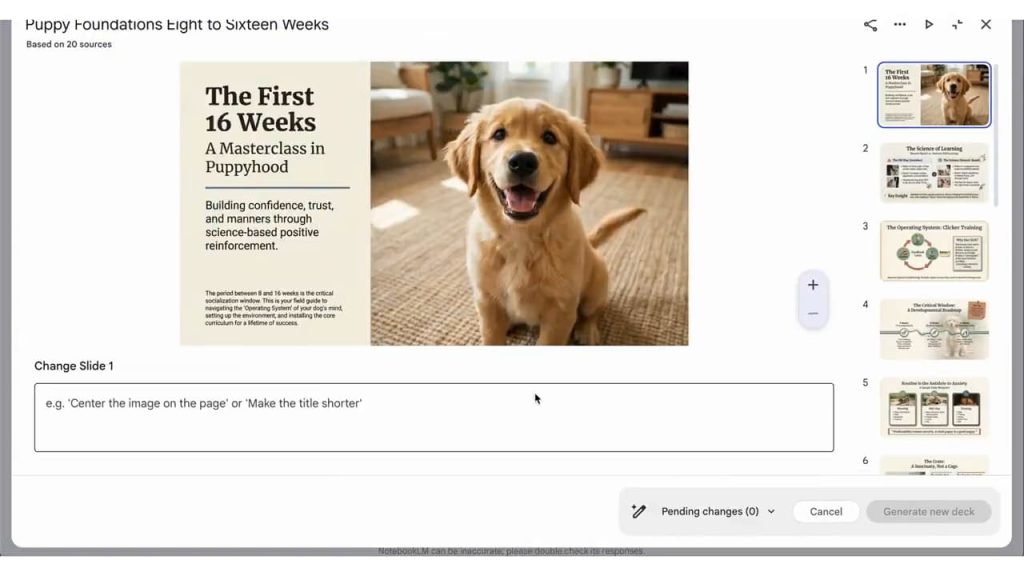
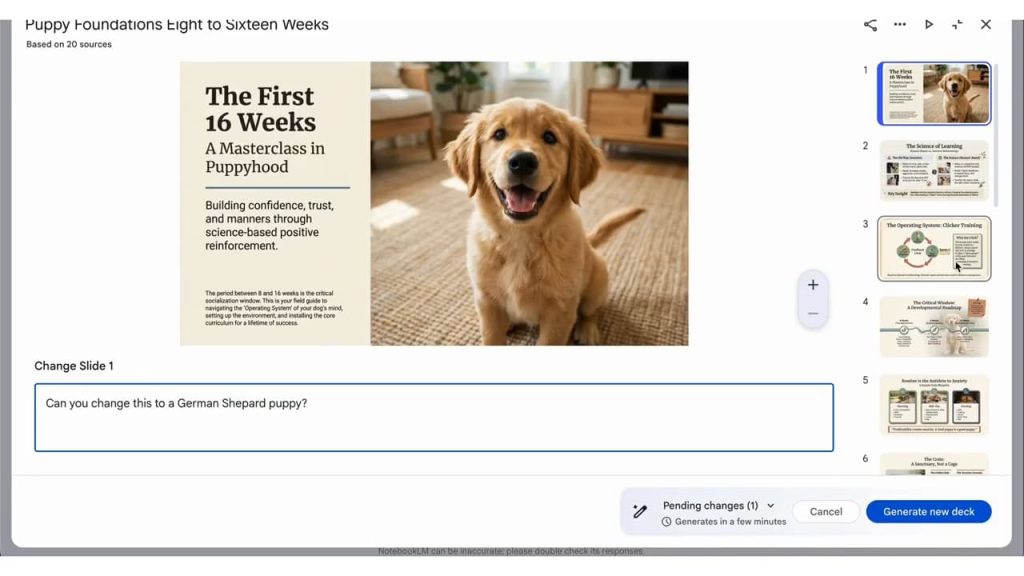
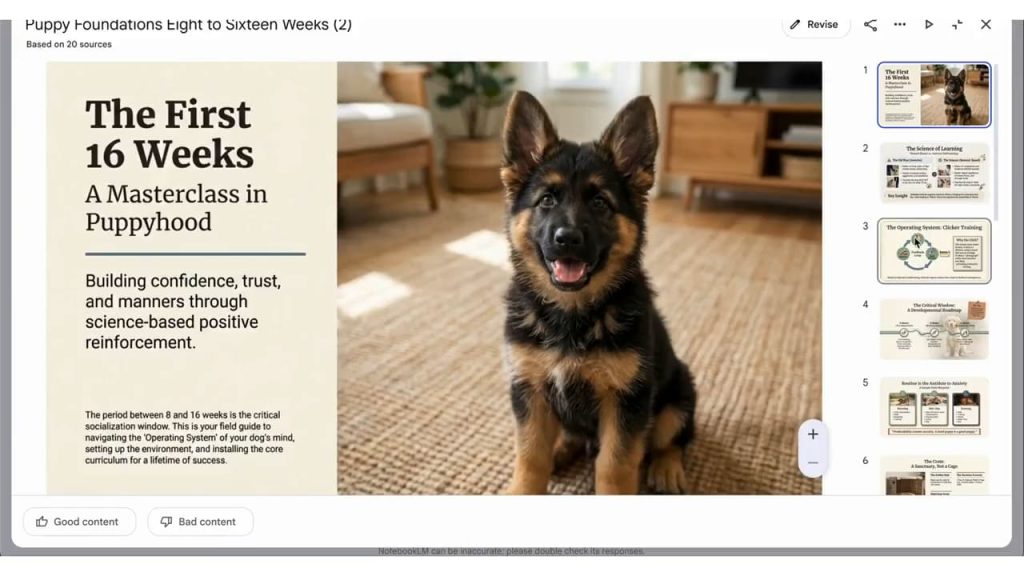
Meanwhile, NotebookLM-generated slides (on the web) now support Prompt-Based Revisions. Open the deck in the Studio panel and tap the pencil icon next to the title. You’ll get a fullscreen interface with a “Change Slide 1” prompt box to let you edit text, color, visuals, and more. Make all the edits you want and tap “Generate new deck” in the corner. This feature is now rolled out to all NotebookLM users.
In addition to PDF, slides can now be exported in the PPTX format, with Google Slides coming next.

The NotebookLM app on Android and iOS now lets you Customize Video Overviews.
- Format: Explainer (default) or Brief
- Select sources
- Visual style: Auto-select, Custom, Classic, Whiteboard, Heritage, Paper-craft, Watercolor, Anime, Retro print, Kawaii
- What should the AI hosts focus on: Prompt box
- Language


The mobile app is also rolling out the ability to open Google Docs, Sheets, Slides, and other Drive files in the corresponding app (or a new browser tab if it’s not installed). Chat Suggestions are also coming:
- To get the conversation going, you will now see suggested questions appear in your Chat
- These questions will continue to customize based on your conversation with NotebookLM


FTC: We use income earning auto affiliate links. More.



Comments