
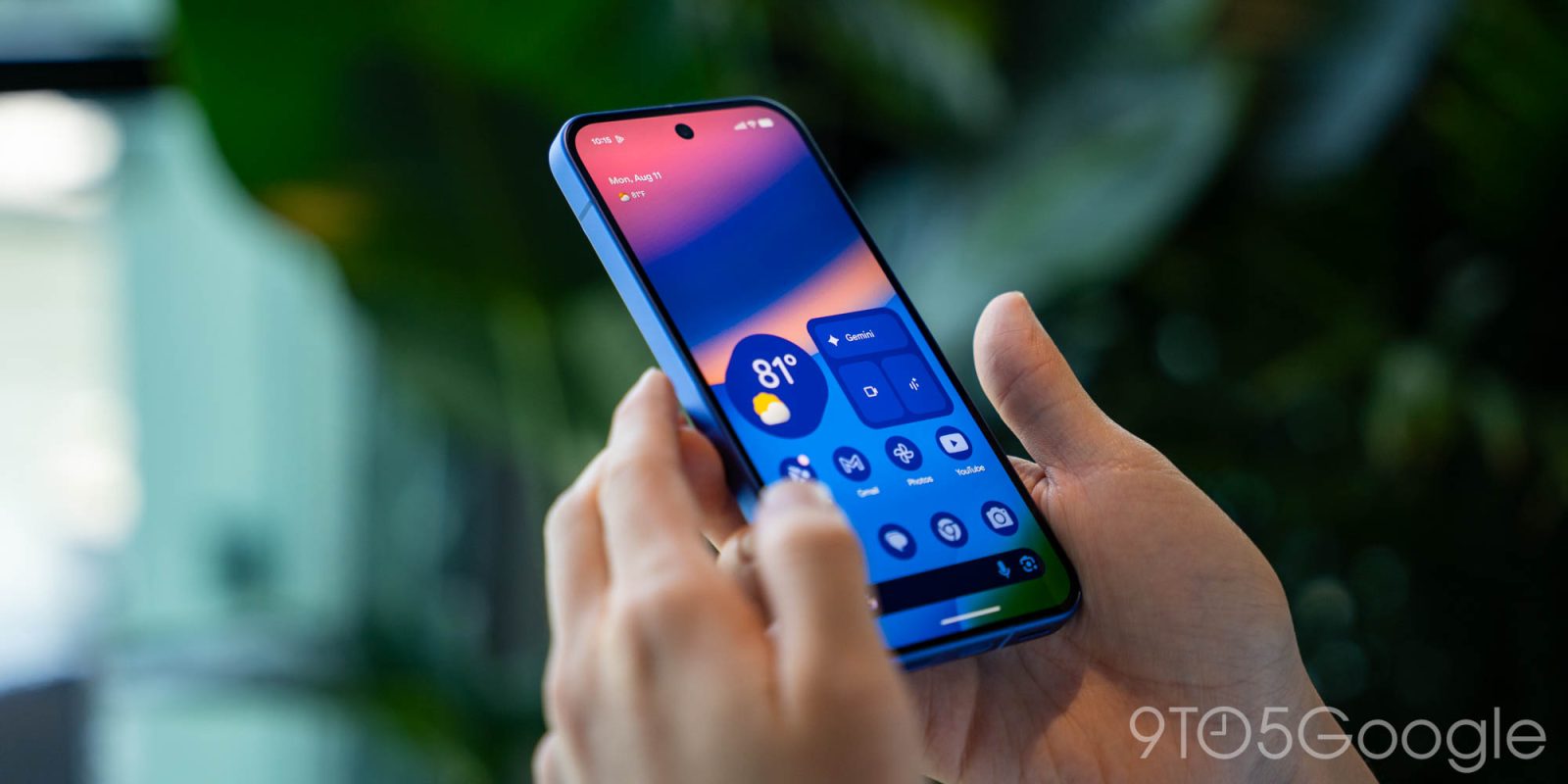
Pixel At a Glance is getting its first new information types in quite some time today with Sports and Finance.
Update 2/25: While you might have Sports and Finance enabled in At a Glance settings, that doesn’t mean you’ll start seeing the updates. Both are still in the process of rolling out, while some users are only seeing one information type and not the other.


Once live, they appear on your always-on display and lockscreen. When you don’t have any other notifications, updates appear at the very top. There’s a translucent background, which also appears on your homescreen. Long-press to dismiss.


Original 2/19: The At a Glance settings page warns that Sports “may affect battery life.” The “Choose your teams” shortcut takes you to the same system used by Google Search/Discover. Seeing live scores on your homescreen and lockscreen without having to do anything will be nice.
- Sports: Show sports updates from Google.
- Finance: Show Finance updates from Google.

Top comment by tiggerboy0301
Will this replace the pinned sports scores? I hope so because they do not seem to be working at all.
In fact scrap using at a glance, can Google make sports scores use live updates?
Similarly, “Choose your stocks” opens your Google Finance watchlist.
We haven’t been able to trigger what either looks like just yet. Google has been working on this since 2024. This applies just to the experience built into the Pixel Launcher and not the widget accessible via the Google app on all Android devices.
Both are enabled by default and appear at the top of the list. We’re seeing this with the stable Android 16 February release and version B.21 of Android System Intelligence on all Pixel devices we checked today.
More on At a Glance:
- Google Pixel starts adding ‘high-contrast’ design for At a Glance widget
- Pixel Launcher rolls out search shortcut to quickly ‘open’ apps
- The Google app is intentionally replacing Pixel Launcher search
Thanks Ethan


FTC: We use income earning auto affiliate links. More.



Comments